








ABB ACS550 Legacy Drive: Ratings, Type Codes and Replacement
The ABB ACS550 is a legacy drive that still runs in many plants, and the old facts about it are scattered and sometimes wrong. This guide explains what it is, how to read its type code, how to start it and troubleshoot it, and what to do now that ABB has replaced it. Use it as one reference for ratings, parameters, fault codes, manuals and the repair-or-replace decision.
On this page
- What the ABB ACS550 is
- Is the ABB ACS550 discontinued? Lifecycle and the ACS580 successor
- ACS550 ratings, voltages and frame sizes
- How to read an ACS550 type code
- Ratings of the 10 HP and 100 HP ACS550 models we stock
- ACS550 NEMA 1, NEMA 12 and NEMA 3R enclosures
- ABB ACS550 control modes, macros and control panels
- Installing and wiring an ACS550
- First start-up checklist for an ABB ACS550 drive
- ACS550 fault codes and first checks
- Setting up Modbus RTU and fieldbus adapters
- ACS550 maintenance and service now that it is obsolete
- ABB ACS550 packaged drives with bypass
- Repair, replace or move from the ACS550 to the ACS580?
- Manuals, catalogs and where to get ABB ACS550 parts
- Frequently asked questions
What the ABB ACS550 is
What is the ABB ACS550?
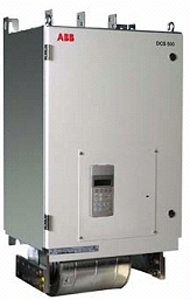
The ABB ACS550 is a general-purpose low-voltage AC drive. In short, it controls the speed and torque of AC motors. ABB’s US catalog says it combines a microprocessor with IGBT power switching. An IGBT is a fast electronic switch that builds the output waveform for the motor.
What is an ABB 550 VFD, and is it the same drive?
Yes. “ABB 550 VFD” is a common search phrase for the ACS550 variable frequency drive. VFD means variable frequency drive. Also, you may see “abb 550 vfd” or “ABB 550 drive” on parts listings, but all of them mean this product family. The correct name is ACS550, not ACS500, which was a typo in our older post.
What is the ACS550 used for?
The ABB ACS550 drive runs pumps, fans, conveyors and general machinery. For example, these loads include variable-torque types such as fans and centrifugal pumps. Because installation is simple, it suits jobs that need no custom engineering.
ACS550 hardware highlights
- Sensorless vector and scalar control
- Built-in Modbus RTU, plus optional fieldbus adapters
- Integral EMC filter as standard (a filter that cuts electrical noise)
- Swinging choke on frames R1 to R4, and an AC line reactor on R5 to R8
- Pre-programmed application macros and an Assistant control panel
For deeper dives, see our existing guides on the ACS550 commissioning, ACS550 vs ACH550, and the ACS550-CC, -PC and -PD packaged drives.
Is the ABB ACS550 discontinued? Lifecycle and the ACS580 successor
Is the ABB ACS550 discontinued or obsolete?
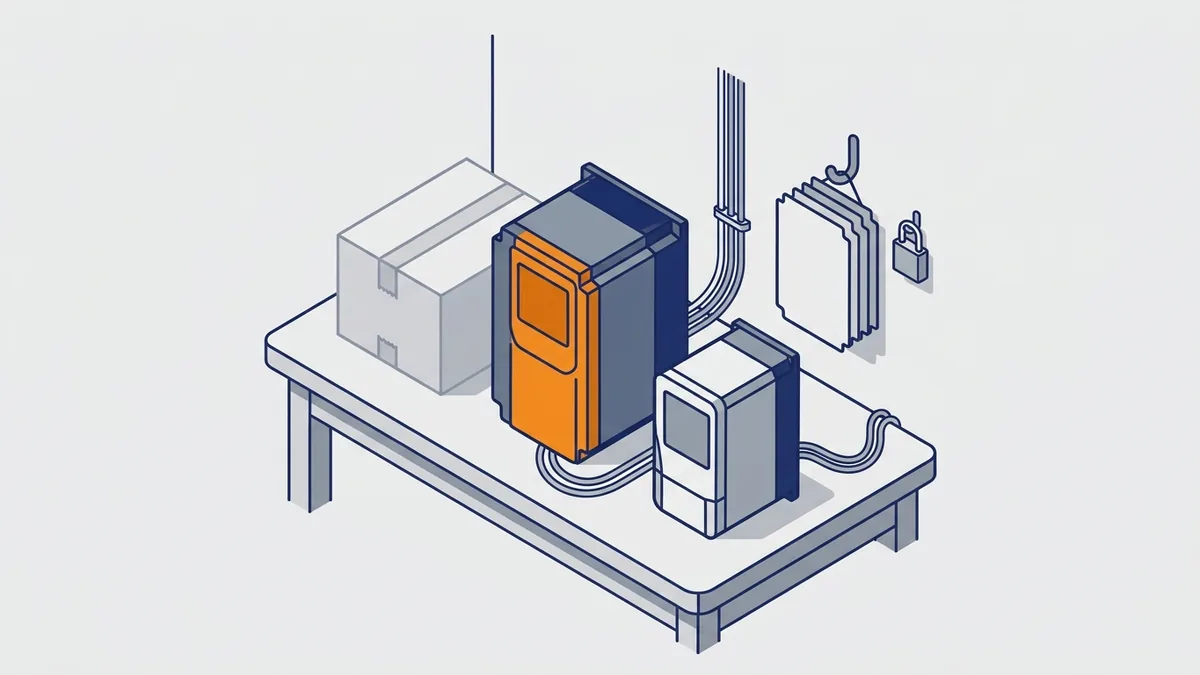
Yes, treat it as a legacy drive. ABB publishes a Product Life Cycle Statement for the ACS550, ACH550 and ACQ550. It says the series has been in the Obsolete phase since 1.1.2025. The product is no longer available, and ABB says to replace it with a latest-generation family. A 2020 date on a third-party site is not supported by ABB.
What replaces the ACS550?
ABB’s current general-purpose successor is the ACS580. Likewise, our VFD replacement guide for obsolete drives says the same. The ACH550 HVAC drive, however, has its own successor, the ACH580.
What does this mean for ACS550 spares?
Availability of the ABB ACS550 is now stock-dependent. Units and parts come as stock, surplus or repaired. As a result, a spare on your shelf or a repair slot has real value, so you should plan before a drive fails.
ACS550 ratings, voltages and frame sizes
What voltages and horsepower ratings does the ACS550 come in?
In the US catalog, the ABB ACS550 AC drive covers three voltage classes. Each class uses a code at the end of the type code.
| Voltage code | Input voltage | US power range |
|---|---|---|
| 2 | 208-240 V, 3-phase | 0.75 to 100 hp |
| 4 | 380-480 V, 3-phase | 1 to 550 hp |
| 6 | 500-600 V, 3-phase | 1.5 to 150 hp |
Frames run from R1 to R8. The large-frame ACS550-02/U2 drives are R8. For example, the ACS550-U2-645A-4 is 645 A and 550 hp. In contrast, the IEC catalog uses kW: 0.75 to 355 kW at 380-480 V, and 0.75 to 75 kW at 208-240 V.
What are the derating rules and motor cable limits?
Like any drive, the ACS550 can deliver less current when the ambient temperature is high, when the site is at high altitude, or when you raise the switching frequency. Heat is the cause in each case. In addition, the maximum motor cable length depends on the frame, the voltage and whether you rely on the built-in EMC filter.
We do not quote derating percentages or cable lengths here, because they differ by type code. Instead, use the Technical data chapter of the ABB manual for your exact drive. Also, if the site is hot, high or has a long motor cable, size up before you order.
How to read an ACS550 type code
How do I read an ACS550 type code?
Take the ACS550-U1-031A-2+B055 as an example. Each part tells you something.
- ACS550 is the drive family.
- U1 is the US version. The code 01 marks the IEC version.
- 031A is the output current, about 30.8 A.
- 2 is the voltage code, 208-240 V.
- +B055 is the enclosure option.
What is the difference between ACS550-01 and ACS550-U1?
Both are the same drive family. The 01 version follows the IEC catalog and is rated in kW. The U1 version, on the other hand, follows the US catalog and is rated in hp. Also, the larger frames use 02 and U2.
What does +B055 mean on an ACS550?
B055 means an IP54 / UL Type 12 enclosure. A drive with no enclosure option is IP21 / UL Type 1. In shop terms, that is NEMA 12 versus NEMA 1.
ACS550 normal duty versus heavy duty
The catalog lists two ratings for each drive. For example, the ACS550-U1-031A-2 is 30.8 A and 10 hp at normal duty. At heavy duty, however, it is 24.2 A and 7.5 hp. For this reason, size the drive from your motor current and duty, not from the hp label alone.
Ratings of the 10 HP and 100 HP ACS550 models we stock
What are the ratings of the 10 HP and 100 HP ACS550 models?
The table uses ABB catalog values. Also, add +B055 to any model for the NEMA 12 version. Without it, the drive is NEMA 1.
| Model | Voltage | Amps | Frame |
|---|---|---|---|
| ACS550-U1-031A-2 | 208-240 V | 30.8 A (10 hp) | R2 |
| ACS550-U1-015A-4 | 380-480 V | 15.4 A (10 hp) | R2 |
| ACS550-U1-011A-6 | 500-600 V | 11 A (10 hp) | R2 |
| ACS550-U1-248A-2 | 208-240 V | 248 A (100 hp) | R6 |
| ACS550-U1-125A-4 | 380-480 V | Shop listing: 124 A | R5 |
| ACS550-U1-099A-6 | 500-600 V | 99 A (100 hp) | R6 |
However, our listing for the 125A-4 shows 100 HP and 124.0 A, while the type code reads 125A. For this reason, check that type code against the US catalog before you order a 100 hp, 480 V unit.
Also, ABB labels the top voltage class 500-600 V, while our product titles say 540-600 V input. As a rule, use ABB’s range for the standard and the product title for the listing.
ACS550 NEMA 1, NEMA 12 and NEMA 3R enclosures
What is the difference between NEMA 1 and NEMA 12 ACS550 drives?
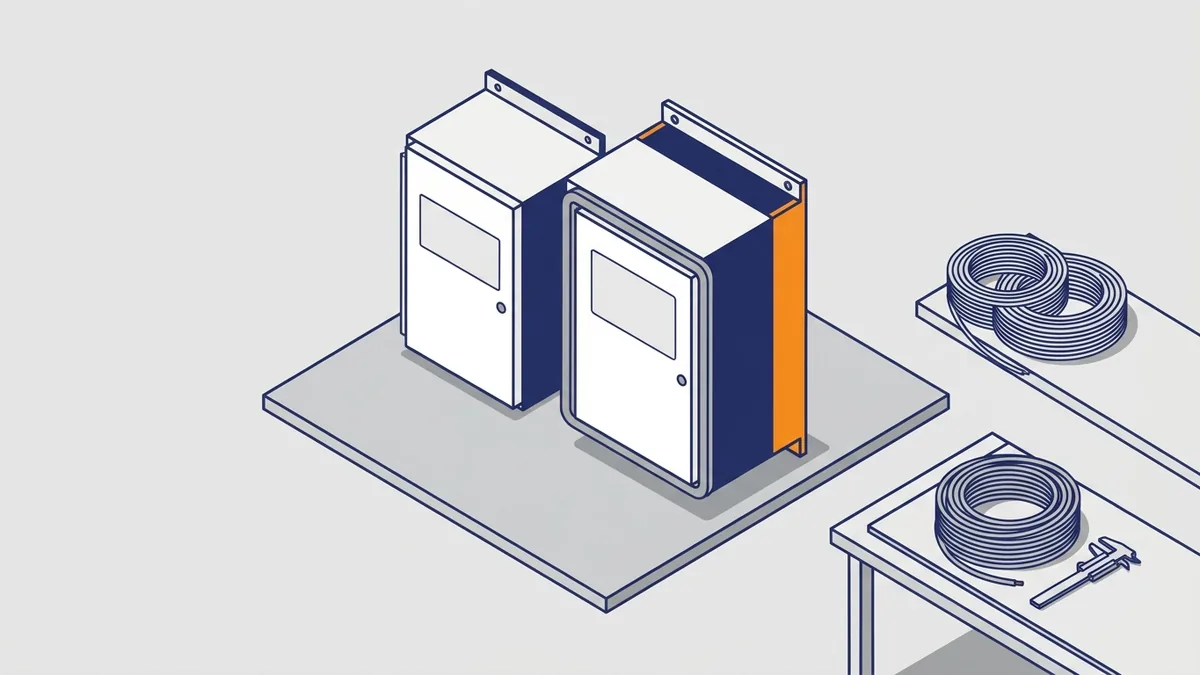
A NEMA 1 drive (IP21 / UL Type 1) suits clean, dry indoor rooms. A NEMA 12 drive (IP54 / UL Type 12) adds protection from dust and dripping liquid. For example, choose Type 12 for dusty areas or wet wipe-down areas. In addition, R5 and R6 frames in Type 12 need a punch to cut the conduit holes.
Which enclosures are available for packaged ACS550 drives?
Packaged systems add more choices. The catalog lists NEMA 12 enclosures through 100 HP at 208/240 V, 400 HP at 480 V and 150 HP at 600 V. Likewise, NEMA 3R enclosed packages for outdoor use go through 100 HP at 208/240 V and 200 HP at 480 and 600 V. So pick NEMA 3R only in these packaged versions.
ABB ACS550 control modes, macros and control panels
What control modes does the ACS550 support?
ABB’s manual lists three modes in parameter 9904 MOTOR CTRL MODE. However, the ABB ACS550 does not offer closed-loop flux vector control, so ignore any copy that says it does.
- 1 = VECTOR:SPEED, which is sensorless vector. ABB says it suits most cases.
- 2 = VECTOR:TORQ, for torque control.
- 3 = SCALAR, a volts-per-hertz mode.
What are the ACS550 application macros, and which should I choose?
A macro is a preset group of parameters for a type of job. Parameter 9902 APPLIC MACRO selects it. The drive has eight macros, and the default is 1, ABB Standard.
That macro sets 9904 to scalar. In contrast, the PID Control macro sets it to vector speed. As a result, you should pick the macro closest to your wiring and control, then adjust from there.
Which control panel does the ACS550 use?
Two panels exist. The Basic Control Panel handles manual parameter entry. In comparison, the Assistant Control Panel adds assistants, a Start-up Assistant and a copy function. With the copy function, you store parameters in the panel so you can download them to another ABB ACS550. Note that the Start-up Assistant needs the Assistant panel.
Installing and wiring an ACS550
How do I install and wire an ACS550?
First, read the Safety chapter of ABB’s manual. The manual is written for people who install, commission, operate and service the drive. Next, mount the drive, remove the front cover and wire the power and control terminals as the Installation chapter shows.
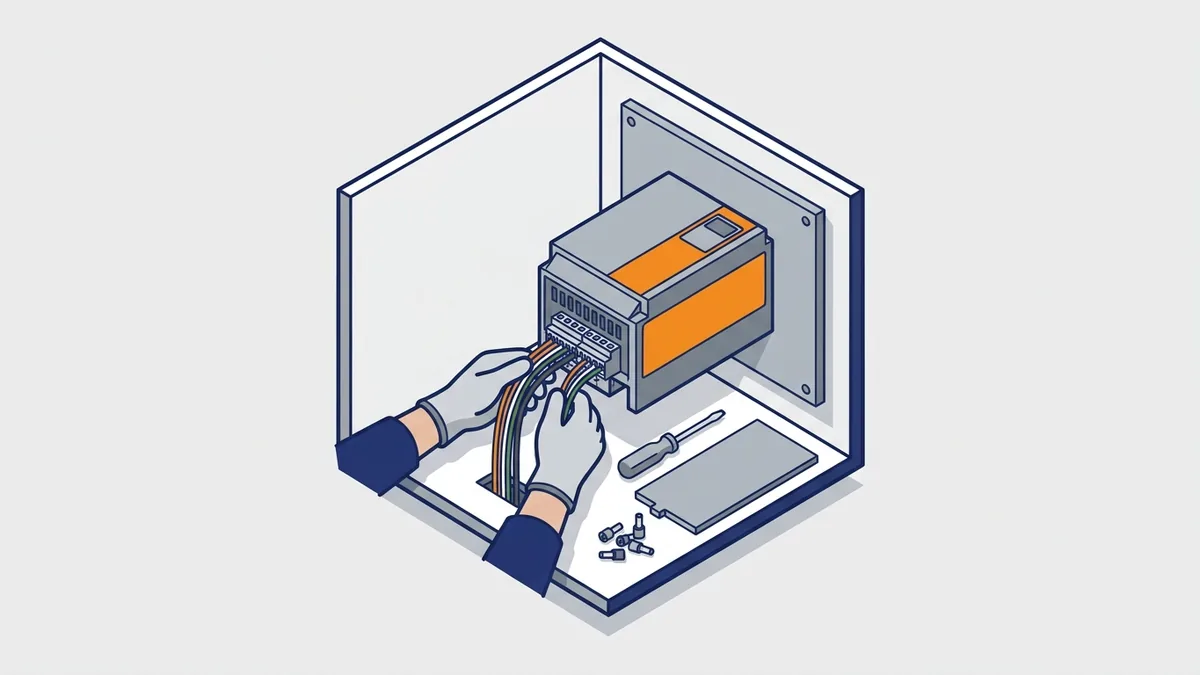
In addition, ground the drive, the motor and the cable shields properly and individually. For the outdoor packaged version, use the ACS550-PD manual. We do not copy wiring diagrams here, because the ABB document library has the correct ones for your frame and region.
What fuses, cable sizes and tightening torques does each frame need?
These values change with the frame, the voltage and the region, so a wrong number can cause a failure or a fire risk. We do not list them here. Instead, use the Technical data and Installation chapters of the manual for your version (01/U1 or 02/U2). They give the input fuse ratings, the cable sizes and the terminal torques for your exact type code.
What braking chopper, resistor, choke and du/dt filter options exist?
Frames R1 and R2 have a braking chopper built in, so you only add a braking resistor. For larger frames, check the manual for the chopper option. Size the resistor from the manual’s tables for your drive, because a wrong resistor can overheat or trip the drive.
Output chokes and du/dt filters protect motor insulation from fast voltage edges, mainly on long cables. This matters most on 500-600 V drives. As a result, check the motor insulation rating and cable length against the manual before you decide whether you need one.
First start-up checklist for an ABB ACS550 drive
How do I start up an ACS550 for the first time?
The manual’s start-up section follows this order. Also, our commissioning guide for the ACS550 gives the full steps.
- Back up the existing parameters to the panel before you change anything.
- Select the macro in 9902.
- Select the control mode in 9904.
- Enter the motor nameplate data in group 99.
- Run the ID Run if you use a vector mode. This is a self-test where the drive measures the motor.
- Set the I/O and the ramps, then test with the motor.
Fault 11 ID RUN FAIL means the ID Run did not finish. In that case, check the nameplate entries and the motor wiring, then repeat it.
What is the ID Run, and how do I run it?
During the ID Run, the drive powers the motor and measures its electrical data. Vector control then uses that data to control the motor well. Parameter 9910 selects the run.
- Enter the exact nameplate data in group 99 first.
- Decouple the motor from the load if you can. The motor will turn during the run, so keep people clear.
- Pick the ID Run option in 9910, as the manual describes.
- Give a start command from the panel and wait until the run ends.
- If fault 11 appears, fix the cause and repeat the run.
A run with the motor decoupled gives the best result. If you cannot decouple the load, use the lower-accuracy option your manual lists for that case.
ACS550 fault codes and first checks
What do ACS550 fault codes mean?
The panel shows the fault as text. Also, the drive stores recent faults in parameters 0401 (last fault), 0412 and 0413. For the full list, use the Diagnostics chapter of the ABB ACS550-01/U1 User’s Manual in the ABB document library.
| Code | Name | First checks |
|---|---|---|
| 1 | OVERCURRENT | Overload, acceleration time (2202/2205), motor or cable fault |
| 2 | DC OVERVOLT | High supply voltage or very fast deceleration |
| 3 | DEV OVERTEMP | Fan failure, blocked airflow, dirty heatsink |
| 4 | SHORT CIRC | Motor or cable short |
| 6 | DC UNDERVOLT | Missing phase, blown fuse, low mains |
| 7 | AI1 LOSS | Analog input 1 signal below its minimum; check the wiring and the signal source |
| 8 | AI2 LOSS | Analog input 2 signal below its minimum; check the wiring and the signal source |
| 9 | MOT OVERTEMP | Motor heat or overload |
| 10 | PANEL LOSS | Panel cable or connection |
| 12 | MOTOR STALL | Motor held or overloaded |
| 14, 15 | EXT FAULT 1, EXT FAULT 2 | An external device tripped a digital input; check that device first |
| 16 | EARTH FAULT | Motor and cable insulation |
| 17 | UNDERLOAD | Load too low, such as a broken belt, a dry pump or a decoupled load |
| 22 | SUPPLY PHASE | Missing mains phase or blown fuse |
| 28 | SERIAL 1 ERR | Fieldbus timeout; check 3018/3019 and groups 51/53 |
| 34 | MOTOR PHASE | Motor wiring |
Note that fault 22 is a supply phase fault, not an earth fault.
What causes overtemperature, overcurrent or DC undervoltage faults?
For DEV OVERTEMP, the drive trips at 115 °C heatsink temperature on R1 to R4 and 125 °C on R5 and R6. ABB’s checks are a failed fan, blocked airflow and dust on the heatsink. For OVERCURRENT, however, look at the load, the acceleration time and the motor and cable. Finally, for DC UNDERVOLT, check for a missing phase, a blown fuse and low mains voltage.
How do I reset ACS550 faults and alarms?
First, fix the cause. Then reset the fault from the panel with the reset key. You can also reset it from a digital input chosen in parameter 1604 FAULT RESET SELECT, or by removing power and restoring it.
Alarms are different. They have codes from 2001 up, and they clear on their own once the condition goes away. For the full alarm list, use the Diagnostics chapter of the manual. In addition, the AI loss, external fault and underload responses are set in group 30, so check those parameters if the drive reacts in a way you did not expect.
When should an ACS550 go to repair instead of being reset?
Do not keep resetting a drive that trips again. Internal faults such as 18 THERM FAIL, 19 OPEX LINK, 20 OPEX PWR and 21 CURR MEAS mean stop and send the drive for repair. In addition, system errors 101-199 and 201-299 say to contact ABB with the error number. Also, do not disable earth-fault monitoring (3017) to clear a trip, because it may void the warranty.
Setting up Modbus RTU and fieldbus adapters
How do I set up the built-in Modbus RTU?
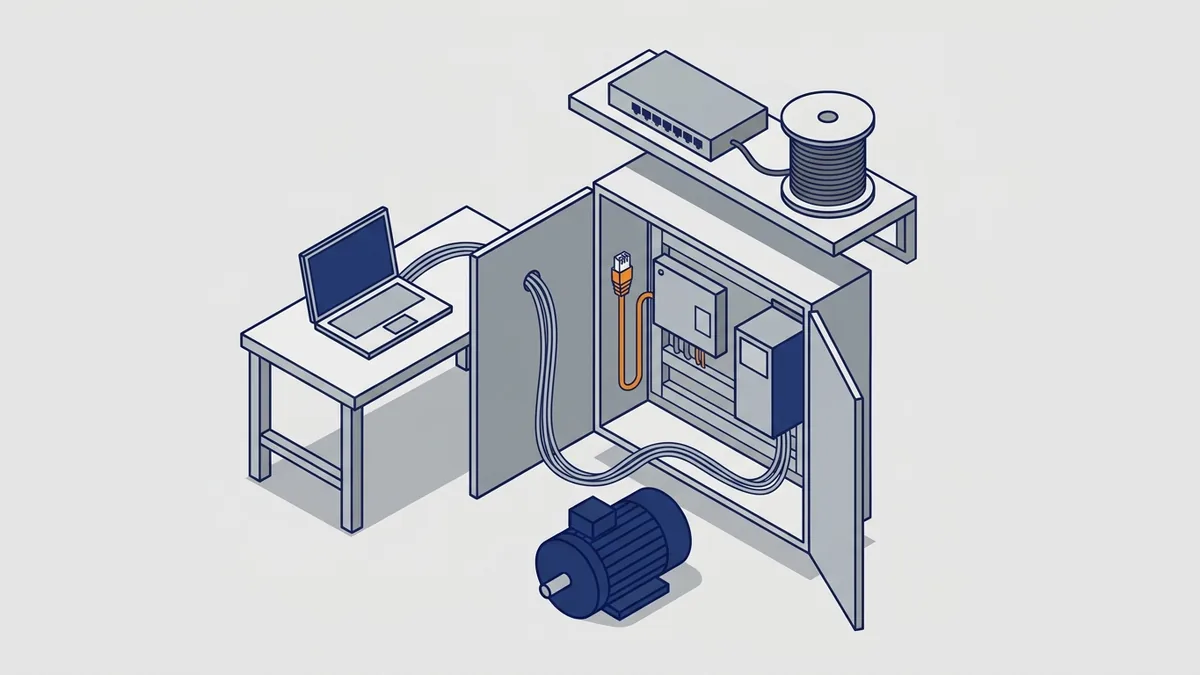
The embedded fieldbus uses the terminals on X1. Set these parameters, then cycle power or let the drive refresh the settings.
- In 9802 COMM PROT SEL, choose the standard Modbus option.
- In group 53, set the station address in 5302.
- Set the baud rate in 5303. It must match the master.
- Set the parity in 5304 to match the master.
- Set the start and reference sources to the fieldbus, for example in groups 10 and 11.
If fault 28 SERIAL 1 ERR appears, check the wiring, the address, the baud rate and parity, and the timeout in 3018/3019.
How do I use the optional fieldbus adapters?
For an optional adapter, choose the external fieldbus adapter option in 9802. Then set the adapter’s own parameters in group 51. Next, set the start and reference sources to the fieldbus, as with Modbus. Finally, use the Technical Reference Manual and the adapter’s own manual for the exact settings for your network.
ACS550 maintenance and service now that it is obsolete
What maintenance does an ACS550 need?
Keep the heatsink and airflow path clean, because dust causes overtemperature trips. Also, the cooling fan and the DC capacitors are the parts that wear. The manual’s Maintenance chapter gives the replacement intervals, and they depend on frame and operating conditions, so follow that schedule.
If a drive sat in storage for a year or more, reform its DC capacitors before you put it in service. Reforming means bringing voltage up in a controlled way, and the manual describes how. Replace a fan that is noisy or slow before it fails, since a fan failure leads to fault 3.
What service is available for an obsolete ACS550?
ABB no longer sells the drive, so your options are stock, surplus and repair. Precision Electric repairs drives, so a failed unit does not always mean a replacement. In addition, a tested spare of the same type code keeps a line running while you plan an upgrade.
ABB ACS550 packaged drives with bypass
What is an ACS550 with bypass (ACS550-CC), and how does it work?
The ACS550-CC is a complete drive with bypass package. It includes the drive, a main disconnect, and branch circuit short circuit and ground fault protection. The bypass lets the motor run at full voltage while the drive is down for service. To do this, it uses standard industrial control components: two electrically interlocked contactors, a motor overload relay, a control power transformer with fusing, and a cover-mounted drive-off-bypass selector switch.
One contactor connects the motor straight to the line. The other disconnects the motor from the drive output in bypass mode. As a result, this prevents back feeding into the drive output terminals. Also, the interlock stops both from closing at once. Finally, confirm details against the ACS550-CC/PC manual for your unit.
Other packaged ACS550 types and disconnects
The ACS550-PC is another packaged version. The ACS550-PD is the 3R irrigation packaged drive, with its own ABB manual. In addition, circuit-breaker disconnect units are offered at and above 30 HP at 208/240 V and 75 HP at 480 and 600 V. For outdoor NEMA 3R packages, our earlier post also notes a thermostatically controlled space heater and thermostatic control of the force-ventilated cooling system.
Repair, replace or move from the ACS550 to the ACS580?
Should I repair my ACS550 or move to an ACS580?
Repair makes sense when you have a legacy install base and want the same footprint with no reprogramming. Because the ABB ACS550 is stock-dependent now, repair keeps a working drive in service. However, plan an upgrade when parts, downtime risk or repeat failures start to add up.

Can I swap an ACS580 straight in for an ACS550?
No, do not count on a drop-in swap. The ACS580 uses a different software platform and keypad. As a result, you cannot copy parameters from an ACS550 keypad download, so you must re-program and commission the new drive. Also, sources report different terminal layouts and parameter numbering.
For example, ABB’s comparison guide shows the analog input common (AGND) on X1-3, 6 and 9 on both drives, so it does not move. The embedded fieldbus does move, from X1 on the ACS550 to X5 on the ACS580. For this reason, re-check every terminal before you power up. Also see our ACS550 vs ACH550 post if your drive is the HVAC version.
Which ACS580 type code replaces my ACS550, and does it fit?
Choose the ACS580 by motor current, voltage and duty, not by hp alone. Match the voltage class first, then pick an ACS580 whose rated output current covers your motor’s full-load current. We do not give a code-by-code table here, because a wrong match is costly.
Do not assume the dimensions or mounting holes match either. The ACS580 frames differ from the ACS550 frames. Before you order, compare the dimension drawings in the ACS580 hardware manual with your panel space and mounting pattern. Plan for a new drilling pattern or an adapter plate if they differ.
Manuals, catalogs and where to get ABB ACS550 parts
Where can I download the ACS550 manual?
Use the ABB document library. It holds the ACS550-01/U1 User’s Manual, the ACS550-02/U2 manual, the Technical Reference Manual, the ABB ACS550 catalog and the ACS550-PD 3R Irrigation Packaged Drive User’s Manual. In addition, our own Basic Guide to Commissioning the ACS550 and our VFD Replacement Guide for Obsolete Drives are free.
Which manual covers which ACS550 size?
- ACS550-01/U1 User’s Manual: the smaller frames. Rev H covers 0.75-160 kW and 1-200 hp, while an older edition lists 1-150 hp. Check the edition on the cover.
- ACS550-02/U2 User’s Manual: the large frames, 110-355 kW or 150-550 hp.
- Technical Reference Manual: parameter and fieldbus detail.
For parts, browse our ABB ACS550 drives in NEMA 1 and NEMA 12. We also repair drives.
Frequently asked questions
What is the ABB ACS550?
The ABB ACS550 is ABB’s general-purpose low-voltage AC drive for speed and torque control of AC motors. Typical jobs include pumps, fans, conveyors and general machinery. Also, the drive supports scalar and sensorless vector control and has built-in Modbus RTU. The US catalog covers 1 hp up to 550 hp.
Is the ABB ACS550 discontinued?
Yes, it is a legacy drive, and the ACS580 is the current general-purpose successor. ABB’s Product Life Cycle Statement lists the series as Obsolete since 1.1.2025. Even so, units and parts are still available as stock, surplus or repaired.
What voltages and sizes does the ACS550 come in?
The US catalog lists 208-240 V from 0.75 to 100 hp, 380-480 V from 1 to 550 hp, and 500-600 V from 1.5 to 150 hp. Frames run R1 to R8. Also, the voltage code at the end of the type code is 2, 4 or 6.
What does +B055 mean on an ACS550?
The option means an IP54 / UL Type 12 enclosure. In contrast, a drive with no enclosure option is IP21 / UL Type 1.
Can I copy ACS550 parameters to an ACS580?
No. The ACS580 uses a different software platform and keypad. As a result, you cannot transfer settings from a 550 keypad download, so you must re-program and commission the replacement.
Where do I find ACS550 fault code meanings?
Look in the Diagnostics chapter of the ACS550-01/U1 User’s Manual in ABB’s document library. Meanwhile, the panel shows the fault text. Also, the last faults are stored in parameters 0401, 0412 and 0413.
The ABB ACS550 is still a capable drive, but it is a legacy product, so know your type code, keep the right manual and plan your spares. When a drive fails, check the fault code first and decide whether to repair or upgrade. Contact Precision Electric for a quote, a repair or help choosing an ABB ACS550 or a replacement.