








PULS Power Supply Guide: Families, Model Numbers and Sizing
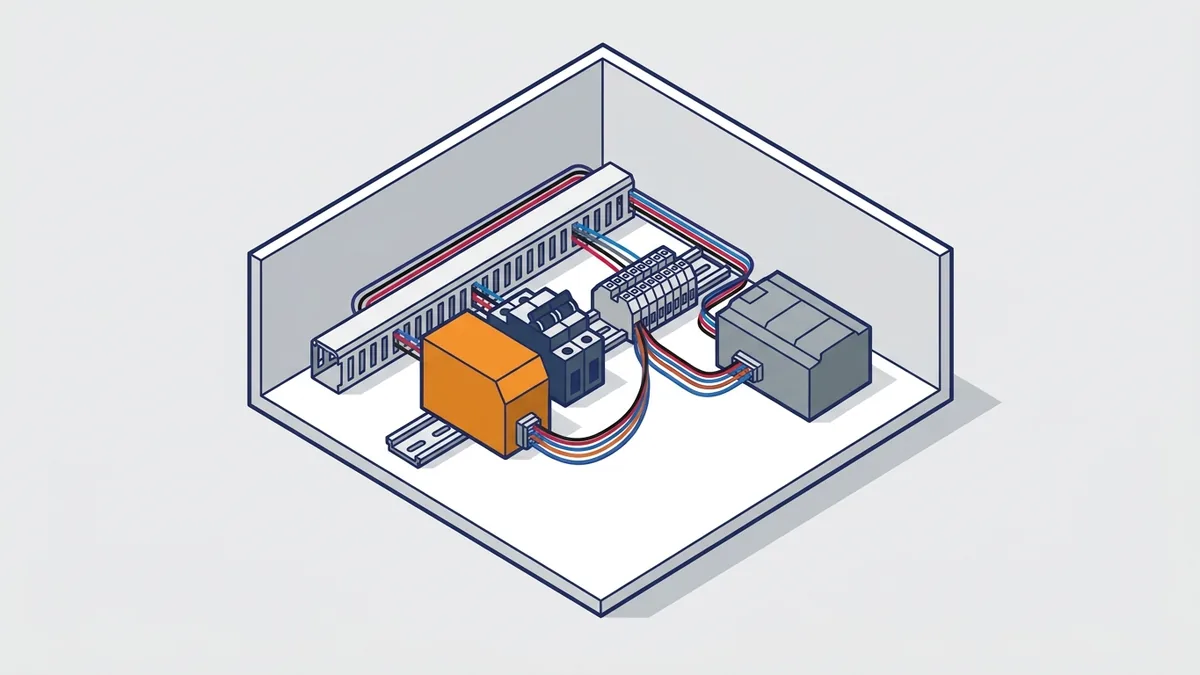
A puls power supply turns AC line power into steady DC power for the devices in your control panel. If you have to pick, install, back up or troubleshoot one, this guide covers it in one place. You will learn the product families, how to read model numbers, how to size a unit, how overload mode works, and where to find datasheets and CAD files.
On this page
- What a PULS power supply is
- PULS product families compared
- Reading PULS model numbers and datasheet specs
- How to choose the right PULS power supply
- Step 1: Match input and output
- Do I need a single-phase or three-phase PULS power supply?
- Step 2: Size the load with a margin
- How do I size a power supply and how much margin do I need?
- Step 3: Check space, cooling and mounting
- How much clearance does a PULS power supply need?
- Step 4: Pick features and environment options
- Which approvals and ratings apply?
- Overload behaviour: PowerBoost and HiccupPLUS
- Redundancy, parallel operation and buffer modules
- Redundancy modules (1+1 and N+1)
- How do I build a redundant 24 V system with PULS?
- Parallel connection for more power
- Can I connect PULS power supplies in parallel?
- How do I wire and set up two supplies in parallel or 1+1?
- Buffer modules and DC-UPS
- What is a buffer module and how does it differ from a DC-UPS?
- How do I size a DC-UPS for battery runtime?
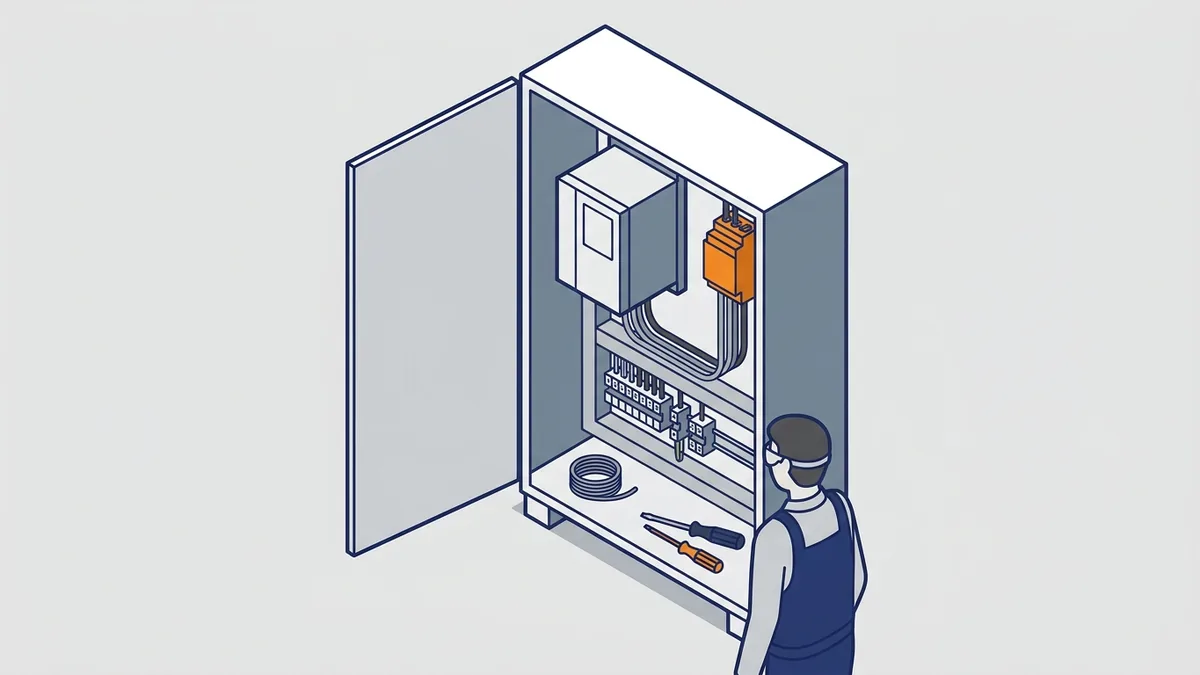
- Installing a PULS power supply
- Troubleshooting a PULS power supply
- Common mistakes with PULS and DIN-rail power supplies
- Documents, CAD and software for PULS power supplies
- Replace, repair or call us
- Frequently asked questions
What a PULS power supply is
What is a PULS power supply?
A PULS DIN rail power supply is a switch-mode unit that mounts on a DIN rail (the standard metal rail inside a control panel). It converts AC or DC input into regulated DC output, such as 24 V. PULS says it concentrates entirely on DIN-rail power supplies. Its main families are DIMENSION, PIANO and MiniLine, and in addition it offers PLANET and the field-mount FIEPOS line.
A PULS switch mode power supply is not a transformer, a battery or a UPS. Instead, it switches power on and off very fast inside the unit to hold the output steady. For example, the CP5.241 takes AC 100-240 V or DC 110-150 V in. It delivers 24 V at 5 A (120 W), and you can adjust the output from 24 to 28 Vdc.
What does a power supply do in a control panel?
A power supply gives every low-voltage device in the panel the same stable DC rail. That rail feeds PLCs, I/O modules, sensors, relays and HMIs. Because all of those parts share it, a weak or noisy 24 V rail can cause odd faults across the whole machine.
So the supply is a small part with a big effect on uptime. When it fails, the whole control system usually goes down with it. This guide stays on the DC side. For the AC feed, see our posts on three-phase power and VFD wiring.
PULS product families compared
What families of PULS power supplies exist?
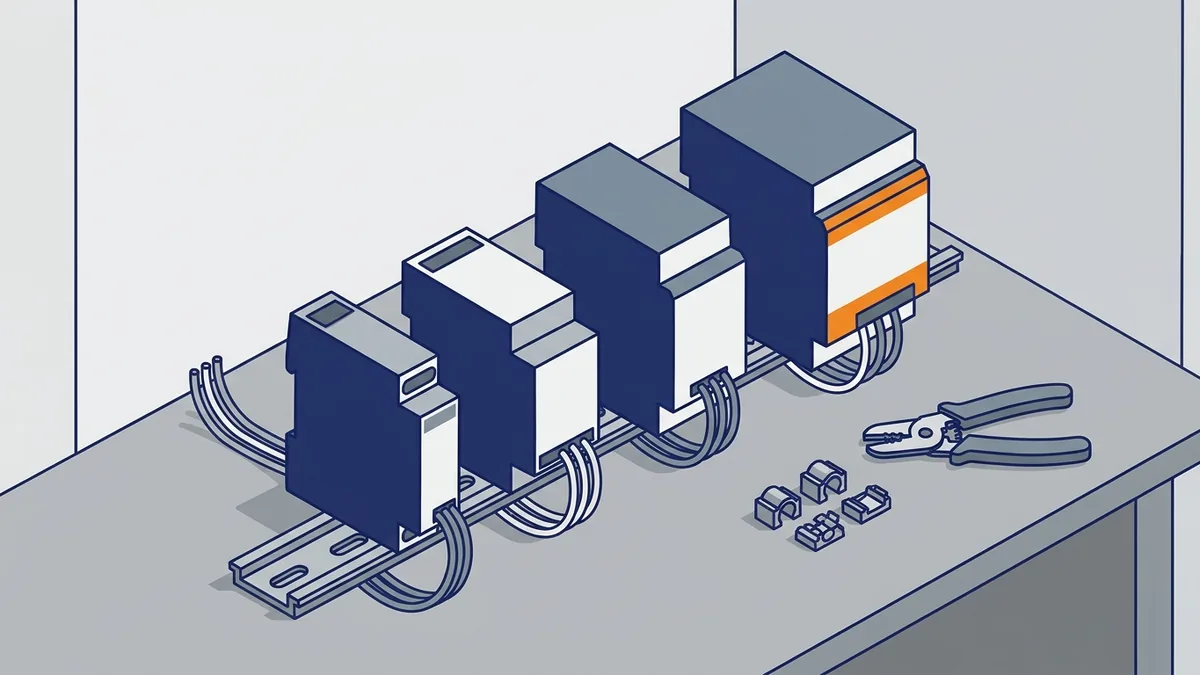
PULS lists several families across a range of about 15 W to 1,000 W. The table below shows the main ones. However, power ranges change over time, so check the current catalog for the exact model.
| Family | Power range | Best for | Key point |
|---|---|---|---|
| DIMENSION | 80 to 960 W | Demanding machines | 1-, 2- or 3-phase input; many options |
| PIANO | 36 to 480 W | Basic panels | Cost-oriented |
| MiniLine | 15 to 100 W | Tight DIN-rail space | Ultra-compact |
| PLANET | See catalog | Compact, efficient designs | Next-generation line |
| FIEPOS | See catalog | Field mounting | IP54, IP65 and IP67 |
What is the difference between DIMENSION, PIANO and MiniLine?
Pick by the job. PIANO is the cost-efficient choice for a basic panel with simple loads. Next, use DIMENSION for a demanding machine, since it offers the most features and power classes. If you have a tiny space, use MiniLine. Finally, look at FIEPOS for a wet or dusty spot outside the cabinet.
DIMENSION: the full-featured family
DIMENSION covers 12 to 48 V output in three series called Q, C and X. Input can be 1-, 2- or 3-phase, and power runs from 80 to 960 W. Across the series you can get a DC-OK relay contact, remote shut-down, spring clamps and DC wide-range input.
Many model names sit inside DIMENSION, such as CP, CS, QS, QT and XT. Because features differ, check the datasheet of your exact model to see which ones it has.
PIANO: basic and cost-efficient
PIANO covers 36 W up to 480 W. The PIM36, PIM60 and PIM90 series cover the low end. In contrast, the PIC120, PIC240 and PIC480 series cover the upper end. Examples include the PIC120.241C (24 V, 5 A), the PIC240.241C (24 V, 10 A) and the PIC480.241C (24 V, 20 A). Also, several of these have a DC-OK relay contact.
MiniLine: ultra-compact, 15 to 100 W
MiniLine comes in 1-phase and 3-phase versions. A 30 W unit needs only 22.5 mm of DIN rail. Two examples are the ML15.051 (5 V, 3 A, 15 W) and the ML15.121 (12 V, 1.3 A, 15 W). Both accept AC 100-240 V or DC 110-300 V and measure 23 x 75 x 91 mm. At the top of the range, the ML100 series covers 24 V units.
PLANET and FIEPOS
PLANET is the next-generation PULS line, built to be compact and efficient. FIEPOS, on the other hand, is the field power supply family, rated IP54, IP65 and IP67.
When do you need an IP-rated PULS power supply? Use one when the unit must sit outside a cabinet, where dust or water can reach it. However, inside a clean cabinet, a standard DIN-rail unit is the normal choice.
Reading PULS model numbers and datasheet specs
How do I read a PULS part number such as CP5.241 or QS40.481?
Do not guess a decoding rule. Instead, learn from real examples and confirm each one on the datasheet. Here is what the examples show:
- CP5.241: a 24 V, 5 A supply.
- QS40.481: a 48 V, 20 A supply.
- YR40.241: a 24 V, 40 A redundancy module.
- UF20.241: a 24 V, 20 A buffer module.
Suffixes matter too. A -C1 ending, as in CP5.241-C1 or PIC480.241C-C1, marks a conformally coated version. That is a protective coating for harsh environments. As a result, you should always confirm any suffix against the datasheet of the exact part.
What do the other article-number suffixes mean?
Other suffixes mark changes in terminals or input. In general, -S1 and -S2 mark versions with spring-clamp or push-in terminals instead of screw terminals. A -D1 ending usually marks a version with DC input. Medical versions also exist, but we do not list their suffix here, so check the datasheet.
These suffixes are part of the article number, so they affect ordering. A CP5.241 and a CP5.241-C1 are different parts. Therefore, order the full number from the label, including the suffix, and confirm it on the datasheet.
Which datasheet lines should I read first?
Start with these lines, in this order:
- Input range
- Output voltage and its adjustment range
- Nominal current
- Power reserve
- Overload behaviour
- Temperature derating
- Approvals
Together, these tell you whether the unit fits your site and your load.
How to choose the right PULS power supply
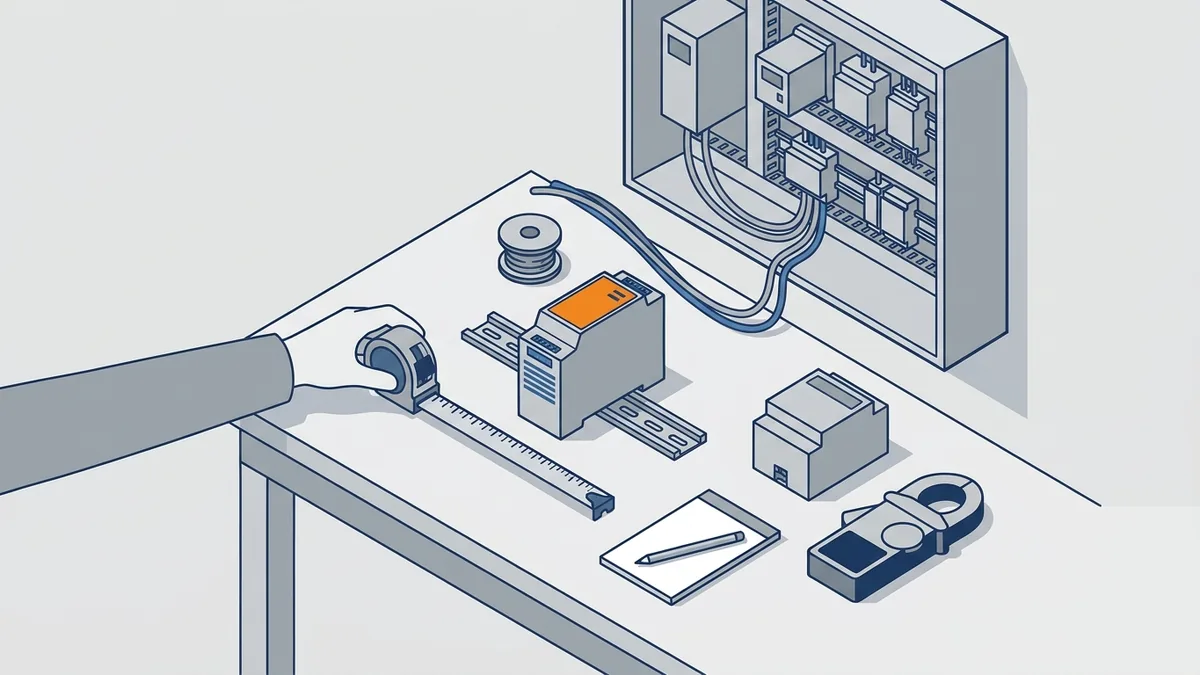
PULS gives selection tips on its DIN rail power supplies page. They cover input parameters (1-phase or 3-phase, DC input, voltage and current), dimensions, features and approvals. The four steps below follow the same order.
Step 1: Match input and output
First, confirm the supply voltage and phases in your panel. Then check that a wide-range unit, such as AC 100-240 V, covers your site.
Next, pick the output voltage. PULS describes DIMENSION as 12, 24, 36 and 48 V, and other families cover 5 V and other nominal voltages. Note the adjustment range too, since some units let you trim the output up a few volts.
Do I need a single-phase or three-phase PULS power supply?
It depends on the feed you have and the power you need. Small units often run on single-phase. However, DIMENSION offers 1-, 2- and 3-phase input, and MiniLine has 3-phase versions. So match the supply to the feed in your panel, and see our three-phase post for the AC side.
Step 2: Size the load with a margin
How do I size a power supply and how much margin do I need?
First, add up the power of every connected device. The total must stay below the supply’s rating. Never pick a supply rated equal to the total load.
A common rule of thumb from distributors is to add about 20% headroom. This is not a PULS requirement. Also allow for inrush, the brief surge that motors, solenoids and capacitive loads draw at start-up.
Here is a worked example. Three devices total 100 W. Adding 20% gives 120 W. Because a 24 V, 5 A supply delivers 120 W, it fits.
Some units add a PowerBoost reserve, such as 20% on the CPS20.241. For the CPS20.241, the PULS datasheet says this reserve may even be used continuously at ambient temperatures up to +45 °C. It then decreases linearly to nominal power between +45 °C and +60 °C.
Step 3: Check space, cooling and mounting
How much clearance does a PULS power supply need?
The unit needs free space around it so air can circulate. The exact distances on each side, and the derating in a tight or hot cabinet, depend on the model. Read the clearance note and the derating curve in the manual and datasheet. Do not rely on a number from memory.
Before you order, check the fit. PULS provides 3D macros for most units and a direct EPLAN link on each product page. In addition, wall and panel brackets exist, such as the ZM2.WALL and ZM3.WALL.
Step 4: Pick features and environment options
Then choose the features you need. Options include:
- A DC-OK relay contact for monitoring
- Remote shut-down
- Spring-clamp terminals
- Conformal coating (-C1 variants) for harsh air
- IP-rated FIEPOS units for field mounting
If you do not know the real load, PULS offers a free application analysis to find the actual needs of a system.
Which approvals and ratings apply?
Approvals differ from model to model. A UL listing, a Class 2 or limited-power output, hazardous-location approval (ATEX or IECEx) and marine approvals are not on every unit. Check the approvals section of the datasheet for your exact article number. If your site needs one of these, confirm it before you order.
Overload behaviour: PowerBoost and HiccupPLUS
A PULS industrial power supply reacts in a set way when the load goes over its rating. That reaction matters for fuse tripping and for redundancy modules. The two features to know are PowerBoost and HiccupPLUS.
PowerBoost power reserves
What is PowerBoost?
PowerBoost is extra output power on top of the rating. The CPS20.241 offers a 20% reserve, and some larger units offer more. Use it for peaks, such as a motor start. On the CPS20.241, you may also use it continuously up to +45 °C ambient, but check the datasheet for your own model.
PowerBoost or BonusPower: which should you choose?
PowerBoost is the reserve on the C-series. BonusPower is the short-term reserve on the Q-series. In general, a C-series unit suits loads that sit a bit above the nominal rating for long periods. A Q-series unit suits loads with short peaks, such as a motor start or a fuse that must trip.
The continuous limit is +45 °C for the CPS20.241, as shown above. Other models may differ, so confirm the reserve and the temperature limit on your datasheet before you count on it.
What HiccupPLUS mode does
What is HiccupPLUS mode and why does my supply restart repeatedly?
On heavy overload, the unit delivers continuous current for a short time. Then it drops output power to near zero for a rest time and tries again. It repeats this cycle while the overload lasts. Also, hiccup protection keeps the unit cooler, because it cuts power loss during the fault.
For example, the QS40.484 delivers current for up to 4 s, then rests for 17 s in its datasheet text. The CPS20.241 delivers for 2 s at heavy overload, when the output falls below 13 V. Because these timings are model-specific, check your datasheet.
The LEDs tell you the state. On the QS40.484, normal mode shows the overload LED off, the DC-OK LED on and the DC-OK contact closed. In hiccup mode, however, the overload LED flashes, the DC-OK LED goes off and the contact opens.
After a short circuit, the unit may stay latched. If it does, switch the input off for at least five seconds, then turn it back on.
Starting several units and big loads
When you run units in parallel, energize them all at the same time. Otherwise the first unit may see the full load and enter hiccup mode. These units are built to supply capacitive and inductive loads. Even so, check a very large capacitive load against the datasheet.
Redundancy, parallel operation and buffer modules
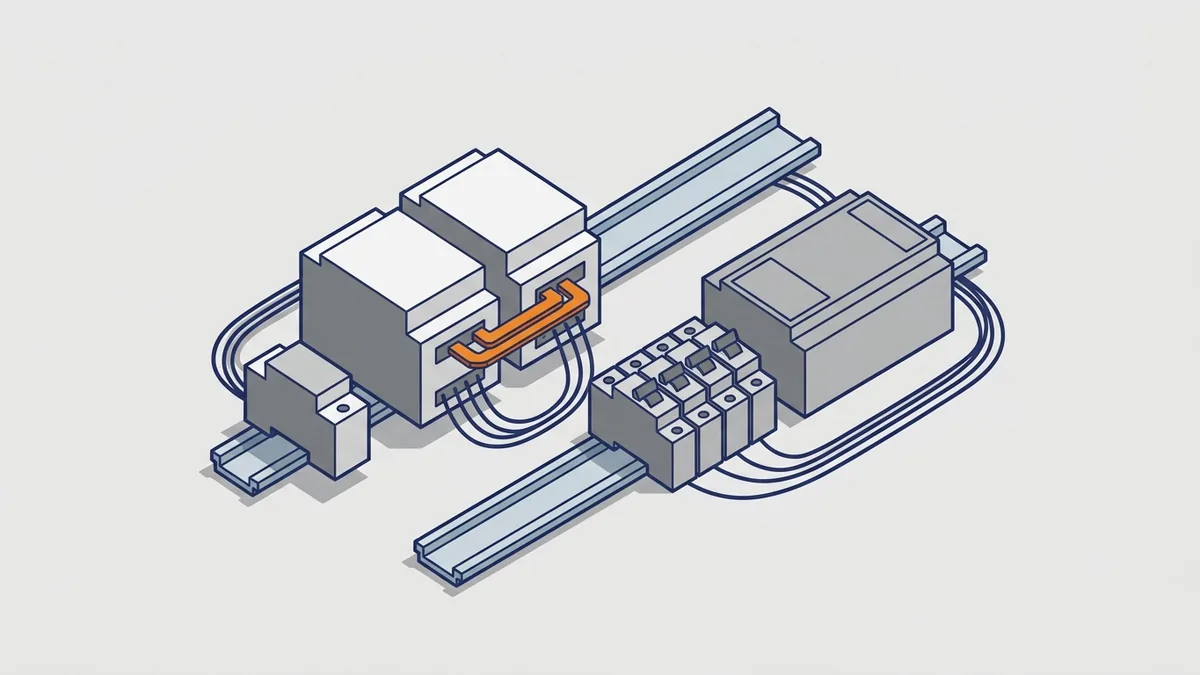
You have several ways to make a 24 V system more robust. In order of complexity, they are:
- Use a bigger supply.
- Connect supplies in parallel for more power.
- Add redundancy for availability.
- Add a buffer module or DC-UPS for mains dips.
As a result, PULS supplementary units turn a single supply into a complete power system.
Redundancy modules (1+1 and N+1)
How do I build a redundant 24 V system with PULS?
A redundancy module decouples two or more supplies. If one fails, the load stays powered. A 1+1 system uses two supplies, with one able to carry the whole load. An N+1 system, in contrast, adds one spare to several supplies.
MOSFET types, such as the YR series, have low loss. The YR40.241 is a 24 V, 40 A module for 1+1 and N+1 systems. Its key data:
- Two 20 A inputs
- 72 mV drop at 20 A
- 2.15 W loss at 20 A and 6.3 W at 40 A
- 160% (65 A) peak capability
- Reverse polarity protection
Diode types exist too, such as the PIANO PIRD20.241. It suits supplies with constant-current or any hiccup overload behaviour.
However, do not assume modules fit every series. PULS lists compatibility notes per model. For example, the YR40.242 is not for QT20 or QTD20, and the YR40.245 is not for QT40. The YR40.241, YR40.482 and YR80.241 are listed as suitable for all power supplies. For best results, use supplies with a DC-OK signal and monitor it.
Parallel connection for more power
Can I connect PULS power supplies in parallel?
Yes, for higher wattage you can. PULS recommends units marked “Parallel Capable.” These have a Single use and Parallel use mode, and the factory setting is Single use. So switch to Parallel use and follow the manual for your model.
How do I wire and set up two supplies in parallel or 1+1?
First, use two identical units, and set both to the same output voltage. Next, use the same wire size and about the same cable length from each unit to the load. Then, for parallel use, switch both to Parallel use mode. For 1+1, wire each supply to its own input on the redundancy module and join the module output to the load.
For monitoring, wire the DC-OK relay contacts of both supplies in series. As a result, the signal drops if either unit fails. The number of units you may connect in parallel is model-specific, so read the limit in your manual.
Buffer modules and DC-UPS
What is a buffer module and how does it differ from a DC-UPS?
A buffer module is a battery-free, capacitor-based add-on for regulated 24 V supplies. It takes over when the output drops. In one PULS example, the default trigger is 22.5 V, and you can set a different threshold.
PULS says 80% of power failures last under 0.2 s, and a buffer module bridges them fully. It can also add peak current above the supply’s rating. Compared with a UPS module, it is maintenance-free, smaller and cheaper, and it needs no control wiring. PULS calls it the ideal alternative to a DC-UPS for buffer times under 4 seconds. Also, the UF series is fully rated from -25 °C to +70 °C.
A DC-UPS, however, uses a battery. Choose it when you need to ride through minutes, not seconds.
How do I size a DC-UPS for battery runtime?
Start with the load current at 24 V. Then divide the battery capacity in amp-hours by that current to get an ideal runtime in hours. For example, a 7 Ah battery on a 3.5 A load gives about 2 hours in theory.
In practice, you get less. Batteries age, cold weather cuts capacity, and you should not drain them fully. So size the battery with a generous margin, and check the module datasheet for its current and battery limits.
A buffer module stops being enough when the outage lasts longer than a few seconds. PULS gives under 4 seconds as its guide. Beyond that, use a battery DC-UPS.
Installing a PULS power supply
How do I install and wire a PULS power supply?
Follow this order:
- Mount the unit on the DIN rail.
- Leave the side clearance the manual requires.
- Connect the input.
- Protect the input as the manual says.
- Connect the output.
- Set the output voltage.
- Verify that the DC-OK signal is on.
Input fuse or breaker ratings, wire sizes, terminal torque values and derating all vary by model, even between close relatives such as the CP5.241 and QS40.481. For that reason, read the installation manual for your exact unit and use only its numbers. For the AC feed, see our wiring and three-phase posts.
If the cabinet is dirty or humid, choose a conformally coated variant. However, if the unit sits outside a cabinet, move to an IP-rated FIEPOS.
Troubleshooting a PULS power supply
How do I troubleshoot a PULS power supply with no output or a flashing overload LED?
Start with the LEDs and the DC-OK contact. Normal means DC-OK on and the contact closed. A flashing overload LED with DC-OK off and an open contact, on the other hand, means overload or hiccup mode, as on the QS40.484.
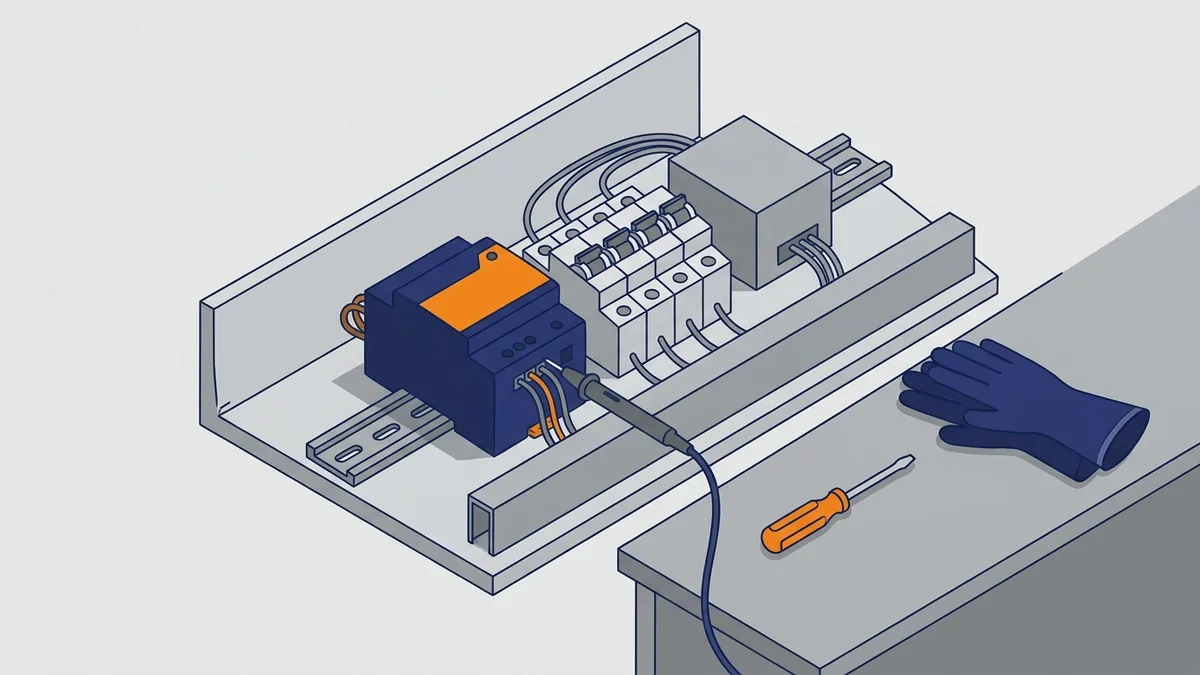
Then work through this checklist:
- Check that input voltage is present and in range.
- Confirm the output wiring is correct.
- Look for a short circuit or overload on the load side.
- Find out whether the total load exceeds the rating.
- Make sure ambient temperature and clearance are acceptable.
- Verify that the parallel or redundancy wiring is right.
To tell an overloaded rail from a failed supply, disconnect load branches one at a time. If the output recovers, the fault is on the load side. Also remember that repeated on and off cycling is usually hiccup mode, not a bad unit. After hiccup mode, remove the input for at least five seconds.
Common mistakes with PULS and DIN-rail power supplies
What are common mistakes when using DIN-rail power supplies?
These errors show up often:
- Sizing the supply at exactly the load.
- Counting PowerBoost as continuous rating without checking the datasheet for your model and ambient temperature.
- Blocking the side clearance.
- Paralleling units that are not parallel-capable, or not starting them together.
- Using a redundancy module that does not fit the supply’s overload type or series.
- Ignoring inrush on capacitive loads.
- Assuming a buffer module replaces a battery UPS for long outages.
Documents, CAD and software for PULS power supplies
Where do I download PULS datasheets, manuals, EPLAN and CAD files?
Go to the PULS product page for your model. A page such as the QS40.481 offers the datasheet, installation manual, 2D drawings (DXF and DWG), 3D models (STEP and DWF) and EPLAN .edz files. It also lists matching units, such as a bracket, a redundancy module and a buffer module. In addition, the page links to the EPLAN data portal and WSCAD universe.

To use an .edz file, first download it, then unzip it and open the items folder in your software. PULS E-CAD data for DIMENSION, PIANO and MiniLine is also in the WSCAD software suite and on wscaduniverse.com. Likewise, TraceParts has free PULS CAD models in formats such as STEP, DWG and DXF.
Third-party manual libraries exist, but prefer the PULS product page. It carries the current version.
Replace, repair or call us
When should I replace or repair a PULS power supply, and what does it cost?
Use these cases as a guide:
- Intermittent output: check the load, input and temperature first.
- No output: confirm input voltage, then test with the load disconnected.
- Repeated hiccup with a known-good load: the unit may have a fault.
- Burn marks or physical damage: stop using it and replace or send it in.
Before you call, gather these details:
- The full article number from the label, including the suffix
- Input voltage
- A description of the load
- The LED and DC-OK state
- Photos of the wiring
Price depends on power class, family, features and any redundancy or buffer options. We do not quote prices here, so contact us for current pricing and availability.
How do I find a replacement for a failed, discontinued or other-brand supply?
Read the label on the old unit and note the input range, output voltage and current. Then check its size, terminal type and features, such as a DC-OK contact. Next, compare those values with the datasheet of the PULS unit you are considering. A match on voltage and current is not enough if the size or mounting differs.
The same steps work for a discontinued PULS line such as SilverLine or for another brand. Send us the old article number and a photo of the label, and we can help you find a fit. Lead times change, so ask us for current availability.
Frequently asked questions
What is a PULS power supply?
It is a DIN-rail switch-mode power supply that converts AC or DC input to regulated DC output, such as 24 V, for control panels. PULS builds DIN-rail power supplies in families such as DIMENSION, PIANO, MiniLine and PLANET, plus FIEPOS for field mounting.
Which PULS family should I choose: DIMENSION, PIANO or MiniLine?
DIMENSION is the full-featured family, with 1-, 2- or 3-phase input and many options. PIANO, in contrast, is the basic, cost-oriented family. MiniLine suits small loads where DIN-rail space is tight. In every case, check the datasheet of the exact model.
How do I size a PULS power supply?
Add up the power of all connected loads and choose a supply rated above that total. About 20% margin is a common rule of thumb. Also allow for inrush, and check the datasheet before you count on PowerBoost for continuous load.
Why does my PULS power supply keep switching on and off?
It is probably in overload or short-circuit hiccup mode. It delivers current briefly, shuts off for a rest time, and retries while the overload lasts. Look for a flashing overload LED and an open DC-OK contact. Then remove the overload, and if the unit stays latched, switch the input off for at least five seconds.
Do I need a redundancy module or a buffer module?
Use a redundancy module so one failed supply does not drop the load. Use a buffer module to ride through short mains dips, since PULS says most outages last under 0.2 s. However, for longer outages, you need a battery DC-UPS.
Where can I download PULS datasheets, manuals and CAD files?
Use each model’s PULS product page, which offers the datasheet, installation manual, 2D and 3D CAD files and EPLAN .edz data. In addition, PULS E-CAD data is in the WSCAD software suite, and TraceParts has free CAD models.
A well-chosen PULS DC power supply keeps your 24 V rail steady, and the right add-ons keep it running through faults and dips. Start with the datasheet, size with margin, and check every option against your exact model. If you need help choosing, replacing or repairing a unit, contact Precision Electric for a quote or browse our products.