








SMVector Lenze AC Tech Fault Codes: Causes and Fixes
Finding the right answer on smvector lenze ac tech fault codes is hard when your drive is tripped and the line is down. This guide shows you how to read the code, check the likely causes, fix them, and reset the drive safely. It also tells you when to send the drive in for repair.
On this page
- What SMVector fault codes mean and how the drive shows them
- Before you touch the drive: safety notes
- Step 1: Read the fault and the fault history
- SMVector fault code reference: meaning, causes and fixes
- F.PF: motor overload fault
- F.OF and F.OF1: output transistor, short circuit and ground fault
- F.HF and F.LF: high and low DC bus voltage faults
- F.AF: high temperature fault
- F.UF start fault and F.rF flying restart fault
- What does F.SF single-phase fault mean on an SMVector?
- F.AL assertion level fault and F.EF external fault
- What do EPM, control and personality faults mean?
- What do F.IL, F.GF, F.FAU, F.FoL and F.F2 to F.F12 mean?
- What do network, module and keypad faults mean?
- How to reset an SMVector fault
- Common mistakes when troubleshooting SMVector faults
- When to call for repair or replace the drive
- Where to get SMVector manuals and related documents
- Frequently asked questions
- How do I find out which fault my SMVector drive had after it was reset or powered off?
- How do I clear a fault on a Lenze SMVector drive?
- What does F.PF mean on an SMVector?
- What does F.F1 or an EPM fault mean?
- Why does my SMVector show F.UF at power-up?
- Why does the drive keep restarting by itself after a fault?
What SMVector fault codes mean and how the drive shows them
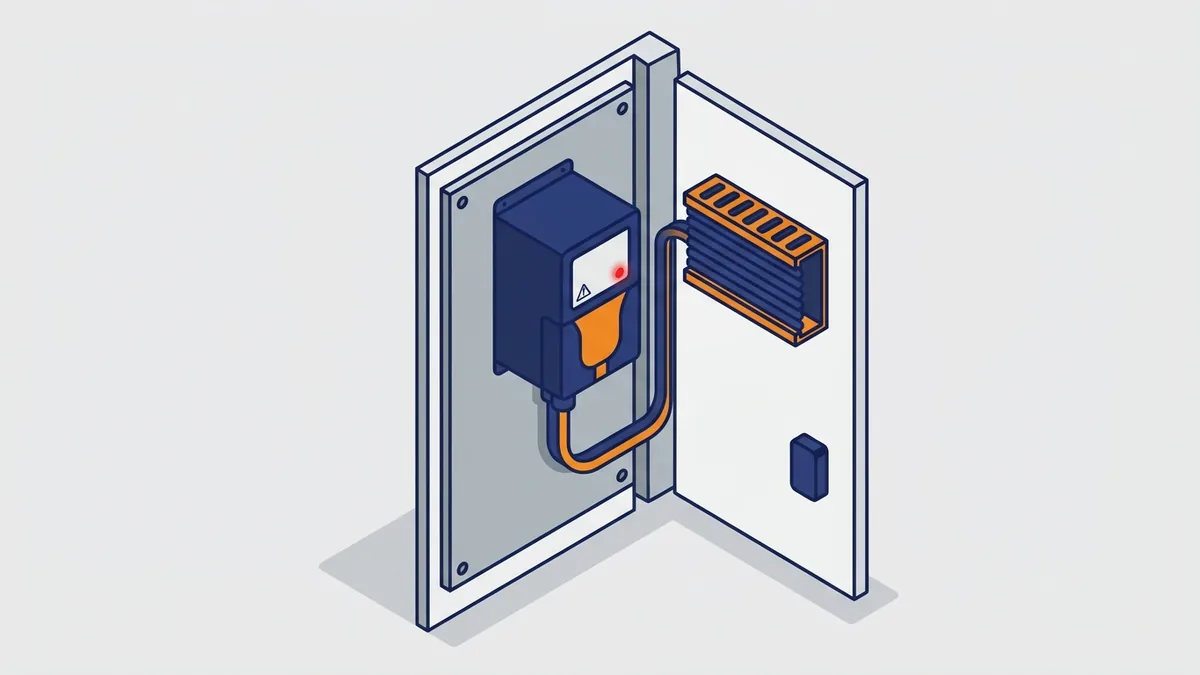
When the drive trips, it shows an F.xx message on its display, such as F.AF, F.PF or F.OF. The drive stops its output and waits for you to reset it. Each message points to a cause, but one code can have more than one source.
What do SMVector fault codes mean?
A fault code tells you what the drive saw when it tripped. For example, F.PF means the motor was overloaded, and F.UF means a start command was present at power-up. The code is a clue, not a full diagnosis, so you still need to check the motor, wiring, supply and settings.
Where the drive stores faults
Fault History in parameter P500 keeps the last 8 faults. Each entry looks like n.xxx, where n runs from 1 to 8 and 1 is the newest. The history leaves off the “F.” prefix, so F.PF shows as PF.
The faults also exist as a numeric table. You can read the Drive Fault Code over Modbus in register 2002, and the LECOM P500 value list uses the same numbers. For example, 8 is Overload Fault, 6 is High DC Bus and 14 is Control Fault.
Are Lenze SMVector and AC Tech SMV fault codes the same?
Yes, for the most part. AC Tech SMV and Lenze SMVector are the same drive family sold under two brand names. However, the wording, the F.xx codes and some parameter selection numbers change between manual revisions (SV01A to SV01M and later). So match every code in this article to the manual for your drive, and check the software version in P501.
Before you touch the drive: safety notes
A tripped drive can still hold dangerous voltage. Also, a drive set for auto-restart can start the machine on its own. Follow these steps before you work on it.
What safety precautions apply before troubleshooting a tripped SMVector?
- De-energize the drive and lock it out.
- Wait at least 3 minutes for the DC bus to discharge before you touch any power wiring. Check your manual for the wait time on your model.
- Read the DC bus voltage in P505. Confirm it has dropped to near zero before you work inside the enclosure, and verify with a meter rated for the voltage.
- Warn others near the driven equipment. If P110 is 3 to 6, the drive can restart by itself.
- After any reset to defaults (P199), re-check the stop and start wiring. P100 = 0 disables the TB-1 STOP input, and a reset can disable the STOP circuit.
Is it safe to cycle power to clear a fault?
Sometimes, but be careful. Do not cycle input power more than once every two minutes. Also, cycling power resets the motor thermal state to cold. The SMV overload function is UL approved as motor protection, so after an overload fault, repeated power cycling can cut motor life a lot. Find the cause first, then reset.
Step 1: Read the fault and the fault history
Start with facts, not guesses. Write down the code on the display before you reset anything.
How do I see the fault history on an SMVector?
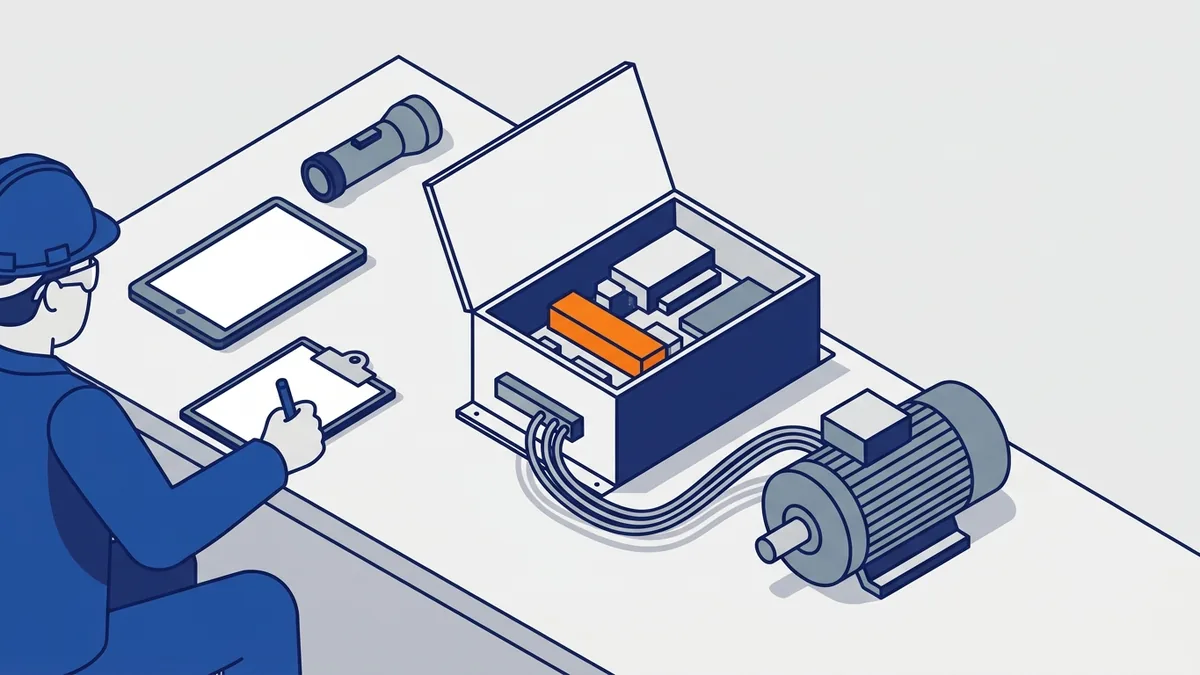
Open P500 and step through the 8 entries. Then look for a pattern:
- A code that repeats points to a steady cause, such as a bad motor, a set-up error or a sized-wrong drive.
- A mix of different codes points to a supply, wiring or grounding problem.
- Check the status message too. Fault Lockout (LC) or Start Pending (SP) tells you the drive is waiting to auto-restart or needs a manual reset.
Use the other diagnostics
The P5xx diagnostic parameters show what the drive sees, including DC bus voltage, motor voltage and current. Our Lenze SMV Training Lesson 10 video covers this monitoring. In addition, note when the fault happens: at power-up, during acceleration, at constant speed, or during deceleration. That timing narrows the causes fast.
SMVector fault code reference: meaning, causes and fixes
This table sums up the Lenze SMVector fault codes covered below. Check each entry against your manual revision.
| Fault | Likely cause | First fix |
|---|---|---|
| F.PF Motor Overload | Motor loaded too hard for too long | Check P108, look for a jam, check sizing |
| F.OF Output Fault | Short circuit, fast accel, high boost, long cable | Check motor and cable, raise P104/P125, lower P168/P169 |
| F.OF1 Ground Fault | Grounded motor phase | Check motor and motor cable |
| F.HF High DC Bus | High mains, short decel, regen from motor | Check mains and P107, lengthen decel |
| F.LF Low DC Bus | Mains voltage too low | Check mains voltage |
| F.AF High Temperature | Drive too hot inside | Reduce load, improve cooling |
| F.UF Start Fault | Start command present at power-up | Delay start 2 seconds or change P110 |
| F.rF Flying Restart Fault | Drive could not catch the spinning motor | Check motor and load |
| F.SF Single-Phase Fault | A mains phase is lost | Check mains voltage and supply path |
| F.cF Control Fault | EPM blank or corrupted | Install an EPM with valid data, or reset to defaults and re-program |
| F.dbF Dynamic Braking Fault | Braking resistors overheating | Lengthen decel in P105, P126 and P127 |
| F.AL Assertion Level | Switch does not match P120 | Set switch and P120 to the same side |
| F.F1 EPM Fault | EPM missing or defective | Power down and replace the EPM |
We list the sections below in the order our shop most often sees them. That order is field experience, not manufacturer data. The manuals do not rank causes by how common they are.
F.PF: motor overload fault
The manual says the motor was loaded too hard for too long. Check these items in order:
- Confirm P108 is correct. The formula is motor current rating divided by the SMV output rating, times 100. For example, a 3 A motor on a 4 A drive gives P108 = 75%.
- Look for a mechanical jam or a binding load.
- Confirm the drive and motor are the right size for the application.
- Check P190 (motor braking). Over-use of it can cause frequent F.PF trips.
Do not set P108 above the motor nameplate current to stop the trips. Also, do not power-cycle the drive over and over to clear it. Both habits put the motor at risk.
F.OF and F.OF1: output transistor, short circuit and ground fault
Per the manual, F.OF can come from an output short circuit, an acceleration time that is too short, or a severe motor overload. Boost values set too high and heavy charging current in a long motor cable can also cause it. F.OF1 is the ground fault, which means a grounded motor phase.
Here are the fixes the manual lists:
- Check the motor and motor cable for shorts.
- Increase acceleration time in P104 and P125.
- Check the machine, and confirm the drive and motor sizes.
- Decrease boost in P168 and P169.
- Use low-capacitance motor cable, and install a reactor between the motor and drive.
- If P110 = 5 or 6 and the drive trips into F.OF, try P110 = 7 or 8.
As general practice, not from the SMVector manual, you can also split the problem in two. With power locked out, disconnect the motor leads from the drive. Then power up. If the drive runs without a fault, the problem sits in the motor or cable. Test those with a megohmmeter, and follow your plant’s test limits.
F.HF and F.LF: high and low DC bus voltage faults
F.HF (High DC Bus) means mains voltage is too high, or the motor is sending too much energy back during stopping. Check the mains voltage and P107. Then increase the active decel time (P105, P126, P127), or add the Dynamic Braking option. The Decel Override status shows the drive has paused deceleration to avoid this trip, for up to about 2 seconds.
F.LF (Low DC Bus) means mains voltage is too low, so check the mains voltage. Note that a low-voltage fault can log each time you cut power. That entry on power-down is normal and not a real fault.
A related fault is F.dbF, the Dynamic Braking fault. It means the braking resistors are overheating. The fix is a longer active decel time in P105, P126 and P127.
F.AF: high temperature fault
The drive is too hot inside. The manual’s remedies are to reduce the drive load and improve cooling. As general practice, also look for a clogged heatsink or a stopped fan. Check the room temperature, the enclosure type and the clearance around the drive. Clean with the power locked out, and use your site’s rules.
F.UF start fault and F.rF flying restart fault
F.UF means a start command was present at power-up. When P110 is 0 or 2, you must apply the start command at least 2 seconds after power-up. Otherwise the drive trips. You can also pick a different starting method in P110.
F.rF, the Flying Restart fault, means the drive could not sync with a spinning motor. It happens when P110 is 5 or 6. The manual’s remedy is to check the motor and load.
What does F.SF single-phase fault mean on an SMVector?
A mains phase has been lost. The manual says to check the mains voltage. In practice, check the input fuses, the contactor, the disconnect, loose lugs and the upstream breaker. For the 10 HP derated ESV153 drives, check the product pages for input details rather than assuming how they behave.
F.AL assertion level fault and F.EF external fault
F.AL trips when the Assertion Level switch (ALsw) does not match the P120 setting. It only happens when P100 or any digital input (P121 to P124) is set to a value other than 0. Set the switch and P120 to match your input devices before you set P100 or P121 to P124:
- Dry contacts or PNP solid-state switches: High (+). This is the default.
- NPN devices: Low (-).
F.EF is an external fault. It occurs when an input set to 21 (External Fault, normally closed, open to trip) or 22 (Inverse External Fault, normally open, close to trip) trips. Correct the outside condition, then check the wiring and the device.
What do EPM, control and personality faults mean?
The EPM is the removable memory module. The drive needs one to run. Match the symptom to the fix:
- F.F1: the EPM is missing or defective. Power down and replace it.
- F.cF Control fault: the EPM is blank or corrupted. Install an EPM with valid data, or reset to defaults (P199 = 3 or 4) and re-program.
- Incompatible EPM: the EPM holds data from an incompatible parameter version.
- F.cFT: an EPM from an old drive was put in a new one. In newer manuals, press the [M] button twice to reset.
- Personality fault: a drive hardware issue. Cycle power once, following the two-minute rule, and see the manual’s remedy list.
If an EPM or personality fault stays, contact factory technical support or send the drive to us. See our EPM Programmer manual post for how to copy settings.
What do F.IL, F.GF, F.FAU, F.FoL and F.F2 to F.F12 mean?
These codes show up less often, but you may still see them:
- F.IL: a digital input is set up in a way the drive does not allow. Review the P100 and P121 to P124 settings.
- F.GF: a problem with the OEM defaults data stored in the drive. Contact factory technical support.
- F.FAU and F.FoL: the drive lost an analog input signal. Check the signal wire, the source and the related settings.
- F.F2 to F.F12: internal faults. Cycle power once, following the two-minute rule. If the code returns, contact factory technical support or send the drive to us.
Exact wording and numbering can vary by manual revision, so confirm each one in your manual.
What do network, module and keypad faults mean?
A remote keypad fault means the keypad is disconnected, so check its connections. A module communication fault means the drive and its module lost contact, so check the module connections.
Network faults run from F.nF1 to F.nF7. They cover causes such as NetIdle Mode, loss of the Ethernet I/O connection, and message timeouts. For example, F.nF2 with a P419 code of 1xxx means the master forced a network fault with the Force Fault Trip command. In that case, check the master’s control logic, not the drive. Our posts on communications modules, CANopen and EtherNet/IP cover set-up.
How to reset an SMVector fault
The drive can restart only after you reset the fault. First fix the cause. Otherwise the drive trips again.
How do I reset an SMVector fault?
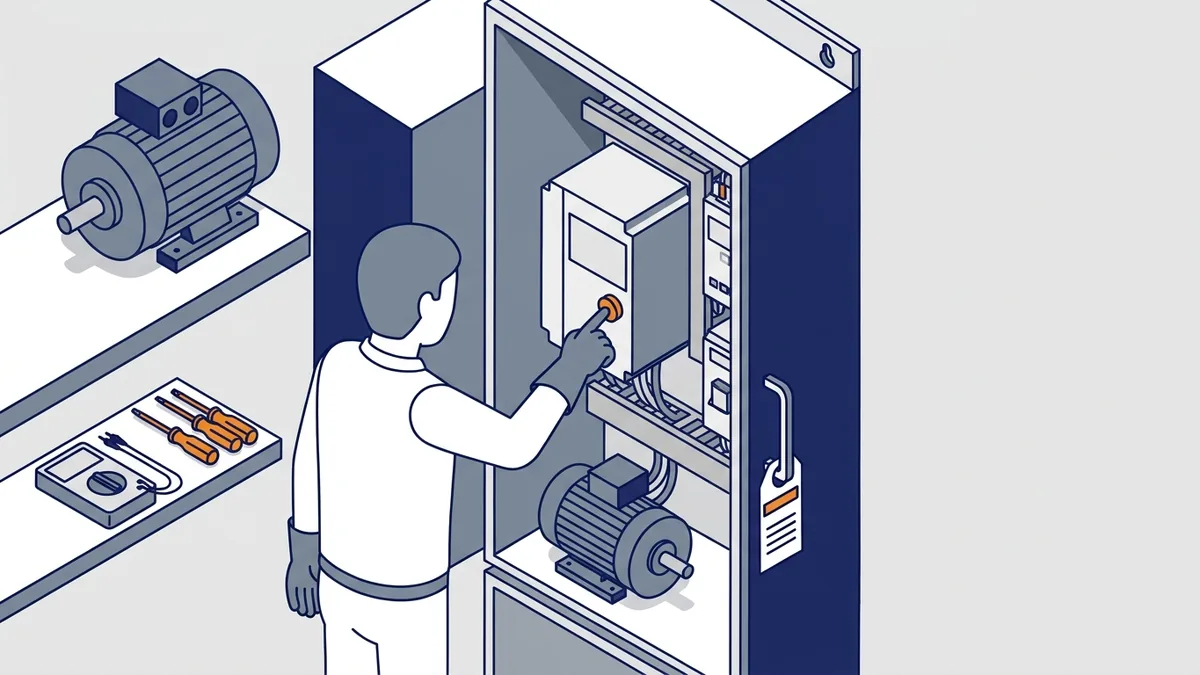
Use one of these methods:
- Close a TB-13 digital input (P121 to P124) set to Clear Fault. Every manual revision from SV01A to SV01M lists selection 20 as Clear Fault. Selection 9 is Network Enable, not Clear Fault.
- Reset over the network. In the Modbus control word, a 0-to-1 change resets the fault. With LECOM, set parameter C0043 to 1, or use control word C0135.
- Cycle power, with the cautions above.
P197 only clears the fault history log. It does not clear a live fault.
Why does the SMVector restart on its own or show Fault Lockout (LC)?
Auto-restart is on when P110 is 3 to 6. The drive then tries 5 restarts after a fault. While it waits, the display shows Start Pending (SP).
If all 5 fail, it shows Fault Lockout (LC) and needs a manual reset. Check P500, fix the cause, then reset. To turn auto-restart off, set P110 to 0 to 2.
Common mistakes when troubleshooting SMVector faults
These errors turn a simple trip into a damaged motor or drive.
What mistakes should I avoid when clearing SMVector faults?
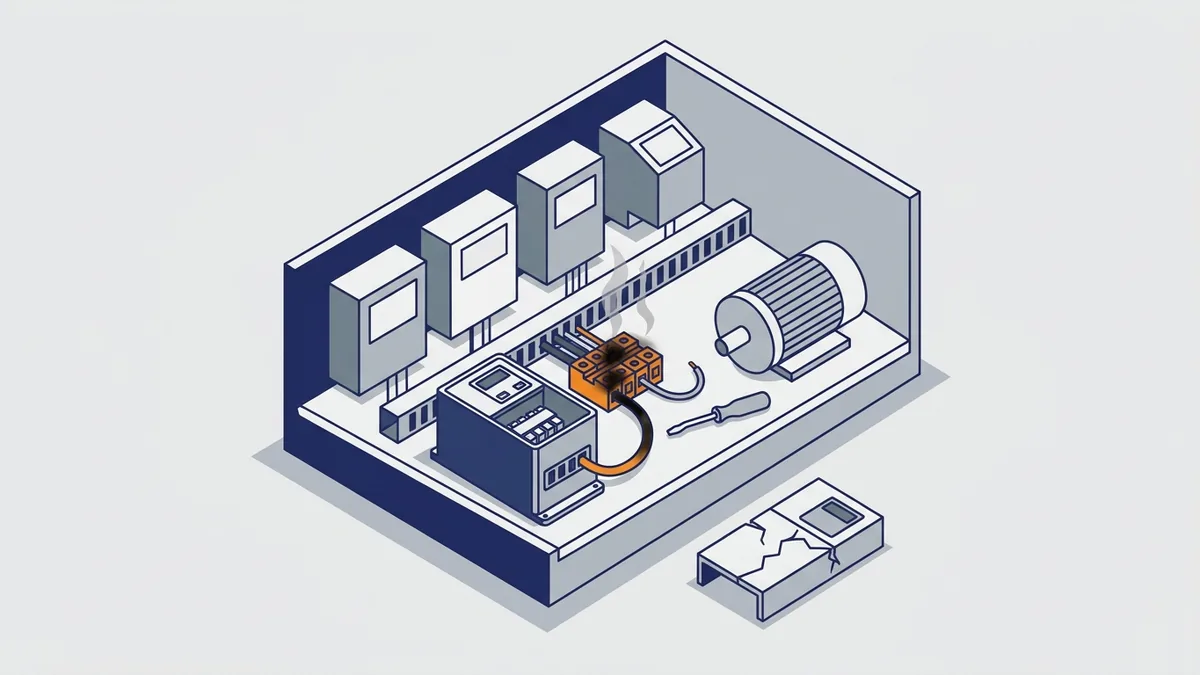
Avoid these common errors when you clear a fault:
- Power-cycling again and again after an overload, which wipes the motor thermal state.
- Raising P108 above the motor nameplate to stop trips.
- Resetting to defaults with P199 and losing stop wiring or program settings.
- Leaving P100 at 0, which disables the TB-1 STOP input.
- Using a manual for the wrong revision.
- Ignoring the ALsw switch and P120.
- Shipping the drive out when the cause was the motor, cable, supply or EPM.
When to call for repair or replace the drive
Send the drive in when the fault returns with the motor disconnected. Also send it when it returns with known-good supply and settings, or after an output short. The same goes for a Personality or EPM fault that stays after you check the EPM and defaults, or any visible damage. Do not open the drive or try board-level repair yourself.
Precision Electric repairs SMVector drives and sells them. With your repair request, send the model number and the P500 history. If a replacement makes more sense, browse our ESV153 10 HP drives. They come with water drip, dust tight and water jets ratings, for indoor or outdoor use, and with integrated disconnect options.
Where to get SMVector manuals and related documents
For the full fault tables, use the SMVector Operating Instructions manual. Precision Electric keeps a copy in its product literature. The Lenze SMV Operating Instructions that include Modbus details are on the Captive-Aire site.
For network resets, see the SMVector RS-485 LECOM Communication Module reference on our site. Our Lenze SMV Training Lesson 10 video covers monitoring. We also have posts on brakes, keypads, EPMs and communications modules.
Frequently asked questions
How do I find out which fault my SMVector drive had after it was reset or powered off?
Read Fault History in parameter P500. It stores the last 8 faults as n.xxx, where 1 is the newest. It leaves off the “F.” prefix.
How do I clear a fault on a Lenze SMVector drive?
First fix the cause. Then close a TB-13 input (P121 to P124) set to Clear Fault, or reset over the network. Cycling power also works, but not more than once every two minutes, and not repeatedly after an overload. The drive restarts only after the fault is reset.
What does F.PF mean on an SMVector?
It is the motor overload fault. The motor was loaded too hard for too long. Check that P108 is correct, look for a jam, and confirm the drive and motor are the right size.
What does F.F1 or an EPM fault mean?
The drive has a missing or defective EPM. Power down and replace it. A blank or corrupted EPM gives a Control fault instead. Install an EPM with valid data, or reset to defaults (P199 = 3 or 4) and re-program.
Why does my SMVector show F.UF at power-up?
A start command was present at power-up. When P110 is 0 or 2, the start command must come at least 2 seconds after power-up. You can also choose a different starting method in P110.
Why does the drive keep restarting by itself after a fault?
Auto-restart is on (P110 = 3 to 6). The drive tries 5 restarts, then shows Fault Lockout (LC) and needs a manual reset. Set P110 to 0 to 2 to turn it off.
Reading P500 first, fixing the cause, and then resetting safely solves most trips on these drives. Use the manual that matches your revision for exact code wording. If your drive still trips, contact Precision Electric for a repair quote, or browse our SMVector drives for a replacement.