








Lenze Frequency Drive Guide: i510, i550 and SMVector Explained
Choosing or replacing a Lenze frequency drive can be confusing because the Lenze and AC Tech names overlap. First, this guide maps the whole line, from the legacy AC Tech SMVector to today’s i510 and i550 drives. You will also learn how to read part numbers, find manuals, set up a drive and avoid common ordering mistakes.
On this page
- What is a Lenze frequency drive?
- The current Lenze drive lineup: i510, i550 and SMVector
- Lenze i510 cabinet: ratings, I/O and where it fits
- Lenze i550 cabinet: ratings, I/O, safety and networks
- i510 vs i550: how to choose a Lenze frequency drive
- 0.33 HP Lenze drives we stock: model codes decoded
- Voltage, current and motor sizing for a Lenze VFD
- Installing a Lenze i510 or i550
- Programming a Lenze frequency drive: keypad, app and EASY Starter
- Replacing an AC Tech SMVector or other AC Tech VFD
- Lenze drive manuals, software and where to download them
- Common mistakes when ordering a Lenze frequency drive
- Repair, troubleshooting and when to call
- Cost, lead time and how to order a Lenze AC drive
- Frequently asked questions
What is a Lenze frequency drive?
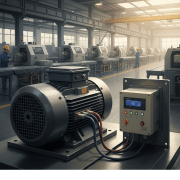
A Lenze frequency drive is a variable frequency drive (VFD) that controls the speed and torque of an AC motor. To do this, it changes the frequency and voltage it sends to the motor. Lenze literature calls these products frequency inverters. So “Lenze inverter” and “Lenze drive” usually mean the same thing.
Lenze VFD, inverter or AC drive: what the names mean
First, you will see many names for the same product. For example, people search for a Lenze VFD, a Lenze AC drive, a Lenze variable frequency drive or simply Lenze drives. All of these point to the same kind of motor speed control. However, Lenze also makes servo inverters, such as the i950, which form a separate family. This article covers frequency inverters only.
What is the difference between Lenze and AC Tech drives?
AC Tech was a North American drive brand, and its line became part of Lenze Americas. As a result, people in the US use the two names for the same drives. An AC Tech frequency drive or AC Tech variable frequency drive is an older product in the Lenze frequency drive family. For example, the SMVector carries both names. Because of its AC Tech roots, it still has a strong base in North America.
Where Lenze drives fit
First, Lenze aims its i500 drives at machine builders and plant equipment. Typical uses named in Lenze sources include conveyors, winding, hoists, extruders and packaging machines. In addition, a Lenze frequency drive suits everyday pumps and fans where you just need smooth speed control.
The current Lenze drive lineup: i510, i550 and SMVector
Which Lenze drive families are current and which are legacy?
Today’s general-purpose Lenze frequency drive line is the i500 family. It has two products, the i510 and the i550. For example, Lenze calls the i510 the basic design with predefined modes. In contrast, the i550 is the high-capacity modular drive for a wide range of applications.
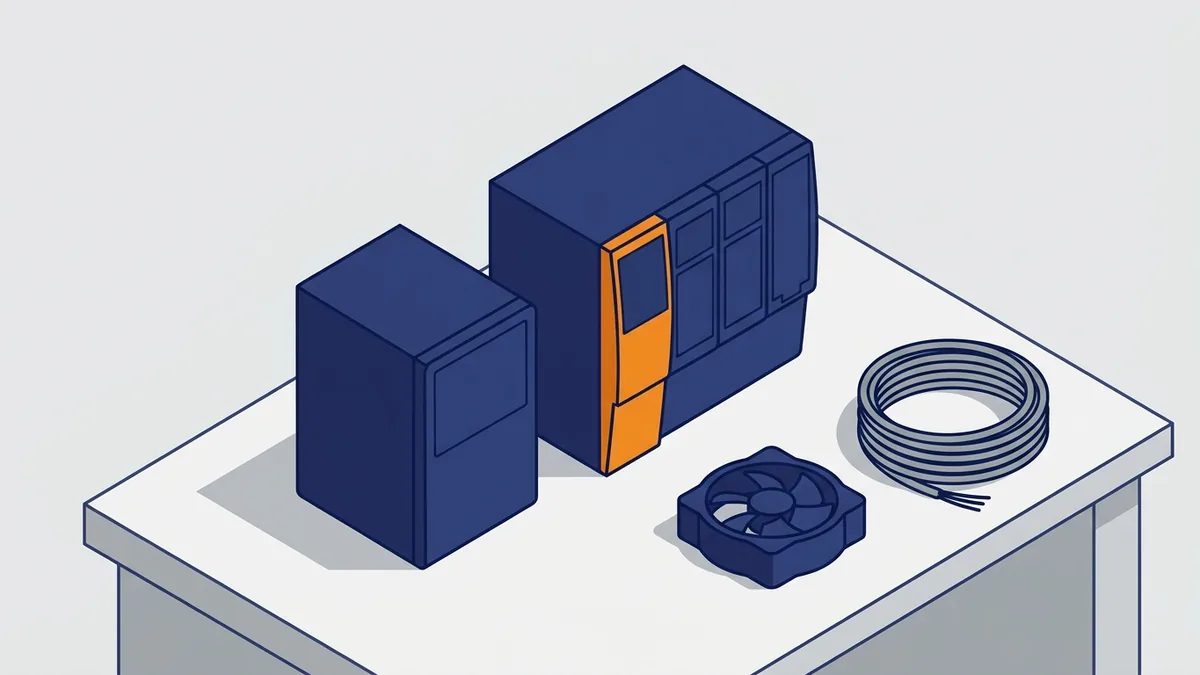
However, the older AC Tech families are legacy products. These include the SMVector, MC, MCH, SCF, SCL and SCM series. Also, we have separate guides for each of those series with parameter detail. So this article does not repeat that detail here.
Cabinet vs protec versions
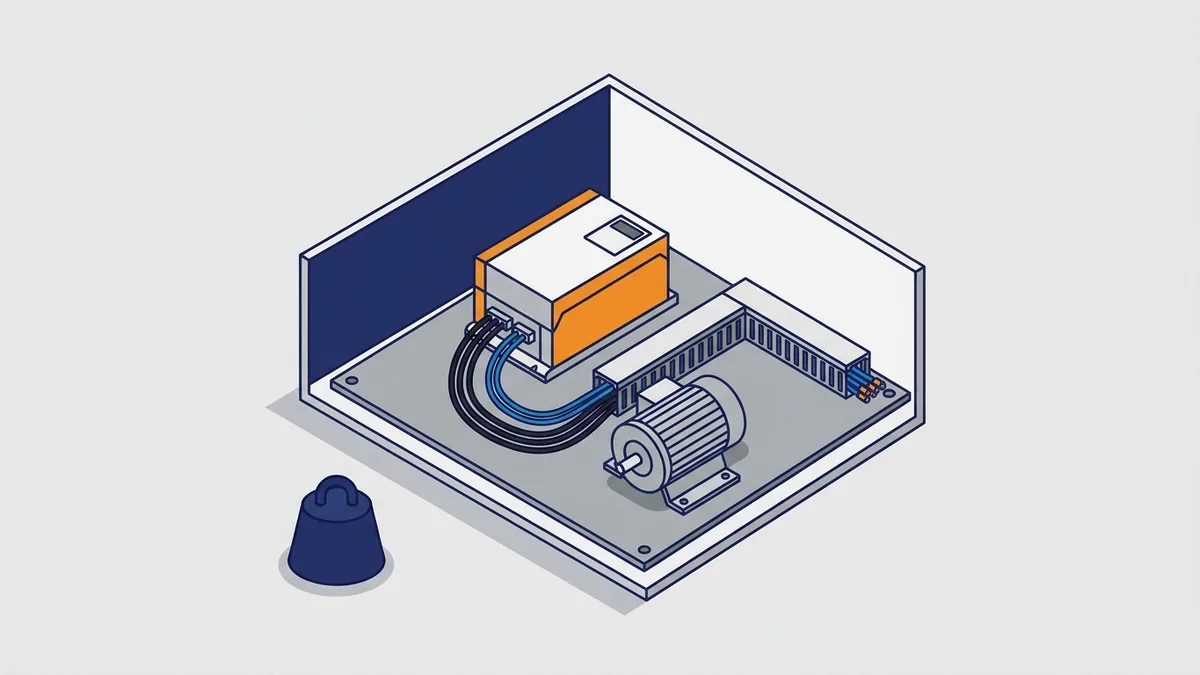
Each i500 drive comes in two styles. First, cabinet versions are IP20 (NEMA Open Type), which means you mount them inside a control panel. Second, protec versions serve as the NEMA 1 and NEMA 4X-style replacement for the SMVector. In addition, we cover the i550 protec in more depth in its own post.
Is the SMVector still available?
Lenze first introduced the SMVector in 2006 and now lists it as in phase-out. Because of this, Lenze points new orders and replacements to the i510 protec and i550 protec. Next, section 10 below explains what changes when you migrate.
What are Lenze vector drives?
People who search for Lenze vector drives usually mean one of two things. First, they may mean the SMVector, which has “vector” in its name. Second, they may mean sensorless vector control (SLVC), a control mode in every i500 Lenze frequency drive. Also, SLVC runs the motor without a speed sensor. Compared with simple V/f (volts per hertz) control, it usually gives better torque at low speed.
| Series | Status | Power range | Input voltages | Enclosure | Networks |
|---|---|---|---|---|---|
| i510 cabinet | Current | 0.25 to 15 kW | 1 AC 120 V, 1 AC 230 V, 1/3 AC 230 V, 3 AC 230 V, 3 AC 400/480 V | IP20 (NEMA Open Type) | CANopen, Modbus RTU, or none |
| i550 cabinet | Current | 0.25 to 132 kW (01/2023 edition; older editions list less) | Same as i510 | IP20 (NEMA Open Type) | CANopen, EtherCAT, EtherNet/IP, Modbus RTU, Modbus TCP, POWERLINK, PROFIBUS, PROFINET |
| i510 protec and i550 protec | Current (SMVector replacement) | See Lenze migration guides | See Lenze migration guides | NEMA 1 and NEMA 4X versions | See Lenze documentation |
| SMVector | Phase-out | 0.33 to 60 HP (0.25 to 45 kW) | 230/460 V, 400 V and 600 V classes; single-phase input versions | NEMA 1, NEMA 4X | See SMVector manual |
Lenze i510 cabinet: ratings, I/O and where it fits
The i510 is the entry-level Lenze frequency drive. Also, Lenze builds it as a monolithic unit, meaning the power and control parts form one fixed package. Next, you will see its ratings, I/O and control modes.
i510 power ratings and input voltages
The i510 cabinet covers 0.25 to 15 kW. Input options are 1 AC 120 V, 1 AC 230 V, 1/3 AC 230 V, 3 AC 230 V and 3 AC 400/480 V. The 120 V types are for 1-phase 120 V mains and 3-phase 230 V motors. Also, the i510 carries CE, UL, CSA, EAC and RoHS approvals.
The drive is also compact. For example, it is 60 mm wide up to 4 kW and 130 mm deep up to 11 kW. First, the smallest frame covers 0.33 to 3 HP (0.25 to 2.2 kW). Next, a second frame covers 4 to 7.5 HP (3 to 5.5 kW).
i510 basic I/O
The i510 comes with basic I/O. Here is what that includes:
- 5 digital inputs, with PNP or NPN logic
- 1 digital output
- 2 analog inputs
- 1 analog output
- 1 relay with NO/NC contacts
i510 control modes, switching frequency and overload
The i510 offers four control modes:
- VFC eco: an energy-saving V/f mode
- VFC plus: linear or square-law V/f control
- SLVC: sensorless vector control for induction motors
- SLVC for synchronous motors
Also, you can set the switching frequency to 2, 4, 8 or 16 kHz. Switching frequency is how fast the output transistors turn on and off. In addition, the drive handles 200% overload for 3 seconds and 150% for 60 seconds.
i510 networks and typical uses
The i510 offers CANopen and Modbus RTU, or no network at all. So it fits pumps, fans, conveyors and simple machine drives. In short, choose this Lenze frequency drive when you do not need a safety module, EtherCAT or Ethernet networks.
Lenze i550 cabinet: ratings, I/O, safety and networks
The i550 is the Lenze frequency drive to pick when a machine needs more. Lenze builds it as a modular drive. For example, you can buy it as a complete unit or as separate power, control and safety parts. Also, Lenze notes that the i550 is professional equipment, not meant for sale to the general public.
What does the i550 add over the i510?
The i550 adds several features the i510 lacks:
- Application I/O with more inputs and outputs
- An optional Safe Torque Off (STO) safety module
- More network options, including EtherCAT, EtherNet/IP, PROFINET and PROFIBUS
- A wider power range
i550 power range: which number is right?
The published i550 cabinet power range depends on the manual edition. First, an older project planning manual lists up to 45 kW. Then later editions show 75 kW and 110 kW. Finally, the 01/2023 operating instructions list 0.25 to 132 kW. So always check the edition that matches your device.
Modular build and Safe Torque Off
The i550 splits into a power unit, a control unit and an optional safety module. The safety module provides STO, which stops the drive from making motor torque. In addition, Lenze rates the STO for SIL 3 and Performance Level e. However, a unit without the module offers no STO function, so plan for it before you order.
Application I/O and network options
The i550 control unit comes with Standard I/O or Application I/O. Standard I/O matches the i510 basic I/O counts. In contrast, the i550 project planning manual lists Application I/O with 7 digital inputs, 2 digital outputs, 2 analog inputs and 2 analog outputs. Lenze’s brochure lists 6 digital inputs, so the digital-input count differs between Lenze documents. Both Standard I/O and Application I/O have a 0 to 100 kHz frequency input, and DI3/DI4 on Standard I/O can serve as a frequency or encoder input.
For networks, the i550 supports CANopen, EtherCAT, EtherNet/IP, Modbus RTU, Modbus TCP, POWERLINK, PROFIBUS and PROFINET. One distributor also lists IO-Link. Also, your choice of control unit sets the network. As a result, the i550 fits machines that need fieldbus links, functional safety or extra I/O.
i510 vs i550: how to choose a Lenze frequency drive
Most buyers choose between these two drives. First, the table below shows the main differences side by side. After it, follow the decision steps to pick the right Lenze frequency drive for your machine.
| Feature | i510 | i550 |
|---|---|---|
| Construction | Monolithic | Modular (power, control, safety) |
| Cabinet power range | 0.25 to 15 kW | 0.25 to 132 kW (01/2023 edition) |
| 120 V input | Yes (1-phase 120 V types) | Yes |
| I/O | Basic I/O | Standard I/O or Application I/O |
| Networks | CANopen, Modbus RTU, or none | CANopen, EtherCAT, EtherNet/IP, Modbus RTU/TCP, POWERLINK, PROFIBUS, PROFINET |
| STO safety | No | Optional module (SIL 3 / PL e) |
| Dynamic braking (protec versions) | Lenze says choose i550 protec instead | Yes, per Lenze migration page |
Decision steps
- First, confirm your input voltage and phase. If you only have 120 V, pick a 120 V type, which both families offer.
- Next, read the motor nameplate for kW or HP and full-load amps (FLA).
- Then pick a drive whose rated output current meets or beats the motor FLA.
- After that, choose your network. EtherCAT, EtherNet/IP, PROFINET or PROFIBUS means i550.
- Also, decide if you need STO. If so, order an i550 with the safety module.
- Then count your I/O. More than 5 digital inputs or 1 analog output points to i550 Application I/O.
- Finally, choose the enclosure: cabinet (IP20) for panels, or protec for SMVector-style mounting.
How does a Lenze inverter compare with other brands?
We found no primary-source, head-to-head data comparing Lenze with other brands. So instead of a brand ranking, compare published numbers. For example, look at control modes, overload ratings, networks, safety options and enclosure in each maker’s manual. Then match those specs to your machine.
0.33 HP Lenze drives we stock: model codes decoded
Our 0.33 HP drives make good worked examples for reading part numbers. First, every 0.33 HP drive in this family is rated 0.25 kW with a 1.7 A output. Also, the small digits in the code change the input, I/O, network and safety option.
How to read a Lenze frequency drive part number
First, read the code from the left. “I51AE” marks an i510, and “I55AE” marks an i550. Next, “125” means 0.25 kW (0.33 HP). The letter after the size shows the input type, and the last digits show the I/O or network.
- i510 input letter: B means 1-phase input, and D means 1/3-phase input, per the i510 operating instructions.
- i550 input letter (our listings): A means 120 V single-phase input. D means 230-240 V single-phase input with 240 V three-phase output.
- i550 STO (our listings): “A1A” means the STO module is included, and “A10” means it is not.
- i550 ending (our listings): 001S means Application I/O, 002S means CANopen, and 00KS means EtherCAT.
- i510 ending: 000S means Basic I/O without a network, per the i510 operating instructions.
For example, I55AE125D1AV01001S is an i550 at 0.25 kW. It takes 230-240 V single-phase input, has STO included and uses Application I/O. However, we do not decode the other middle digits. Also, one distributor lists i510 codes ending 10000S and 10001S, which differ from ours. So always match the full code to the nameplate or datasheet.
0.33 HP i510 models
| Part number | Input | Output (as listed) | I/O and network |
|---|---|---|---|
| I51AE125B10V11000S | 208-240 VAC single phase | 240 VAC three phase, 1.7 A | Basic I/O |
| I51AE125B10V11001S | 208-240 VAC single phase | 240 VAC three phase, 1.7 A | CANopen and Modbus RTU |
| I51AE125D10V01000S | 208-240 VAC single phase | 240 VAC three phase, 1.7 A | Basic I/O |
0.33 HP i550 models
| Part number | Input | Output (as listed) | Control unit | STO module |
|---|---|---|---|---|
| I55AE125A10V01001S | 120 VAC single phase | 240 VAC three phase | Application I/O | No |
| I55AE125A1AV01001S | 120 VAC single phase | 240 VAC three phase | Application I/O | Yes |
| I55AE125D10V01001S | 230-240 VAC single phase | 240 VAC three phase | Application I/O | No |
| I55AE125D1AV01001S | 230-240 VAC single phase | 240 VAC three phase | Application I/O | Yes |
| I55AE125A10V01002S | 120 VAC single phase | 240 VAC three phase | CANopen | No |
| I55AE125A1AV01002S | 120 VAC single phase | 240 VAC three phase | CANopen | Yes |
| I55AE125D10V01002S | 230-240 VAC single phase | 240 VAC three phase | CANopen | No |
| I55AE125D1AV01002S | 230-240 VAC single phase | 240 VAC three phase | CANopen | Yes |
| I55AE125A10V0100KS | 120 VAC single phase | 240 VAC three phase | EtherCAT | No |
Do these drives come with a keypad?
No, our listed 0.33 HP drives ship without a keypad. Instead, you can set them up with the optional keypad, the smart keypad app or EASY Starter on a PC. So plan your setup method before the drive arrives on site.
Voltage, current and motor sizing for a Lenze VFD
Good sizing starts with the supply and the motor nameplate. Next, below are the input ranges, output currents and the single-phase question many buyers ask.
Input voltage ranges
- 120 V (i510 and i550 types; range shown is for the i550): 90 to 132 V, 45 to 65 Hz
- 230/240 V single phase: 1/N/PE AC 170 to 264 V, 45 to 65 Hz
- 400/480 V three phase: 340 to 528 V
Output current by size
Size a Lenze frequency drive by motor full-load amps, not by HP alone. For example, two motors with the same HP can draw different current. Next, the table shows i510 rated output current at 8 kHz from the operating instructions.
| Code | kW | HP | Rated output current |
|---|---|---|---|
| 125 | 0.25 | 0.33 | 1.7 A |
| 137 | 0.37 | 0.5 | 2.4 A |
| 155 | 0.55 | 0.75 | 3.2 A |
| 175 | 0.75 | 1 | 4.2 A |
| 211 | 1.1 | 1.5 | 6 A |
| 215 | 1.5 | 2 | 7 A |
| 222 | 2.2 | 3 | 9.6 A |
Can a Lenze frequency drive run a three-phase motor on single-phase power?
Yes. A drive with single-phase input and three-phase output can run a small three-phase motor from single-phase power. For example, the D-type 0.33 HP units take 230-240 V single-phase in and give 240 V three-phase out. Also, check that the motor FLA is at or below the drive’s 1.7 A rating.
However, rated current depends on switching frequency and ambient temperature. One Lenze manual edition states its ratings at 2 or 4 kHz with a 45 °C maximum ambient. Meanwhile, the operating instructions table above uses 8 kHz.
So check the derating table in your manual edition. Also, Lenze designs its 120 V types for 1-phase 120 V mains and 3-phase 230 V motors, so our A-type units give three-phase output. Confirm output type against the datasheet before you match one to a motor.
Mains current, fuses and motor cable length
The 0.25 kW i510 draws 4 A rated mains current without a mains choke and 3.6 A with one. A mains choke is a coil that smooths the current the drive pulls from the line. In addition, the operating instructions list fuse sizes and residual current device (RCD) types. So follow those tables for your exact model.
Lenze also limits motor cable length. For example, one i510 manual lists 50 m of shielded cable without an EMC category and 20 m for category C2. Because limits vary, check the table for your size.
Installing a Lenze i510 or i550
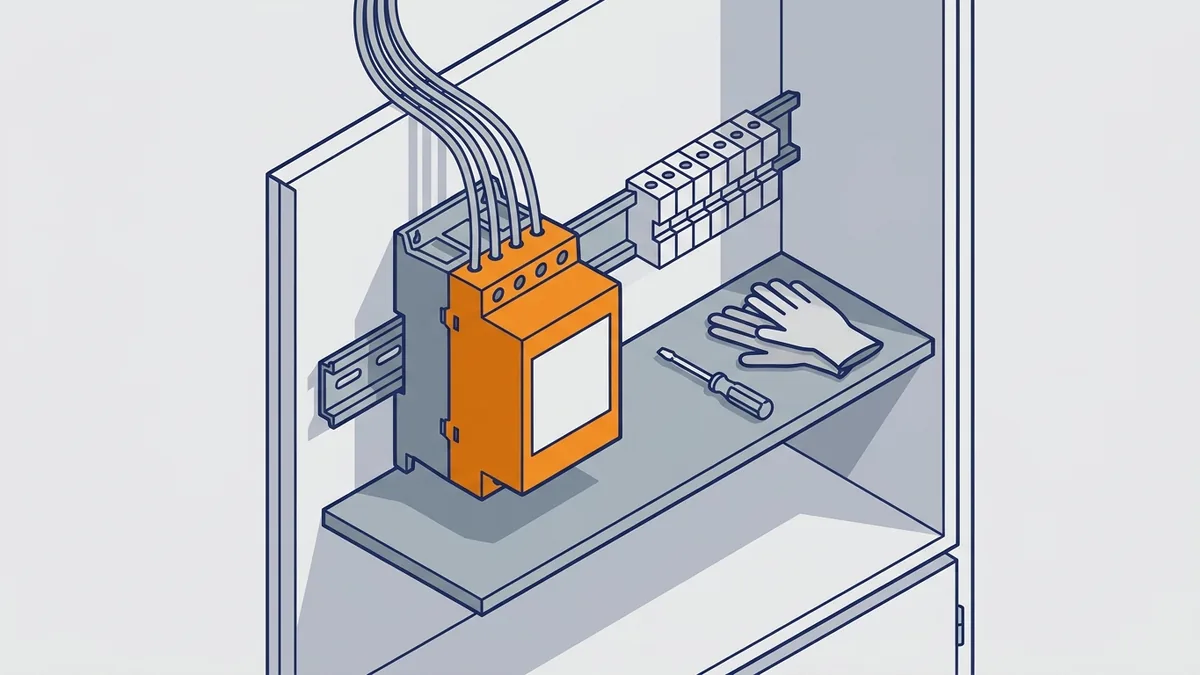
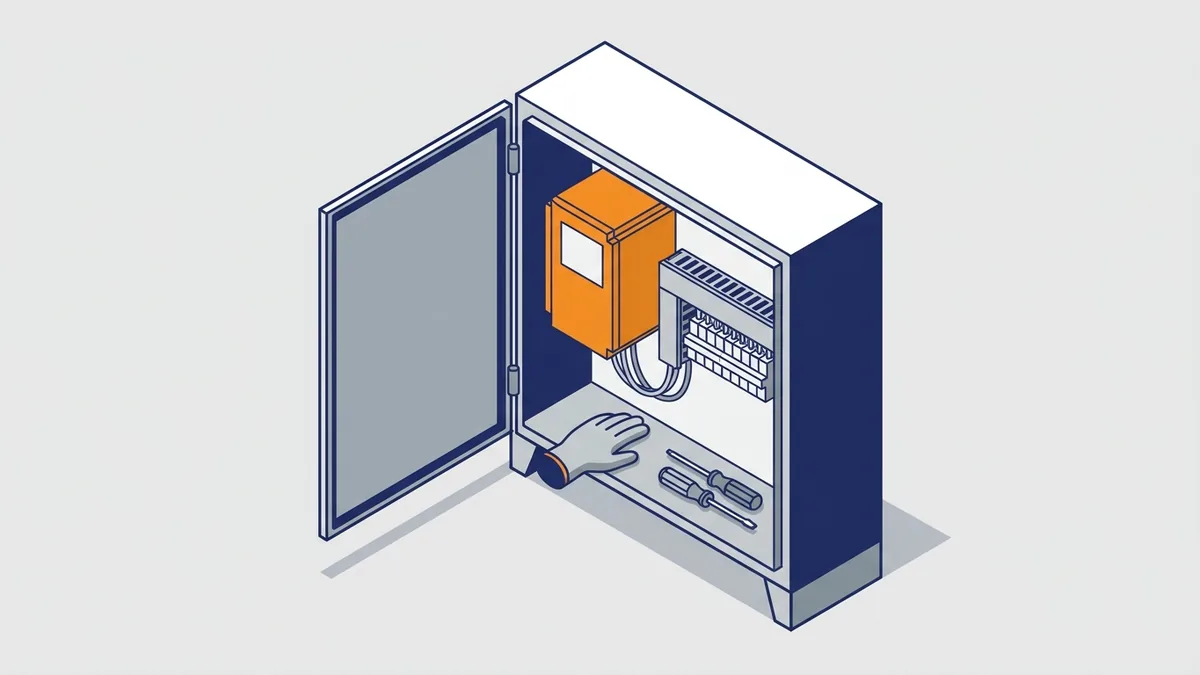
Follow the operating instructions for every step of installation. The notes below give you the overview, so you can plan the panel and the wiring.
How do I mount an i510 or i550?
Cabinet versions are IP20, so mount each Lenze frequency drive inside an enclosure. According to the manual, several i5xx inverters can sit right next to each other regardless of size. In other words, you need no clearance between the drives. Still, confirm clearances above and below in your manual edition.
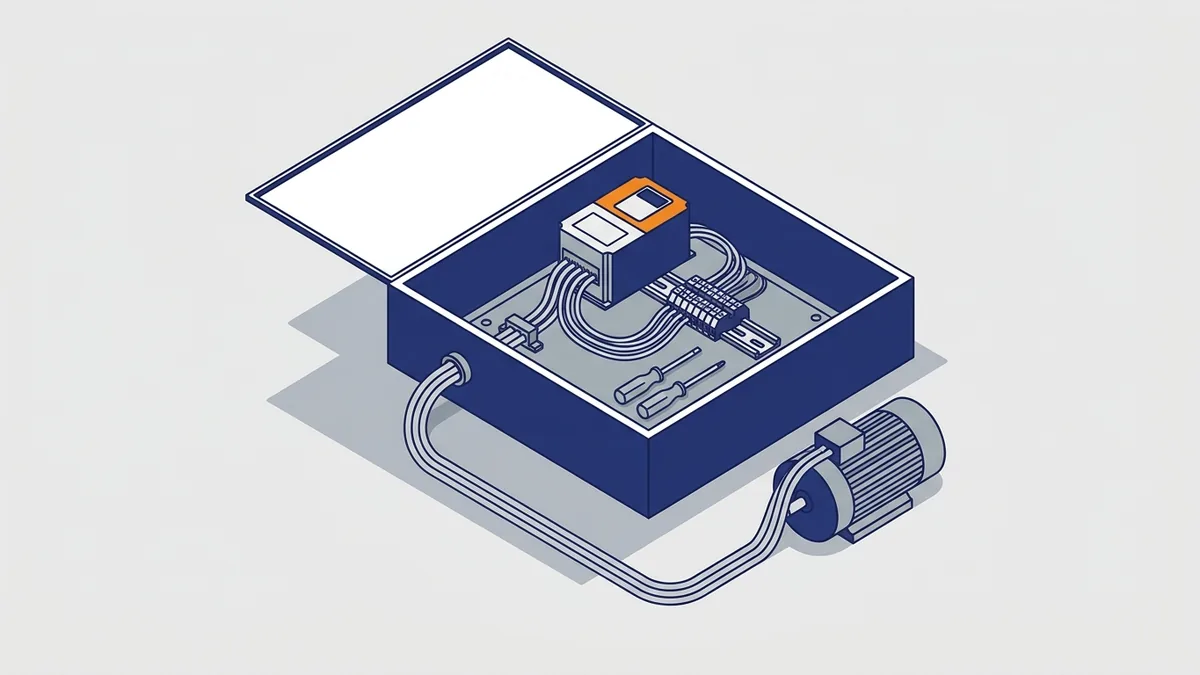
How do I wire an i510 or i550?
Use this wiring order as a planning checklist. Also, the manual gives terminal sizes, torques and the exact connections.
- First, connect the mains supply and protective earth (PE).
- Next, connect the motor with shielded cable, using the shield plate kit.
- Then wire the control terminals for start, stop and speed reference.
- Also, wire the STO terminals on i550 units with the safety module.
- Finally, connect the network cable.
Digital input logic and 24 V supply
You can program the digital inputs for PNP or NPN logic. On protec models, Lenze sets the input assertion level in parameter P410:001, not with a DIP switch. Also, Lenze’s migration guide lists a +24 VDC keep-alive input on the i550 protec. As a result, this keeps the control section alive when mains power is off. However, check your manual to see whether your cabinet model supports it.
Programming a Lenze frequency drive: keypad, app and EASY Starter
Every drive Lenze sells in the i500 family uses the same three setup methods. First, pick the one that suits your site and your team. Then follow the basic start-up steps below.
Three ways to set up the drive
- Keypad: an optional plug-in keypad for setup at the drive.
- Smart keypad app: setup from a phone or tablet.
- EASY Starter: Lenze’s PC software for parameter setup and firmware updates.
EASY Starter and firmware updates
When you install EASY Starter, you also get EASY Navigator, EASY Package Manager and the EASY Starter firmware loader. The i510 and i550 manuals describe firmware downloads with this loader. So keep EASY Starter on your service laptop if you support several drives.
Basic start-up steps
- First, enter the motor nameplate data: voltage, current, frequency, speed and power.
- Next, select the control mode, such as V/f or SLVC.
- Then set the acceleration and deceleration times.
- After that, choose the speed reference source, such as an analog input, keypad or network.
- Also, choose the run command source.
- Finally, jog the motor and check direction before you couple the load.
Do not copy legacy settings
The i500 parameters differ from the SMVector and the AC Tech MC and SC series. So do not copy old settings across by number. Instead, list what the old drive did, then set the same functions on the new drive.
Replacing an AC Tech SMVector or other AC Tech VFD
What replaces the AC Tech SMVector?
Lenze is moving SMVector users to the i510 protec and i550 protec. In addition, both are UL certified to UL 61800-5-1. They also add programming features, but they program differently than the SMVector. In short, each is the Lenze frequency drive meant to take the SMVector’s place.
What stays the same
According to one distributor, many i510 and i550 units share the SMVector’s mounting holes. As a result, the physical swap is often simple. However, that does not make them plug-and-play.
What changes in the migration
- First, wiring and programming both differ from the SMVector.
- Next, control terminals are push-in (spring-clamp) instead of screw terminals.
- Also, digital input assertion is set in parameter P410:001, not by DIP switch.
- In addition, SMVector EPM memory modules do not work in i510 or i550 protec drives.
- Motor wiring differs, so check the new diagram before you power up.
- Finally, protec drives have integrated mains chokes on power sizes where needed.
i510 protec or i550 protec?
Choose the i510 protec for simple applications. However, Lenze says to choose the i550 protec if you need dynamic braking. The i550 protec also adds +24 VDC keep-alive and works with Lenze PLC Designer. Finally, Lenze’s migration selection tool includes a keypad in the recommended part number.
Lenze migration resources
Lenze publishes migration guides for NEMA 1 and NEMA 4X installations. First, start with the Lenze SMVector migration page and the Lenze Americas SMVector to i510/i550 protec migration guide. Lenze also offers a webinar, “SMVector to i500 protec.” For legacy specs, see our separate guides on the SMVector, MC, MCH, SCF, SCL and SCM series.
Lenze drive manuals, software and where to download them
Which Lenze drives manual do you need?
Most searches for a Lenze drives manual need one of four documents. First, identify your series from the part number prefix: I51AE is an i510 and I55AE is an i550.
- Operating instructions: installation, wiring, commissioning and troubleshooting.
- Project planning manual: ratings, derating and sizing data.
- Commissioning and communication manuals: parameter and network setup.
- Brochure: an overview, such as the Lenze i500 series brochure.
Where to download manuals and EASY Starter
First, go to the Download section of the Lenze website for manuals and EASY Starter. Next, use the Lenze-hosted documents rather than third-party manual mirror sites. Also, we host the i550 cabinet project planning manual on the Precision Electric website.
Check the edition date
Published ratings change between editions. For example, i550 cabinet manuals show maximum power of 45, 75, 110 and 132 kW across editions. So use the manual that matches your drive’s date and firmware. Then match it to the part number on the nameplate.
Where to find an AC Tech VFD manual
Searching for an “actech VFD manual” for an SMVector, MC or SC series drive? Check the Lenze Americas documentation on the Lenze website first. If you cannot find your edition, contact us and we will help you track it down.
Common mistakes when ordering a Lenze frequency drive
Most ordering problems come from a few missed details. So check this list before you place an order for any Lenze frequency drive.
- Ordering by HP only. Check motor FLA against the drive’s rated output current.
- Missing the input voltage and phase. For example, a 120 V supply, a 230 V single-phase supply and a three-phase supply need different models.
- Choosing an i510, then needing more. However, the i510 has no EtherCAT and no STO.
- Assuming any unit has STO. Units marked “No STO Module Included” cannot provide Safe Torque Off.
- Assuming SMVector settings carry over. Parameters, EPM modules and wiring all differ on i510 and i550.
- Forgetting the keypad. Our listed drives ship without one, so plan for a keypad, the app or a PC.
- Skipping derating. Check output current, switching frequency and ambient temperature for single-phase input setups.
Repair, troubleshooting and when to call
When should you repair rather than replace a Lenze drive?
Repair makes sense when a legacy drive fails and a migration is not ready. The SMVector is in phase-out, and replacing it means new wiring and programming. So repairing an SMVector or other AC Tech VFD can keep a line running while you plan the switch. On the other hand, replace the drive when the machine needs new features or repair costs approach replacement.
Checks before you send a drive in
- First, measure the input voltage and confirm it matches the drive rating.
- Next, write down the fault code shown on the drive or in EASY Starter.
- Then check the motor insulation with the motor leads disconnected from the drive.
- Also, inspect the braking resistor and its wiring, if used.
- Finally, check the ambient temperature and airflow in the enclosure.
What do common fault trips mean, and how do you clear them?
Fault codes differ between manual editions, so look up the exact code in the error list of your operating instructions. However, most trips fall into four groups.
- Overcurrent: the output current went too high. Common causes are a short or ground fault in the motor or cable, a jammed load, or an acceleration time that is too short.
- DC-bus overvoltage: the internal DC voltage rose too high. This often happens when a load pushes energy back into the drive during fast deceleration. A longer deceleration time can help, and so can a brake resistor if your model supports one.
- Undervoltage: the DC bus dropped too low. Look for a weak supply, a lost phase or a loose power connection.
- Overtemperature: the drive got too hot. Blocked airflow, a dirty heat sink, a hot enclosure or a heavy load are the usual causes.
To clear a trip, first fix the cause. Then reset the drive, for example from the keypad, EASY Starter, a digital input set for fault reset or the network. Cycling power also works on many drives. Your manual lists the reset methods for your model, and a trip that returns right away means you should stop and call us.
Safety first
Follow the discharge wait time on the drive label and in the operating instructions before you touch any terminal. Also, never insulation-test (meg) through the drive. Follow the manual’s procedure for your model.
How to send a drive to Precision Electric
We repair and test Lenze and AC Tech drives in our shop. First, contact us before you ship, and include the nameplate data and fault history. Then ask us for the current repair lead time.
Cost, lead time and how to order a Lenze AC drive
How much does a Lenze drive cost?
Lenze’s manuals and brochures give no list prices. In addition, price and lead time change with the model and options. So check our product pages for current price and stock, or ask us for a quote. In short, the price of a Lenze frequency drive depends on its size, I/O, network and STO option.
What to have ready before you order
- The nameplate of the old drive, including the full part number
- Motor full-load amps, voltage and HP or kW
- Supply voltage and phase
- Required network, such as CANopen or EtherCAT
- Whether you need STO
Accessories to plan for
Think about accessories at the same time as the drive. For example, common add-ons include a keypad, a brake resistor (if your application needs dynamic braking and your model supports it), a mains choke and a shield plate kit. As a result, your install will not stall waiting on a small part.
Frequently asked questions
What is a Lenze frequency drive?
It is a variable frequency drive, or inverter, from Lenze that controls AC motor speed and torque. In addition, Lenze includes the former AC Tech line. The current general-purpose line is the i500 family: the basic i510 and the modular i550. Also, each comes as a cabinet (IP20 panel-mount) or protec version.
Which Lenze drive replaces the AC Tech SMVector?
Lenze is moving SMVector users to the i510 protec and i550 protec. In addition, Lenze says to pick the i550 protec if you need dynamic braking. However, wiring and programming differ, and SMVector EPM modules do not carry over.
What is the difference between the Lenze i510 and i550?
The i510 is the basic monolithic drive, 0.25 to 15 kW in cabinet form, with basic I/O and CANopen or Modbus RTU. In contrast, the i550 is modular, covering 0.25 to 132 kW in current documentation. It adds Application I/O and an optional STO module. It also offers more networks, including EtherCAT, EtherNet/IP, PROFINET and PROFIBUS.
Where do I find a Lenze drive manual?
Use the operating instructions and project planning manual for your series from the Download section of the Lenze website. Then match the manual to the part number on the nameplate. The i500 firmware and commissioning tool is EASY Starter. Also check the edition date, because published ratings vary between editions.
Can a 0.33 HP Lenze drive run on single-phase power?
Yes. The 0.33 HP (0.25 kW) i510 and i550 models take 1/N/PE 230/240 V input, with a 1.7 A rated output. The i550 also comes in a 120 V version. Finally, check that the part number matches your input voltage and that the output phase suits your motor.
Do Lenze i510/i550 drives come with a keypad?
Our listed 0.33 HP drives ship without a keypad. Instead, Lenze supports setup by the optional keypad, the smart keypad app or EASY Starter on a PC.
The right Lenze frequency drive starts with your supply voltage, motor FLA, network and safety needs. For most new work that means an i510 or i550, and for SMVector replacements it means the protec versions. Finally, always match the full part number and manual edition to the nameplate before you order. Contact Precision Electric for help choosing a drive, a quote, or a repair on your Lenze or AC Tech unit.