








ABB ACH550 HVAC Drive: Specs, Manuals, Status and Replacement
The abb ach550 is a legacy HVAC drive that many plants still run, and it often shows up on a failed-drive ticket. This article explains what the drive is, how it differs from the ACS550, and what ABB says about its life cycle. You will also learn how to find manuals, back up settings, and choose between repair and replacement.
On this page
- What the ABB ACH550 is
- ACH550 vs ACS550: what actually differs
- ACH550 versions, ratings and type codes
- Is the ABB ACH550 discontinued? Life-cycle status
- Replacing an ACH550: ACH580, ACS580 or a like-for-like unit
- Repair or replace: what to do with a failed ACH550 or ACS550
- Where to find ACH550 and ACS550 manuals and documents
- Getting started with an existing ABB ACH550
- Frequently asked questions
What the ABB ACH550 is
What is the ABB ACH550?
The ABB ACH550 is a variable frequency drive (VFD) built for heating, ventilating and air conditioning. ABB’s ACH550-01 manual says the drive is intended for HVAC applications. For example, you will see it on supply fans, return fans, cooling towers and pumps.
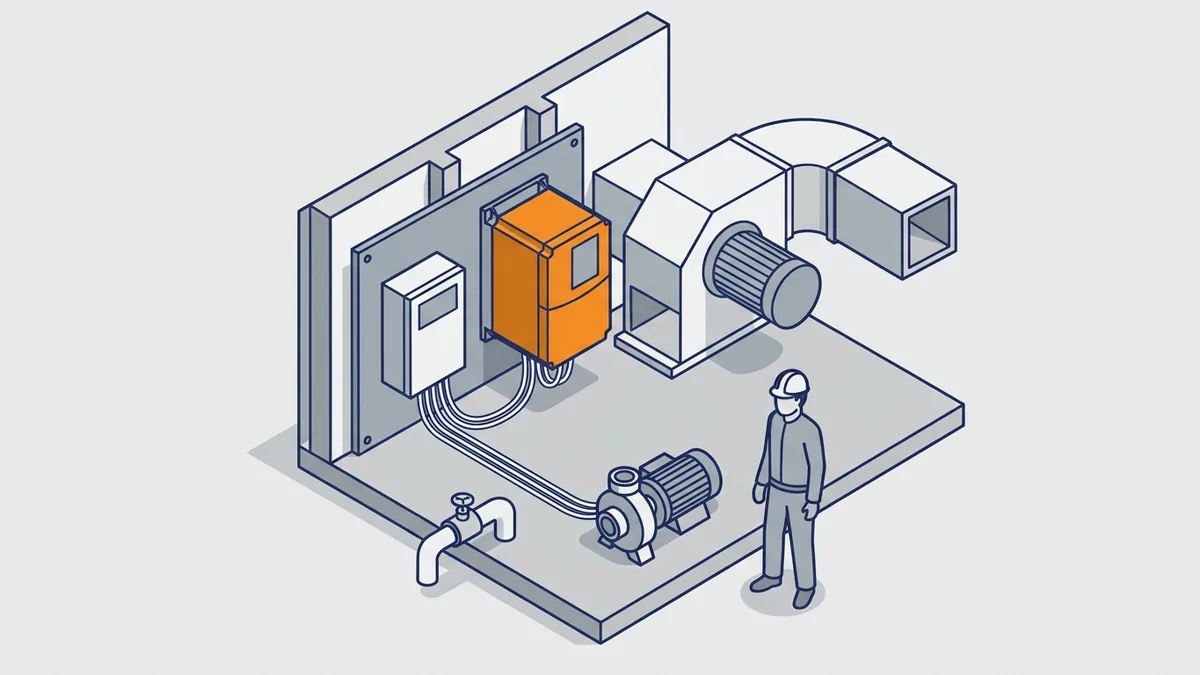
Because it is an HVAC drive, it ships with HVAC settings and building automation protocols built in. As a result, it is not just a general purpose drive with a different label.
Is an ABB ACH 550 the same as the ACH550?
Yes. People write abb ach 550 with a space, but the model is the same. You may also see “ABB 550 HVAC drive” or “ACH550 VFD” in search results and on tickets. In short, all of these names point to the same drive family.
What is the ACS550, and how does it relate to the ABB ACH550?
The ACS550 is the general purpose drive in the same 550 family. The ACQ550 is the water and wastewater version. Also, ABB’s life cycle statement covers all three together.
However, “ACS550” and “ACH550” are two different drives. Searchers often mix the names up, so check the label before you order anything.
Is the ABB ACH550 still a current drive?
No. These are legacy drives. ABB lists the series as Limited since 1 January 2024, and the later section on life-cycle status covers the details.
ACH550 vs ACS550: what actually differs
Is an ABB ACH550 VFD the same as an ACS550?
No. ABB’s ACS550-01/U1 manual calls that drive a general purpose drive. ABB’s ACH550-01 manual says the ACH550 is intended for HVAC. In short, each drive has a different job.
The original version of this post made one point that still holds. An ACH550 can be swapped for an ACS550 (or the reverse) only in unusual cases. For example, if the application uses HVAC functions, a cheaper ACS550 can cost you more in time and rework.
What are the differences between the ABB ACS550 and ACH550?
The table below sums up the main points from ABB’s manuals and catalog.
| Item | ACH550 | ACS550 |
|---|---|---|
| Intended use | HVAC | General purpose |
| Power range | ACH550-UH manual: 1 to 550 HP | ACS550-01/U1 manual: 0.75 to 160 kW and 1 to 200 hp; catalog: up to 355 kW and 500 hp |
| Default macro | HVAC Default | Check the ACS550 manual |
| Embedded fieldbus | BACnet MS/TP, Metasys N2, APOGEE FLN | See the ACS550 manual’s fieldbus chapters |
| Bypass and packaged | E-Clipse bypass; PCR/PDR packaged with disconnect | PC (circuit breaker), PD (disconnect), CC (bypass) |
| Control panel | ACH550-01 uses the HVAC panel ACH-CP-B | See the ACS550 manual |
Our shop’s advice, not ABB’s, is to talk to an ABB low voltage drives integrator before you swap one for the other. Precision Electric is one.
ABB ACH550 application macros and HVAC features
A macro is a preset group of parameters for a common job. On the abb ach550, you pick a macro with parameter 9902 APPLIC MACRO. The default is value 1, HVAC Default.
The ACH550-UH manual lists these macros:
- HVAC Default
- Supply Fan
- Return Fan
- Cooling Tower Fan
- Condenser
- Booster Pump
- Pump Alternation
- Internal Timer
- Internal Timer with Constant Speeds
- Floating Point
- Dual Setpoint PID
- Dual Setpoint PID with Constant Speeds
- E-bypass
- Hand Control
- E-Clipse
The old post left out Pump Alternation and misspelled Condenser. As a result, this list fixes both.
To restore factory defaults on an ACH550, select the HVAC Default macro. In an E-Clipse package, only the E-Clipse HVAC Default macro (9902 = 15) gives the right setup by default. By comparison, the ACS550 manual says its macros should only be used for the applications defined in their sections.
What are Start Enable 1 and 2 on the ACH550, and how do they differ from Run Enable?
Parameters 1608 START ENABLE 1 and 1609 START ENABLE 2 pick the source of the start enable signals. For example, a value of 7 means the signal comes from the fieldbus command word. The manual notes that start enable works differently from run enable.
The macros set these inputs for you. For example, the Supply Fan macro changes 9902 to 2 and sets 1601 RUN ENABLE to DI2. It also uses DI4 as Start enable 1, and turning that input off stops the drive. Likewise, the Return Fan macro changes 9902 to 3 and sets 1609 START ENABLE 2 to DI5.
The old post called these safety interlock inputs. However, the manual describes them as control inputs, not as a certified safety function. Therefore, check any damper or life-safety logic against the building’s design documents.
Which communication protocols does the ABB ACH550 support?
The ACH550-01 has a standard RS485 port with embedded Metasys N2, APOGEE FLN and BACnet MS/TP. Other ABB manuals also list Modbus. Meanwhile, the E-Clipse manual names BACnet, Johnson Controls N2, Siemens FLN and Modbus.
In addition, optional fieldbus adapters add protocols such as LonWorks and Ethernet. Check the manual for your exact model, because the lists differ by version.
ABB’s own ACH550-01 manuals list includes RBIP-01 BACnet/IP Router Module installation and user manuals, so ABB documentation does cover a BACnet/IP router for the ACH550-01. The old post called a router and Profibus DP/FMS “unique to ACH,” but that was not checked against ABB’s ACS550 lists, so we dropped that claim. For ACS550 communications, use the fieldbus chapters in the ACS550 manual.
ACH550 versions, ratings and type codes
What ABB ACH550 versions exist?
The ACH550 comes in several forms. ABB’s user’s manual covers three groups:
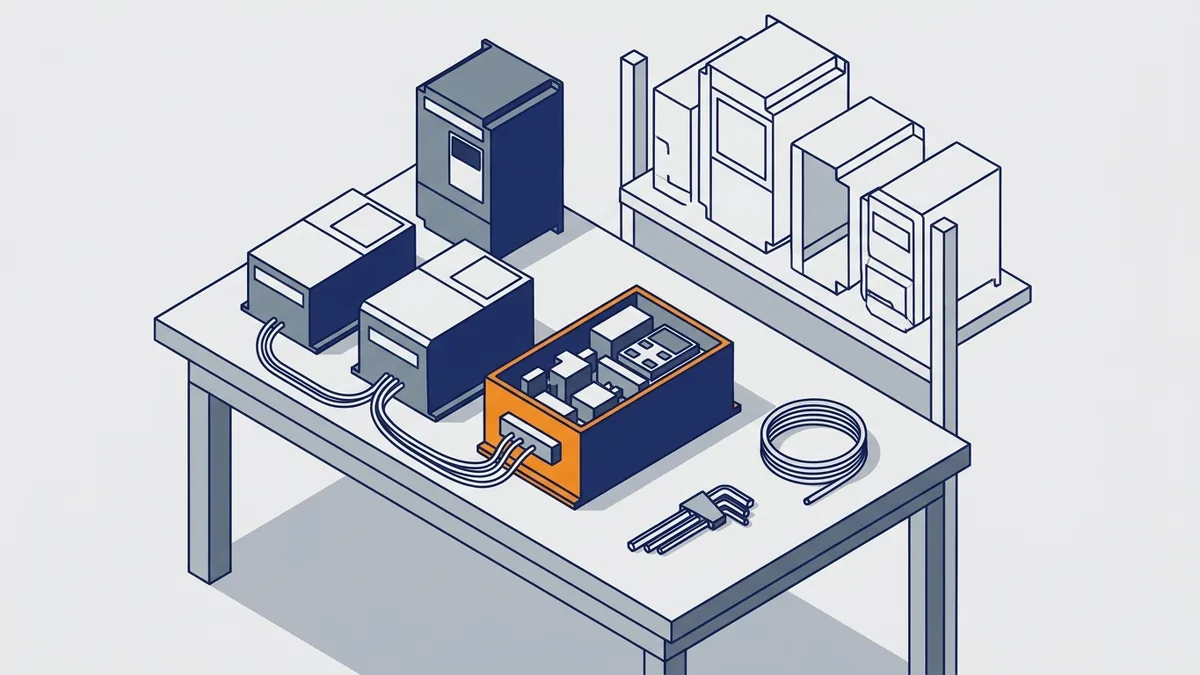
- Base drive: the ACH550-UH, 1 to 550 HP.
- Bypass drives: E-Clipse models BCR, BDR, VCR and VDR, 1 to 400 HP.
- Packaged drives: PCR and PDR models with a disconnect, 1 to 550 HP.
In addition, the wall-mounted ACH550-01 has its own manual. Its panel is the HVAC control panel ACH-CP-B.
On the ACS550 side, the U1 code means a base drive. PC means a drive with a circuit breaker, and PD means a drive with a disconnect switch. Finally, ACS550-CC is the packaged drive with bypass.
How do I read the type code and find the label on an ABB ACH550?
First, start with the labels on the ACH550-UH. The serial number label sits on the upper part of the chokeplate, between the mounting holes. The type code label is on the heat sink.
Next, match the code to the manual. The letters after the family name tell you which version you have. For a full walk-through of ABB code structure, see our ABB VFD guide and our post on drive classes, type codes and manuals.
Is the ABB ACH550 discontinued? Life-cycle status
Is the ABB ACH550 discontinued or obsolete?
Yes, ABB has wound the series down. ABB states that the ACS580, ACH580 and ACQ580 have replaced the ACS550, ACH550 and ACQ550. Its life cycle statement (Rev D) puts the 550 series in the Limited phase from 1 January 2024. It was planned to stay Limited to the end of 2024, then move to Obsolete.
However, ABB’s library also lists a newer life cycle statement, Rev F, dated 17 December 2024. Read it for the current phase, because it overrides older notes.
Some third-party sites say the 550 became Obsolete on 1 January 2025. Treat that as secondary information. Indeed, the ABB text we reviewed does not confirm that date.
What does Limited mean for ACH550 spares?
ABB’s ramp-down notice says full cabinet replacements are not available in the Classic phase. Only drive modules are offered as spare parts. In addition, packaged ACH550-PCR drives in frames R1 to R6 moved to Limited early because of component availability.
For this reason, ABB recommends replacing these drives with its latest product family. It also asks you to contact your local ABB office about migration.
Replacing an ACH550: ACH580, ACS580 or a like-for-like unit
What replaces the ABB ACH550 and the ACS550?
The ACH580 is the HVAC replacement for the ACH550. The ACS580 replaces the ACS550. In fact, ABB states that the 580 family replaced the 550 family.
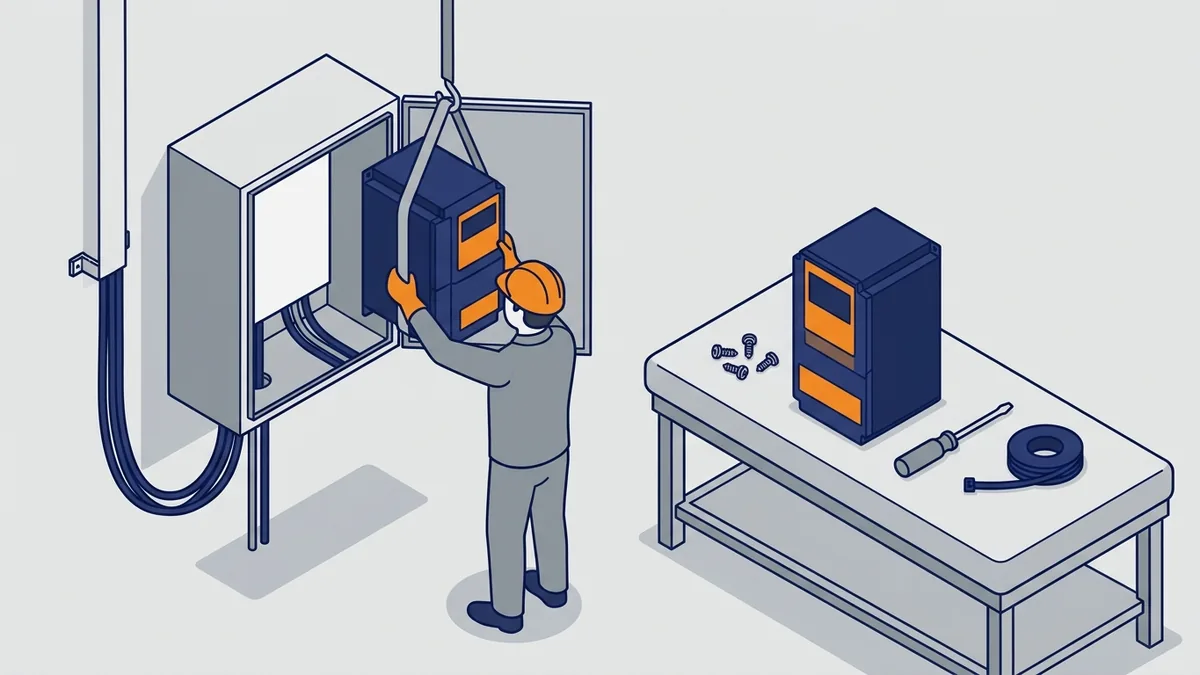
Note that other ABB lines, such as the ACS180 and ACS255, are separate drive families. They are not replacements for the ACH550 or ACS550. For example, the ACS255 models we list start at 0.5 HP, while the ACH550-UH starts at 1 HP.
Is the ACH580 a plug-and-play swap for the ABB ACH550?
No. Sources agree that the software platform and keypad differ, so plan to re-enter and test the settings. One UAE reseller claims the ACS580 is parameter-compatible with the ACS550. However, other sources disagree, so verify that claim against ABB documents before you promise it.
Fit can also vary. For instance, one third-party source says the ACS580 may be slightly larger in some cases. Check ABB’s dimensions for your exact frame.
Then decide by application. If you use HVAC functions, such as PID control, a building protocol, start-enable logic or a bypass, pick an HVAC drive. Otherwise, an ACS drive would need those functions rebuilt in programming.
Can I use an ACS550 in place of an ACH550?
Only if the application does not need the HVAC-specific functions, and only after you check the drive and reprogram it. The two drives have different intended uses and macro sets. So talk to an ABB low voltage drives integrator first.
Before the drive fails: can I copy ACH550 parameters to an ACH580?
Not by a direct download. Quantum Controls, a distributor, says 550 keypad downloads cannot load into a 580. Plan to enter settings by hand. For that reason, record the parameter set while the drive still runs.
Write down at least these items:
- The macro in parameter 9902.
- Motor data from the nameplate.
- I/O assignments.
- Start enable and run enable settings.
- Fieldbus settings, including addresses.
If the drive has already failed, ABB has a technical note on powering up the control board of a failed ACH550 outside the drive. That lets you read its parameters and set up a replacement such as an ACH580.
How do I replace the drive in an ACH550 E-Clipse bypass with an ACH580?
ABB Technical Note 040 says you may replace the base ACH550-UH in an E-Clipse package with an ACH580-01. The steps in the note are:
- Replace the drive.
- Wire the bypass-to-drive communication to terminals 29 (B+), 30 (A-) and 31 (DGND).
- Set parameter 95.21 bit 8, Legacy bypass present, to 1.
Bit 5 is only for E-Clipse packages that came with an ACH580 originally. Bit 8 is for packages that came with an ACH550. Before you start, read the full note.
Repair or replace: what to do with a failed ACH550 or ACS550
What do common ACH550 fault codes mean, and how do you clear them?
When the drive trips, the control panel shows a fault code and a short name. First, read the code before you reset anything. Then fix the cause, because a reset alone will often bring the same fault back.
| Code | Panel name | What it usually points to |
|---|---|---|
| 1 | OVERCURRENT | Output current too high, such as a motor or cable problem or a load jam |
| 2 | DC OVERVOLT | DC bus voltage too high, such as a fast stop on a high-inertia load |
| 3 | DEV OVERTEMP | Drive too hot, so check airflow, fans and ambient temperature |
| 4 | SHORT CIRC | Short circuit in the motor or motor cable |
| 6 | DC UNDERVOLT | DC bus voltage too low, such as a supply dip or lost phase |
| 7 | AI1 LOSS | Analog input 1 signal lost |
| 9 | MOT OVERTEMP | Motor too hot |
| 10 | PANEL LOSS | Control panel communication lost |
| 12 | MOTOR STALL | Motor running at stall |
| 16 | EARTH FAULT | Ground fault in the motor or motor cable |
| 22 | SUPPLY PHASE | Input phase missing or unbalanced supply |
To clear a fault, press the RESET key on the control panel after you fix the cause. You can also reset from a digital input or the fieldbus, depending on parameter 1604 FAULT RESET SELECT. Alarms differ from faults, so use the fault tracing chapter of your ABB manual for the full list.
Also, repeated overcurrent, short circuit or earth faults can mean damage to the drive or the motor. In that case, test the motor and cable before you try another start.
Should I repair or replace a failed ABB ACH550?
Repair is often the lowest-risk path. The drive, its programming and its bypass stay as installed. However, replacement makes sense when repair is not practical or when you plan an upgrade.
Weigh these factors:
- The cost of downtime.
- Availability of a like-for-like unit.
- Originality of the bypass or building automation link.
- Fit of the repair option with your schedule.
Because spares and drive modules are limited, decide early.
What mistakes should I avoid when replacing an ACH550?
- Ordering an ACS550 for an ACH550 because it costs less.
- Assuming the 580 keypad or settings carry over.
- Replacing the drive with no parameter backup.
- Skipping the re-check of start enable, run enable and building automation addresses.
When should I contact an ABB integrator or Precision Electric about an ACH550?
Call before you order a different model, and before you touch a bypass package. Precision Electric is an ABB authorized and trained integrator, a certified start-up center, and an ABB low voltage drives distributor. In addition, we have worked with manufacturers, OEMs, refineries and utilities since 1983.
As a result, we can help you pick between repair, a like-for-like unit and a move to the ACH580 or ACS580.
Where to find ACH550 and ACS550 manuals and documents
Where do I download ACH550 and ACS550 manuals?
Use the ABB Library. It is the source for the current revision of each document. However, third-party manual sites exist, and their copies may be out of date.
Look for these documents:
- ACH550-UH User’s Manual (3AUA0000004092). The consolidated user’s manual is 3AUA0000081823, Rev F.
- User’s Manual for the wall-mounted ACH550-01 drive.
- ACH550 Installation, Operation and Maintenance manual.
- Manuals for the E-Clipse bypass and PCR/PDR packaged drives.
- ACS550-01/U1 User’s Manual and the ACS550 catalog.
- Life cycle statement and sales ramp-down announcement for the 550 series.
Use the type code label on the heat sink to choose the right manual. In addition, the ABB Library holds a maintenance schedule for the ACS550 and ACH550.
Getting started with an existing ABB ACH550
How do I start up an ACH550, and what are the default settings?
For many jobs, the default parameter settings of the abb ach550 are enough. When power is applied, the green LED comes on. The first time you power the drive up, it is in AUTO control, and you select HAND from the control panel.
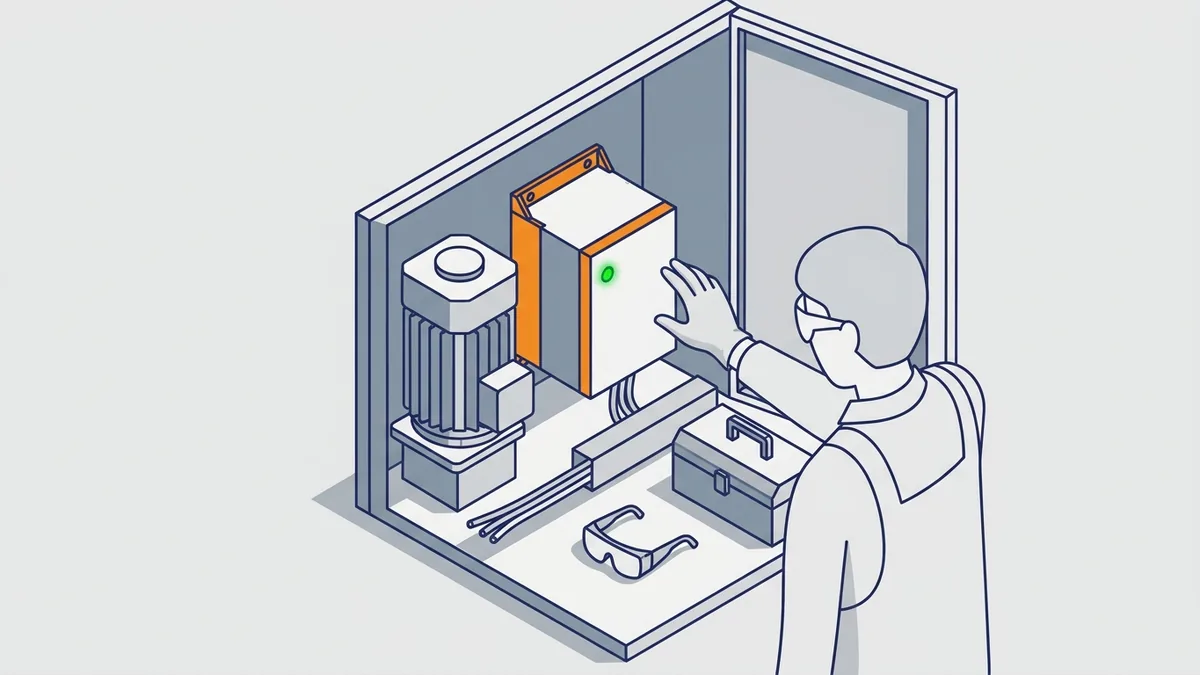
First, before you apply power, check the items in the ABB Installation, Operation and Maintenance manual:
- Ambient conditions are within limits.
- The drive is mounted securely.
- Cooling space is clear.
- Grounding is in place.
- Input voltage matches the drive’s nominal range.
Finally, for the full start-up procedure, follow the ACH550-UH User’s Manual.
Frequently asked questions
What is the difference between the ABB ACS550 and ACH550?
The ACS550-01/U1 is ABB’s general purpose drive. The ACH550 is the HVAC drive. It defaults to the HVAC Default macro and has macros such as Supply Fan, Return Fan, Cooling Tower Fan and Condenser. It also has embedded building automation protocols, so an ACS550 is not a like-for-like swap if you use them.
Is the ABB ACH550 discontinued?
Yes. ABB says the ACH580 has replaced the ACH550. ABB’s life cycle statement (Rev D) puts the ACH550 in the Limited phase from 1 January 2024, with Obsolete planned next. Check ABB’s latest statement for the current phase.
What replaces the ABB ACH550?
The ACH580 is the HVAC replacement, and the ACS580 replaces the ACS550. ABB has a technical note for fitting an ACH580-01 into an existing ACH550 E-Clipse bypass. Because the software and keypad differ, plan to re-enter and test the settings.
Where do I find the ACH550 manual?
The ABB Library has the ACH550-UH user’s manual, the Installation, Operation and Maintenance manual, and the bypass and packaged-drive manuals. The ACH550-01 wall-mount drive has its own manual. Use the type code label on the heat sink to pick the right one.
Can I use an ACS550 in place of an ACH550?
Only if the application does not need the HVAC-specific functions and you check and reprogram the drive. The two drives have different intended uses and macro sets. For that reason, we advise you to consult an ABB low voltage drives integrator first.
The abb ach550 is a capable HVAC drive, but it is now a legacy product, so plan ahead. Back up your settings, confirm which HVAC functions you use, and check ABB’s latest life cycle statement. If you need help with repair, a replacement drive or a quote, contact Precision Electric.