








Eaton Software for Each Drive Series: PC Tools and Cables
Searching for Eaton software turns up dozens of unrelated tools, so it is hard to know which one fits your drive. This guide shows which Eaton software goes with each drive series, what cable you need, and where to download it. It covers the DG1, H-Max, SVX9000 and SPX9000 drives.
On this page
- What “Eaton software” means for drives and other Eaton products
- Which Eaton software goes with which drive series
- Power Xpert inControl: Eaton drive software for PowerXL DG1
- MaxConnect and MaxLoader: Eaton VFD software for H-Max HVAC drives
- 9000XDrive, 9000XLoad and 9000XEngine for SPX9000 and SVX9000
- Where to download an Eaton software download, firmware and manuals
- What you need to connect: cable, driver, PC and permissions
- Backing up, copying and updating drives safely
- Common mistakes and when to call for help
- Frequently asked questions
What “Eaton software” means for drives and other Eaton products
What does “Eaton software” refer to?
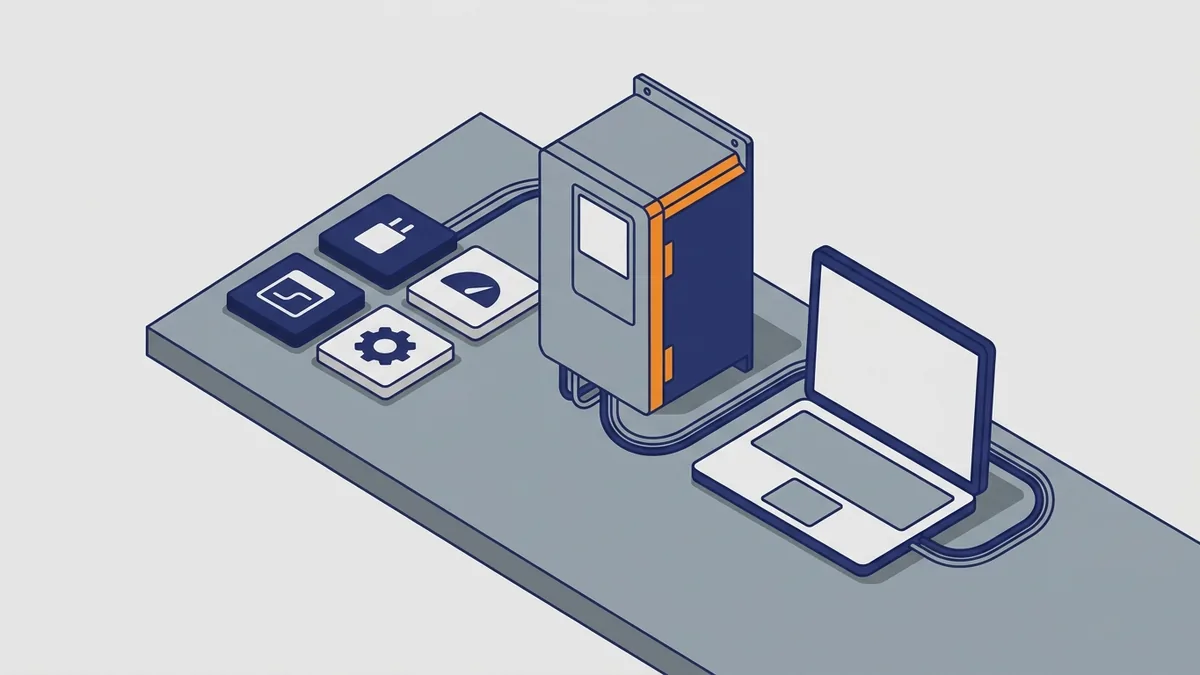
Eaton makes many products, so “Eaton software” can mean many things. In this guide, it means the PC tools for Eaton variable frequency drives (VFDs). Eaton drive software does four jobs:
- Set parameters.
- Monitor and log data.
- Load system firmware.
- Build custom applications.
Because each drive series has its own tools, you need to match the tool to the drive.
Where do I find software for Eaton easy controllers or power meters?
If you meant a different product, here is where to go. easySoft programs easy controllers and displays. Eaton offers a free non-licensed version with extensive functions. However, activating all functions needs a paid license, ordered as EASYSOFT-SWLIC. It uses four programming languages (ST, FBD, LD and EDP) and includes an offline simulation tool.
The PXMP configuration software is a Windows application for the Power Xpert Multi-Point meter. It connects with a USB-B cable. For other categories, such as EDS files, operator interface software or metering software, use Eaton’s software downloads page in its support area.
Where do Eaton drive downloads live now?
Eaton now posts all adjustable frequency drive software on each product’s own page. To find it, open the Resources tab and look under “Software, firmware and applications.” As a result, you will not find one single “Software” menu for drives.
Which Eaton software goes with which drive series
Which Eaton software goes with my drive series?
This table comes from Eaton’s VFD overview brochure. The cable column reflects what Eaton documents for the DG1 and H-Max. However, for the other series, check the manual.
| Drive series | PC tool | Firmware or system loader | Connection |
|---|---|---|---|
| PowerXL DG1 (also DH1, DM1, DX1 in a newer brochure) | Power Xpert inControl | See application note AP040184 | DXG-CBL-PCCABLE, USB to keypad port |
| H-Max (and M-Max in older brochures) | MaxConnect | MaxLoader | Cable to keypad port |
| SVX9000 and SPX9000 | 9000XDrive | 9000XLoad | Check the drive manual |
| DE1, DC1, DA1 | DrivesConnect | Check the product page | Check the drive manual |
Which tools and cables work with the DH1, DM1 and DX1?
Eaton lists the DM1 as using the same DXG-CBL-PCCABLE as the DG1. For the DH1 and DX1, we did not find a cable listed. So check the drive manual and the product page for the tool and cable before you order.
Do enclosed NEMA 1 and NEMA 12 drives use the same software?
Yes. Eaton’s brochure says 9000XDrive and 9000XLoad work with “all enclosed drives using these units.” In other words, an enclosed drive uses the tool of the drive inside it.
This applies to the drives we sell. For example, the DG1-34140FN-C54C and DG1-34140FN-C21C, plus the DG1-32031FB and DG1-34016FB drives, use the DG1 tool. Likewise, the HMX34AG14022-N, HMX34AG14021-N, HMX32AG26122-N and HMX32AG26121-N use the H-Max tools. The SPXH10A0-4A2N1 and SPXH10A0-5A2N1 use the 9000X tools. Also, check each drive’s nameplate and datasheet for its ratings.
Power Xpert inControl: Eaton drive software for PowerXL DG1
What is Power Xpert inControl and what does it do?
Power Xpert inControl is an Eaton-developed FDT/DTM tool. That means it is a device configuration and control program that uses drive-specific modules. It works with PowerXL DG1 drives and the C445 overload relay.
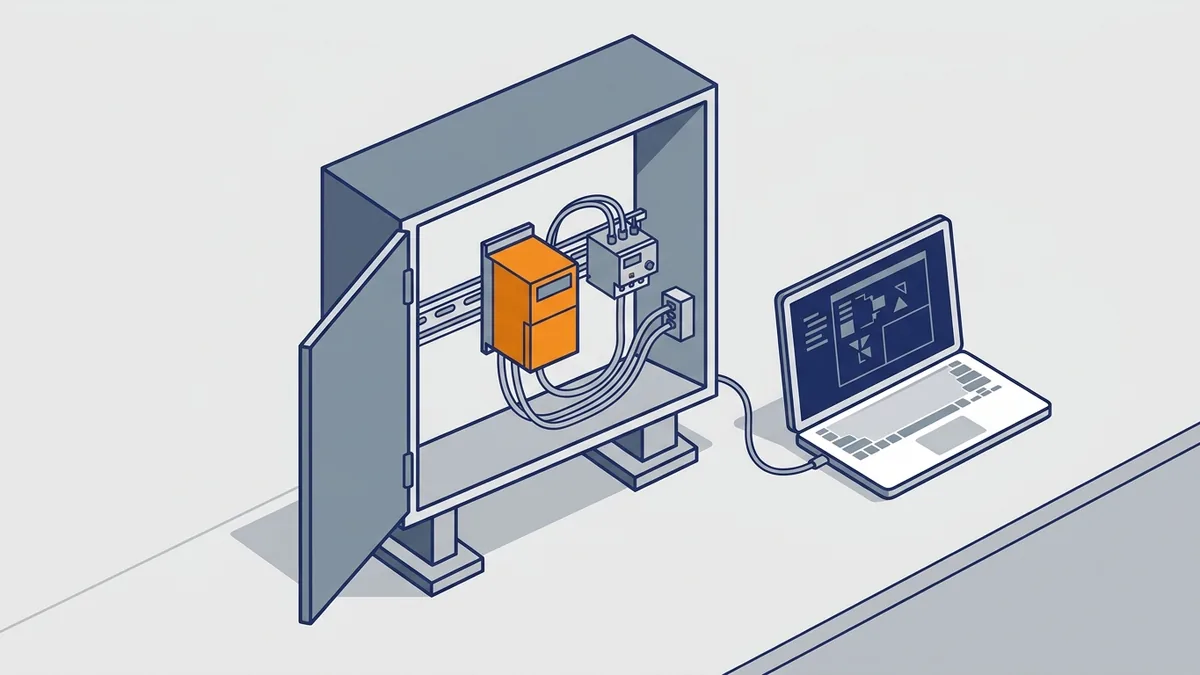
Its listed benefits are a standard configuration screen, remote parameter download and upload, monitoring and data logging, and parameter backup files. In addition, it has three main sections: Network View, DTM interface windows and Device Catalog.
How do I connect a PC to an Eaton DG1 drive?
First, download Power Xpert inControl with the One Installer from the software tab at eaton.com/dg1. Next, connect the DG1 programming cable from the PC’s USB port to the keypad port. Then select the DG1 and click Go Online.
The DXG-ACC-SOFTWARE kit bundles the software, cable and manual for DG1 drives. The DG1 also has a startup wizard and keypad copy and paste. However, we cover the wizard steps in our DG1 setup checklist post, so we skip them here.
How do I update DG1 firmware?
Eaton covers the DG1 firmware update in application note AP040184, listed on the DG1 SKU page. For that reason, follow that note rather than a guide from another site. First, save a parameter backup. Also, fieldbus files, such as the PROFINET GSDML, sit on the product’s Resources tab.
MaxConnect and MaxLoader: Eaton VFD software for H-Max HVAC drives
What are MaxConnect and MaxLoader for H-Max drives?
MaxConnect handles setup, control and operation of the H-Max family. It has a parameter tree, a parameter compare function, monitoring and a datalogger. Also, edits made online take effect in real time.
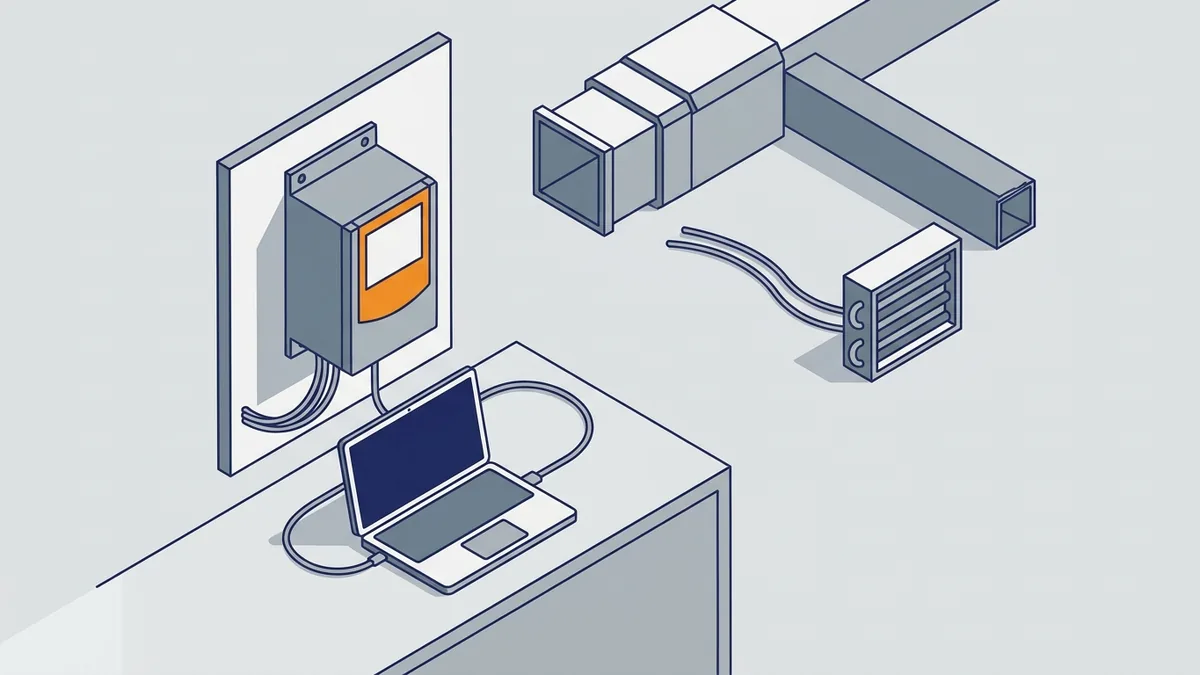
MaxLoader is a separate program. It loads updated system software or customer-specific software (VCX files) to Max-family drives. In addition, H-Max drives suit HVAC fan, pump and fluid control.
How do I connect MaxConnect to an H-Max drive?
Eaton’s “H-Max PC Tools 101” training gives these steps:
- Connect the cable to the keypad port.
- Start MaxConnect online.
- Let the scan wizard find the drive.
- Select the drive and connect.
For keypad practice, Eaton also offers an H-Max online demo simulator at eaton.com/h-max.
Is H-Max software still available?
Eaton lists H-Max under its legacy products. Because of that, confirm the software and firmware you need before you order a drive. However, if you cannot find a tool, our repair shop can help.
9000XDrive, 9000XLoad and 9000XEngine for SPX9000 and SVX9000
What are 9000XDrive, 9000XLoad and 9000XEngine?
- 9000XDrive is the commissioning and diagnostic tool. It uploads, downloads, edits, saves and prints parameters. It can also copy a parameter set to any number of drives.
- 9000XLoad loads system, application and option-board software, including custom applications.
- 9000XEngine builds custom applications. Eaton’s page calls them IEC 1131-3 compliant.
The SPX9000 is built for high-performance work. It uses encoder or resolver feedback and offers open-loop and closed-loop vector control. Its range runs from 0.75 kW at 400 V to 2 MW at 690 V. For more detail, see our 9000X software post and our SVX and SPX comparison post.
Which version of 9000XDrive and 9000XLoad is current?
Eaton’s download page lists 9000XDrive v2.0.41 and 9000XLoad v1.0.31. Versions change, so check the product page for newer files before you download. Do not rely on older copies, such as the 2.0.8 file on some legacy pages.
Can I use SVX9000 software on an SV9000 drive?
Probably not fully. A third-party reference says SVDrive 3.0D is the tool for older SV9000 drives. It also says SVX9000 software does not support the full SV9000 parameter set. So confirm your drive’s series before you connect.
Where to download an Eaton software download, firmware and manuals
Where do I download Eaton drive software and firmware?
Start at Eaton’s adjustable frequency drives software page. Then open your product page, go to the Resources tab, and find “Software, firmware and applications.” For the DG1, go to eaton.com/dg1 and use the software tab. Also check the “DG1 legacy software” link.
Use only Eaton’s own pages. For example, do not download drive firmware from unofficial sites. Also, check Eaton’s VFD software updates page for patches. It currently shows none for the DG1.
Where is the software for legacy Eaton drives?
Eaton’s legacy VFD page covers H-Max, HVX, M-Max, MVX and SLX. It also has a Legacy Software section for the DG1, DH1, DM1, SPX and SVX. Because stock and downloads change, confirm availability there before you buy.
Is Eaton drive software free, and what does the kit cost?
Eaton’s support page says DG1 software and manuals are downloadable at eaton.com/dg1, and resellers describe the DG1 software as free. So the cable is the hardware you need to buy, either alone as the DXG-CBL-PCCABLE or in the DXG-ACC-SOFTWARE kit. We do not list prices here, so ask us for a quote.
For the other drive tools, we found no Eaton page that states a price. Check the product page for the tool you need. Eaton says only that full easySoft functions need a license.
Are there Eaton tools to estimate harmonics or energy savings?
Yes. Eaton’s brochure offers a harmonics estimator, which helps you meet IEEE 519 requirements. It also offers an energy savings estimator for return on investment. You can find both at eaton.com/drives under Software Downloads. However, the harmonics calculator needs registration.
What you need to connect: cable, driver, PC and permissions
What cable do I need for an Eaton DG1?
Use the DXG-CBL-PCCABLE. A distributor lists it as a USB to RJ45 cable. It runs from the PC’s USB port to the DG1 keypad port. Likewise, the H-Max connects through its keypad port. However, for SVX and SPX drives, check the manual.
Which Windows versions do older Eaton drive tools support?
Eaton’s pages do not state exact Windows 10 or 11 support. For example, our SVX9000 page lists 9000XDrive 2.0.8 “for Windows 2000 and XP.” Eaton’s 2016 DrivesConnect slides list Windows 7 and XP. As a result, expect some compatibility work on a new PC. In fact, many shops keep one laptop just for drive work.
What should I check before plugging in?
- First, check the Eaton download for a cable driver, and install it.
- Next, use administrator rights when you install.
- Also, work offline if you only want to edit a saved parameter file.
Backing up, copying and updating drives safely
How do I back up and copy parameters between Eaton drives?
Save the parameter file before any change or firmware load. Then save it again after commissioning. For example, Power Xpert inControl makes backup files, and 9000XDrive saves parameters to a file. Likewise, MaxConnect has a compare function to spot differences.
For a same-model swap, use keypad copy and paste on drives that offer it, like the DG1. However, use the PC tool for archives and comparison. Also record the catalog number, firmware version and option boards next to each backup.
Never mix firmware or system files between drive families. Instead, load VCX or system files only with the loader for that family. Finally, do not flash a drive without a saved backup.
Common mistakes and when to call for help
What are common mistakes when connecting to or updating an Eaton drive?
- Using the wrong tool for the series, such as MaxConnect on a DG1 or SVX software on an SV9000.
- Plugging in the cable before the driver is installed.
- Loading firmware without a parameter backup.
- Looking for a separate “Software” menu, when downloads now sit on each product’s Resources tab.
When should I send a drive for repair instead?
Call us when the drive will not communicate after you confirm the cable, driver and COM port. Also call when a control board was replaced and the firmware or parameters do not match. Finally, call when you cannot find the tool for a legacy drive.
Frequently asked questions
What software do I use to program an Eaton DG1 drive?
Use Power Xpert inControl. Eaton’s DG1 quick start says to download it from the software tab at eaton.com/dg1. Next, connect the DXG-CBL-PCCABLE from the PC’s USB port to the keypad port, then select the drive and go online.
Which Eaton software works with H-Max drives?
MaxConnect handles setup, parameter editing and monitoring for H-Max. In addition, MaxLoader loads system or customer-specific software to Max-family drives. Both are listed on Eaton’s H-Max download pages.
What software goes with SVX9000 and SPX9000 drives?
Eaton lists 9000XDrive for parameters and 9000XLoad for system, application and option-board software. It lists both for SVX, SPX and the enclosed drives that use them. Also, use 9000XEngine for custom applications.
Where do I download Eaton drive software?
Eaton moved the downloads to each product page. To find them, open the Resources tab and look under “Software, firmware and applications.” In addition, Eaton’s drive software page links to each series, and the legacy VFD page covers older drives.
Is Eaton drive software free?
Eaton’s support page offers DG1 software and manuals as downloads at eaton.com/dg1, and resellers call the DG1 software free. The cable is the part you buy. For other drive tools, check the product page, and note that full easySoft functions for easy controllers need a license.
The right Eaton PC tool depends on your drive series, so match the tool and cable first. Then back up your parameters before you change anything. Contact Precision Electric for a quote, drive repair, or help finding the right tool for your Eaton drive.