








Printing Press Drives: Where the Invertek Optidrive E3 Fits
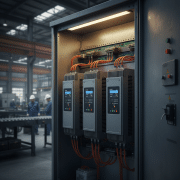
If you maintain or buy drives for a printing press, you need to know which motors an Invertek drive can run and where it falls short. This guide explains what a variable frequency drive (VFD) does on a printing press and where the Invertek Optidrive E3 fits. It also covers the Optidrive E3 manual, wiring, setup, fault codes and repair.
On this page
- What a VFD does on a printing press
- Where the Invertek Optidrive E3 fits on a printing press
- What the Invertek Optidrive E3 is, for printing press buyers
- Optidrive E3 vs E3 single phase vs E4
- Optidrive E3 manual: which guide to use and where to download it for a printing press drive
- Installing and wiring an Optidrive E3 on a printing press
- How do I mount an Optidrive E3 on a printing press and what environment does it need?
- How do I wire power and the motor on an Optidrive E3 for a printing press?
- What supply conditions does the E3 need on a printing press?
- How do I wire the control terminals, start/stop and speed reference on a printing press?
- Commissioning the Optidrive E3 for a printing press: settings, macros and tools
- Communications on a printing press: Modbus RTU and CAN
- Troubleshooting Optidrive E3 faults on a printing press
- Choosing and sizing a drive for printing press motors
- Repair, replacement and support for your printing press drive from Precision Electric
- Common mistakes with E3 drives on printing presses
- Frequently asked questions
- Can an Invertek Optidrive E3 run a printing press?
- Where do I download the Optidrive E3 manual?
- What is the difference between the Invertek Optidrive E3 and the E3 for Single Phase Motors?
- What motors and sizes does the Optidrive E3 cover?
- How do I set up an Optidrive E3?
- What do I do when an Optidrive E3 trips?
What a VFD does on a printing press
A printing press is a group of motor-driven sections. These include unwinds, infeeds, printing units, dryers, chill rolls, rewinds and conveyors, plus fans and pumps. The drives set how fast each section moves and how those sections move relative to each other.
A VFD varies motor speed by changing output frequency and voltage. It also gives a soft start and a controlled stop. According to Invertek, this fine speed control on presses, rollers and conveyors improves print quality and cuts waste. Likewise, gradual acceleration and deceleration avoid jolts that upset the print.
In this article, “printing press” is the application, and the Optidrive E3 is one drive option. So you get a straight answer on fit before you spend time on setup details.
How do VFDs help with web tension and print quality on a printing press?
The web is the continuous strip of paper, film or foil that runs through a web press. Invertek says VFDs regulate the speed of the motors that control web tension. As a result, tension stays consistent and uniform, and less material goes to waste.
Tension matters for more than waste. A US patent description states that proper web tension is necessary in the printing stations for acceptable print quality and proper colour-to-colour registration. In other words, a loose or uneven web ruins the print on a rotary printing press.
Can a general-purpose VFD hold registration on a printing press?
Usually, no. Registration means lining up each colour with the others. On a multi-section printing machine, a motion controller often closes torque, velocity and position loops with servo drives. It also manages the tension between sections and commands registration, as one US patent for an in-line press describes.
Another US patent describes a gearless press with a separate motor on each impression cylinder. Each motor is controlled on its own, which makes it easier to keep the cylinders in registry. This work goes beyond a basic open-loop drive. Open-loop means the drive has no feedback device, such as an encoder, that reports shaft position.
Where the Invertek Optidrive E3 fits on a printing press
Is the Invertek Optidrive E3 suitable for a printing press?
It suits parts of a printing press, but not the whole line. The Invertek Optidrive E3 is a general-purpose drive with sensorless vector or V/f control. It has no encoder-based position or registration control. So it is not a registration, web-tension or main-drive solution for a printing press.
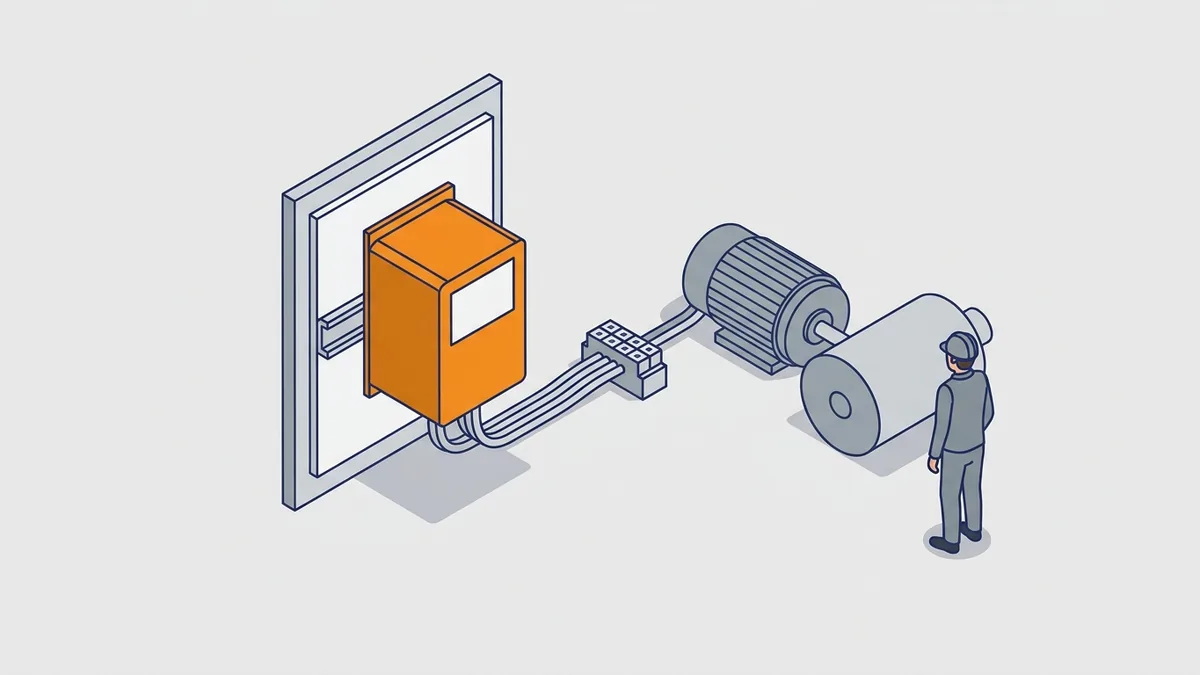
Good fits are the auxiliary motors where speed matching is simple:
- Extraction and dryer fans
- Circulation pumps
- Infeed and exit conveyors
- Stand-alone rollers
For these loads, use the Industrial macro for constant-torque loads such as conveyors. Use the Pump or Fan macro for variable-torque loads.
The E3 also has dual analogue inputs, internal PI control, Modbus RTU and CAN. A press PLC can therefore set speed or a process setpoint on an auxiliary drive. In addition, IP66/NEMA 4X versions can mount near wet or dusty areas, such as washup zones. Still, check the ambient limits in the guide first.
Where tension or registration is critical, look at a higher-performance family. Invertek lists the Optidrive P2 as its high-performance range. Ask Precision Electric to help size it before you buy.
What the Invertek Optidrive E3 is, for printing press buyers
What is the Invertek Optidrive E3?
The Invertek Optidrive E3 is a general-purpose drive from Invertek Drives. Power it on and it runs with factory settings, with precise motor control and energy savings. It has a 14-parameter basic setup and up to 50 parameters in total. Wiring is contactor style, so a basic start and stop is simple.
It controls induction (IM), permanent magnet (PM), brushless DC (BLDC), synchronous reluctance (SynRM) and line-start permanent magnet (LSPM) motors in sensorless vector mode. Invertek now lists the E3 beside the newer Optidrive E4 in its E Series range. The E3 pages say “Compare with the NEW Optidrive E4”. So check the E4 for new projects, and keep the E3 for existing installs and like-for-like swaps.
What power ratings and enclosures does the Optidrive E3 offer for a printing press?
The E3 covers 0.37–37 kW (0.5–50 HP) on 110–480 V single and three-phase input. It comes in IP20 and IP66/NEMA 4X enclosures. However, the full power range does not apply to every enclosure. Our old post said IP20 and IP66 both reach 37 kW, and that was wrong.
The Sumitomo US page lists IP20 and IP66 outdoor drives up to 30 HP (22 kW). Older catalogs list IP66 only up to 7.5 kW, while newer brochures list up to 22 kW. So confirm the enclosure limit on the datasheet for your model.
| Item | Optidrive E3 detail |
|---|---|
| Input voltage | 110–480 V, single and three-phase |
| Power range | 0.37–37 kW (0.5–50 HP); check enclosure limit |
| Setup | 14 basic parameters, up to 50 in total |
| EMC filter | Internal Category C1 (EN 61800-3:2004) |
| Brake chopper | Internal; the size 1 example has none |
| Ambient | Up to 50 °C (IP20 without derating) |
| Overload | 150% for 60 seconds; some pages say up to 175% |
| Comms | Modbus RTU and CAN on board |
| Warranty | Up to 5 years |
Confirm the overload figure in the guide for the exact model.
How do I read an Optidrive E3 model number?
The model number is on the shipping label and the drive nameplate. It starts with ODE-3, and the enclosure digit tells you the build: 2 means IP20, A means IP66 non-switched, and B means IP66 switched. Here are three datasheet examples:
- ODE-3-140041-3F12: 1.5 kW (2 HP), 4.1 A, IP20 size 1 with EMC filter and no internal brake transistor.
- Next, ODE-3-220105-1F4B is 2.2 kW (3 HP), 10.5 A, 200–240 V, single-phase input, IP66 outdoor switched, size 2.
- Finally, the 18.5 kW (25 HP) ODE-3-440390-3F42 is 39 A, IP20 size 4 with internal brake transistor.
As another sample, the 11 kW ODE-3-340240-3F42 is rated 24 A output on 380–480 V. Its supply current is 27.5 A continuous, and the datasheet calls for a 40 A fuse or Type B MCB.
Optidrive E3 vs E3 single phase vs E4
What is the difference between the E3, the E3 single phase and the E4?
The standard E3 drives three-phase motors from a single or three-phase supply. The Optidrive E3 for Single Phase Motors is a separate drive. It runs PSC (permanent split capacitor) or shaded-pole single-phase induction motors from a 110–240 V single-phase supply, 0.37–1.1 kW (0.5–1.5 HP). It has its own user guide. Our old post blurred the two, so do not call the standard E3 a single-phase motor drive.
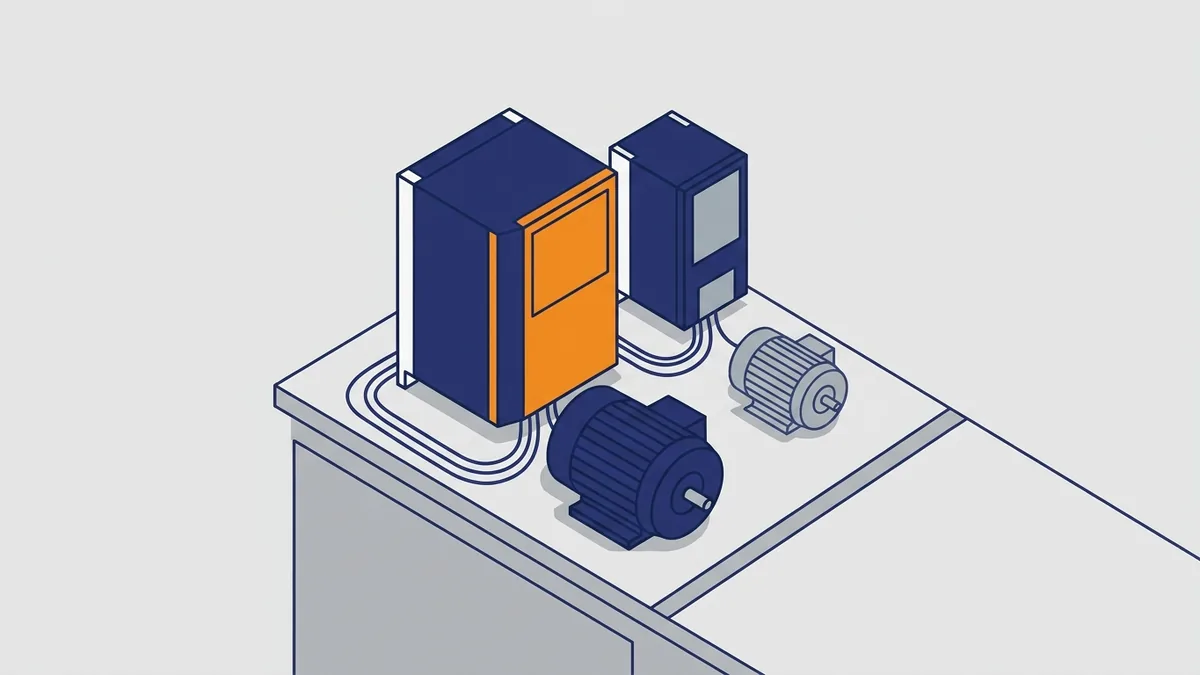
The Optidrive E4 is the new general-purpose model in the same E Series. We have not verified its specs here, so use Invertek’s comparison page before you choose between them.
Optidrive E3 manual: which guide to use and where to download it for a printing press drive
Where do I download the Invertek Optidrive E3 manual?
Go to Invertek’s E3 documentation page on invertekdrives.com. It lists these guides:
- E3 IP20 User Guide
- IP66 Indoor User Guide for the E3
- The E3 IP66 Outdoor User Guide
- Quick Start Guide for E3 IP66
- Fieldbus User Guide
- IP66 Sun Shade User Guide
The single-phase motor drive has its own E3 1PH User Guide on its documentation page. In addition, the Invertek Store has an Optidrive E3 resources page. Websites such as ManualsLib host copies, but Invertek’s page is the current source.
Which Optidrive E3 manual do I need for my printing press drive?
First, read the model number on the nameplate. Then match the Invertek Optidrive E3 manual to the build: IP20 or IP66, indoor or outdoor, and standard or single-phase motor drive. For example, do not use the IP20 guide for an IP66 drive.
Guide editions also differ. Fault numbering is not the same in every edition, and autotune appears as code 40 in some and 41 in others. So use the guide for the software version on your drive. Each model also has a datasheet on invertekdrives.com. In addition, the “Optidrive Passport” bundle gives the datasheet, ecodesign data, factory test certificate and documentation for a drive.
Installing and wiring an Optidrive E3 on a printing press
Start with isolation and lockout/tagout. Then read the guide for your model before you mount or wire anything. This section lists values from the guides, but your guide is the final word.
How do I mount an Optidrive E3 on a printing press and what environment does it need?
Mount the drive vertically on a flat, flame-resistant, vibration-free surface. Use the integral mounting holes. Keep flammable material away from the drive. Also leave the minimum clearances shown in the clearance table for your model. Our old post said “50 mm on all sides”, but that is not verified, so check the table.
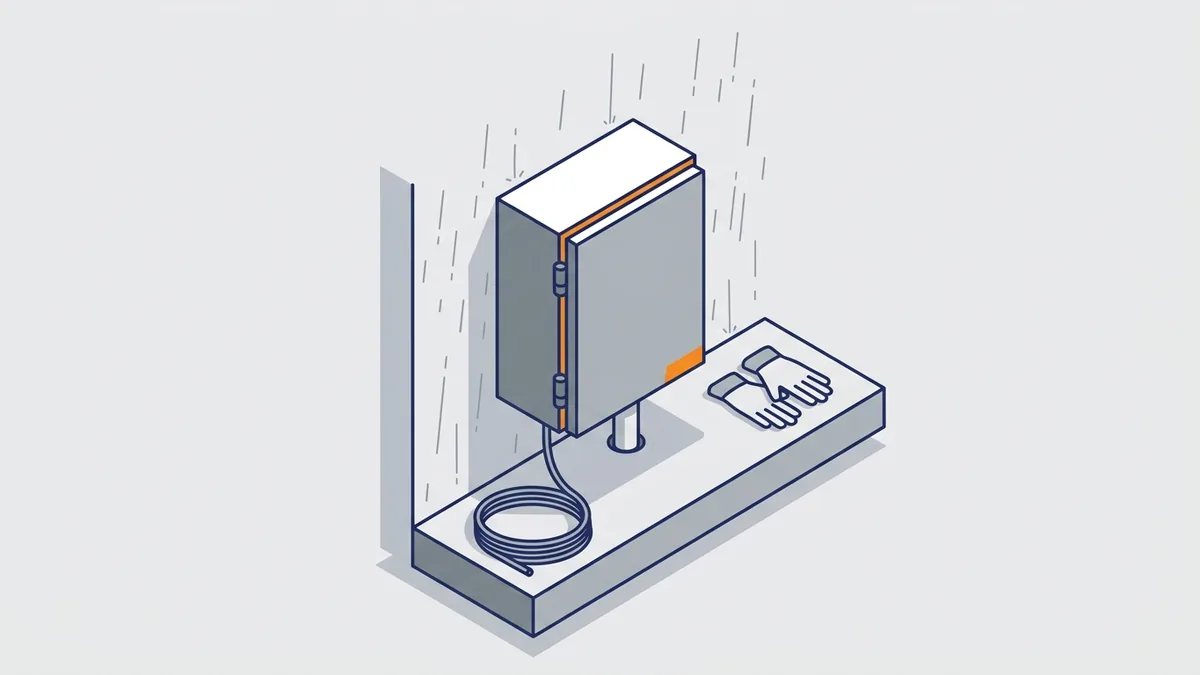
On IP66 drives, use cable glands that keep the ingress protection. Then check the environmental limits:
- Open IP20 drives derate above 1000 m at 1% per 100 m.
- Enclosed IP66 drives derate above 1000 m at 2.5% per 100 m, with a 2000 m maximum, according to a newer guide. That guide also lists a -20…40 °C operating range.
- Maximum humidity is 95% non-condensing.
- IP20 drives run up to 50 °C without derating.
- For UL, the 24-hour average ambient for a 200–240 V 2.2 kW IP20 drive is 45 °C.
Press rooms with ink mist, paper dust or solvent vapour also need a cabinet review before you choose the enclosure.
How do I wire power and the motor on an Optidrive E3 for a printing press?
Connect the supply to the input terminals and the motor to U, V and W. Use a suitable 3 or 4 core motor cable. Never put mains power on the output terminals, because that damages the drive.
Terminal names depend on the model. Single-phase supply uses L1 and L2/N, but three-phase models have L1, L2 and L3. Our old post gave “L1 and L2/N” for all models, which is wrong. Check the terminal marking in your guide.
For size, the 18.5 kW size 4 datasheet gives a maximum supply and motor cable of 16 mm² and a maximum motor cable length of 100 m. Check the datasheet for other sizes. Frame size 2 and above can take a brake resistor, and the Easy Start manual covers that connection. Besides that, external EMC filters, brake resistors, input chokes and output filters are available.
What supply conditions does the E3 need on a printing press?
The supply needs to stay within these limits:
- 200–240 V ±10% for 230 V units, and 380–480 V ±10% for 400 V units.
- 50–60 Hz ±5%.
- No more than 3% phase-to-phase imbalance.
- Short-circuit capacity up to 100 kA rms.
If your imbalance is above 3%, Invertek recommends input line reactors. All E3 units monitor phase imbalance. In addition, the E3 gives motor overload protection per the US National Electrical Code.
How do I wire the control terminals, start/stop and speed reference on a printing press?
The control terminals follow these levels. Logic 1 is 8–30 V DC and logic 0 is 0–4 V DC. An analogue input takes 0–10 V, 0–20 mA or 4–20 mA. The +10 V user output supplies 10 mA, with a 1 kΩ minimum load.
For a basic start and stop, use the contactor-style wiring. The Easy Start manual also covers 3-wire run control. For a speed reference, send a 0–10 V or 4–20 mA signal from a PLC to an analogue input.
The 4–20 mA behaviour depends on the setting. If the signal falls below 3 mA, the drive either trips or runs at Preset Speed 1 (P-20). On a press, pick the behaviour that is safest for the section. Also keep control cables away from motor cables, and use shielded cable for control signals.
Commissioning the Optidrive E3 for a printing press: settings, macros and tools
How do I start the E3 with factory settings?
Wire the drive, then turn the built-in potentiometer, and the motor runs on factory settings. That gives you energy savings from the first run. The built-in display is a 6-digit 7-segment LED.
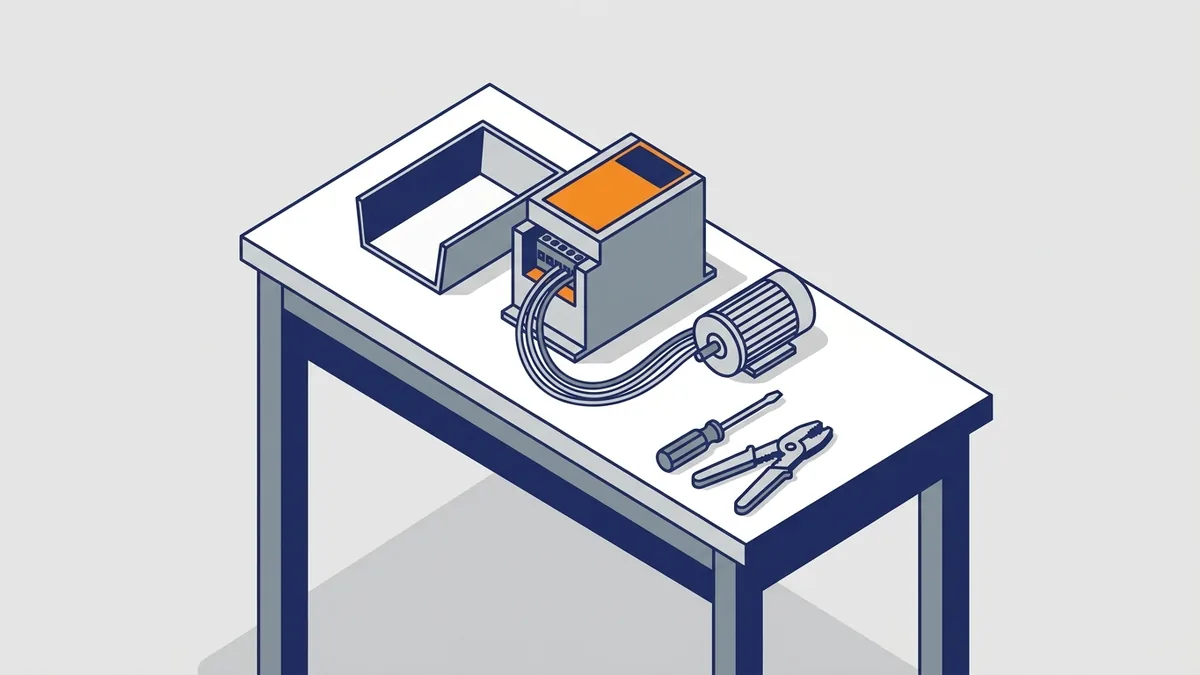
For adjustments, use the 14 basic parameters, which cover the common settings. Up to 50 parameters are available in total. First, enter the motor nameplate data. Then run autotune if the guide calls for it. If you try to change a parameter while the drive is enabled, the display shows an “L” on the left.
An autotune fault shows as code 40 or 41, depending on the guide edition. So use the guide for your software version.
What do the Industrial, Pump and Fan macros do on a printing press?
A macro is a ready-made set of parameters for a type of load. Invertek’s pages describe switching between Industrial, Pump and Fan modes to suit the application. Industrial suits typical industrial loads. On a printing press, choose by load type:
- Industrial: constant-torque loads, such as conveyors and rollers.
- Pump: variable-torque loads, such as circulation pumps.
- Fan: variable-torque loads, such as extraction and dryer fans.
Our old post claimed a pump sleep function and a special fan V/f curve. We have not checked those against Invertek documents, so we dropped them. However, the guide has a macro table that shows exactly what each one changes.
What software or tools program an Optidrive E3 for a printing press?
You can use the keypad on the drive. For a PC, Invertek offers Optitools Studio, a commissioning and programming application for most current Optidrive products. The features page also lists Optistick Smart, a Bluetooth NFC tool for rapid commissioning. As a result, both help when you replace a drive on a printing press and want to match the old setup.
Communications on a printing press: Modbus RTU and CAN
Does the Optidrive E3 support Modbus RTU and CAN?
Yes. Both come on board as standard. Modbus RTU supports function codes 03 (read holding registers) and 06 (write single holding register). All registers are holding registers, and registers 1 to 4 support only function code 16.
The CAN profile follows CiA DS301 version 4.02. All user-adjustable parameters are reachable over CAN, except those that would affect communications. In addition, the Fieldbus User Guide covers the communications details.
If communication drops, the drive shows a loss fault. Code 50 is Modbus loss, so check the cable. Code 51 is CAN loss. This lets a press PLC watch and set auxiliary drives, but it does not give the drive registration control.
Troubleshooting Optidrive E3 faults on a printing press
What do Optidrive E3 fault codes mean and how do I fix them?
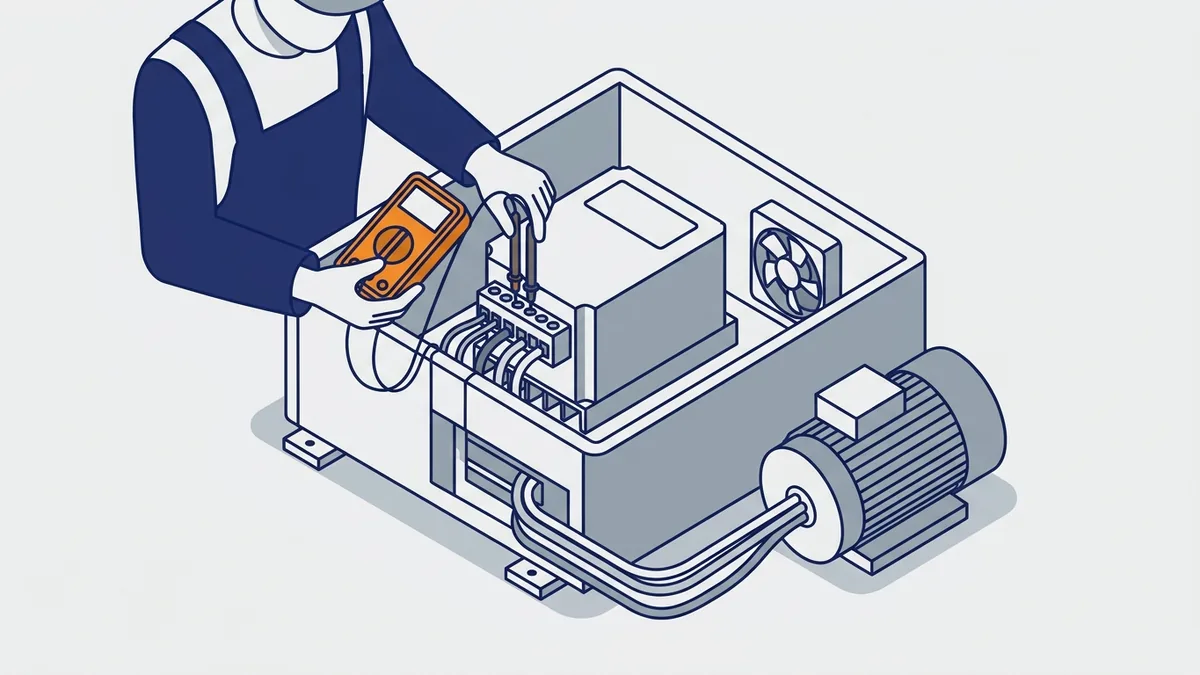
Read the code on the display, then use the fault table in the guide for your edition. Numbering differs between editions. For example, another edition lists 14 as input phase loss, 16 as a faulty heatsink thermistor and 17 as an internal memory fault. Treat this table as a starting point.
| Code | Meaning | First check |
|---|---|---|
| 01 | Brake channel overcurrent | Brake resistor and wiring |
| 02 | Brake resistor overload | Brake resistor rating and duty |
| 04 | Motor thermal overload (I2t) | Drive delivered over 100% of P-08 for a period; check load |
| 05 | Power stage trip | Short circuits on motor and cable |
| 06 | DC bus overvoltage | Supply; on deceleration, raise P-04 or fit a brake resistor |
| 18 | 4–20 mA signal lost | Reference signal and wiring |
| 21 | Motor PTC thermistor trip | Motor temperature and thermistor wiring |
| 22 | Cooling fan fault (IP66 only) | Check or replace the fan |
| 23 (some editions) | Drive internal temperature too high | Ambient temperature and cooling air |
| 40 or 41 | Autotune fault | Motor data; use your edition |
| 50 | Modbus comms loss | Cable and polling |
| 51 | CAN comms loss | CAN cable and network |
Some codes show as text. O-I is output overcurrent, so check for excess or shock load. PS-trP is a power stage trip, so check the motor and cable for short circuits.
Next, U-t means under temperature, so make sure the ambient is above -10 °C. SC-F01 is Modbus loss, and FAN-F is a cooling fan fault on IP66. Finally, Out-F is an output fault, meaning one phase is missing or currents are unbalanced.
What causes trips on a printing press?
Think about what the printing press was doing when it tripped. A jammed roller or web, or a shock load, causes overcurrent. A short stop on a high-inertia roll causes overvoltage, so extend P-04 or fit a brake resistor. In addition, blocked dryer fans and hot cabinets cause over-temperature trips. Finally, damaged motor cable causes power stage or output faults.
Why can’t I reset my E3 right after a trip?
After an overcurrent or overload trip, the drive cannot be reset until a reset time delay has passed. This delay protects the drive. If a fault persists, consult your supplier. Do not keep resetting after repeated power stage or output trips, because that can damage the drive.
Choosing and sizing a drive for printing press motors
How do I size an E3 for a printing press motor?
Match the drive to the motor’s rated current, not only to kW. Then match the supply voltage and phases. Check the overload need too. A heavy web or large cylinder inertia can demand more at start-up, and the E3 gives 150% for 60 seconds.
Next, pick the enclosure. Use IP20 in a clean cabinet. Use IP66 for a washdown or dusty area, and choose switched or non-switched depending on whether you want a local disconnect. Keep in mind that the E3 runs IM, PM, BLDC, SynRM and LSPM motors in open-loop mode only. If the load needs closed-loop tension, registration or locked sections, move to a higher-performance drive or servo and ask us for sizing help.
When does a printing press need a brake resistor?
You need one when the motor feeds energy back to the drive during a stop. High-inertia rolls and fast stops are typical cases. Without a resistor, you may see a DC bus overvoltage (06) or a brake fault.
First, try a longer deceleration time in P-04. However, if you still need a fast stop, fit a brake resistor. Frame size 1 has no built-in brake transistor in the datasheet example, so check your model.
Repair, replacement and support for your printing press drive from Precision Electric
When should I send an E3 for repair or ask for help?
Precision Electric is an industrial electrical distributor and repair shop. We sell drives, motors, controls and parts. Need a like-for-like replacement for an E3, or a look at the E4? Our team can help. Also, failed drives can come to our repair bench.
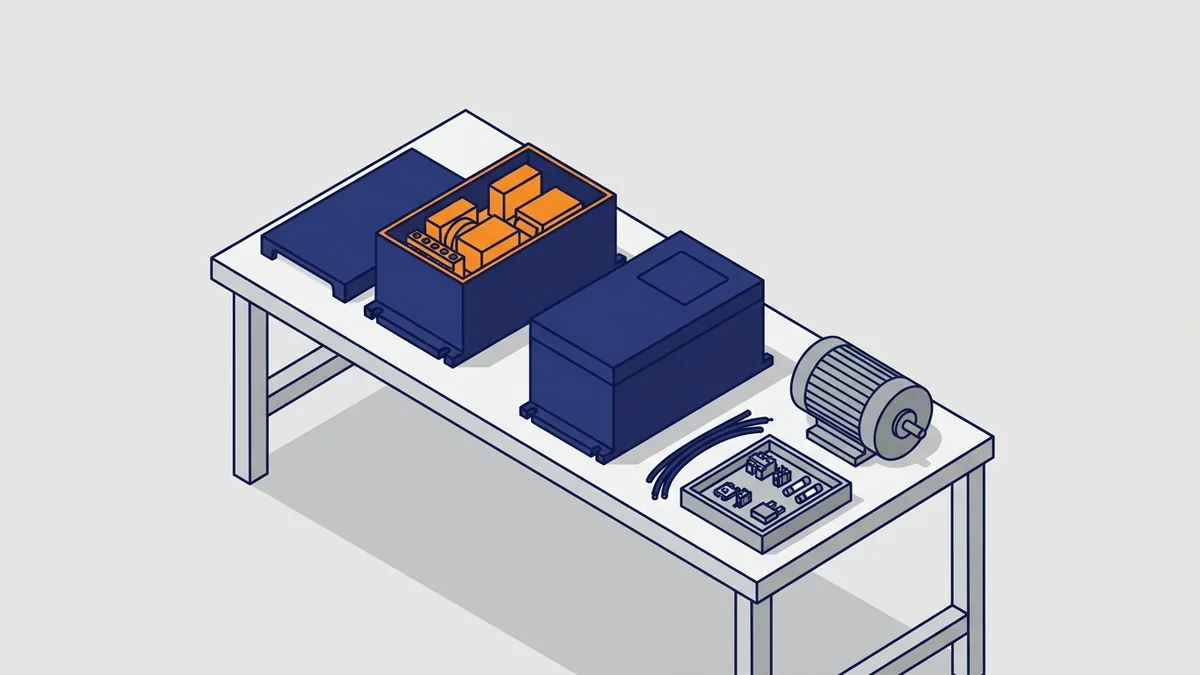
Send a drive in or call us for these signs:
- Repeated power stage or output trips.
- A dead keypad or display.
- Internal memory faults.
- A failed fan on an IP66 drive.
- A damaged power stage.
- An unknown setup on a printing press that cannot stop.
Have this ready: the full model number and software version from the nameplate, the supply voltage, the motor nameplate, the fault code, and what the press was doing at the trip.
Also remember the E3 is now sold beside the E4. So ask about availability and spares before you buy a large quantity.
How do I replace a failed E3 and copy its settings?
First, lock out and isolate the press section. Then read the full model number from the old drive’s nameplate, and order a drive that matches the voltage, phases, power, enclosure and size. If the old drive still powers up, save its parameters before you remove it. Optitools Studio on a PC or an Optistick Smart can help with that.
Next, write down the motor nameplate data and any wiring you change, such as the control terminals. After you fit the new drive, load the saved settings or enter them by hand, then run autotune if the guide calls for it. If the old drive is dead, use your records and the motor nameplate to set up the new one.
The E4 is the newer drive in the same range, but we have not verified which E3 sizes it replaces. So check Invertek’s comparison page, or ask Precision Electric to confirm a swap for your model.
How long does a repair or replacement take, and what does it cost?
It depends on the drive, the damage and the parts, so we cannot give a fixed number here. Contact Precision Electric with your model number and fault details, and we will confirm cost and timing for your drive.
Common mistakes with E3 drives on printing presses
What are the common mistakes with E3 drives on a printing press?
These mistakes come up often on a printing press:
- Using the wrong guide, such as an IP20 guide on an IP66 drive.
- Expecting registration or web tension control from an open-loop general-purpose drive.
- Mixing up the single-phase motor drive and the standard E3. The single-phase version is for PSC and shaded-pole motors up to 1.1 kW.
- Skipping a line reactor on a supply with more than 3% imbalance.
- Leaving out the brake resistor on fast stops.
- Running control cables beside motor cables, or using the wrong gland and losing the IP rating.
- Resetting again and again after overcurrent trips instead of finding the cause.
Frequently asked questions
Can an Invertek Optidrive E3 run a printing press?
It can run simple auxiliary motors on a press, such as fans, pumps and conveyors. It is a general-purpose drive with sensorless vector or V/f control and no encoder-based registration. Because of that, tension-critical and registration-critical sections usually need closed-loop or servo control, so ask for sizing help first.
Where do I download the Optidrive E3 manual?
Use Invertek’s E3 documentation page. It lists separate guides for IP20, IP66 indoor, IP66 outdoor, the IP66 quick start, fieldbus and the single-phase-motor drive. Then pick the guide that matches the model number on the nameplate.
What is the difference between the Invertek Optidrive E3 and the E3 for Single Phase Motors?
The E3 for Single Phase Motors is a separate drive for PSC and shaded-pole single-phase motors, 0.37–1.1 kW on 110–240 V. By contrast, the standard E3 spans 0.37–37 kW on 110–480 V single and three-phase input.
What motors and sizes does the Optidrive E3 cover?
The E3 covers 0.37–37 kW (0.5–50 HP) with IP20 and IP66/NEMA 4X enclosures. It drives induction, PM, BLDC, SynRM and LSPM motors in sensorless vector mode. However, check the datasheet for the enclosure limit of a given model.
How do I set up an Optidrive E3?
Wire the drive, turn the built-in potentiometer and the motor runs on factory settings. For adjustments, use the 14 basic parameters and choose the Industrial, Pump or Fan macro.
What do I do when an Optidrive E3 trips?
Read the code and use the fault table in the guide for your edition. Then check the motor, cable, load, supply and cooling. The drive cannot be reset straight after an overcurrent or overload trip. If the fault persists, contact your supplier or a repair shop.
The Invertek Optidrive E3 is a good, simple drive for the fans, pumps and conveyors around a printing press. However, the main drive, web tension and registration need closed-loop or servo control. If you need help choosing a drive, repairing an Optidrive, or finding the right guide, contact Precision Electric for a quote or browse our drives and parts.