








ABB Drive Troubleshooting: Read Faults and Reset Safely
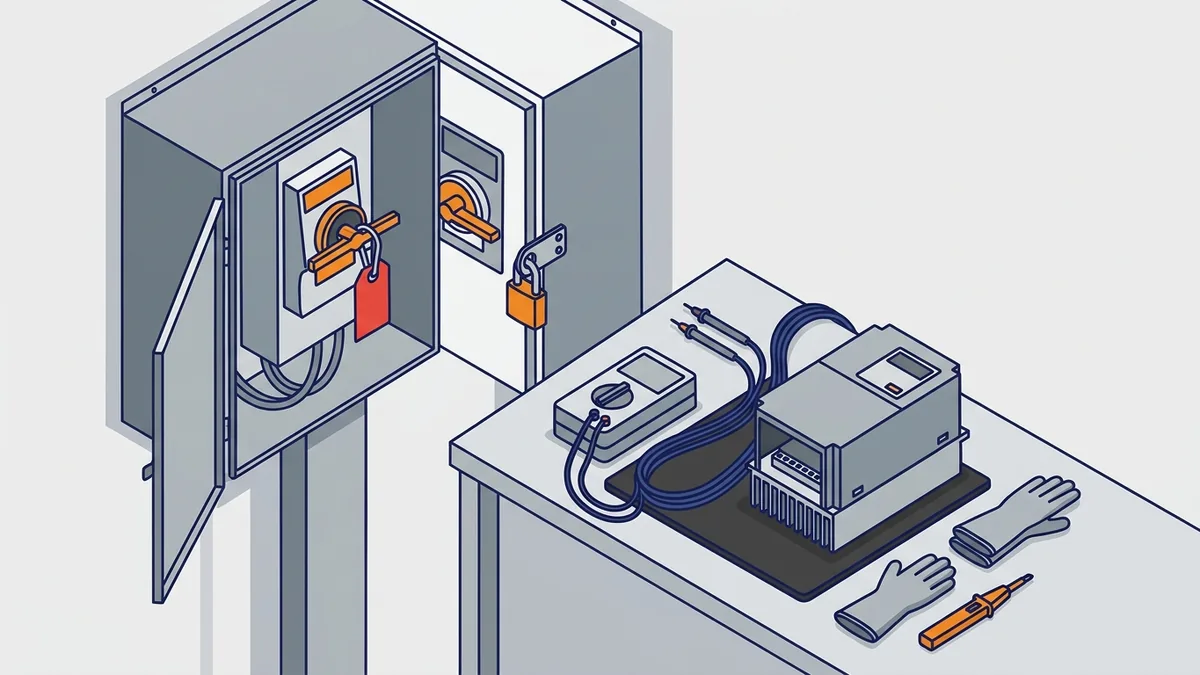
ABB drive troubleshooting starts with a clear head and a pen. When an ABB drive trips, you need to know what the fault means, what to check first, and when to stop and call for repair. This guide shows a safe order of work, where an ACS355 keeps its fault history, and a grouped ACS355 fault list.
On this page
- ABB drive troubleshooting: what to do before you touch anything
- How to read and reset faults on an ACS355
- Where the ACS355 stores fault history
- How do I view the fault history on an ACS355?
- How do I view the fault history on the basic panel?
- Why shouldn’t I reset the fault before reading the history?
- How do I back up or restore parameters before a reset or drive swap?
- How do I reset an ABB ACS355 fault?
- Can I use automatic reset on an ABB drive?
- ACS355 fault codes list
- What are ACS355 fault codes?
- What is the ABB ACS355 fault codes list?
- Output-side faults: overcurrent, short circuit, earth fault, motor phase
- What does ACS355 earth fault 0016 mean and can I disable it?
- Motor phase and wiring faults
- DC bus and supply faults: overvoltage, undervoltage, supply phase
- How do I fix DC overvoltage when a longer deceleration time is not enough?
- What does ACS355 supply phase fault 0022 mean?
- Thermal faults: drive overtemperature, motor overtemperature, THERM FAIL
- Control, I/O and application faults
- What do analog input loss, panel loss, external fault, stall and underload faults mean on an ACS355?
- What does Safe Torque Off (0044) mean on an ABB drive?
- How do I clear a Safe Torque Off trip and restart the drive?
- STO channel faults
- Internal and communication faults
- What do the other ACS355 faults mean, such as 0011, 0036, 0037 and the 1xxx codes?
- ACS355 alarms and panel messages
- Troubleshooting other ABB drives: ACS180, ACS255, ACS580, ACS880
- Step-by-step ABB drive troubleshooting checklist
- Common mistakes that make ABB drive faults worse
- VFD troubleshooting training
- When to stop troubleshooting: repair, replace or call for help
- Frequently asked questions
- What do ACS355 fault codes mean and where is the full list?
- How do I see the ACS355 fault history?
- How do I reset an ABB ACS355 fault?
- Is a Safe Torque Off fault (0044) a drive failure?
- Where can I get VFD troubleshooting training for ABB drives?
- When should I send an ABB drive for repair instead of replacing it?
ABB drive troubleshooting: what to do before you touch anything
What should I do first when an ABB drive trips?
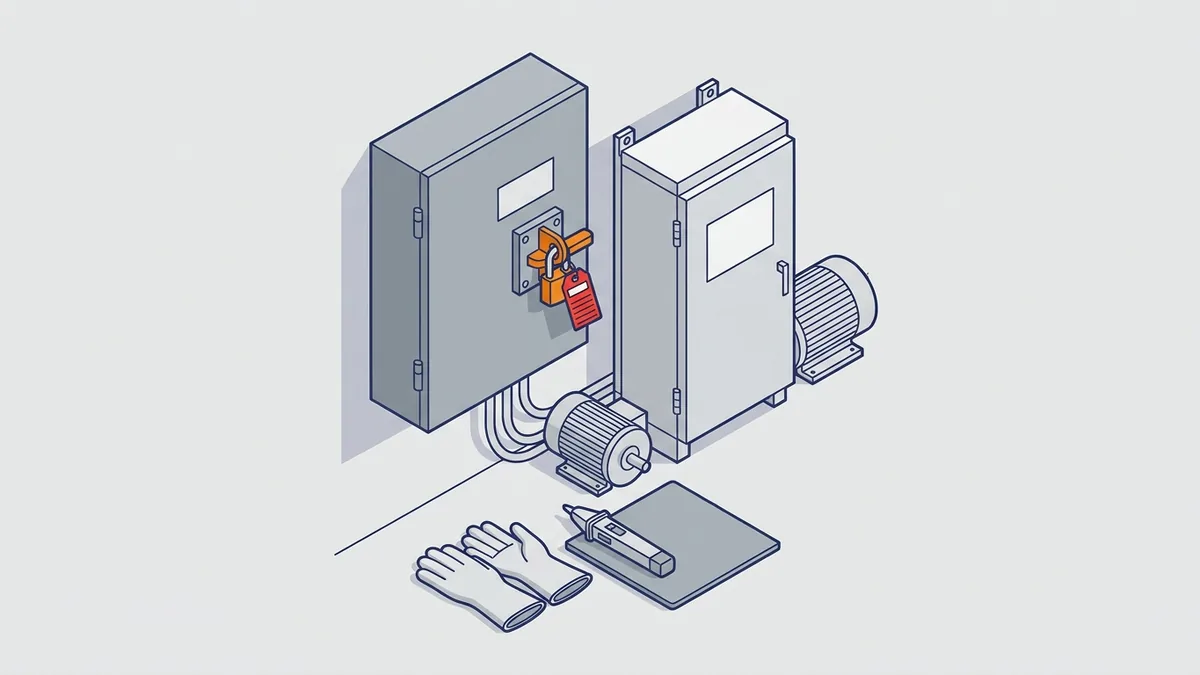
First, make the work safe. Lock out and tag out the supply, then confirm the DC bus is discharged before you touch any power part. Also, follow the safety steps in ABB’s manual for your drive.
Next, write down the fault code, the fault name and what the drive was doing. Then record the stored fault history. Only after that should you reset or cycle power.
How long should I wait after isolation, and how do I check the DC bus is discharged?
After you isolate the supply, wait 5 minutes. This gives the capacitors in the DC bus time to discharge. On an ACS355, ABB’s manual gives this wait time, and other series list their own, so check the manual for your model.
Then measure to confirm. Use a multimeter rated for the drive’s voltage and check between the UDC+ and UDC- terminals. The reading should be zero volts DC. Also check that no voltage is present between the input terminals (L1, L2, L3) and ground.
Wear the PPE your site rules require for the voltage and arc-flash risk, such as insulated gloves and eye protection. Never trust the panel display alone, because it can go dark while the bus still holds a charge.
Name the exact drive family first
Fault codes are series-specific. An ACS355, ACS180, ACS255, ACS580 and ACS880 each have their own code lists, and the history parameters differ. As a result, a code from one series can mean something else on another.
So read the type code on the drive label and match it to the right manual before you look anything up. This article’s fault list covers the ACS355 only.
The four-step flow
The rest of this ABB VFD troubleshooting guide follows four steps:
- Record the code, name, status and history.
- Look up the code in the manual for that series.
- Check the likely causes in order, cheapest first.
- Reset the drive and test it.
How to read and reset faults on an ACS355
The ACS355 keeps a short fault log. Read it before you clear anything, because a reset can wipe out the clues you need.
Where the ACS355 stores fault history
Parameter 0401 LAST FAULT holds the code of the latest fault. Parameters 0412 PREVIOUS FAULT 1 and 0413 PREVIOUS FAULT 2 hold the two before it. Also, a value of 0 means the history is clear, and the panel shows NO RECORD.
Parameters 0402 and 0403 give the day and time of the latest fault. Parameters 0404 to 0409 show the drive’s operating data at the moment of that fault. So before you reset, write these down.
How do I view the fault history on an ACS355?
On the assistant panel, open Fault logger mode. It shows the log starting with the latest fault, and it gives more history detail than the basic panel. When a fault or alarm occurs, the panel jumps to Fault mode on its own.
Over fieldbus, read the fault words 0305, 0306 and 0307. These are 16-bit words, and each bit maps to one fault. For example, in word 0305, bit 5 is DC UNDERVOLT and bit 15 is EARTH FAULT. The manual shows the word and bit beside each fault.
How do I view the fault history on the basic panel?
The basic panel has no Fault logger mode, so you read the history as parameters. Press MENU until you reach Parameters mode. Then use the arrow keys to select group 04 FAULT HISTORY and press ENTER.
Scroll to 0401 for the last fault, then 0412 and 0413 for the two before it. Next, read 0404 to 0409 for the trip-time data. Write each value down, because the basic panel shows one parameter at a time.
Why shouldn’t I reset the fault before reading the history?
First, the trip-time data tells you how the drive was running when it failed. Was it accelerating, at speed or stopping? That detail often points straight to the cause. Also, a repeat fault is a pattern, and you only see a pattern if the log is intact.
How do I back up or restore parameters before a reset or drive swap?
Back up the parameters before you reset a drive to defaults or replace it. Otherwise you lose the settings that make the drive fit the machine. The assistant panel has a parameter backup mode that copies the settings from the drive into the panel. You can then copy them into a new drive.
You can also use a PC tool or FlashDrop. FlashDrop is a small ABB device that loads parameter sets into drives without power on the drive. With a PC tool, save the parameter file to your computer and label it with the machine name.
After you restore, check that the motor data and the fault function parameters match the machine. Also compare the drive’s firmware and type code, because a file from a different type may not load.
How do I reset an ABB ACS355 fault?
You have three ways to reset. Press RESET on the panel, use a digital input or fieldbus command, or switch the supply off for a while. Parameter 1604 FAULT RESET SEL selects the reset source.
Remove the cause first. Then you can restart the motor. If panel messages 5014 or 5081 appear, a fault is still active, so you must reset it before the drive accepts a command.
Can I use automatic reset on an ABB drive?
You can, but think hard first. Automatic reset in group 31 resets the drive and resumes operation after a fault. However, ABB warns you not to enable it where a restart could be dangerous.
Parameter 3101 NR OF TRIALS sets how many automatic resets the drive tries. When the limit is reached within the trial time, the drive stops resetting itself. You then reset it from the panel or from the source set by 1604.
ACS355 fault codes list
What are ACS355 fault codes?
The ACS355 panel shows a four-digit code and a name, such as 0001 OVERCURRENT. The bracketed four-character code in the manual is the fieldbus equivalent. Searches for abb acs355 fault codes or acs355 fault codes all lead to the same source.
What is the ABB ACS355 fault codes list?
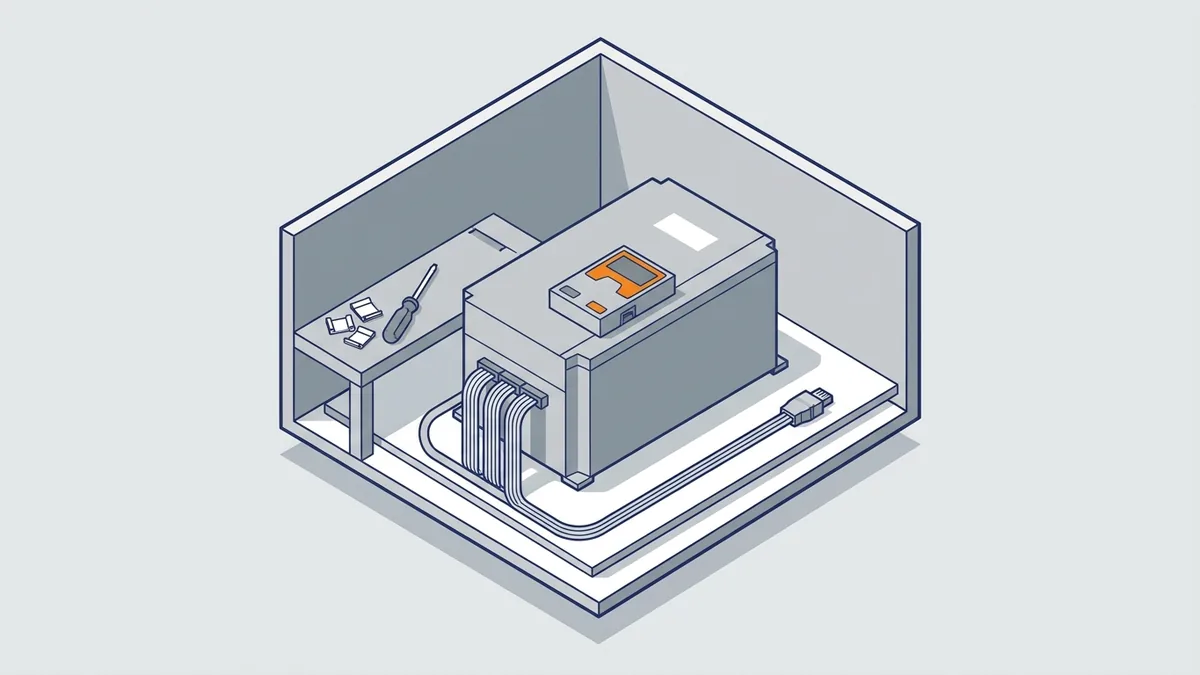
The full abb acs355 fault codes list is in the Fault tracing chapter of the ABB ACS355 user’s manual, found in ABB’s document library. It gives every fault with its cause and corrective action. The ACS355 quick installation and start-up guide from ABB also defines the common ones.
Below, the acs355 fault codes list is grouped by what to check. Use it to scan by symptom, then confirm in the manual.
| Group | Codes | First thing to check |
|---|---|---|
| Output side | 0001, 0004, 0016, 0034, 0035 | Motor, cable and phasing |
| DC bus and supply | 0002, 0006, 0022 | Supply, fuses, ramp times |
| Thermal | 0003, 0009, 0018, 0037 | Cooling, ambient, motor load |
| Control and I/O | 0007, 0008, 0010, 0012, 0014, 0015, 0017 | Wiring, external devices, load |
| Safety | 0044, 0045, 0046 | E-stop, safety relay, STO wiring |
| Internal and comms | 0011, 0018, 0021, 0024, 0027 to 0030, 0036, 1xxx | Parameters, then repair |
Output-side faults: overcurrent, short circuit, earth fault, motor phase
0001 OVERCURRENT means output current went above the trip level. 0004 SHORT CIRC means a short in the motor cable or the motor. For both, check the motor, the cable and the phasing.
For overcurrent, also check the motor load and the acceleration time (parameters 2202 and 2205). In addition, remember that load capacity drops when the ambient is above 40 °C.
What does ACS355 earth fault 0016 mean and can I disable it?
0016 EARTH FAULT means a ground fault in the motor or motor cable. So check both. Parameter 3017 makes this fault programmable, but do not disable it to clear a trip. ABB notes that disabling earth-fault protection may damage the drive.
In addition, an internal short circuit can look like an earth fault. If fault 0001 appears after the earth fault is disabled, the drive itself has an internal short.
Motor phase and wiring faults
0034 MOTOR PHASE means a missing motor phase or a motor thermistor relay fault. Check the motor and cable. Also, 0035 OUTP WIRING means input power is wired to the drive’s motor terminals. Parameter 3023 WIRING FAULT can disable it, but fix the wiring instead.
DC bus and supply faults: overvoltage, undervoltage, supply phase
0002 DC OVERVOLT means the DC bus voltage is too high. Check the deceleration time (parameters 2203 and 2206). For example, a fast stop on a heavy load pushes energy back into the bus.
0006 DC UNDERVOLT means the DC voltage is too low. ABB lists a missing input phase, a blown fuse, an internal rectifier bridge fault or very low input power as causes. For that reason, check the supply first.
How do I fix DC overvoltage when a longer deceleration time is not enough?
The drive trips on DC overvoltage at about 420 V DC for 200 V drives and 840 V DC for 400 V drives. First, check that the supply voltage is not too high. Then check that the overvoltage controller is on. Parameter 2005 OVERVOLT CTRL turns it on, and it slows the deceleration to keep the bus below the trip level.
If the load still pushes too much energy back, such as a high-inertia fan or a lowering hoist, the drive needs a way to burn that energy off. The ACS355 has a built-in brake chopper, so you add a brake resistor. Size the resistor from the manual’s brake resistor data, and do not guess.
What does ACS355 supply phase fault 0022 mean?
0022 SUPPLY PHASE means the DC voltage is oscillating. The usual cause is a missing input phase or a blown fuse. So check the input power connections and the fuses.
Thermal faults: drive overtemperature, motor overtemperature, THERM FAIL
0003 DEV OVERTEMP means the drive’s IGBT temperature is too high. An IGBT is the power switch inside the drive. Check cooling, ambient temperature and motor power against drive power.
0009 MOT OVERTEMP means the measured motor temperature passed the limit set by parameter 3504 FAULT LIMIT. It can also point to missing or wrong start-up data. So check the limit, the fault function parameters and the motor cooling.
0018 THERM FAIL means the drive’s internal temperature thermistor is open or shorted. ABB lists it as an internal fault. The standard lower operating limit is -10 °C, and below that the drive issues THERM FAIL. However, the +N828 low-ambient start firmware lowers the limit to -40 °C.
Control, I/O and application faults
These faults come from signals and the driven machine, not the drive’s power section.
What do analog input loss, panel loss, external fault, stall and underload faults mean on an ACS355?
Each of these five faults points to a different part of the system. Use the list below to find the right place to look.
- 0007 AI1 LOSS and 0008 AI2 LOSS (analog input loss): an analog input fell below the limit in 3021 or 3022. Check the wiring and fault function parameters.
- 0010 PANEL LOSS: the panel chosen as the control location stopped communicating (parameter 3002). Check the panel cable and connection.
- 0014 EXT FAULT 1 and 0015 EXT FAULT 2 (external fault): an external device signals a fault. Check that device and parameters 3003 and 3004.
- 0012 MOTOR STALL: the motor runs in the stall region from too much load or too little motor power. Check load and drive ratings (3010 to 3012).
- 0017 UNDERLOAD: the load is too low, such as a broken coupling or belt. Check the driven equipment (3013 to 3015).
What does Safe Torque Off (0044) mean on an ABB drive?
0044 SAFE TORQUE OFF means the STO circuit opened and the drive responded correctly. It is not a drive failure. The drive reports it as a fault only when parameter 3025 STO OPERATION is set to trip. Otherwise, you see alarm 2035.
Check the E-stop, safety relay and STO wiring first. Also, never jumper the STO terminals to bypass the circuit. If you do not use STO, the factory jumpers on the X1C:STO terminals must stay in place. With STO in use, both circuits must be closed for the drive to start.
How do I clear a Safe Torque Off trip and restart the drive?
First, find out why the circuit opened. Then release the E-stop or reset the safety relay so both STO circuits are closed again. Next, reset the drive fault from the panel, a digital input or the fieldbus. Finally, give a new start command.
Parameter 3025 STO OPERATION decides how the drive reports an open circuit. You can pick one of these:
- Alarm only: the drive shows alarm 2035 and never trips.
- Fault only: the drive trips on 0044 whenever STO opens.
- Alarm when stopped, fault when running: you get the alarm at standstill and a trip if STO opens while the motor runs.
Whatever you choose, the motor cannot produce torque while STO is open.
STO channel faults
0045 STO1 LOST means STO input channel 1 is energized but channel 2 is not. Check the STO circuit cabling. Also, 0046 STO2 LOST is the reverse: channel 2 is energized but channel 1 is not. Check both channels and the safety relay that feeds them.
Internal and communication faults
0021 CURR MEAS is a drive internal fault, a current measurement out of range. 0024 OVERSPEED means the motor turned faster than the highest allowed speed, often from wrong minimum or maximum speed settings.
Communication and file faults include 0027 CONFIG FILE, 0028 SERIAL 1 ERR (parameters 3018 and 3019), 0029 EFB CON FILE and 0030 FORCE TRIP, a trip command from the fieldbus. First, check the settings and the network. Internal faults like 0018 and 0021 are where repair takes over from field work.
What do the other ACS355 faults mean, such as 0011, 0036, 0037 and the 1xxx codes?
- 0011 ID RUN FAIL: the motor ID run did not finish. Check the motor data you entered and the motor connection, then run it again.
- 0036 INCOMPATIBLE SW: the drive cannot use the loaded software. Load a version that matches the drive type.
- 0037 CB OVERTEMP: the control board is too hot. Check cooling, ambient temperature and the fan.
- 1xxx parameter faults: two or more parameter settings conflict or fall out of range. The fault name points to the parameters involved. Fix those settings, using the manual for the exact pair.
ACS355 alarms and panel messages
What is the difference between an ACS355 alarm and a fault?
A fault trips the drive and stops the motor. An alarm is a warning, and the drive keeps running. Alarms use 2xxx codes.
- 2001 OVERCURRENT: the current limit controller is active. Check load, acceleration time and ambient.
- 2003 UNDERVOLTAGE: the DC undervoltage controller is active. Check the supply.
- 2004 DIR LOCK: a change of direction is not allowed.
- 2025 FIRST START: motor identification magnetization is on.
- 2026 INPUT PHASE LOSS: check the input phases.
- 2035 SAFE TORQUE OFF: the STO circuit is open.
What do panel messages 5014, 5081 and 5083 mean?
These messages are not faults. They explain why the panel refused an action.
- 5014: panel control is disabled because of a drive fault. Reset and retry.
- 5081: the action is not allowed because a fault is active. Check the cause and reset.
- 5083: the parameter lock is on. Check parameter 1602 PARAMETER LOCK.
- 5084: the drive is busy with a task. Wait and retry.
Troubleshooting other ABB drives: ACS180, ACS255, ACS580, ACS880
Do ACS180, ACS255, ACS580 and ACS880 use the same fault codes as the ACS355?
However, do not assume they do. The ACS355 list above is for the ACS355 only. ACS580 and ACS880 drives show a fault code plus an auxiliary code, and they keep a fault log with values captured at trip time. The ACS355, in contrast, uses parameters 0401, 0412 and 0413.
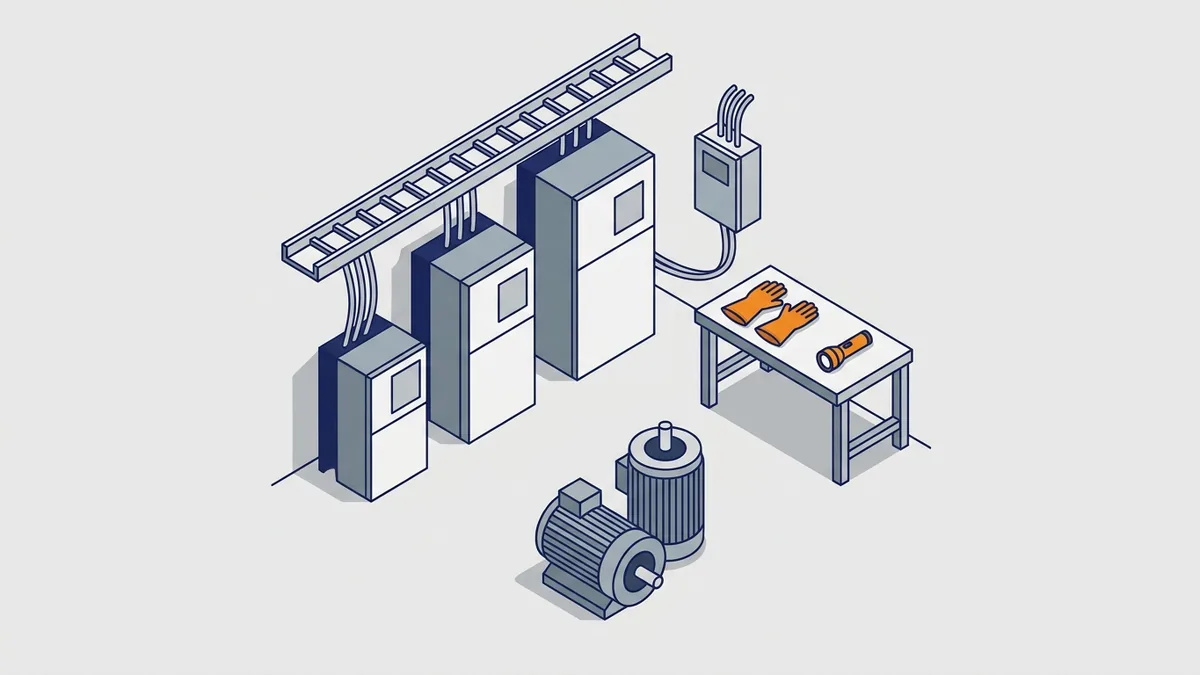
For the ACS180 and ACS255, use ABB’s own manual for that exact model. We stock both, including the ACS255 micro drive in NEMA 4X/IP66 versions. Also, match the type code on the drive label to the manual before you look up any code.
Which manuals and fault codes apply to the ACS180, ACS255, ACS580 and ACS880?
Download each manual from ABB’s document library by searching the drive model. For the ACS580, use the standard control program firmware manual. For the ACS880, use the primary control program firmware manual. Both have a fault tracing chapter with every code, cause and fix.
For the ACS180 and ACS255, use the user or start-up manual for that model. Codes differ from the ACS355’s four-digit list. For example, on the ACS580 and ACS880, 2310 is overcurrent and 3210 is DC link overvoltage. Always confirm a code in the manual for your exact drive.
Step-by-step ABB drive troubleshooting checklist
What is a step-by-step way to troubleshoot an ABB VFD?
Use this order for ABB drive fault tracing on any series:
- Lock out, discharge, then record the code, history and trip-time data.
- Look up the code in the manual for that series.
- Check the cheapest causes first: supply voltage and fuses, wiring and terminations, ramp times and parameters, cooling and ambient, motor and cable insulation, and the driven load.
- For ground faults and shorts, test the motor and cable separately, as described below.
- Finally, reset, run, and watch the fault history to see if the fault returns. Log it against the machine.
How do I test the motor and cable when the drive shows a ground fault or short?
First lock out the supply. Then disconnect the motor cable from the drive. Test the motor and cable phase to ground with a megohmmeter, a meter that checks insulation resistance.
For ABB motors, ABB’s guide gives a test voltage of 1000 V DC and a pass value of more than 100 Mohm. For other motors, follow the motor maker’s instructions. Also, never megger through the drive. If the fault stays with the cable disconnected, the problem may be inside the drive.
Common mistakes that make ABB drive faults worse
What mistakes make ABB drive faults worse?
These habits destroy evidence or hardware:
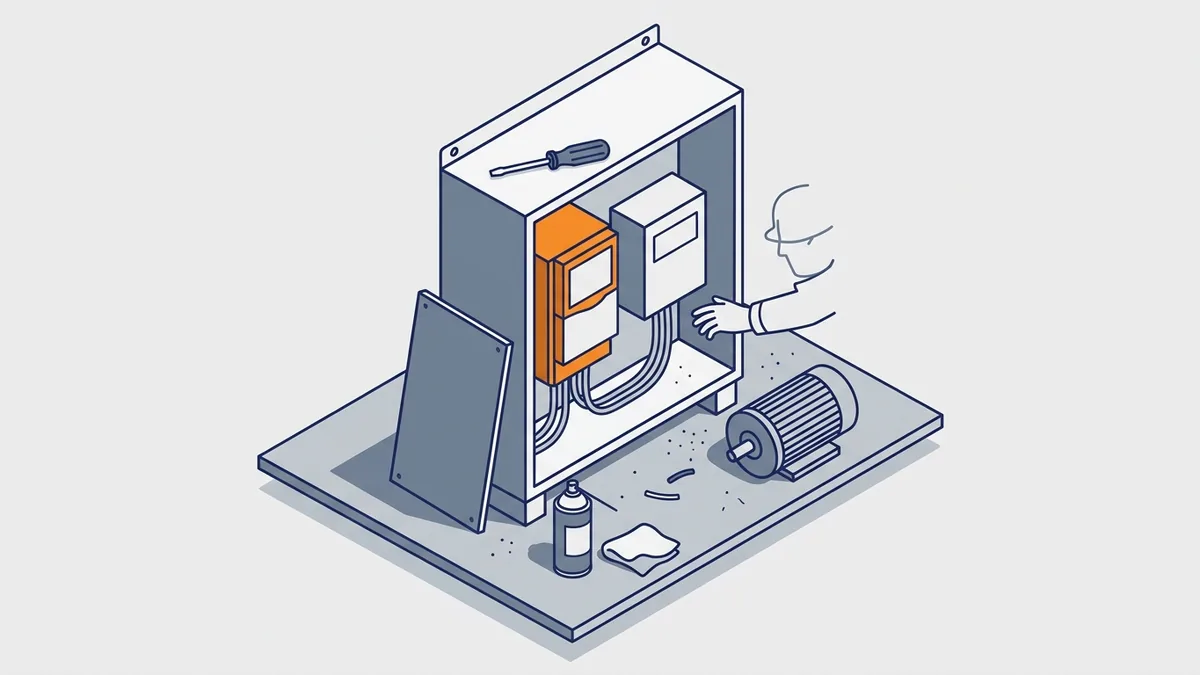
- Resetting or power cycling before you record the code and trip-time data.
- Widening fault limits or disabling protections, such as earth fault or motor thermal, to make a fault go away.
- Treating STO as a drive failure, or jumpering the STO terminals.
- Enabling automatic reset on machinery where a restart is hazardous.
- Using the wrong series’ fault list.
VFD troubleshooting training
Where can I get VFD troubleshooting training?
Good vfd troubleshooting training comes in free and paid forms. Our free ABB ACS355 Training Lesson 11 video covers diagnostic fault monitoring, fault history and the common faults customers see. Also, our VFD Training Academy page lists the full ACS355 series.
ABB University lists a past Basic VFD Troubleshooting webinar among its US drives webinars. For paid, hands-on classes, Cates Control Solutions runs 2-day ABB basic and advanced VFD classes with fault-tracing labs. Cates is a third-party provider, not ABB, and its listed price is $950 per class. Before you book, confirm dates and price with them.
When to stop troubleshooting: repair, replace or call for help
When should I repair rather than replace a faulted ABB drive?
Stop field work and send the drive out in these cases:
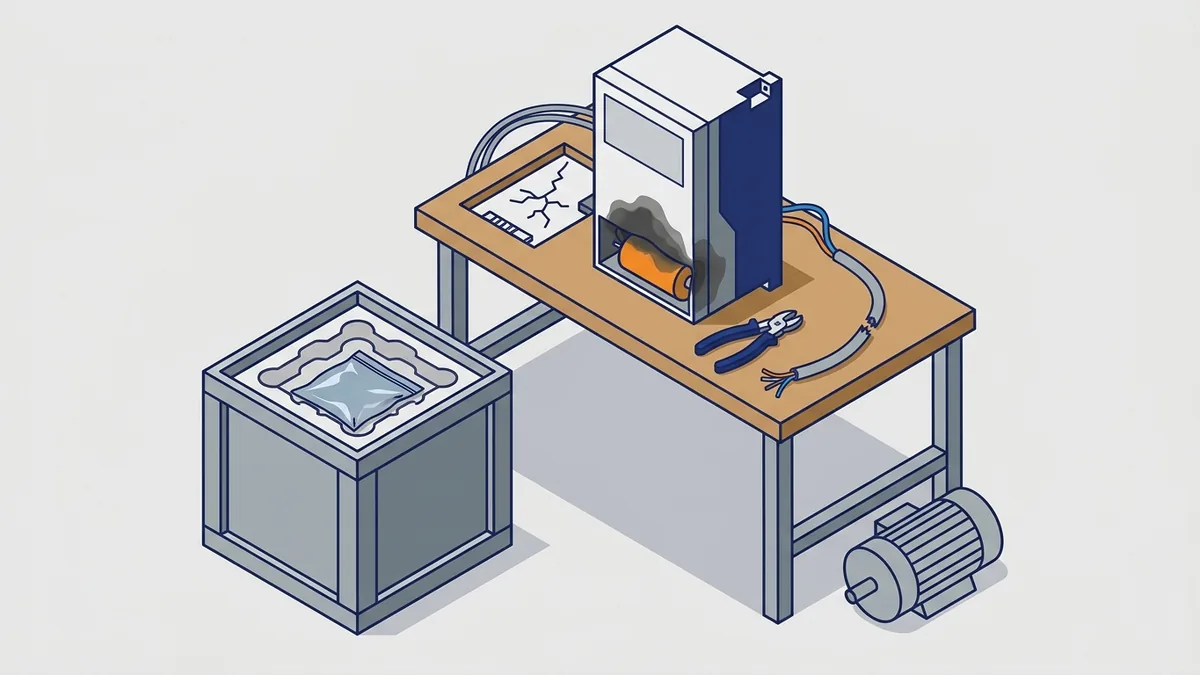
- The same fault returns after the causes check out.
- Internal faults such as THERM FAIL or CURR MEAS persist.
- A short or ground fault remains with the motor cable disconnected.
- The drive shows overcurrent on power-up with no motor connected.
- You see visible damage.
Repair is often a fraction of the cost of replacement. If a drive is obsolete or costly to replace, repair is usually the better path.
How much does ABB drive repair cost and how long does it take?
We give a real estimate after our bench technicians evaluate the drive at the component level. For a rough guide, minor repairs average about 20% of the replacement price, and major repairs can reach 70%. Quotes are free, and we offer 24/7 emergency service.
In addition, every repair carries a 12-month in-service warranty, which starts when you install the repaired unit. We do not list a fixed turnaround here, so ask for one when you request your quote. If you would rather replace, we also stock ABB ACS180 and ACS255 drives.
Frequently asked questions
What do ACS355 fault codes mean and where is the full list?
The ACS355 panel shows a four-digit code and name, such as 0001 OVERCURRENT, 0002 DC OVERVOLT or 0006 DC UNDERVOLT. ABB’s ACS355 user’s manual, Fault tracing chapter, lists every fault with its cause and corrective action. The grouped table above covers the common ones.
How do I see the ACS355 fault history?
Read parameter 0401 for the last fault and 0412 and 0413 for the two before it. Parameters 0404 to 0409 hold the drive’s operating data at the latest trip. On the assistant panel, open Fault logger mode.
How do I reset an ABB ACS355 fault?
Press RESET on the assistant panel, use a digital input or fieldbus reset, or switch off the supply for a while. Parameter 1604 FAULT RESET SEL selects the reset source. First record the code and history, and remove the cause before restarting.
Is a Safe Torque Off fault (0044) a drive failure?
No. It means the STO circuit opened and the drive responded correctly. Check the E-stop, safety relay and STO wiring, and do not jumper the terminals. If STO is not used, the factory jumpers must stay installed.
Where can I get VFD troubleshooting training for ABB drives?
Our free ABB ACS355 Lesson 11 video covers fault history and common faults. ABB University has a basic VFD troubleshooting webinar. Paid hands-on options include Cates Control Solutions’ 2-day ABB classes, listed at $950.
When should I send an ABB drive for repair instead of replacing it?
Send it for repair when internal faults such as THERM FAIL or CURR MEAS persist, or when a short or ground fault remains with the motor cable disconnected. Repair is often a fraction of replacement cost. Ask for a free quote.
Good ABB drive troubleshooting comes down to order: stay safe, record, look up the code, check the likely causes, then reset. Keep the evidence, and never bypass a protection to clear a fault. If your drive still trips, contact Precision Electric at 574-256-1000 for a free repair quote, or browse our ABB drives for a replacement.