








ACS800 Manual: Find the Right Hardware and Firmware Documents
Finding the right acs800 manual is harder than it sounds, because one drive has several manuals. This guide shows you how to read your drive’s label, pick the full manual set, and follow it through safety, installation checks and start-up. You also get a check after each stage and a list of common mistakes.
On this page
- Which ACS800 manual do you need?
- What you need before you open the ACS800 manual
- Step 1: Identify the drive from its label to find the right ACS800 manual
- Step 2: Pick and download the right ACS800 manual set
- ACS800 manual safety rules: what to do before any work
- Step 3: Check the mechanical and electrical installation
- Step 4: Start up the drive with the ACS800 firmware manual
- Step 5: Verify, document and set up maintenance
- Fault tracing: where each ACS800 manual helps
- Common mistakes with ACS800 manuals and set-up
- ACS800 life cycle status: what it means for manuals, parts and repair
- When to repair, replace or call for help
- Frequently asked questions
- Where can I download an ABB ACS800 manual?
- What is the ACS800 firmware manual and which one do I need?
- What is the difference between the ACS800 hardware manual and the firmware manual?
- How do I find the type code of my ACS800?
- Is the ACS800 still supported by ABB?
- How long must I wait after power-off before working on an ACS800?
Which ACS800 manual do you need?
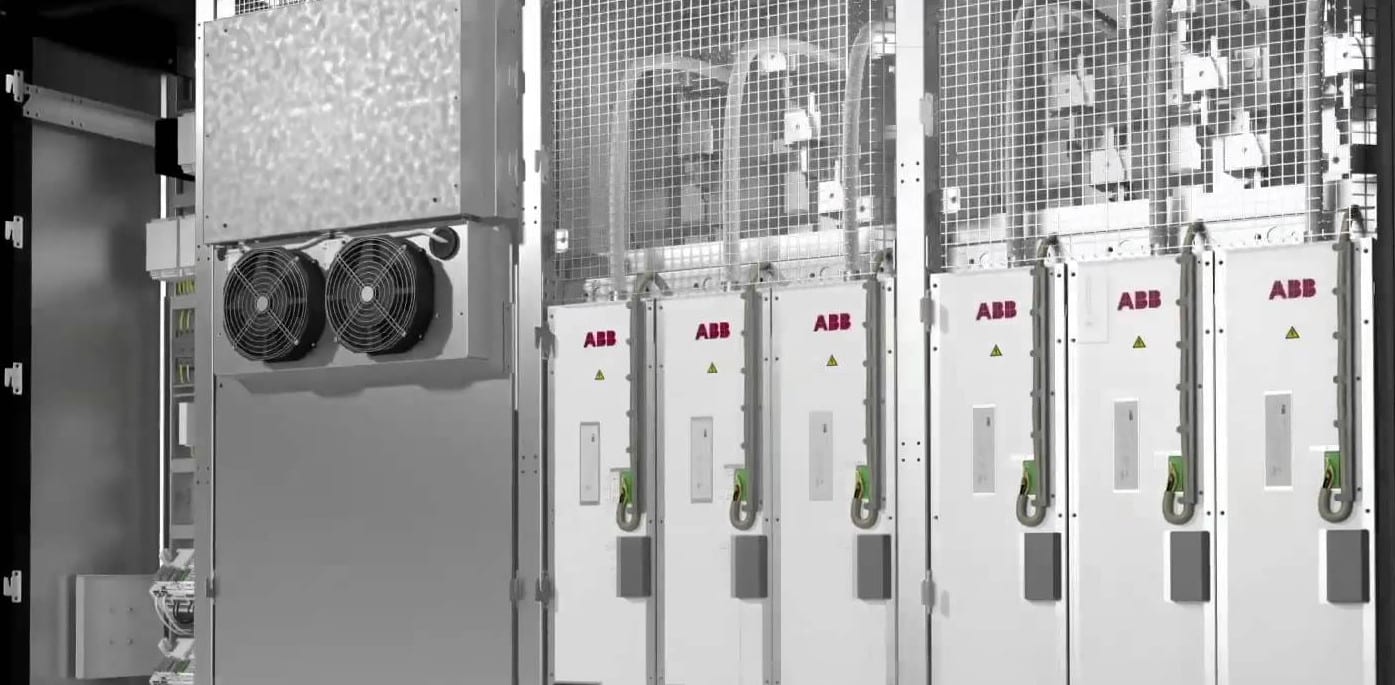
An ACS800 has a set of documents, not one “user manual.” The hardware manual matches the drive type. In addition, the firmware manual matches the control program. Each added module, such as a fieldbus adapter, has its own option manual.
What is the ACS800 drive manual?
The ACS800 drive manual is the hardware manual. It covers safety, description, mechanical and electrical installation, the installation checklist, start-up, fault tracing, maintenance, technical data and dimensions. However, each one covers only certain drive types, even though every ACS800 hardware manual follows this general layout.
What is the ABB ACS800 user manual, and is there just one?
There is no single ABB ACS800 user manual. Instead, people use the term for the whole set. ABB’s own manuals say the drive ships with the hardware manual and the right firmware manuals and guides. If the box is gone, you rebuild the set from ABB’s library.
What is the ACS800 firmware manual?
The ACS800 firmware manual covers the control program. It is also called the ACS800 programming manual. Most drives run the Standard Control Program 7.x. Its chapters cover start-up and control through the I/O, the control panel, program features, application macros, actual signals and parameters, and fieldbus control.
How is the firmware manual different from the hardware manual?
The hardware manual tells you how to install and wire the drive. The firmware manual, on the other hand, tells you how to set it up and run it. As a result, you need both, plus any option manuals. In this guide, “ACS800 manual” means the full set.
What you need before you open the ACS800 manual
First, gather these items. Doing so saves trips back to the panel or the office.

- The drive’s type designation label, to read the type code and serial number.
- Access to ABB’s document library, or the manual part numbers in this article.
- A multimeter with at least 1 Mohm impedance, for the zero-voltage checks.
- The motor nameplate data and details of the driven equipment.
- A second person, because the manual says to do the installation checklist with someone else. You also need help to lift the drive.
- The control panel (CDP 312R) or a PC tool the manuals mention, such as DriveWindow or DriveWindow Light.
Step 1: Identify the drive from its label to find the right ACS800 manual
First, start with the type designation label. It shows the rating, type code and serial number. Its location depends on the drive.
On the ACS800-01 it sits on the heat sink. The ACS800-07/U7 (45 to 560 kW) carries it on the front cover. For the large ACS800-07 (+V992), look at the supply unit door.
How do you read the type code?
Take the example ACS800-07-0170-5. The “07” means a cabinet-built drive. By contrast, the 01 type is wall-mounted. The U11 and U31 types are the regenerative and low-harmonic drives.
After the size code and voltage code, any “+” codes list options. For example, our NEMA 12 drives carry +P901 and +B056. However, options in the standard unit are not printed on the label. As a result, compare the label with your order, because extra options may need their own option manuals.
What does the serial number tell you?
The first digit shows the manufacturing plant. Next, four digits show the year and week. Then the remaining digits make the number unique. When you contact ABB or us, quote the type code and serial number.
Check: You can write down the type code, serial number, frame size and option list, and they match the order.
Step 2: Pick and download the right ACS800 manual set
Next, match the hardware manual to the drive type. The table lists the types we sell and the ABB document codes. Always confirm against the manual’s own “applies to” statement.
| Drive type | Hardware manual | Code |
|---|---|---|
| ACS800-01/U1 | ACS800-01/U1 Hardware Manual (0.55 to 200 kW) | See ABB library |
| ACS800-02/U2 | ACS800-02/U2 Hardware Manual (45 to 560 kW) | 3AFE64567373 |
| ACS800-07/U7, 45 to 560 kW | ACS800-07/U7 Hardware Manual | 3AFE64702165 |
| ACS800-07, 500 to 2800 kW | Separate hardware manual | 3AFE64731165 |
| ACS800-07 (+V992), 500 to 2800 kW | ACS800-07 (+V992) Hardware Manual | 3AUA0000068936 |
For the U11 and U31 types, look on ABB’s single drives page, which lists -11/U11 and -31/U31 hardware manuals. However, we did not verify which manual covers each U11 or U31 model. So check the manual’s “applies to” statement.
Which ACS800 manual covers the 1000 HP units?
The 45 to 560 kW -07/U7 manual covers types up to -0610-x. Our 1000 HP ACS800-07-1090-5 and ACS800-07-1160-7 are larger than that. Therefore, do not assume the smaller manual applies. Instead, check the “applies to” statement in the manual you download.
Which ACS800 firmware manual matches your drive?
First, read parameter 33.01 SOFTWARE VERSION on the panel. The code works like this: AS means ACS800 Standard, A means application program, and 7xyx is version 7.xyx. For example, the Standard Control Program 7.x manual is 3AFE64527592. Rev L covers versions ASXR7360 and AS7R7363.
Special programs, however, have their own manuals. These include System, Crane, PFC, Master/Follower and slip power recovery. As a result, no single manual covers every ACS800 variant.
Which ACS800 option manuals might you need?
Check for I/O extension, fieldbus adapter, brake and filter manuals. If your drive has the ASTO safe torque off kit, the ACS800 Safety Options Hardware Manual is 3AFE68578027. Likewise, the cabinet options manual covers ACS800-07/U7/17/37 options.
Where do you download ABB ACS800 manuals?
Use ABB’s document library. The ACS800 Single Drives page has the hardware manuals, the System Control Program firmware manual and the life cycle statements. Multidrive documents are on the separate Legacy ACS800 Multidrives page. Then pick a file by type code, frame size and revision.
Prefer ABB’s library over PDFs hosted on other sites, because those copies may be older revisions. Also note that the Standard firmware manual Rev L comes in English, German, French and Spanish.
Check: Manual type, frame size, revision and firmware version all match the unit in front of you.
ACS800 manual safety rules: what to do before any work
This section is a summary. However, it does not replace the safety chapter of your hardware manual or your site lockout and tagout rules.
What are the safety rules before working on an ACS800?
- Only qualified electricians may install and maintain the drive.
- Never work on the drive, motor cable or motor with main power applied.
- Do not work on control cables while the drive or external control circuits have power. Externally supplied circuits can leave dangerous voltages inside the drive, even with main power off.
- Do not run insulation or voltage withstand tests on the drive or drive modules.
- Heat sinks stay hot for a while after you disconnect power.
- Circuit boards contain parts that static electricity can damage, so use ESD precautions.
How long do you wait, and how do you confirm the drive is dead?
After you disconnect input power, wait 5 minutes. This lets the intermediate circuit capacitors discharge. Then use a multimeter with at least 1 Mohm impedance. Confirm there is no voltage on the input, output and DC terminals.
The manual also describes other ways to isolate the motor. For example, you can temporarily ground the output terminals after confirming they are dead, or open the prevention of unexpected start-up switch. In either case, follow the exact method in your manual.
How should you handle and ground the drive?
The ACS800-01, -11 and -31 are heavy, so do not lift them alone. Do not lift by the front cover. Place the unit only on its back, and do not tilt it. Also, do not fasten it by riveting or welding, and keep drilling dust out.
For grounding, size the conductors as the manual requires. In addition, connect each drive in a multiple-drive installation separately to PE (protective earth). Likewise, connect cable shields to PE.
Check: The drive is isolated, locked out and verified dead, and the motor cannot turn.
Step 3: Check the mechanical and electrical installation
First, open the Installation checklist chapter of the hardware manual. Then go through it with a second person. Mark each item as you confirm it.
What should you check before powering up?
For the mechanical items, confirm these points:
- The ambient conditions are within the allowed limits.
- The site gives enough cooling space.
- The drive stands upright on a non-flammable floor.
- No tools, foreign objects or drilling dust are inside the drive.
For the electrical items, check that the motor and control cables are the types the manual specifies. Next, check the grounding, the external control connections and any resistor wiring. Finally, make sure all covers are in place, including the motor connection box.
In addition, confirm that mains voltage cannot reach the drive output through a bypass connection. If the drive could connect to an IT (ungrounded) system, the manual says to check the EMC filter arrangement. Also, if you fitted an ASTO kit, use only the cable delivered with it between ASTO terminal block X2 and drive terminal block X41.
Check: Every checklist item is signed off and all covers are on.
Step 4: Start up the drive with the ACS800 firmware manual
The hardware manual sets two conditions for start-up. First, the installation passes the checklist. Second, the motor and driven equipment are ready to start. After that, switch the power on and follow the start-up instructions in the firmware manual.
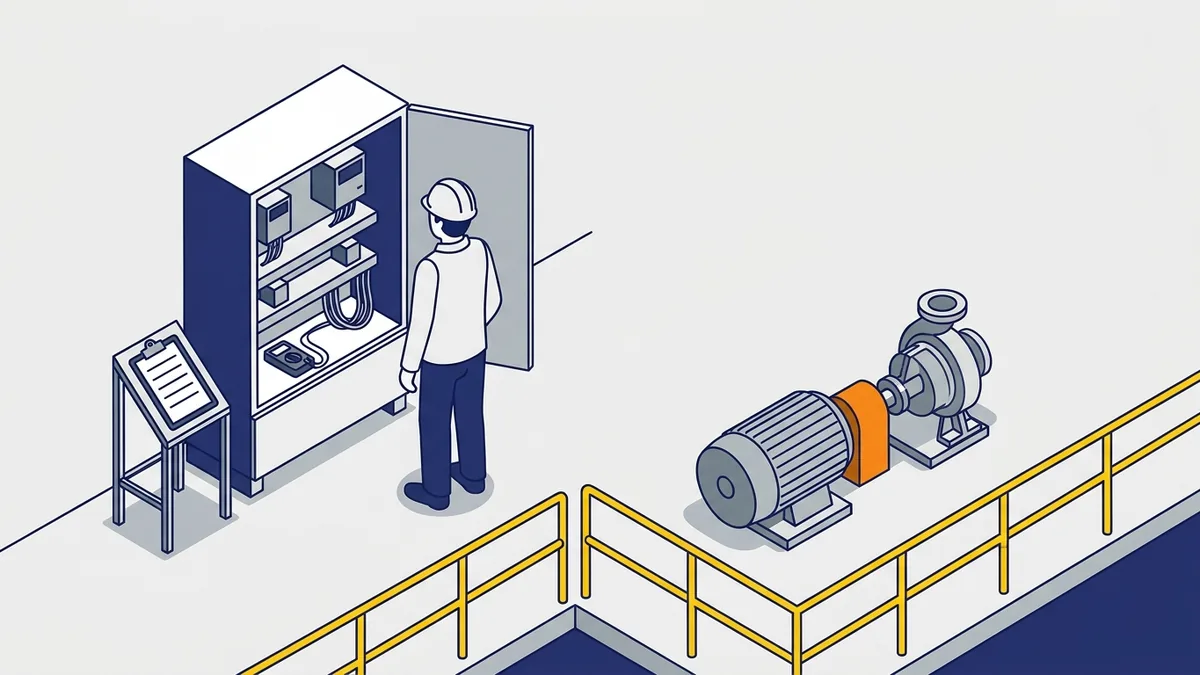
How do I start up an ACS800 (Start-up Assistant versus limited start-up, ID Run, group 99)?
- Choose a method. The Standard Control Program manual offers the Start-up Assistant, which guides you through the motor set-up, or a limited start-up that covers only the basic settings.
- For the Assistant, press FUNC on the panel to begin the guided motor set-up.
- Open parameter group 99 START-UP DATA. It holds the settings that match the drive to the motor. Enter the motor nameplate values here. Parameter 99.01 sets the display language.
- Put the panel in local control. The status row should show L. The LOC/REM key switches between local and external control.
- Run the ID Run with parameter 99.10 MOTOR ID RUN, set to STANDARD or REDUCED. The manual says a Standard ID Run needs to be performed during start-up.
- Finally, pick an application macro. The macros chapter shows the I/O connection diagram for each one.
Check: The motor turns the right way. The speed reference and start and stop commands work from the chosen control place. As a result, you should see no active faults.
Step 5: Verify, document and set up maintenance
What should you check and record after start-up?
First, run the drive and confirm start, stop and speed reference. Next, test any fieldbus or I/O extension signals. Use the actual signal and parameter lists in the firmware manual for this.
Then record your work. Save the parameter set, the firmware version from 33.01, and the manual part numbers and revisions you used. As a result, a future technician can pick up where you stopped.
How do you plan maintenance?
Use the maintenance chapter of the hardware manual. The DC link uses electrolytic capacitors. Their life depends on drive loading and ambient temperature. However, lowering the ambient temperature can prolong it.
How many times can you power up the drive?
The manuals limit the DC capacitor charging cycles. Do not power up the drive more than five times in ten minutes. More power-ups than that can damage the charging circuit, so wait and plan your tests.
Check: A documented parameter set exists and the maintenance schedule is on file.
Fault tracing: where each ACS800 manual helps
How do you use the manual to trace a fault?
Both main manuals have fault tracing. The hardware manual covers the drive itself. In contrast, the firmware manual lists faults and warnings for the control program. Start with the code or message on the panel.
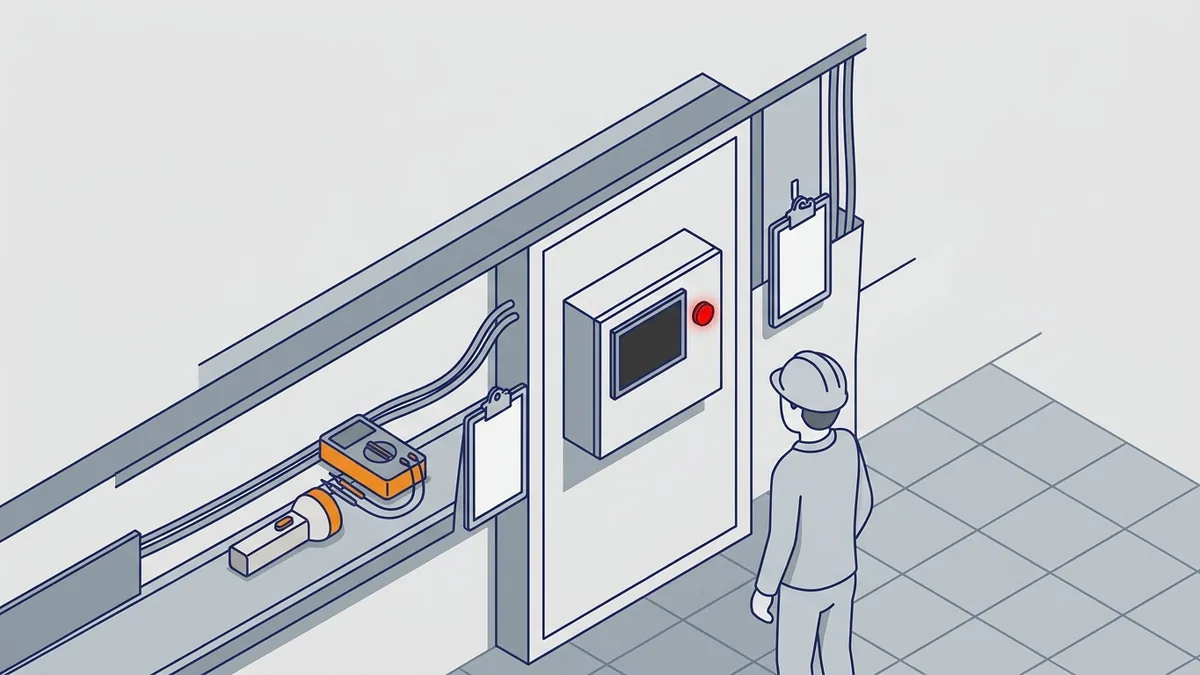
- First, read the fault or warning on the panel.
- Next, look it up in the firmware manual for your control program.
- Then correct the cause.
- Finally, reset the fault.
Use only ABB’s manual for fault codes and parameter procedures. Third-party guides, for instance, may list codes without matching your program version.
Common mistakes with ACS800 manuals and set-up
These errors come up often. Each one is easy to avoid.
- Using the wrong hardware manual. The 45 to 560 kW -07/U7 manual does not cover the larger 500 to 2800 kW units.
- Using a firmware manual that does not match the installed program. Check parameter 33.01.
- Assuming one manual covers everything, and missing option manuals for ASTO, fieldbus, I/O extension, brakes or filters.
- Skipping the 5-minute wait and the multimeter check.
- Running insulation or voltage withstand tests on the drive.
- Working on control wiring while external supplies are live.
- Welding or riveting the drive in place, or tilting it.
- Using a cable other than the one supplied in the ASTO kit.
- Skipping the ID Run, or starting up with the panel not in local control.
- Powering up the drive more than five times in ten minutes.
- Trusting a re-hosted PDF of unknown revision. Check the revision date in ABB’s library.
ACS800 life cycle status: what it means for manuals, parts and repair
Is the ACS800 obsolete?
No. ABB lists the ACS800 single drives and air-cooled multidrives in its Classic phase since 1 July 2017. ABB plans to move most single drives to Limited on 1 January 2030. Spare part modules will not be available in the Limited phase, and ABB recommends modernizing or replacing.

The large drives follow a later date. ABB’s maintenance schedule says high-power single drives (500 to 2800 kW) and multidrives enter Limited on 1 January 2035. Air-cooled multidrives stay in Classic until the end of 2034.
ABB’s library page also mentions an earlier plan for the -U11 and -U31 types. Therefore, check the current statement for your exact type.
The manuals stay available in ABB’s library. So stock critical spares and plan replacement while full support lasts.
When to repair, replace or call for help
When should you stop troubleshooting?
Call for help or send the drive for repair in these cases:
- The checklist fails and the cause is not clear.
- The drive has physical damage.
- Faults return after you correct them.
- The manuals do not match the unit.
- The drive has been out of service for a long time. The cabinet manual’s flowchart says to ask ABB for instructions on the DC link if a converter was idle for more than a year.
Before you call, have the type code, serial number, firmware version, fault code and the manuals you used.
How do you reform the DC capacitors of a stored or idle drive?
Capacitors that sit unpowered for a long time need reforming before normal use. ABB’s capacitor reforming guide, code 3BFE64059629, gives a procedure for each length of idle time. Download it from ABB’s library and follow the steps for your drive’s idle time, rather than powering up the drive at full voltage.
Frequently asked questions
Where can I download an ABB ACS800 manual?
ABB’s document library has an ACS800 Single Drives page with the hardware manuals (-01/U1, -02/U2, -07/U7, -11/U11, -31/U31 and others), the firmware manuals and the life cycle statements. Multidrive documents are on a separate legacy ACS800 page. Then pick the manual by type code, frame size and revision.
What is the ACS800 firmware manual and which one do I need?
It is the manual for the drive’s control program. It covers start-up, control panel use, macros, parameters, fault tracing and fieldbus control. For the Standard Control Program 7.x, the part number is 3AFE64527592. Rev L covers versions ASXR7360 and AS7R7363, so check parameter 33.01 SOFTWARE VERSION against the manual.
What is the difference between the ACS800 hardware manual and the firmware manual?
The hardware manual covers safety, installation, wiring, the installation checklist, maintenance, fault tracing and technical data for the drive type. The firmware manual, however, covers the control program: start-up through the I/O, panel use, parameters and fieldbus control. As a result, you need both, plus any option manuals.
How do I find the type code of my ACS800?
Read the type designation label. It shows the rating, type code (for example ACS800-07-0170-5) and serial number. Its location depends on the type: on the front cover, on the heat sink, or on the supply unit door. Also, quote the type code and serial number when contacting ABB.
Is the ACS800 still supported by ABB?
ABB lists the ACS800 single drives and air-cooled multidrives in its Classic phase since 1 July 2017. Most single drives are planned to move to Limited on 1 January 2030, when spare part modules will no longer be available. High-power single drives (500 to 2800 kW) and multidrives enter Limited on 1 January 2035.
How long must I wait after power-off before working on an ACS800?
ABB’s hardware manual says to wait 5 minutes for the intermediate circuit capacitors to discharge. Then confirm with a multimeter (at least 1 Mohm impedance) that there is no voltage on the input, output and DC terminals.
With the right hardware, firmware and option manuals in hand, you can identify, install and start up an ACS800 in a clear order. Check each stage before you move on, and record what you did. If you need help with a drive, a repair or a replacement unit, contact Precision Electric or browse our ACS800 drives.