








DCS 800 Manual: Pick the Right Document and Wire the Drive
Finding the right dcs 800 manual is the first job on any ABB DC drive. In fact, the DCS800 has a whole set of documents, and each one covers a different task. This guide matches each document to the job, then walks you through safety, mounting, wiring, start-up and upkeep, with a check after each stage.
On this page
- Which DCS800 manual do you need?
- What you need before you start with the DCS800 manual
- Read the type code before you open the DCS800 manual
- Safety first: what the DCS800 manual says
- Step 1: Prepare the site and mount the drive
- Step 2: Wire power, field, motor and control with the DCS800 manual
- Step 3: Power up the control and check the basics
- Step 4: Commission with the start-up assistants
- Step 5: Back up parameters and document the drive
- Maintenance and service documents
- Common mistakes when using the DCS800 manual
- Lifecycle: DCS800 status and the DCS880 replacement
- When to repair, replace or call us
- Frequently asked questions
Which DCS800 manual do you need?
The DCS800 does not have one manual. ABB publishes a set of documents, and each answers a different question. So pick the one that fits the job in front of you.
What is the ABB document number for each DCS800 manual?
ABB’s DCS800 manual list gives these document codes.
| Document | ABB code | Use it for |
|---|---|---|
| Hardware Manual | 3ADW000194 | Safety, mounting, wiring, fuses |
| Firmware Manual | 3ADW000193 | Parameters, macros, faults and alarms |
| Quick Guide | 3ADW000191 | First start-up, fault codes, troubleshooting |
| Service Manual | 3ADW000195 | Hardware changes, firmware download, preventive maintenance |
| Technical Catalogue | 3ADW000192 | Type codes and ratings |
| Installation according to EMC | 3ADW000032 | EMC-correct installation |
| Technical Guide | 3ADW000163 | Technical background |
| 12-Pulse Manual | 3ADW000196 | 12-pulse systems |
The Flyer is 3ADW000190. In short, the DCS800 hardware manual is your install guide, and the DCS800 firmware manual is your parameter guide.
Which DCS800 manual do I need to install the drive?
First, start with the Hardware Manual. It covers safety, mounting, wiring and fuses. Then use the Quick Guide for first start-up and the Firmware Manual for parameters and faults. In fact, the Firmware Manual itself says to read the Hardware Manual and Quick Guide instructions first.
Where do I download the DCS800 manual?
The ABB Library has the DCS800 user manual set as free PDFs. Search “DCS800” there, or open the DCS800-S documents page. The US edition of the Hardware Manual is Rev H, code 3ADW000194R0811, and it covers drives from 20 to 5200 A. Also, Precision Electric hosts the DCS800 Quick Start Guide as a PDF.
Do some DCS800 variants have their own manuals?
Yes. The ABB Library lists separate documents for DCS800-EP panel drives, the DCS800-A STO manual and the 12-pulse parallel manual. If your unit is one of these, do not rely on the standard Hardware Manual alone.
Which manual revision and firmware version fit my drive?
Revisions are not interchangeable, so check the nameplate and type code first. Then pick the manual revision that fits your hardware. Also read the firmware version from the drive and note it on your records. ABB does not give one simple pairing rule here, so confirm the match in the Firmware Manual and Service Manual for your revision.
What you need before you start with the DCS800 manual
Gather your tools and documents before you touch the drive. As a result, this saves trips back to the panel and keeps the job safe.
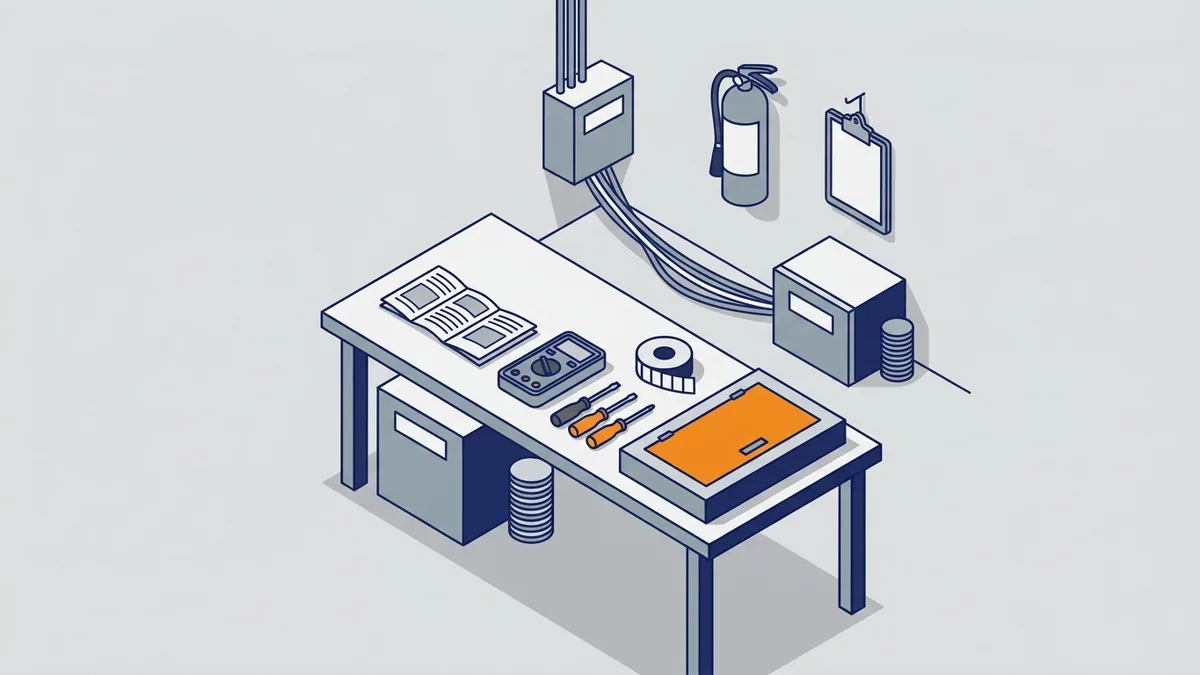
- Documents: the Hardware Manual, Quick Guide and Firmware Manual for your revision.
- Meter: a multimeter with at least 1 MΩ impedance.
- Lifting gear: suitable for the frame size.
- Start-up tool: the DCS800 Control Panel, or the DriveWindow Light PC tool with a cable to connector X34.
- Motor data: the motor nameplate, the feedback type (tacho or encoder) and the field data.
DriveWindow Light is the standard commissioning and service tool. Also, ABB delivers it free with every DCS800.
Next, identify the drive by its type code. Note whether it is S01 or S02, plus the current, the voltage code and the frame size (D1 to D7). The next section shows how to read it.
Read the type code before you open the DCS800 manual
The type code tells you what the drive is before you open any manual. So read it first, and you will pick the right pages.
What is the difference between DCS800-S01 and S02?
ABB’s catalogue pairs S01 with the 2-quadrant converter and S02 with the 4-quadrant converter. In our listings, S01 is non-regenerative and S02 is regenerative and reversing. So pick S02 when the motor must reverse or return energy to the supply.
What does the DCS800 type code mean?
ABB’s example type code is DCS800-S01-0680-04 + B055. The S01 part is the converter type. The four-digit number is the current rating. The last two digits, such as -04 or -05, are the voltage code. Extra options follow after a plus sign.
First, the voltage code must match your AC supply class. Also, the S02 rating differs from the S01 rating in the same frame. For example, ABB’s catalogue shows DCS800-S01-0405-04/05 at 405 A and DCS800-S02-0450-04/05 at 450 A, both in frame D3.
How do the type codes map to the drives we stock?
- 10 to 20 HP: DCS800-S01-0045-05 and DCS800-S02-0050-05.
- 100 to 200 HP: DCS800-S01-0405-05 and DCS800-S02-0450-05.
- 1000 to 1100 HP: units such as DCS800-S01-2050-05B, S01-1500-06B and S02-1500-07B.
However, always confirm the current on the nameplate. Our listing for the S01-0405-05 shows 385 A, while ABB’s catalogue shows 405 A for that type. As a result, trust the nameplate on the unit in front of you.
Safety first: what the DCS800 manual says
First, only qualified electricians may install and maintain the drive. Otherwise, ignoring the instructions can cause injury or death. Every manual has a safety chapter at the front, and nothing here replaces it.
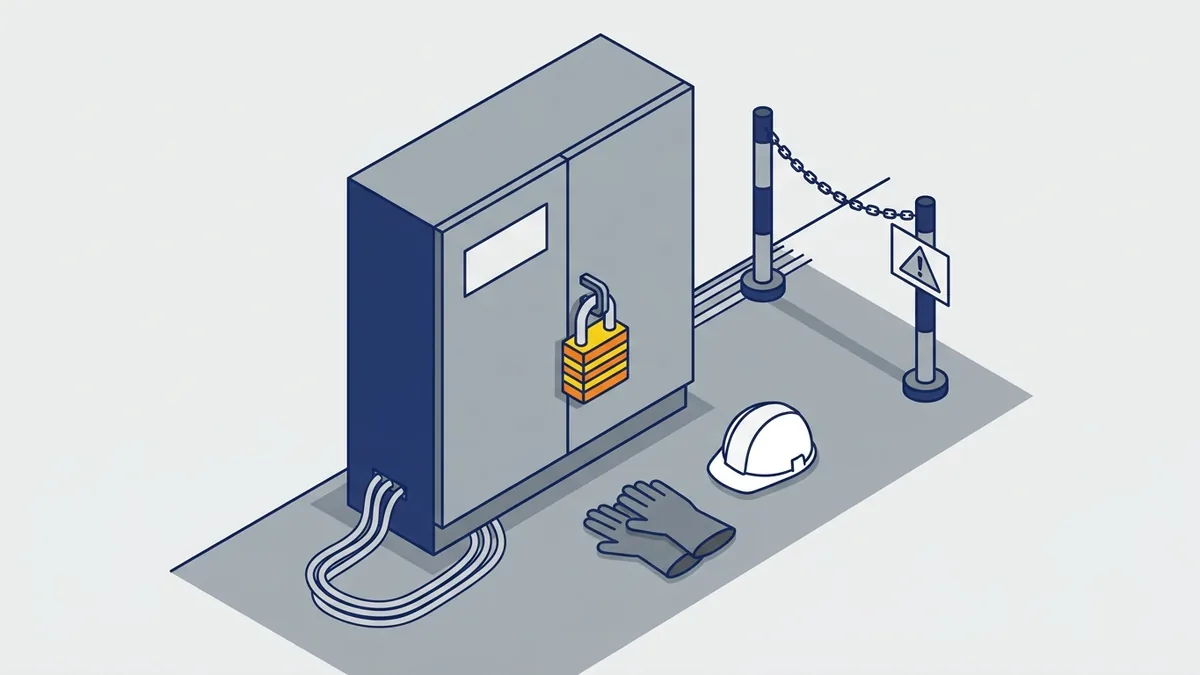
What safety precautions apply to a DCS800?
- Never work on the drive, motor cable or motor when main power is applied.
- Relay outputs, such as on the SDCS-IOB-2 and RDIO boards, can carry 115, 220 or 230 V from external wiring. For that reason, do not work on control cables with power on the drive or the external control circuits.
- With an enclosure extension, isolate the whole drive system from the supply.
- Ground the drive, the motor and nearby equipment. In a multiple-drive installation, connect each drive separately to PE.
- Also, do not fit a drive with an EMC filter on an ungrounded supply or a high-resistance-grounded supply (over 30 ohms).
How do I check the drive is de-energised?
First, isolate the supply. Then prove it dead with your multimeter, which needs at least 1 MΩ impedance. Measure from input phases U1, V1 and W1 to the frame. Next, measure from terminals C+ and D- to the frame. All readings should be close to 0 V.
Do not trust an isolator alone. Instead, measure every time.
How do I lift a large DCS800 frame safely?
Also, sizes D4 to D7 are heavy. Never lift them alone, and never lift them by the front cover. Lift D5 to D7 by the lifting lugs only. Place D4 and D5 only on their back. Because a unit will overturn from a tilt of about 6 degrees, keep it upright.
Step 1: Prepare the site and mount the drive
First, check the site against the Hardware Manual before you unpack the drive. Look at ambient conditions, space and air flow.
- Mount the drive upright, with the cooling section facing a wall.
- Leave the clearances the Hardware Manual gives for your frame.
- Fasten it with bolts. Do not rivet or weld it.
- Keep drilling dust out of the drive, because conductive dust inside can cause damage.
What are the temperature, altitude and clearance limits?
These limits change with the frame size and the converter type. The Hardware Manual lists them for each frame, so read the values for your unit there. In general, the drive can carry its full rated current only up to a set ambient temperature and altitude. Above those points, you must derate it, which means you run it at lower current. Also, give the cooling air room to enter and leave, because blocked air raises heatsink temperature.
What should I check after mounting?
- The mounting is secure.
- The cooling air path is free.
- Ambient conditions are within the manual’s limits.
- No debris or dust is left in the unit.
Step 2: Wire power, field, motor and control with the DCS800 manual
Follow the electrical installation chapter in the dcs 800 manual set, which is the Hardware Manual. The Quick Guide adds connection examples. For frame-specific terminals and wire sizes, use the Hardware Manual for your unit, not a general guide.
How do I wire a DCS800?
- Size the fuses and line chokes from the tables in the Hardware Manual.
- Connect the power, armature, field and motor circuits as the manual shows for your frame.
- Make 360° high-frequency grounding of screened cable entries at the cabinet lead-through plate.
- If you use DCSLink, terminate the bus at both physical ends. DCSLink is a twisted-pair bus, and termination is mandatory.
- Finally, wire the control and feedback circuits last.
How do I pick the fuses and line choke for my type?
Use the type code as your key. First, find your exact type, such as DCS800-S01-0405-05, in the fuse and line choke tables of the Hardware Manual. Then read the fuse and choke entries on that row. Do not size them from the motor horsepower alone, because the table is built around the converter type and supply voltage.
How do I set up the field exciter?
First, read the field current and voltage from the motor nameplate. Then check that the exciter you use can supply that current. The exciter may be on the drive or an external DCF80x unit, depending on your type. Next, wire it as the Hardware Manual shows for that exciter, and set the field current in the commissioning assistants. If the exciter shares DCSLink, remember to terminate the bus at both ends. Because field data differs by exciter, take the exact limits from the manual for your model.
What must I check before power-up?
The Hardware Manual includes an installation checklist. Use it to check the mechanical and electrical installation before start-up. With the drive de-energised, repeat the voltage check from the safety section. Then close the covers.
Step 3: Power up the control and check the basics
Apply control power first. However, do not apply the main supply to the armature yet. You still need to confirm the field and feedback.
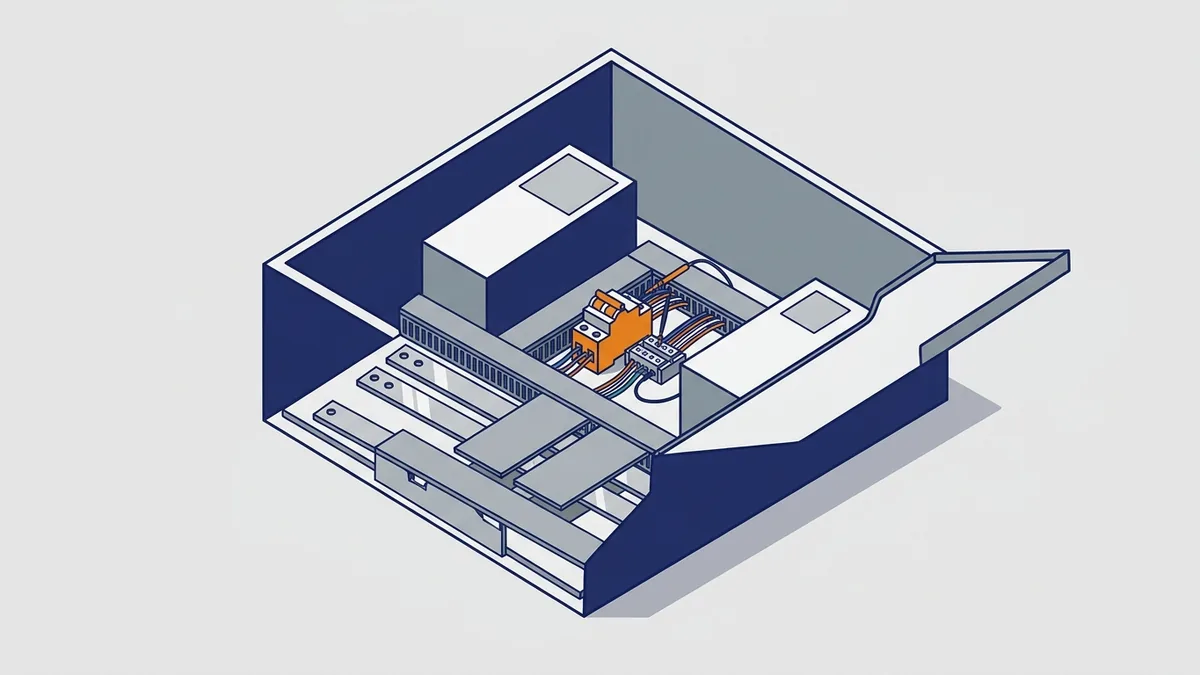
What should I see when I first power up the DCS800 control?
The keypad should light up and show the menu screen. If the converter has fans, they should start to run. However, if the panel stays dark, stop and check the control supply.
What should I check after power-up?
- No fault shows on the panel.
- The fans run, if fitted.
- The main supply is still off the armature.
How do I handle a fault or alarm code?
First, write down the code exactly as the panel shows it. Next, look it up in the fault and alarm chapter of the Firmware Manual, or in the fault tracing section of the Quick Guide. Each entry gives the cause and the fix. Then remove the cause before you reset, because a reset alone only hides the problem. A fault stops the drive, while an alarm only warns you.
Step 4: Commission with the start-up assistants
The assistants guide you through basic commissioning. Each one enters parameters and shows them for you to confirm. Because the firmware has over 1000 parameters, the assistants save a lot of time.
How do I commission a DCS800 with DriveWindow Light or the panel?
For this job, you have two tools. Use the DCS800 Control Panel, where the start-up assistant runs automatically on first power-up. Or use DriveWindow Light on a PC connected to X34, and press the Wizard button. The panel has seven assistants.
- Install the DCS800 PC tools and connect the drive (X34) to the PC.
- Start the wizard and press Start for basic commissioning, or pick one assistant.
- Enter the motor nameplate data.
- Run the macro assistant, then the speed feedback assistant.
- Run the field weakening assistant only if you need it.
Also, autotuning is part of the assistants. The Firmware Manual explains each parameter group they set.
Do I need the field weakening assistant?
Only if maximum speed is higher than base speed. However, if the application never runs above base speed, skip it.
What should I check after commissioning?
- Motor data matches the nameplate.
- Feedback reads correctly.
- Current limits are set.
- The unloaded motor runs in the correct direction at low speed.
Only then couple the load.
Step 5: Back up parameters and document the drive
A good backup saves hours later. Because the drive has over 1000 parameters, do not rely on memory.
How do I back up DCS800 parameters?
First, copy the parameters to the panel, or save them from DriveWindow Light to your PC. Also, on the SDCS-CON-4 board, the FlashPROM holds the firmware and the stored parameters.
What should I record with the DCS800 manual and machine records?
- The type code and serial number.
- The firmware version.
- The saved parameter file.
Maintenance and service documents
The Service Manual, 3ADW000195, covers hardware changes, firmware download, technical hints and preventive maintenance of thyristor converters. Also, keep it with the DCS800 hardware manual.
What maintenance does a DCS800 need and how often?
- Cooling fans: check them each year. Fan life is about 30,000 to 45,000 hours, depending on converter type. Rising bearing noise and a slow rise in heatsink temperature warn of failure.
- 3 years: replace the D6 and D7 fans.
- 6 years: replace the fans on sizes D1 to D5.
- 9 years: replace the SDCS-POW-4 board on sizes D5 to D7.
- Air pressure switch: check that it works, as the Service Manual describes.
- Thyristors: test them with the drive isolated, using the method in the Service Manual.
Treat these as the schedule in the Service Manual, and confirm the intervals for your converter type there. Also, use the yearly check to look for dust, loose terminals and fan noise.
Can I run an insulation test on a DCS800?
Do not run insulation or voltage withstand tests on any part of the drive. The test voltage can damage the electronics. If you must test the motor or its cables, first disconnect them from the drive. Then test them alone.
What about the internal fuses?
Converters in sizes D5, D6 and D7 (900 to 5200 A) have six internal branch fuses. A blown fuse isolates the faulty thyristor or pair. For safety, disconnect the converter from the mains before you trace the fault.
How do I update DCS800 firmware?
For this task, firmware download uses connector X34 on the SDCS-CON-4 board, with the panel on X33. The tool is a PC with the DCS800 PC tools. First, save your parameters, because an update can change them. Then follow the Service Manual steps, and the firmware download technical guide the ABB Library lists. Finally, check the firmware version and test the drive before you return it to work.
Common mistakes when using the DCS800 manual
In practice, these errors show up again and again on DC drive jobs.
- Using the wrong manual or revision, such as the standard Hardware Manual for a DCS800-EP or 12-pulse system.
- Trusting an isolator instead of measuring U1/V1/W1 and C+/D- to the frame.
- Lifting by the front cover, or tilting heavy D5 to D7 units.
- Skipping DCSLink termination, or poor screen grounding.
- Running the field weakening assistant when the application never exceeds base speed.
- Fitting an EMC-filtered drive on an ungrounded or high-resistance-grounded supply.
- Leaving drilling dust in the unit.
Lifecycle: DCS800 status and the DCS880 replacement
Is the DCS800 still supported by ABB?
ABB’s sales ramp-down announcement puts the DCS800 in the Classic phase. DCS880 is the replacement. The plan was to move the DCS800 to the Limited phase on 1.1.2027. The announcement covers DCS800-S0x modules, DCS800-A0x cabinets, DCS800-Exx panel solutions and DCS800-R0x rebuild kits.
The ABB Library also lists a newer life cycle announcement for the DCS800, REV D, dated 2026-06-26. So read it to confirm the current status for your variant.
Which DCS880 replaces my DCS800?
Match the DCS880 by the DCS800 current rating, supply voltage and quadrant type (S01 or S02). Do not pick by horsepower alone. Also expect changes in the control panel, the software tool and the I/O wiring, so plan time to check the mounting and terminals against the DCS880 manuals. We can help you compare the two types before you buy.
What happens to spares and repair?
The move to the Limited phase affects what ABB offers for new parts and support. The exact terms are in ABB’s announcement for your variant, so read it. Meanwhile, Precision Electric stocks DCS800 S01 and S02 units and repairs DC drives, which helps you keep a running drive going.
What are the modernization options for a DCS800?
ABB lists three ways to modernize:
- A control upgrade with a DCS880-R or DCS800-R kit.
- A retrofit with a DCS800-E module.
- A replacement with a DCS880-S or DCS800-S module.
For AC drives, see our post on ABB VFD drive classes, type codes and manuals.
When to repair, replace or call us
However, some faults are worth a call before you spend more time on them. Contact us if you see any of these:
- Repeated overcurrent or thyristor faults.
- Blown branch fuses.
- No display after you apply control power.
Also call if a board is obsolete. In that case, a like-for-like replacement or a repair can cost less than a rebuild. We stock DCS800 S01 and S02 units and repair DC drives, so we can help you choose.
Frequently asked questions
Where can I download the DCS800 manual?
The ABB Library has the DCS800 Hardware Manual (3ADW000194), Firmware Manual (3ADW000193), Service Manual (3ADW000195) and others for free as PDFs. Search “DCS800” or open the DCS800-S product page.
Which DCS800 manual do I need to install the drive?
First, use the Hardware Manual for safety, mounting, wiring and fuses. The Quick Guide fits first start-up. For parameters, macros, and faults and alarms, turn to the Firmware Manual.
What is the difference between DCS800-S01 and DCS800-S02?
ABB’s catalogue pairs S01 with the 2-quadrant converter and S02 with the 4-quadrant converter. In our listings, S01 is non-regenerative and S02 is regenerative and reversing.
How do I commission a DCS800?
With the drive wired and control power on, run the start-up assistants from the DCS800 Control Panel. You can also use the Wizard in DriveWindow Light, which connects to X34. Then enter the motor nameplate data, and run the macro, speed feedback and (if needed) field weakening assistants.
Is the DCS800 still supported by ABB?
ABB’s announcement puts the DCS800 in the Classic phase, with DCS880 as the replacement. It plans a move to the Limited phase on 1.1.2027. However, check ABB’s current lifecycle announcement for your variant.
With the right dcs 800 manual in hand and a check after each stage, you can install and start a DC drive safely. Keep the parameter backup and the type code with your machine records. If you need a drive, a quote or a repair, contact Precision Electric or browse our DCS800 products.