








Eaton Inverter E05 Fault: Causes, Meaning and How to Reset It
If your eaton inverter e05 fault has stopped a motor or silenced a power supply, the first job is to find out which product you have. The code means different things on different Eaton products. This guide sorts out each case, shows how to clear the fault, and covers which current Eaton drive fits if the old unit must go.
On this page
- What E05 means on an Eaton inverter
- E05 on Eaton/Moeller DF5, DF51 and DF6 drives: motor overload
- How to clear and troubleshoot an E05 overload
- E05 on an Eaton 12 V power inverter: DC input under-voltage warning
- Current Eaton drives do not show E05: F-codes on DG1, H-MAX and SPX9000
- Matching an old E05 drive to a current Eaton replacement
- Comparison: which Eaton line to pick
- What buyers ask before ordering
- Where to find manuals and fault code documents
- Frequently asked questions
What E05 means on an Eaton inverter
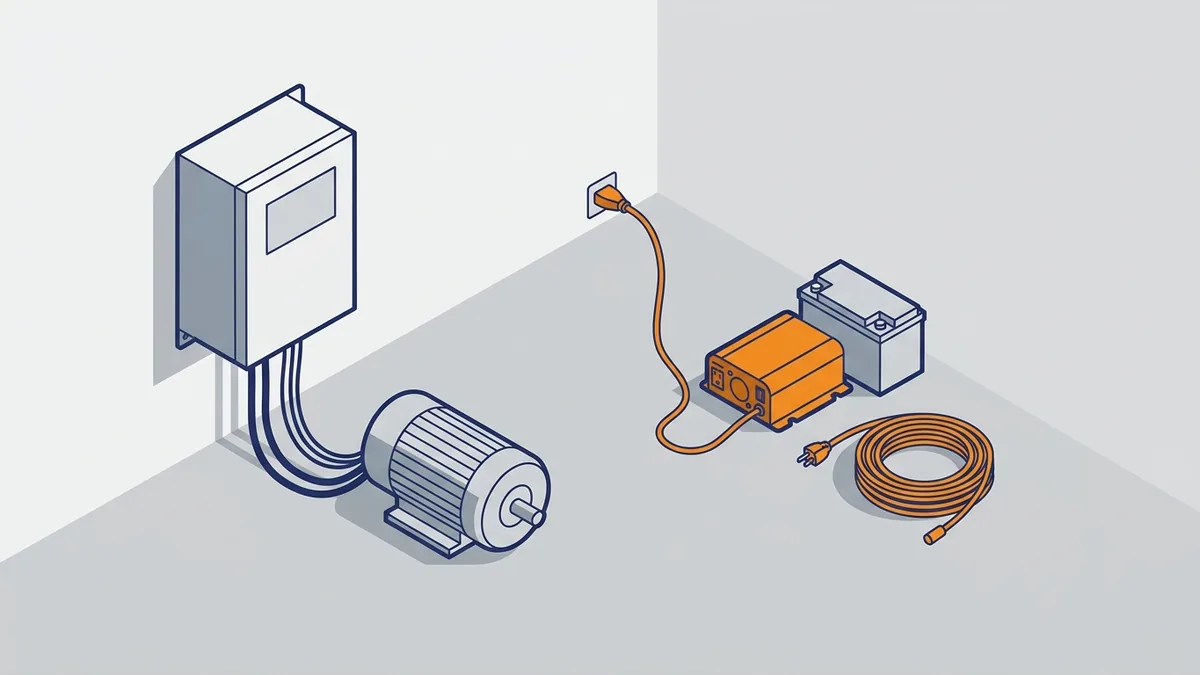
The short answer is that it depends on the product. For most industrial readers, “inverter” means a variable frequency drive (VFD), a unit that controls motor speed. For others, it means a DC-to-AC power inverter that runs tools from a battery. Eaton makes both, so the same code shows up in two very different places.
What does E05 mean on an Eaton inverter?
Three cases cover almost every search:
- Eaton/Moeller DF5, DF51 and DF6 drives: E05 is a motor overload trip from the electronic motor protection.
- Eaton 1000 W / 1800 W power inverters: E05 is a DC input under-voltage warning.
- Current Eaton drives (DG1, H-MAX, SPX9000): no E05. These drives use numbered F-codes with names.
Is my Eaton inverter a drive or a power inverter?
First, check the nameplate catalog number. A DF5, DF51 or DF6 is a legacy motor drive, so E05 means overload. A DG1, H-MAX or SVX/SPX9000 is a current drive, so you will see F-codes. Finally, a power inverter in the 12 V, 1000 W or 1800 W class is a battery product, so E05 is a voltage warning.
E05 on Eaton/Moeller DF5, DF51 and DF6 drives: motor overload
On these drives, the quick reference guides list E05 as an overload fault. The internal electronic motor protection switched off the output voltage because it judged the motor to be overloaded. In other words, this eaton drive e05 overload is the drive protecting the motor, not a random failure.
What does E05 Overload mean on a DF5, DF51 or DF6?
The meaning is the same on all three. The DF5 guide also lists E04 as overcurrent in the output stage at standstill, and E07 as overvoltage when the motor runs regeneratively. Those are separate faults, so read the code closely.
When a fault hits, the drive disables its output and the motor coasts to a stop. On the DF51, the red ALARM LED lights and the display shows an E-code. As a result, the drive stays locked out until you acknowledge the fault. The DF51 also keeps its three most recent faults in a fault register, so you can see whether E05 is a repeat.
How to clear and troubleshoot an E05 overload
Clearing the fault is easy. Fixing the cause, however, takes a few more checks. If you only reset, the Moeller DF51 E05 will come back as soon as the load or heat returns.
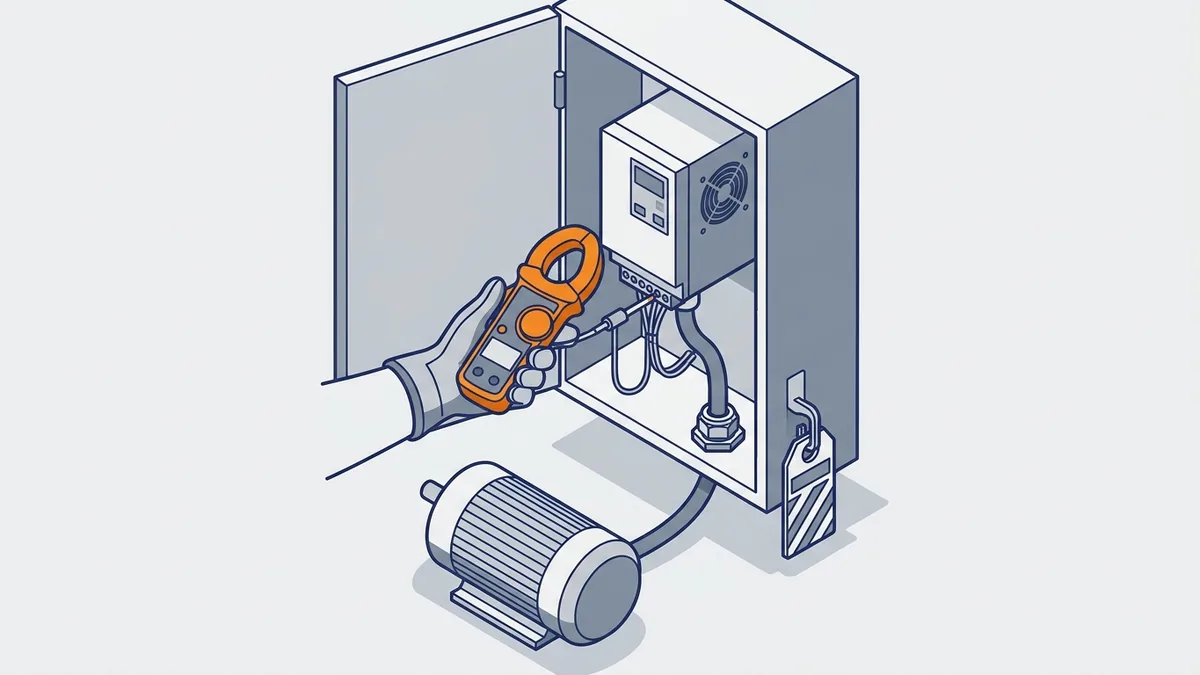
How do I reset the E05 fault on a DF-series inverter?
First, write down the fault. Then acknowledge it with the OFF key on the keypad or by closing the RST digital input. The drive will then accept a run command again. Also, do not keep resetting and restarting without checking the load.
Is it safe to reset a DF-series fault while a start signal is applied?
No. The DF51 guide warns that the motor restarts at once after a reset if a start signal is still applied. So before you reset, remove the run command and make sure everyone is clear of the driven machine. Then reset the fault and start the drive on purpose.
What should I check when E05 keeps coming back?
- Motor protection setting. Compare it with the motor nameplate current. Never raise it above the nameplate value to stop a nuisance trip. That puts the motor at risk.
- Load and mechanics. Look for a jam, a dragging bearing, a tight belt or a pump that is working too hard.
- Cooling. Check for blocked vents, dirty fans and hot panels. Also check the motor’s own cooling.
- Cable length. The DF51 hardware manual advises a motor reactor at the output for long motor cables. It also notes that cable capacitance can cause earth fault signals.
- Monitoring functions. The same manual lists thermal overload, thermistor (PTC) and external fault signal. Make sure none of these is tripping for another reason.
How is E05 different from E01-E04 overcurrent faults?
E01 to E04 are overcurrent trips. They cover static operation, deceleration, acceleration and standstill. Listed causes include a short-circuited output, a blocked motor and a heavy load applied suddenly. E05, by contrast, comes from the motor protection and points to a sustained overload. So a short circuit or a stuck motor usually gives an E01-E04 code, while a motor working too hard for too long gives E05.
Does ambient temperature affect overload trips on a DF51?
Yes, heat matters. The DF51 ambient range is -10 to +50 °C. Also, from about +40 °C up to +50 °C, you should reduce the pulse frequency to 2 kHz. In a hot panel, a drive that ignores this will run closer to its limits, so check the panel temperature before you blame the motor.
E05 on an Eaton 12 V power inverter: DC input under-voltage warning
This case applies only to the Eaton 1000 W / 1800 W power inverters, not to motor drives. Here, an eaton power inverter e05 error code is a warning, not a shutdown. In addition, the unit beeps at 0.33 Hz to tell you the DC input is getting low.
What does E05 mean on an Eaton 1000 W / 1800 W power inverter?
E05 is the DC input under-voltage warning. It comes before the E01 under-voltage shutdown. Both levels depend on the Lo/Mid/Hi setting, as the table shows.
| Setting | E05 warning | E01 shutdown |
|---|---|---|
| Lo | 11.0 V | 10.5 V |
| Mid | 12.1 V | 11.8 V |
| Hi | 12.2 V | 12.2 V |
Also, the same guide lists E02 as an over-voltage instant shutdown at 16.0 V. For any overload code on this unit, check the installation guide.
Why does my Eaton power inverter show E05 with a charged battery?
The guide names a discharged or undersized battery as a cause. It also names cable gauge. So a battery that looks charged at rest can still sag under load, and thin cables add to the drop. In addition, a high setting such as Hi warns at a higher voltage than Lo, so check the switch too.
To work through it:
- Recharge or test the battery under load.
- Check the cable gauge and the connections.
- Check the Lo/Mid/Hi setting.
Current Eaton drives do not show E05: F-codes on DG1, H-MAX and SPX9000
If a DG1, H-MAX or SVX/SPX9000 shows a fault, it will be an F-number with a name. We found no E05 meaning for these drives, so do not guess one. Instead, look up the exact code in the manual for your drive.
Do DG1, H-MAX or SPX9000 drives have an E05 code?
No. Instead, the sources we found show numbered F-codes with names, such as overcurrent, overvoltage and charging switch. If you came here with a DG1 or H-MAX, the code on your screen is an F-code.
Where do I find the fault code list for a DG1 or H-MAX drive?
For the DG1, use the PowerXL DG1 Communication Manual (MN040010EN, effective January 2023). It holds the fault code list in Table 171. For the H-MAX, Eaton’s Knowledge Hub says fault codes are on pages 86 to 89 of the H-Max HVAC Drive Application Manual (MN04008006E).
Because lists change, always check the manual revision. Published DG1 lists differ. In older documents, Charging Switch is 4 and Emergency Stop is 5. In newer ones, Charging Switch is 5 and Emergency Stop is 6. So match the list to your drive, not to a web page.
What is the F5 charging switch fault on Eaton drives?
On the SVX9000 and SPX9000, F5 is Charging Switch. The charging switch was open when the START command was given. Eaton’s SVX troubleshooting guide describes it as feedback from the charging relay. That relay switches the drive from precharge to the rectifiers being on.
The guide suggests reloading the system software, and replacing the control board if the fault persists. However, do not bypass this fault with jumpers on the board. That is a service-level step and can be unsafe. Because DG1 numbering varies by revision, confirm the number in your own manual.
How do I view fault history on a DG1 or H-MAX?
On the DG1 keypad, F1 shows active faults and pops up automatically when a fault occurs. F2 shows fault history. The DETAIL view gives fault code, type, current, voltage, power, torque, DC voltage, unit temperature, run status, direction, warnings and zero speed. A DG1 fault stays active until you clear it with the Reset button.
In addition, the H-Max application manual stores the 40 latest faults. On the 9000-family drives, the display shows the sequence indication (F1), the fault code, a short description and a fault type symbol, and the red LED blinks. You can reset with the RESET button or an I/O terminal. Finally, faults are stored in the Fault History menu.
Matching an old E05 drive to a current Eaton replacement
Resetting is fine for a one-time trip. However, repair or replacement makes more sense when the drive trips repeatedly with a good motor and a normal load, or when the drive is obsolete. We do not claim a direct successor for any DF-series model, because Eaton’s documents we found do not state one.
What Eaton drive replaces an older DF-series drive?
First, size the replacement from the motor, not the old drive label. Match the motor full load amps (FLA) and voltage to the drive output amps, not just horsepower. Then pick the line by application. Here are the models we sell.
DG1 (PowerXL): general-purpose drives
The DG1 suits general industrial pumps, fans and conveyors. We sell these:
- 10 HP, 400-480 V, 16 A: DG1-34016FB in NEMA 1 (C21C) and NEMA 12 (C54C).
- 10 HP, 208-240 V, 31 A: DG1-32031FB in NEMA 1 (C21C) and NEMA 12 (C54C).
- 100 HP, 400-480 V, 140 A: DG1-34140FN in NEMA 1 (C21C) and NEMA 12 (C54C).
H-MAX: HVAC drives
The H-MAX targets HVAC fans, pumps and building automation. Its RS-485 port supports BACnet, Modbus, FLN and N2. Relay output RO3 is Fault by default. We sell these 100 HP models:
- HMX34AG140 (140 A, 400-480 V): suffix 21 for NEMA 1, suffix 22 for NEMA 12.
- HMX32AG261 (261 A, 208-240 V): suffix 21 for NEMA 1, suffix 22 for NEMA 12.
SPX9000: high-power open chassis drives
The SPX9000 fits large loads that need high power. We sell the 1000 HP SPXH10A0-4A2N1 (1300 A, 400-480 V) and the SPXH10A0-5A2N1 (1030 A, 540-600 V). Both are open chassis, so plan the enclosure separately.
Comparison: which Eaton line to pick
This table sums up how the lines differ. It uses only ratings from our catalog and Eaton manuals.
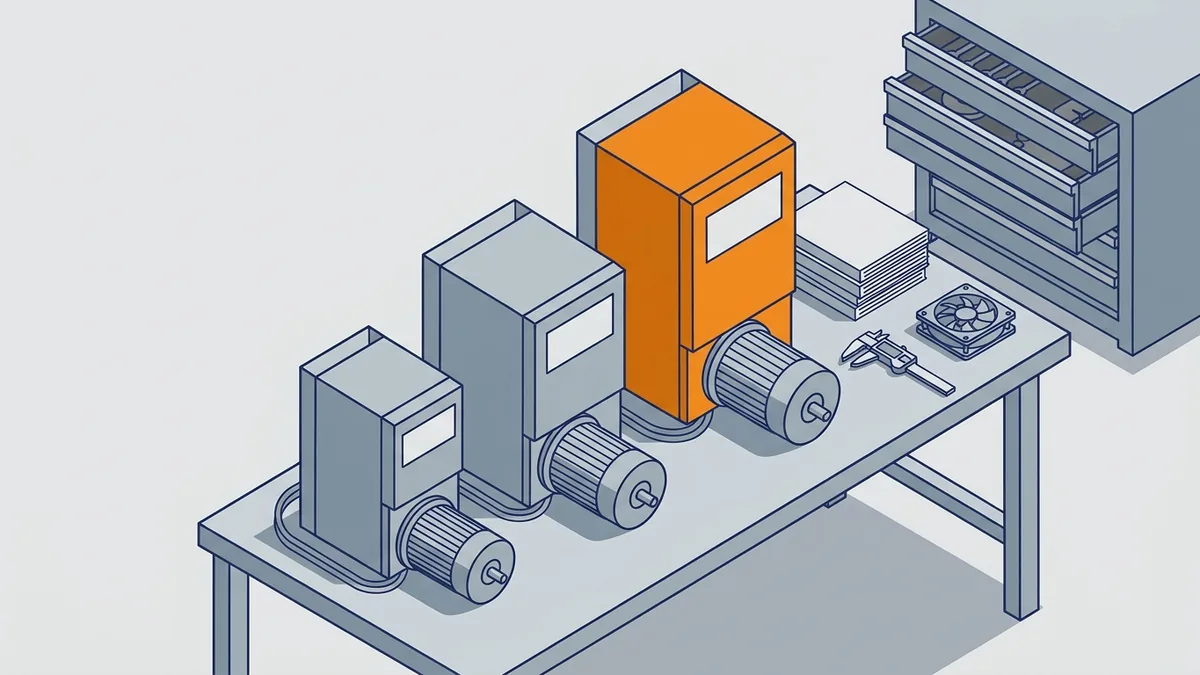
| Line | Typical use | Voltage classes we sell | Enclosure | Fault display |
|---|---|---|---|---|
| DG1 | General industrial pumps, fans, conveyors | 208-240 V, 400-480 V | NEMA 1, NEMA 12 | F-codes |
| H-MAX | HVAC fans, pumps, building automation | 208-240 V, 400-480 V | NEMA 1, NEMA 12 | F-codes |
| SPX9000 | Large, high-power loads | 400-480 V, 540-600 V | Open chassis | F-codes |
| DF5, DF51, DF6 (legacy) | Older machine drives | See the drive label | See the drive label | E-codes |
What buyers ask before ordering
How do I size an Eaton drive: voltage, amps, HP, enclosure?
First, confirm the catalog number on the old drive. Next, confirm the input voltage: 208-240 V, 400-480 V or 600 V class. Then read the motor nameplate for amps. Choose a drive whose output amps cover the motor FLA at that voltage. Horsepower alone can mislead you.
NEMA 1 or NEMA 12 enclosure for my Eaton drive?
NEMA 1 suits clean, indoor spaces such as electrical rooms. For indoor areas with dust and dripping liquids, NEMA 12 is the better choice, so it fits many plant floors. If you are unsure, look at where the drive will sit and what is in the air.
When should I repair rather than replace an Eaton drive?
Repair makes sense when the drive has failed but the application is unchanged and the model still fits. On the other hand, replace it when the unit is obsolete or trips repeatedly with a healthy motor and load. Before you send a drive out, note the fault history. On a DF51, that means the last three faults. As a result, that record helps our repair team.
For programming and startup, the quick start guides and application manuals are the first stop. Because pricing and lead time are not listed here, ask for a quote.
Where to find manuals and fault code documents
All of these documents come from Eaton, and they are the best source. Look for the document number on the drive label, such as MN040010EN or MN04008006E, and match it to the manual.
- PowerXL DG1 Communication Manual (MN040010EN): the DG1 fault code list.
- PowerXL DG1 Quick Start Guide (MN040012EN): first setup and reset steps.
- H-Max Application Manual (MN04008006E): H-MAX fault codes and fault history.
- H-Max Quick Start Guide (MN04008004E): first setup for the H-MAX.
- Knowledge Hub: the H-Max HVAC Drives Fault Codes article.
- SVX Troubleshooting Guide: charging relay and other 9000-family faults.
- SPX Advanced Application Manual: SPX9000 features and parameters.
- DF6 Quick Reference Guide (AWB8230-1449GB): DF6 fault codes.
- DF51 Hardware and Engineering Manual (AWB8230-1541GB): DF51 monitoring and cable advice.
- 1000 W / 1800 W Inverter Installation guide: power inverter codes and thresholds.
Frequently asked questions
What does E05 mean on an Eaton inverter?
On Eaton/Moeller DF5, DF51 and DF6 drives, E05 is a motor overload trip from the electronic motor protection. On an Eaton 12 V power inverter, E05 is a DC input under-voltage warning. First, check the model.
How do I reset E05 on an Eaton DF-series drive?
Acknowledge the fault with the OFF key or the RST input. Then check the load, the motor current setting and the motor cooling. If you skip that, the E05 will come back.
Do Eaton DG1 or H-MAX drives show E05?
No. The sources we found show these drives using numbered F-codes with names, such as overcurrent, overvoltage and charging switch. Look up the code in the DG1 or H-Max manual for your revision.
Why does my Eaton power inverter show E05 with the battery low?
E05 is the DC under-voltage warning, issued before the E01 shutdown. Eaton’s guide lists a discharged or undersized battery and cable gauge as causes.
What is the difference between E05 and the E01-E04 faults on a DF51?
E01 to E04 are overcurrent trips for static operation, deceleration, acceleration and standstill. For example, short circuits, a blocked motor or a sudden load cause them. E05 is the motor-protection overload trip.
An E05 code is only useful once you know which Eaton product shows it. Check the nameplate, follow the steps for that product, and use the Eaton manual for your revision. If you need help with a failed drive, a replacement quote or a repair, contact Precision Electric or browse our Eaton drives.