








Eaton Drives Technical Resource Center: How to Get Help Fast
When a drive faults and you cannot clear it, the Eaton drives technical resource center is often the best first call. This guide explains what that team does, how to reach it, and what to have ready. It also gives you an Eaton VFD troubleshooting path for DG1, H-Max and SVX/SPX 9000 drives.
On this page
- What the Eaton Drives Technical Resource Center is
- How to contact Eaton VFD tech support
- What to have ready before you call the Eaton drives technical resource center
- Eaton VFD warranty claims and what Eaton repairs
- Find the right manual and fault table for your Eaton drive
- Eaton VFD troubleshooting: step by step
- Step 1: Record the drive, the fault and the conditions
- How do I reset or clear a fault on an Eaton drive?
- Step 2: Make it safe and check the cables and motor
- How long do I wait for the capacitors, and how do I check the DC bus?
- Step 3: Test the power sections before applying power
- What are the test points and expected readings?
- Step 4: Power up, then run a motor
- Step 5: Rule out causes outside the drive
- Step 6: When to send a field technician or the drive for repair
- Common Eaton VFD faults and first checks
- Common mistakes when troubleshooting Eaton drives
- Repair or replace: what to decide and who to call
- Frequently asked questions
What the Eaton Drives Technical Resource Center is
What is the Eaton Drives Technical Resource Center?
The Eaton drives technical resource center, or TRC, is the EatonCare support team for low-voltage variable frequency drives (VFDs). Eaton says to contact it for startup, programming, troubleshooting, communications and field service support. If you need help, your distributor or Eaton salesperson can also step in.
What does Eaton VFD tech support help with?
Eaton VFD tech support covers the work you do before and after a drive runs. For example, the team can help with first startup, parameter programming, a fault you cannot clear, or a fieldbus link that will not connect. In addition, it decides whether a failed drive is a warranty case, as the warranty section below explains.
Which Eaton team handles which problem?
Eaton splits drive support into several teams. Picking the right one saves you a transfer.
- Technical problems: the TRC, for faults, startup, programming and communications.
- Pre-sale questions: the pre-sale team, for application support and quotes.
- Parts, repair and reconditioning: the aftermarket team.
- System-level problems: Eaton Electrical Engineering Services and Systems, covered in the next section.
How to contact Eaton VFD tech support
How do I contact Eaton VFD tech support?
Email [email protected], or call 877-ETN-CARE (386-2273) and choose the drives option. Eaton’s pages list the menu options differently. One page shows option 2, then 6, then 3. Another shows option 2, then 7, then 4 for troubleshooting.
So do not rely on a memorized string. Listen to the current menu, or check the EatonCare TRC phone menu PDF on Eaton’s site. Eaton’s Knowledge Hub also has a “How do I contact Eaton” article with a drives email and number.
What are the Eaton drives technical support hours and after-hours number?
Eaton lists the TRC as open 8:00 a.m. to 5:00 p.m. Central. For emergencies, Eaton lists an after-hours line at 800-543-7038, from 6:00 p.m. to 8:00 a.m. Central. Confirm both on Eaton’s drives page before you call, because Eaton may change them.
Who do I contact for pre-sale, parts identification or quotes?
Do not send these questions to the TRC. Use the address that fits the job:
- [email protected]: pre-sale support.
- [email protected]: drive or parts identification, part number cross-reference and application support.
- [email protected]: quotes on parts, or on open or enclosed drives.
- [email protected]: aftermarket, repair and reconditioning.
Also, Eaton Electrical Engineering Services and Systems is on call 24/7 at 1-800-498-2678. It handles work from troubleshooting to disaster recovery. Use it when the problem reaches past one drive.
What to have ready before you call the Eaton drives technical resource center
A prepared caller gets an answer faster. First, write down the basics from the drive’s nameplate and your work order:
- The catalog (model) number.
- The serial number.
- The reason for service and how urgent it is.
- What you see on the outside of the drive, such as burn marks, damaged parts or a blank display.
Next, add what the TRC will ask for. Read the exact fault code or message, and the fault history. For example, the H-Max drive stores its 40 latest faults. Also note what the load and motor were doing when the fault hit.
Finally, take photos of the drive, nameplate and wiring. Eaton accepts pictures and documents by email. For a warranty claim, find the original Eaton GO (general order) number before you call.
Eaton VFD warranty claims and what Eaton repairs
How does an Eaton VFD warranty claim work?
The claim starts with a call to the Eaton drives technical resource center. Eaton requires this troubleshooting call before it can confirm warranty status. The goal is to decide whether the problem is in the drive and to rule out outside causes.
Have the GO number ready. Without it, do not assume the TRC can approve a claim. Parts-only claims go to CORE, the Center of Returns Excellence, at 800-410-2910 or [email protected]. For local field service, CORE processes the claim and tells you how to return the product to the Eaton drives facility.
Does Eaton repair VFDs or only replace them?
Eaton does repair drives. Its aftermarket page says it offers drive component repair and reconditioning at its headquarters in Menomonee Falls, WI. It uses genuine certified parts, warranted for 3 months. Contact [email protected] to start.
A repair shop like Precision Electric fits in a few cases. One is after the TRC confirms the drive is the problem. Another is an older drive, or a job where turnaround matters. We do not list repair prices here, so ask for a quote.
Find the right manual and fault table for your Eaton drive
How do I identify my drive family and manual revision?
Start with the nameplate. The catalog number tells you the family, and it starts with letters you can match. DG1 drives begin with DG1, H-Max drives with HMX, and SVX and SPX drives with those letters. The serial number sits on the same label, and Eaton will ask for both.
Next, find the revision of your manual. Look on the cover or in the footer for the publication number and date. Then compare it with the document Eaton lists for your drive. If the dates differ, fault numbers may differ too.
Where do I find the manual and fault codes for my Eaton drive?
First, read the catalog number to identify the family. Then open the manual for that family. Use Eaton’s own documents first, and check that the revision matches your drive.
| Family | Where the fault information is |
|---|---|
| H-Max (HVAC) | H-Max Application Manual, pages 86 to 89. The Quick Start Guide has a Diagnostics menu. |
| SVX9000 / SPX9000 (9000X) | Appendix B of the 9000X AF Drives User Manual. Appendix C has troubleshooting charts by fault code. Eaton also publishes an SVX Troubleshooting Guide. |
| PowerXL DG1 | DG1 Quick Start Guide and the DG1 application manual. |
Are fault codes the same across DG1, H-Max and SVX/SPX drives?
No. Fault numbers differ between families, and they can differ between manual revisions. For example, DG1 code 13 is Drive OverTemp. On the H-Max, code 14 is AC drive overtemperature, with IDs 130 to 133.
Even inside the DG1 family, the numbers move. One DG1 guide lists IGBT overtemperature as code 30, while a later DG1 application note numbers it 41. So never use a loose fault table from the web. Match the code to your drive’s own manual.
What software do I use to back up and read an Eaton drive?
Eaton makes PC software for each family. Download it from Eaton.com/software, under Adjustable Frequency Drives, then your product.
- Power Xpert inControl: PowerXL DG1, DH1, DM1 and DX1.
- DrivesConnect: DE1, DC1 and DA1.
- MaxConnect and MaxLoader: H-Max drives.
- 9000XDrive and 9000XLoad: SVX, SPX and enclosed drives built on those units.
Eaton’s drives resources page also has a DG1 online demo simulator. It is a safe way to practice the menus.
How do I connect a PC and back up the parameters?
First, connect your PC to the drive with the cable or adapter your manual calls for. Then open the software for your family and go online with the drive. Next, upload the parameters from the drive to the PC and save the file with the drive’s serial number in its name.
Do this before you change any setting or load defaults. Then you can restore the drive if a change goes wrong, or load the same file into a replacement.
Eaton VFD troubleshooting: step by step
The structure of Eaton VFD troubleshooting matches other brands. The codes and parameters are what change. The goal is to diagnose, repair and recommission the drive fast. Our bench sequence below also works as a field checklist.
Safety first: only qualified people should work on drives. Use lockout/tagout and de-energize the drive before you touch it. Your drive manual gives the discharge wait time, so follow it.
Step 1: Record the drive, the fault and the conditions
Write down the model, serial number, reason for service, urgency and what you see outside. Then read the active fault and the fault history before you cycle power. This history can point to a pattern.
Before you reset a fault, remove the external control signal. Eaton’s manuals warn that a reset with the run command present can cause an unintended restart.
How do I reset or clear a fault on an Eaton drive?
Eaton drives clear faults in three common ways. First, fix the cause, because a reset only clears the message. Then use the method your setup allows.
- Keypad reset: press the Reset button on the keypad. Your manual says whether you must first go to the fault display.
- I/O reset: pulse a digital input that is set as the fault reset function. Check the input assignment in your manual.
- Fieldbus reset: send the reset bit in the control word from your PLC. The bit location depends on the fieldbus profile.
In every case, make sure the run command is off first. If the fault returns right away, stop and keep troubleshooting.
Step 2: Make it safe and check the cables and motor
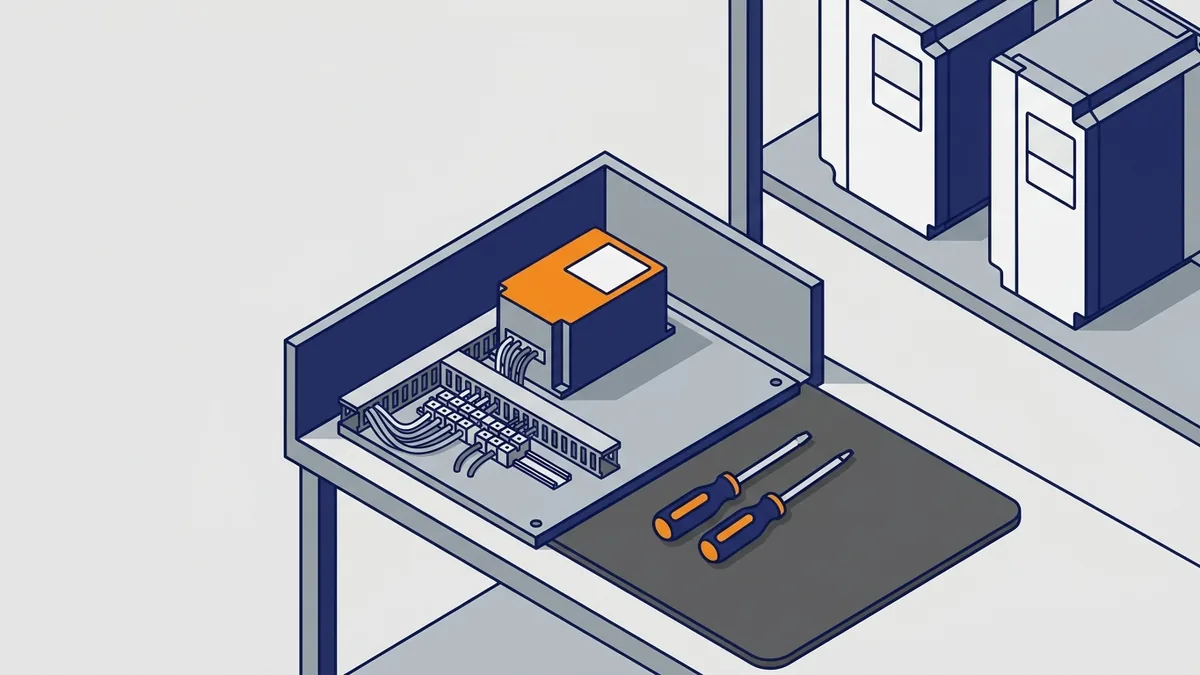
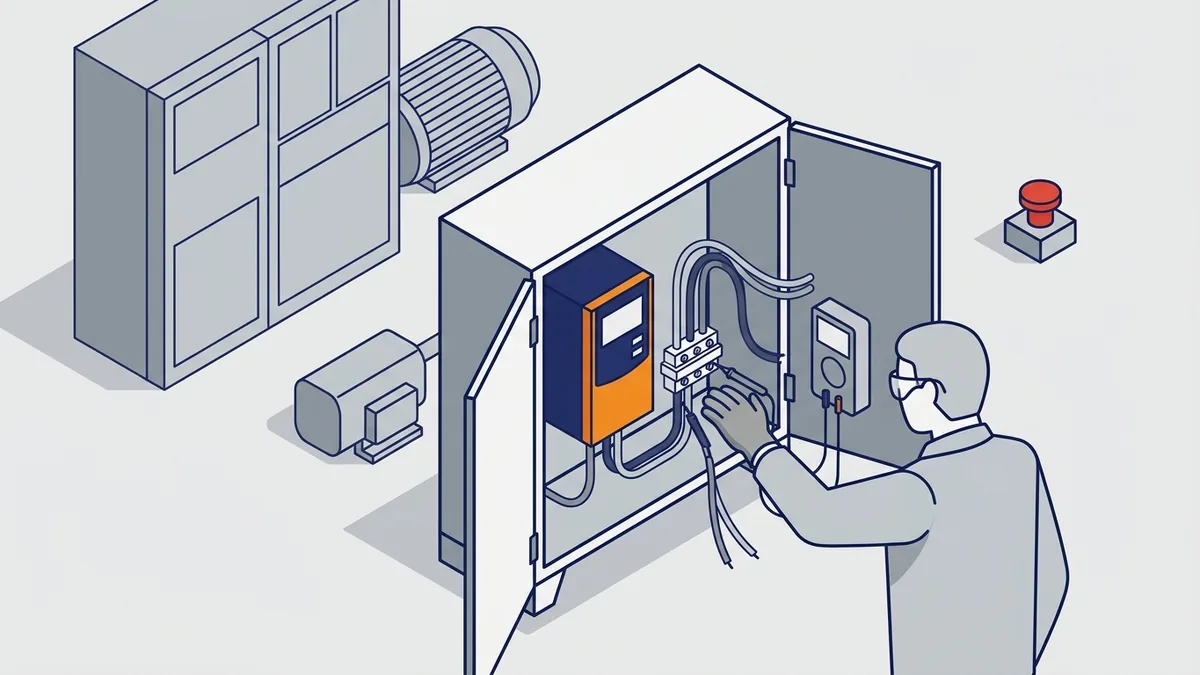
With the drive locked out, check the cables and motor. Eaton’s H-Max installation manual gives an insulation check:
- Disconnect the motor cable from U, V, W and from the motor.
- Measure each phase conductor, and each phase to protective ground. Insulation resistance must be greater than 1 megohm.
- Repeat the check on the input cable at L1, L2 and L3.
- For the motor windings, use a test voltage at least equal to the motor’s nominal voltage but not above 1000 V.
This matters because the 9000X manual ties overcurrent and earth faults to a short in the motor or cables, an unsuitable motor, or insulation failure.
How long do I wait for the capacitors, and how do I check the DC bus?
The wait time depends on the drive size and family. The warning label on the drive and the manual give the exact figure, so use that number. Do not guess from another drive.
Then verify with a meter instead of trusting the time or the display lights:
- Lock out and tag out the supply, and confirm the drive is dead.
- Wait the full time from the label.
- Set a meter rated for the drive’s voltage to DC volts.
- Measure between the DC+ and DC- bus terminals. Your manual shows where they are.
- Continue only when the meter reads zero or near zero.
Step 3: Test the power sections before applying power
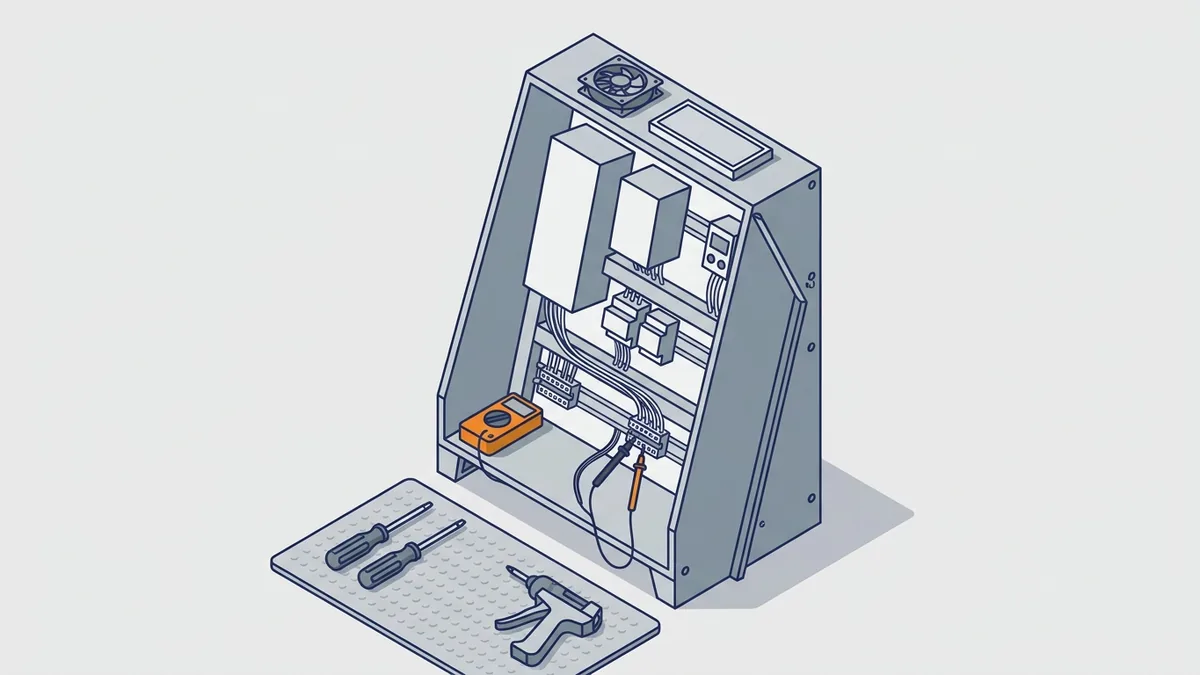
Next, use a meter to test the input rectifier (diode) section and the output IGBT section. IGBTs are the power switches that build the drive’s output. A short on either side can cause more damage if you apply power.
What are the test points and expected readings?
First, confirm the DC bus is discharged, as described above. Then disconnect the incoming line and the motor leads. Set the meter to diode test.
- Input rectifier: put the leads from L1, L2 and L3 to DC+ and to DC-, then reverse them.
- Output IGBT section: repeat the same pattern from U, V and W to DC+ and DC-.
A good diode path reads a low voltage drop in one direction, often about 0.3 to 0.7 V, and open (OL) in the other. A reading of zero both ways means a short. An open reading both ways means an open part. Compare all three phases, because they should match each other. Some drives name the bus terminals differently, so check your manual.
If you find a short, open the unit and find the cause. Then compare a repair quote with replacement. Note that H-Max code 7 (Saturation) can come from a defective component, a brake resistor short-circuit or an overload.
Step 4: Power up, then run a motor
If the power sections test healthy, raise the input voltage slowly to the rated value. Watch the display, the currents and the output frequency. A drive with no display points to the control power supply, so plan to open it and test there.
Before you change anything, back up the program with the software for your family. Then load a template or factory defaults and jog a motor. If the motor will not run, check the output voltage and current going to the motor.
Also watch for motor setup issues. The DG1 Motor ID fault (code 40 in the March 2014 guide) appears when the Motor ID Run is not finished. In addition, Eaton says a motor should not sit more than one power class away from the drive’s rating.
Step 5: Rule out causes outside the drive
To tell whether the drive or something outside it is at fault, check these items first:
- External fault: a digital input set as an external fault (F51 on 9000X) means a device outside the drive opened. Check the firestat, smoke detector relay, vibration switch or starter contact.
- Communications: on 9000X drives, F52 is a keypad communication fault, F53 a fieldbus fault and F54 a slot fault. Check cabling and the option board.
- Supply: low voltage, a loose phase or a blown fuse.
- Process: a mechanical jam, poor cooling air or high ambient temperature.
- Controls: PLC communications, faulty I/O, bad wiring or bad cabling.
Step 6: When to send a field technician or the drive for repair
If the drive tests good and you cannot find a cause elsewhere, a field service technician can come on site. This works well for problems that cross drives, motors, servos and controls.
However, move to a repair or replacement quote if the drive fails the power-section tests or will not power up. The same goes for repeated internal faults after a restart, such as current measurement faults.
Common Eaton VFD faults and first checks
This table lists fault types, not code numbers, because numbers change by family and revision. Use it for a first check, then confirm in your manual.
| Fault | What Eaton points to | First check |
|---|---|---|
| Overcurrent | High output current from a sudden heavy load, a short in the motor or cables, or an unsuitable motor (9000X manual) | Load, motor, cables |
| Overvoltage | Too short a deceleration time, or utility surges (9000X manual) | Decel time, supply |
| Earth fault | Insulation failure in the motor or motor cables | Insulation test |
| Input phase | Supply problem (H-Max) | Supply voltage, fuses, cable |
| Saturation | Defective component, brake resistor short or overload (H-Max) | Power sections, brake resistor |
| Drive overtemperature | DG1 trips when the heat sink passes 90 C | Airflow, heat sink dust, ambient temperature, switching frequency |
| Fan cooling | Fan lifetime is up (H-Max) | Change the fan, reset the counter |
| Current measurement | DG1 internal fault | Restart; if it returns, contact your distributor |
One more point: the DG1 shows a Drive UnderTemp warning when the heat sink is below -10 C. For a short supply break, a reset and restart may clear an undervoltage fault. Still, check the supply and input fuses.
What causes Eaton VFD overcurrent, overtemperature, input phase and fan faults?
Each of these four faults has a different usual cause. First, find which one you have, then start with the check that fits it.
- Overcurrent: the drive sends out too much current. Eaton’s 9000X manual points to a sudden heavy load, a short in the motor or cables, or an unsuitable motor. Check the load, the motor and the cables.
- Overtemperature: the drive runs too hot. The DG1 trips when the heat sink passes 90 C, and the H-Max reports AC drive overtemperature. Check airflow, dust on the heat sink, ambient temperature and switching frequency.
- Input phase: Eaton lists this H-Max fault as a supply problem. Check the supply voltage, the fuses and the input cable for a lost phase.
- Fan cooling: on the H-Max, this fault means the fan lifetime is up. Change the fan, then reset the counter.
Also note that a fan that wears out can lead to overtemperature later. So treat a fan fault early, before heat becomes the next problem.
What about undervoltage, output phase, motor overload and thermistor faults?
These faults also show up often. Their code numbers change by family and manual revision, so look up the number in your own manual.
- Undervoltage: the DC bus dropped too low. Check the supply voltage, input fuses and any short supply break.
- Output phase: the drive sees an uneven or missing motor phase. Check the motor cable, terminals and motor windings.
- Motor overload: the motor drew more current than its set limit for too long. Check the load, the motor current setting and cooling.
- Thermistor: the motor sensor input tripped. Check for a hot motor, then check the sensor wiring.
Common mistakes when troubleshooting Eaton drives
Most failed repairs trace back to a few habits. Avoid these:
- Using a fault table from the wrong family or manual revision.
- Resetting a fault while the run command is still present.
- Applying power before checking for a short in the power sections.
- Replacing the drive without checking the motor cable, motor insulation and external fault devices.
- Wiping parameters without a backup.
- Skipping the call to the Eaton drives technical resource center when a warranty claim is possible.
Repair or replace: what to decide and who to call
Several things drive this choice. Consider the age of the drive, whether its family is still supported, the repair quote against a new unit, and how long you can be down. A line that cannot stop may need a like-for-like replacement while the old unit is repaired.
You have these options:
- The Eaton drives technical resource center and Eaton’s aftermarket team.
- Eaton’s repair and reconditioning in Menomonee Falls, WI.
- Precision Electric’s repair and field service.
- A replacement drive from stock.
Precision Electric lists these Eaton drives as examples of like-for-like units:
- 10 HP DG1, NEMA 1 and NEMA 12, such as DG1-34016FB-C21C and DG1-32031FB-C54C.
- 100 HP DG1, such as DG1-34140FN-C21C (NEMA 1) and DG1-34140FN-C54C (NEMA 12).
- 100 HP H-Max HVAC, such as HMX34AG14021-N (NEMA 1) and HMX34AG14022-N (NEMA 12).
- 1000 HP SPX9000 open chassis, such as SPXH10A0-4A2N1.
Frequently asked questions
What is the Eaton Drives Technical Resource Center?
It is Eaton’s EatonCare support team for low-voltage VFDs. Eaton says to contact it for startup, programming, troubleshooting, communications and field service support. Email [email protected] or call 877-ETN-CARE (386-2273) and use the drives option.
What are the Eaton VFD tech support hours?
Eaton lists 8:00 a.m. to 5:00 p.m. Central for the TRC. It also lists an after-hours emergency line at 800-543-7038 from 6:00 p.m. to 8:00 a.m. Central. Confirm on Eaton’s drives page before you call, since Eaton’s pages list different menu options.
What do I need before calling Eaton about a drive fault or warranty claim?
Have the catalog and serial numbers, the exact fault code and history, and photos if useful. For warranty, you need the original Eaton GO number. Eaton also requires the TRC call first, to confirm the fault is in the drive and not external.
Where do I find Eaton VFD fault codes?
Look in the manual for your specific family. H-Max codes are in the Application Manual, pages 86 to 89. 9000X codes are in Appendix B of the 9000X User Manual. DG1 codes are in the DG1 Quick Start and application manuals. Numbers differ between families and revisions.
Does Eaton repair its own drives?
Yes. Eaton says it offers drive component repair and reconditioning in Menomonee Falls, WI, using genuine certified parts warranted for 3 months. Contact [email protected].
Start with the manual for your drive’s family, and call the Eaton drives technical resource center if the fault stays or a warranty claim is possible. Keep your notes, fault history and GO number handy. If you need Eaton VFD repair, field service or a replacement drive, contact Precision Electric for a quote or browse our Eaton drives.