








F0001 Fault in ABB Drive: Overcurrent Causes and Fixes
An F0001 fault in ABB drive systems means overcurrent on the ACS550, and F0003 means the heatsink is too hot. This guide gives the meaning of each code, a fault-finding order, the acceleration parameters, and the reset rules. Also, it corrects our older post, which wrongly called F0003 a DC undervoltage fault.
On this page
- F0001 fault in ABB drive panels and F0003: what the codes mean on an ACS550
- Safety before you open the drive after an F0001 fault in ABB drive systems
- ACS550 fault 1 overcurrent: causes and related alarms
- How to troubleshoot an F0001 fault in ABB drive installations step by step
- ABB ACS550 acceleration parameters
- F0003 fault in ABB drive displays: DEV OVERTEMP on an ACS550
- What is the F0003 fault in an ABB drive, and what causes it?
- At what temperature does the F0003 fault in ABB drive units trip?
- What order should I follow to fix an ABB F0003 fault?
- What do I need to know about the fan, derating and clearances?
- How is DEV OVERTEMP different from motor overtemperature?
- Other ACS550 faults people confuse with F0001 and F0003
- Reading the fault history after an F0001 fault in ABB drive trips, and resetting
- If your ABB drive is not an ACS550
- Repair or replace: ACS550 lifecycle, parts and what to do next
- Preventive checks that stop an F0001 fault in ABB drive systems
- Frequently asked questions
F0001 fault in ABB drive panels and F0003: what the codes mean on an ACS550
Here is the short answer. On the ACS550, fault 1 is OVERCURRENT and fault 3 is DEV OVERTEMP. Also, we take these from ABB’s ACS550 user’s manual, not from third-party code lists.
What does an F0001 fault in ABB drive displays mean?
On an ACS550, an F0001 fault in ABB drive displays reads OVERCURRENT. The output current is excessive, so the drive trips and the motor coasts to a stop. In addition, the fieldbus code for this fault is 2310h.
What does the F0003 fault code mean?
The F0003 fault code on an ACS550 is DEV OVERTEMP. In other words, the drive heatsink is at or above its temperature limit. Also, the fieldbus code is 4210h.
A correction is needed here. Our older post said F0003 was DC UNDERVOLT. However, that was wrong. DC UNDERVOLT is fault 6 on the ACS550, and we have fixed it below.
Is the F0003 fault code the same on every brand?
No. The same F-number can mean something else on another brand or drive family. For example, the Siemens MICROMASTER 420 table lists F0001 as Overcurrent and F0003 as Undervoltage. So always match the code to the manual for your exact drive.
| Fault | Panel name | Fieldbus code | Check first |
|---|---|---|---|
| 1 | OVERCURRENT | 2310h | Motor load, ramp time, motor and cables |
| 2 | DC OVERVOLT | 3210h | Supply voltage, deceleration time |
| 3 | DEV OVERTEMP | 4210h | Fan, airflow, heatsink dirt |
| 4 | SHORT CIRC | 2340h | Short in motor cable or motor |
| 6 | DC UNDERVOLT | 3220h | Input phase, fuses, mains voltage |
Safety before you open the drive after an F0001 fault in ABB drive systems
Is it safe to open the drive after a fault, and how long should I wait?
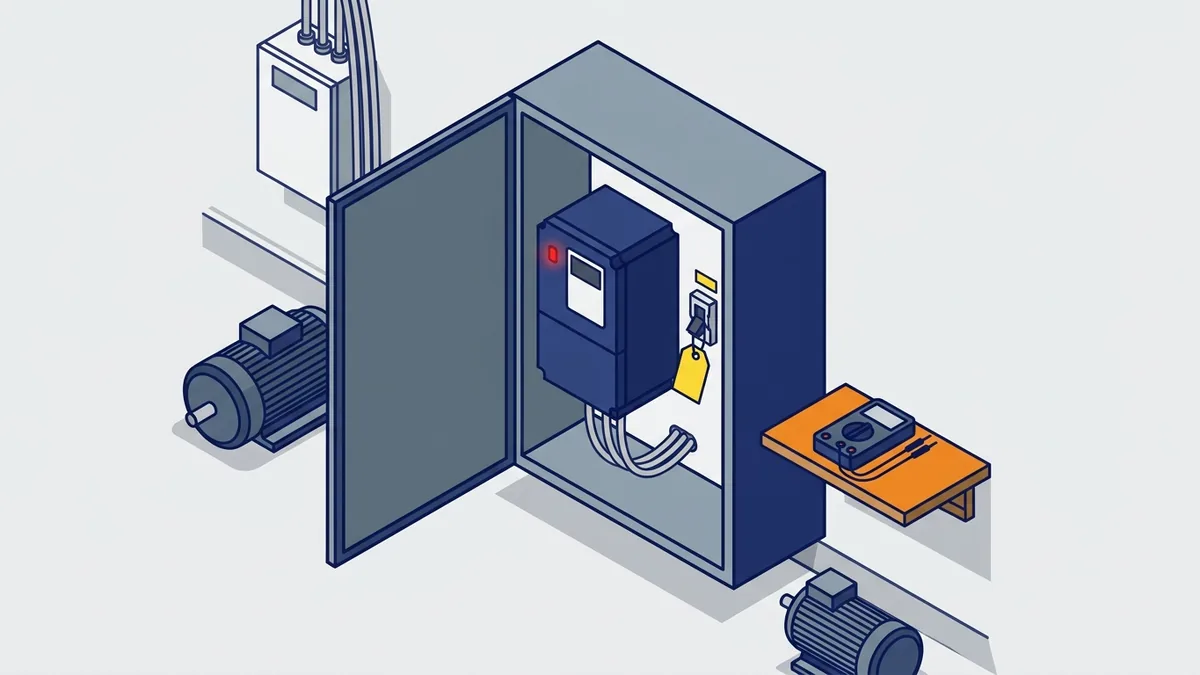
Not right away. First, dangerous voltage is present whenever input power is connected. After you disconnect the supply, wait at least 5 minutes before you remove the cover. That is because the intermediate circuit capacitors need that time to discharge.
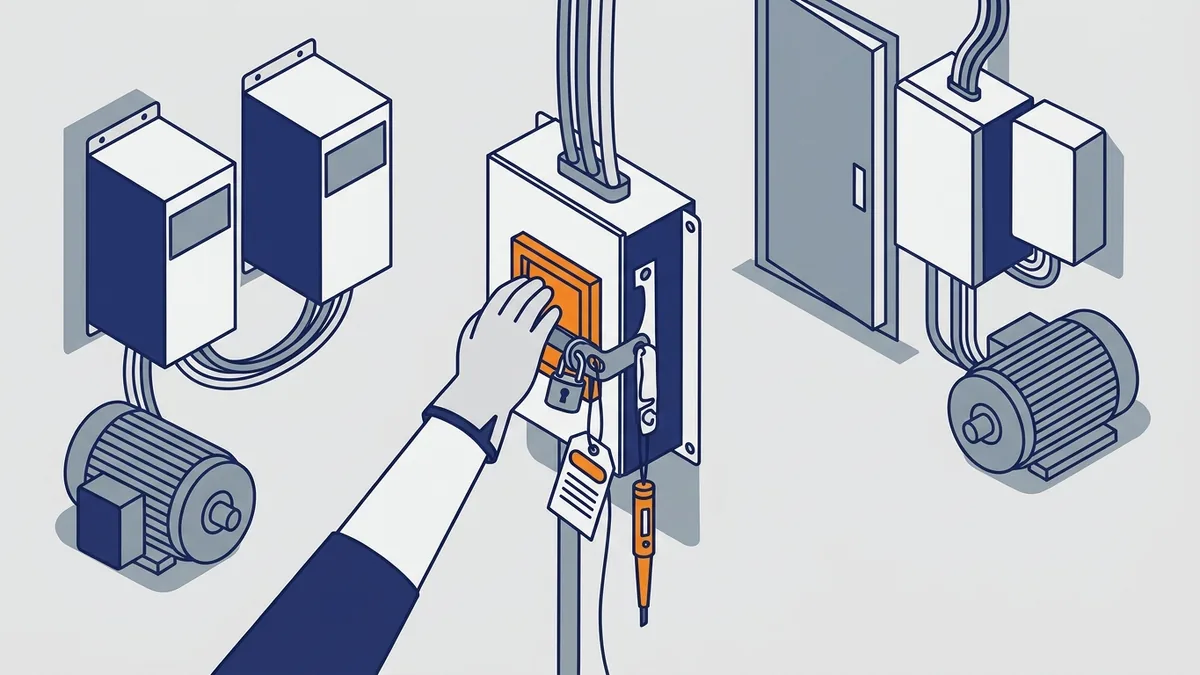
Also, relay outputs R01…R03 can carry dangerous voltage from outside sources, even with drive input power off. So check those terminals too.
- Lock out and tag out the upstream disconnect.
- Verify zero voltage with a properly rated meter.
- Wear PPE chosen by your arc flash risk assessment under NFPA 70E.
- Remember that an active external start command can restart the drive right after a fault reset.
ACS550 fault 1 overcurrent: causes and related alarms
What causes an F0001 fault in ABB drive installations?
The manual lists three checks for an F0001 fault in ABB drive installations. First, look for excessive motor load. Next, check for insufficient acceleration time in parameters 2202 and 2205. Finally, look for a faulty motor, motor cable or connection.
The old post also named heavy load swings and wrong motor data. Both are sensible checks, because a mismatch between the programmed data and the nameplate can push current up.
What is the difference between F0001, F0004 and alarm 2001?
These three look alike, but they are not the same.
- F0001 OVERCURRENT: output current is excessive and the drive trips.
- F0004 SHORT CIRC: fault current from a short in the motor cable or motor, or from supply disturbances.
- Alarm 2001 OVERCURRENT: the current limiting controller is active. The drive is holding current down and has not tripped yet.
The alarm uses the same checks as the fault: load, acceleration time (2202 and 2205), and motor, cables and connections. So treat an alarm 2001 as an early warning that a trip may follow.
How to troubleshoot an F0001 fault in ABB drive installations step by step
First, note when the trip happens. It may come at start, during ramp-up, at steady speed or on a load change. That timing narrows the cause fast. Then work through the steps in order.
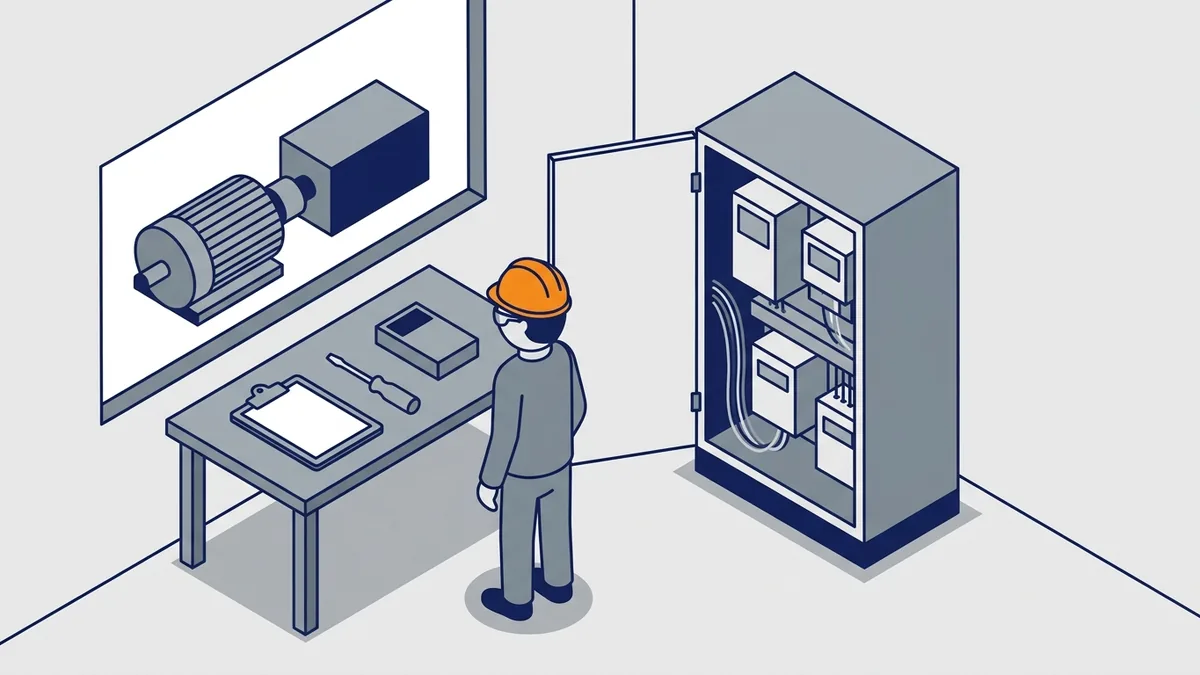
- Read the fault log. The three most recent faults sit in parameters 0401, 0412 and 0413. Write down the code before you reset anything.
- Check the motor and cables. With power locked out, disconnect the motor cables. Test the cables and motor for shorts and insulation damage. Check every terminal connection.
- Check the mechanical load. Look for jams, binding or a process overload.
- Compare motor data. Match the nameplate against the Group 99 start-up data: voltage, current, frequency, speed and power.
- Look at the ramp. If the drive trips only during ramp-up, review the acceleration time, as described in the next section.
- Test the drive alone. If it still trips with the motor disconnected, or with a known-good motor and cable, suspect the drive’s power section. Send it for repair.
Above all, do not skip step 2. A short in the cable or motor will trip the drive again and again, and repeated restarts can harm the drive.
How do I test motor and cable insulation for F0001 and F0004?
First, lock out the supply, wait 5 minutes, and disconnect the motor cable from the drive output terminals (U2, V2, W2). Never run an insulation test with the cable still connected, because the test voltage can destroy the drive. Also, do not megger the drive itself.
Next, test the motor and the cable with a megger. ABB’s usual guidance is 1000 V DC, and an ABB motor should read more than 100 MΩ at 25 °C. For other motors, use the maker’s limits. Test each phase to ground, and also test phase to phase. A low or falling reading points to a wet or damaged winding or cable, which can cause F0001 or F0004.
ABB ACS550 acceleration parameters
Which ABB ACS550 parameters set acceleration time?
Group 22 ACCEL/DECEL defines the ramps that control how fast the motor speeds up and slows down. These are the main ABB ACS550 acceleration parameters, along with their deceleration partners.
| Parameter | Name | What it does |
|---|---|---|
| 2201 | ACC/DEC 1/2 SEL | Selects which ramp pair is active |
| 2202 | ACCELER TIME 1 | Acceleration time, ramp pair 1 |
| 2203 | DECELER TIME 1 | Deceleration time, ramp pair 1 |
| 2204 | RAMP SHAPE | Shapes the ramp and affects actual time |
| 2205 | ACCELER TIME 2 | Acceleration time, ramp pair 2 |
| 2206 | DECELER TIME 2 | Deceleration time, ramp pair 2 |
| 2208 | EMERG DEC TIME | Emergency deceleration time |
What is the default acceleration time and range?
Parameter 2202 has a default of 5.0 s. The range is 0.0…1800.0 s in steps of 0.1 s. Likewise, parameter 2203 has the same range and default.
The time is measured from zero to maximum frequency. So a small speed change takes proportionally less time. Ramp shape also changes the real time. ABB’s rule of thumb is that a ramp shape time of about 1/5 of the acceleration time is suitable.
However, we do not give one acceleration time for all applications. Only the default and range come from the manual, and your load decides the rest.
How do I choose a sensible acceleration time?
Start with the physics. The torque the motor can spare for acceleration, after the load takes its share, must speed up the load inertia. So a higher inertia or a lower spare torque needs a longer time. In simple terms, time equals inertia times speed change, divided by acceleration torque.
In practice, you can work like this:
- Run the Group 99 start-up data and the motor ID Run (parameter 9910) so the drive knows the motor well.
- Check the current limit in parameter 2003 MAX CURRENT. The ramp cannot push current past this limit.
- Set 2202 to a longer time, then shorten it in small steps.
- Watch output current in parameter 0104 during each start. Stop shortening when the current gets close to the limit or the drive shows alarm 2001.
How do I change the acceleration time from the panel?
First, open Parameters mode, then go to Group 22. Select 2202, edit the value and save it. If your application uses two ramp pairs, check 2205 as well.
Will lengthening acceleration time fix an F0001 fault in ABB drive setups?
Only if the trip happens during the ramp. In that case, a longer 2202 or 2205 lowers the current the drive must deliver while the motor speeds up. However, it will not cure a jammed load, a bad cable or a shorted motor. Fix those first, or you will only hide the real fault.
Also, do not confuse the two ramps. A longer deceleration time (2203 or 2206) helps with DC OVERVOLT, not with overcurrent. Likewise, a brake resistor is not an overcurrent fix.
F0003 fault in ABB drive displays: DEV OVERTEMP on an ACS550
What is the F0003 fault in an ABB drive, and what causes it?
The F0003 fault in ABB drive displays of the ACS550 family means DEV OVERTEMP. The drive heatsink is overheated. In other words, the drive cannot shed its own heat. The manual lists five causes:
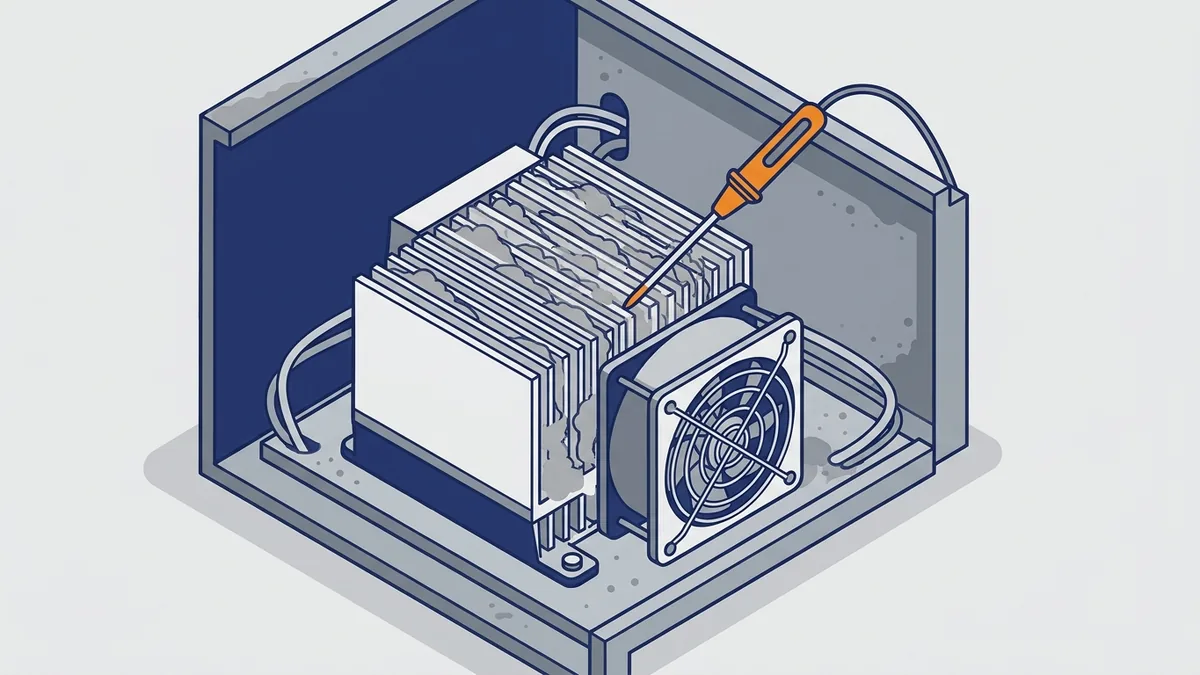
- Fan failure
- Obstructions in the airflow
- Dirt or dust on the heatsink
- Excessive ambient temperature
- Excessive motor load
At what temperature does the F0003 fault in ABB drive units trip?
The trip point is 115 °C (239 °F) for frame sizes R1…R4. It is 125 °C (257 °F) for R5 and R6. However, one manual revision also lists 115 °C for R7 and R8, so confirm the limit in the manual revision for your drive.
Because an ABB F0003 fault often builds slowly, the drive may show a heatsink hot alarm (2009) first. If you act on that alarm, you may avoid the trip.
What order should I follow to fix an ABB F0003 fault?
- Lock out the drive and wait 5 minutes.
- Clean the heatsink and the air path.
- Confirm the fan spins freely.
- Check enclosure temperature and clearances.
- Check motor load last.
What do I need to know about the fan, derating and clearances?
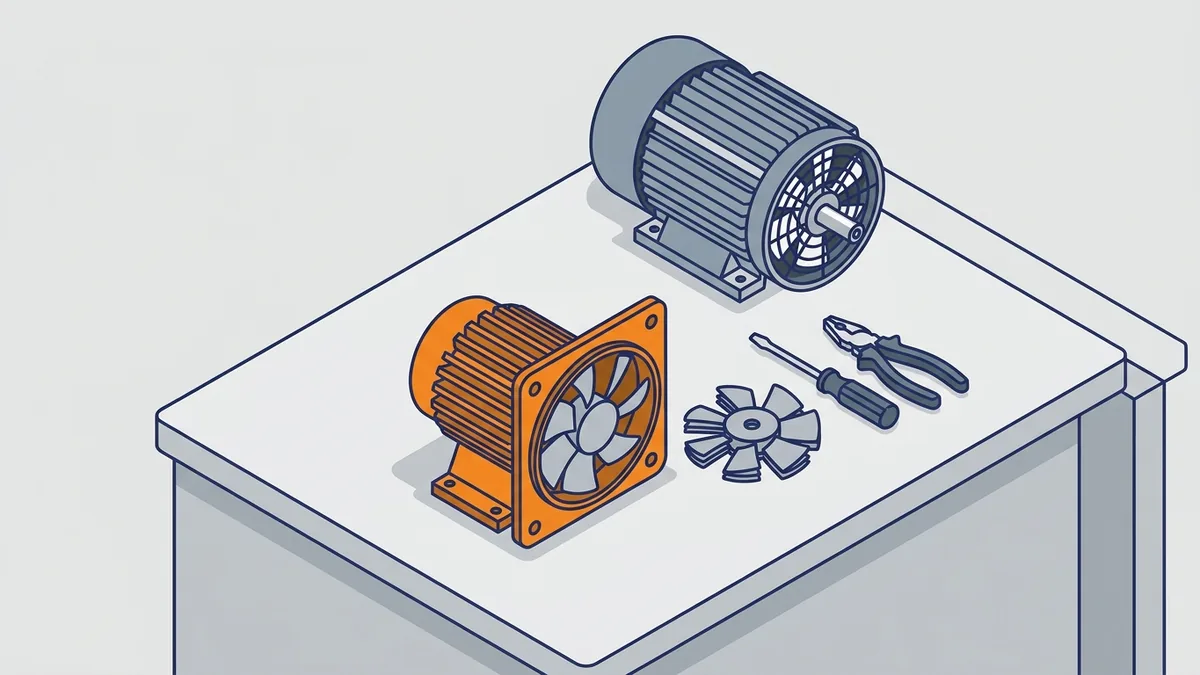
To replace a fan, lock out the drive, wait 5 minutes, and follow the maintenance chapter of the manual for your frame size. Fan type and fitting differ by frame, so use the ABB spare listed for your drive. Afterward, confirm the fan spins freely and moves air the right way.
The fan service interval, the minimum clearances and the derating all depend on frame size. Above the rated ambient temperature, or above the rated altitude, the drive must be derated, which means you must use less than its full current. So read the technical data and installation chapters for your exact drive. If you run near those limits, expect F0003 trips sooner.
How is DEV OVERTEMP different from motor overtemperature?
DEV OVERTEMP is about the drive heatsink. Motor overtemperature is about the motor. Meanwhile, the drive calculates motor temperature.
For example, above 90 °C it shows alarm 2010 MOT OVERTEMP. Then above 110 °C it shows fault 9 MOT OVERTEMP, and the drive coasts to stop. So if you see fault 9, look at the motor and its load, not the drive fan.
Other ACS550 faults people confuse with F0001 and F0003
Is the F0003 fault code a DC undervoltage fault on an ACS550?
No. On the ACS550, the F0003 fault code is DEV OVERTEMP. DC undervoltage is a different fault, and it carries number 6.
What are F0002 and F0006 on an ACS550?
- F0002 DC OVERVOLT: check for overvoltage on the supply, insufficient deceleration time (2203 and 2206), an undersized brake chopper, and the overvoltage controller setting in parameter 2005.
- F0006 DC UNDERVOLT: the intermediate circuit voltage is too low. Look for a missing input phase, a blown fuse or low mains voltage.
- F0004 SHORT CIRC: look for a short in the motor cable or motor, and for supply disturbances.
Notice that a technician who trusts the wrong code table could chase supply problems when the real fault is a dirty heatsink. For example, one third-party quick table even lists overtemperature as F0005 for the ACS550. That conflicts with ABB’s manual, so use the manual.
Which other ACS550 faults do technicians meet often?
Several more faults show up often in the field. Use this list as a first pointer, then confirm in the diagnostics chapter of the manual.
- Fault 7 AI1 LOSS: analog input 1 fell below the limit in parameter 3021 AI1 FAULT LIMIT. Check the signal source and wiring, and check 3001 AI<MIN FUNCTION.
- Fault 9 MOT OVERTEMP: the calculated motor temperature is too high. Check the motor, its load and the thermal settings.
- Fault 12 MOTOR STALL: the motor runs in the stall region. Check the load and the stall settings in parameters 3010 to 3012.
- Fault 16 EARTH FAULT: the drive sees a load unbalance, usually from an earth fault in the motor or motor cable. Check both, and see parameter 3017.
- Fault 34 MOTOR PHASE: a motor phase is missing or the motor circuit has a fault. Check the motor and its cable, and see parameter 3024.
- Fault 37 CB OVERTEMP: the control board is too hot. Check cooling, airflow and enclosure temperature, as for F0003.
Reading the fault history after an F0001 fault in ABB drive trips, and resetting
Where can I see past faults on an ACS550?
The panel shows the fault code and text when a trip happens. The three most recent faults are stored in parameters 0401, 0412 and 0413. In addition, fault words 0305 to 0307 set a bit for each active fault. That helps when you read faults over fieldbus or from a PLC.
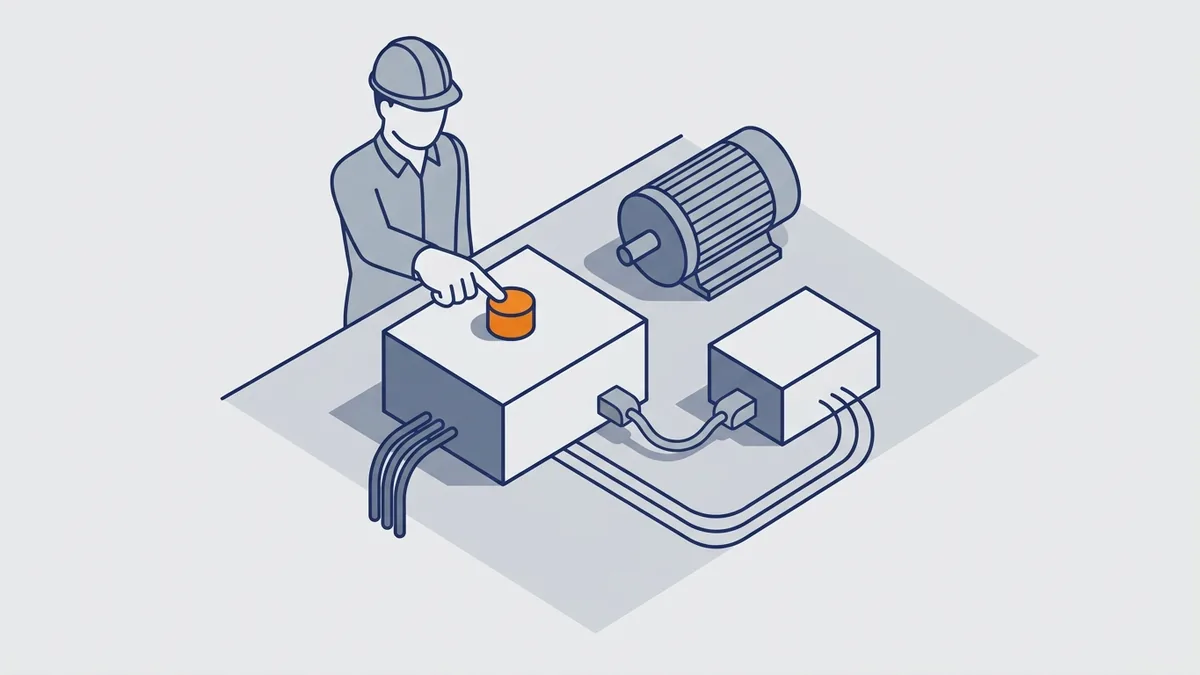
How do the Basic and Assistant panels differ, and how do I clear the history?
The Assistant control panel has a multi-line display, shows fault names in text, and has a Fault Logger mode. The Basic control panel has a smaller display, so you read faults mostly as codes and use Parameters mode and Group 04 to see the log. Both panels edit parameters by group and number, as shown above.
To clear the history on the Assistant panel, open Fault Logger mode and press RESET. On the Basic panel, check the clearing steps in the manual for your drive. Before you clear anything, write down the codes.
How do I reset an F0001 fault in ABB drive units?
First, fix the cause. Then follow the LED state:
- Flashing red LED: turn power off for 5 minutes.
- Steady red LED: press RESET on the panel, or turn power off for 5 minutes.
Depending on parameter 1604 FAULT RESET SEL, a digital input or serial communication can also reset the drive.
Can an ABB ACS550 fault reset on its own?
Yes. The ACS550 can reset some faults automatically, and Group 31 AUTOMATIC RESET controls this. For example, 3104 AR OVERCURRENT turns auto-reset on or off for the overcurrent fault, and 3103 sets the delay.
However, repeated automatic restarts into a real short can damage the drive. So leave auto-reset off while you diagnose an F0001 fault in ABB drive equipment. Also remember that an active external start command may start the drive right after a reset. Keep clear of the motor and driven load.
Which other auto-reset settings matter, and which faults are safe to reset?
Two more settings shape the behavior. Parameter 3101 NR OF TRIALS sets how many reset attempts the drive makes. Parameter 3102 TRIAL TIME sets the time window for those attempts. If the fault returns more often than the trials allow, the drive stays tripped.
Group 31 also has switches for overvoltage (3105), undervoltage (3106), analog input below minimum (3107) and external fault (3108). Conditions that clear themselves, such as a brief undervoltage or a lost analog signal, are the safest to reset. However, do not auto-reset overcurrent, short circuit or earth faults on a load that can hurt people or equipment. Those faults often mean damage, and a restart can make it worse.
If your ABB drive is not an ACS550
Do ACS355, ACS180, ACS255 and ACS580 use the same fault codes as an F0001 fault in ABB drive manuals?
Do not assume so. ACS550 fault numbers do not carry over to every ABB family. We have not checked the fault tables for the ACS180 or ACS255 here, so we do not list their codes. Instead, open the manual for your exact drive and read its table.
One third-party source says F0001 on ACS550 and ACS355 and fault 2310 on ACS880 and ACS800 both mean overcurrent. It also says older drives use F-codes while newer platforms use four-digit numbers. However, treat that as a hint only. Confirm it in your own manual.
If you run small drives, see our product pages for the ABB ACS180 and ACS255 Micro series. For help matching a drive to its manual, read our post on type codes and manuals.
What are the equivalent codes on an ACS580 or ACS355, and where are their fault tables?
The ACS580 uses four-digit fault codes. For example, 2310 is overcurrent, 2340 is short circuit and 4210 is IGBT overtemperature. Its acceleration time is in group 23, parameter 23.12. These match the fieldbus codes the ACS550 already lists, but the panel numbers and parameters differ.
The ACS355 keeps a numbering close to the ACS550, with Group 22 ramps. Even so, check its table before you rely on it. You will find each fault table in the diagnostics or fault tracing chapter of the firmware manual for that drive, and you can download it from the ABB Library.
Repair or replace: ACS550 lifecycle, parts and what to do next
Where do I download the manual for an ABB drive fault code?
Go to the ABB Library and open the ABB ACS550-01 manuals collection. It lists the user’s manual (3AFE64804588) in 11 languages, plus option module and adapter manuals such as RETA-01, RLON-01 and MFDT-01 FlashDrop. The ACS550-01/U1 manual covers safety, installation, start-up, diagnostics, maintenance and technical data. The ACS550-02/U2 manual covers the larger 110…355 kW drives.

So use ABB Library copies when you can. Copies on other sites are mirrors and may be older revisions.
Is the ACS550 obsolete and what replaces it?
Yes. ABB’s life cycle statement says the ACS550/ACH550/ACQ550 series has been in the Obsolete phase since 1.1.2025. It was in Limited from 1.1.2024. In Obsolete, the product is no longer available, with China the stated exception. ABB recommends replacing it with a current-generation family, and its sales ramp-down notice names the ACS580, ACH580 and ACQ580.
A new drive is not a settings copy. A distributor reports that an ACS580 can fit the same space but has a different software platform and keypad. As a result, settings cannot be transferred from a 550 keypad download, so plan on reprogramming and commissioning. In addition, the ACS180 and ACS255 are not drop-in replacements for the ACS550. They are options for small new installations.
What is the practical path from an ACS550 to an ACS580?
Plan the swap in steps, and do not assume anything carries over.
- Record every ACS550 parameter that differs from default, plus the motor nameplate data.
- Map each wired terminal (start, stop, speed reference, relays) against the ACS580 hardware manual. Terminal functions and macros differ, so check each one.
- Check option modules and fieldbus adapters. ACS550 adapters such as RETA-01 will not carry over, so choose the adapter the ACS580 manual lists for your network.
- Enter the settings by hand in the new parameter structure, then run start-up and the motor ID Run.
- Test with the motor uncoupled if you can, then with the load.
For help with retrofit options and ABB services, contact us or ABB before you order.
When should I repair the drive after an F0001 fault in ABB drive units?
In most cases, resetting is fine once you have found and fixed the cause. Send the drive for repair when any of these apply:
- F0001 or F0004 stays with the motor disconnected.
- Overtemperature returns after cleaning and a fan replacement.
- You can see damage on the drive.
Precision Electric repairs drives, so we can look at an ACS550 before you decide to replace it.
Preventive checks that stop an F0001 fault in ABB drive systems
How do I prevent overcurrent and overtemperature trips?
First, keep a log of faults and checks for each drive. Then tie each check to the fault it prevents.
- F0003: clean the heatsink, confirm the fan runs and keep air paths clear. Also look for dust, moisture and contamination inside the enclosure.
- F0001 and F0004: check motor cables and insulation. Verify terminal connections and torque, because heating and cooling can loosen them.
- F0006: check incoming supply and fuses.
Do this work only with the drive locked out and after the 5-minute wait. As a result, a routine like this catches most F0001 fault in ABB drive problems before they stop production.
Frequently asked questions
What is an F0001 fault in ABB drive panels?
On the ACS550, fault 1 (F0001) is OVERCURRENT, meaning the output current is excessive. ABB’s manual says to check for excessive motor load, insufficient acceleration time (2202 and 2205), and a faulty motor, motor cable or connection.
What is the F0003 fault in ABB ACS550 drives?
Fault 3 is DEV OVERTEMP. The drive heatsink is at or above its temperature limit: 115 °C on R1…R4 and 125 °C on R5 and R6. Check the fan, airflow, heatsink dirt, ambient temperature and motor load. It is not a DC undervoltage fault, which is fault 6.
Which ABB ACS550 parameters control acceleration?
Group 22 ACCEL/DECEL holds them. Parameter 2202 ACCELER TIME 1 (default 5.0 s, range 0.0…1800.0 s) and 2205 ACCELER TIME 2 set the times. Parameter 2204 RAMP SHAPE also affects the actual ramp. Deceleration uses 2203 and 2206.
How do I reset an F0001 fault in ABB drive ACS550 units?
Fix the cause first. For a steady red LED, press RESET on the panel or turn power off for 5 minutes. For a flashing red LED, turn power off for 5 minutes. A digital input or serial command can also reset it, depending on parameter 1604.
Is the ACS550 still supported?
No. ABB says the ACS550 series has been in the Obsolete phase since 1.1.2025, so the product is no longer available, with China the stated exception. ABB recommends a current-generation family such as the ACS580. Settings cannot be copied to an ACS580, so plan on recommissioning.
The F0001 fault in ABB drive displays points to current, and F0003 points to heat, so start there and confirm with your own manual. Check the cause, fix it, and only then reset the drive. If the trip keeps coming back, Precision Electric can help with drive repair, a quote, or a look at our ABB drive products.