








Lenze i510 Protec Manual: Which Document to Use and How
Finding the right Lenze i510 protec manual is harder than it sounds, because Lenze splits the information across several documents. This guide shows which document answers which question, how to tell a protec drive from a cabinet drive, and how to mount, wire, switch on and commission the drive. Each stage ends with a check, so you catch problems early.
On this page
- Which Lenze i510 manual do you need?
- Lenze i510 protec manual vs cabinet manual: check your type code first
- Where to get the Lenze i510 protec manual PDF (and which sources are official)
- Safety first: what the Lenze i510 protec manual says before you open the cover
- What you need before you use the Lenze i510 protec manual
- Step-by-step with the Lenze i510 protec manual: install, wire, switch on and commission
- Step 1: Mount the drive
- Step 2: Remove the cover and wire the power and motor
- How do I connect to an IT (ungrounded) supply?
- Step 3: Wire the control terminals
- How do I wire CANopen or Modbus RTU and terminate the network?
- How do I set the CANopen node address and baud rate?
- Step 4: Refit the cover and switch on
- What does the i510 protec manual say to check before switching on the mains?
- Step 5: Commission from the keypad or terminals
- How do I start, stop and reverse the motor from the keypad?
- How do I reset the i510 to factory settings and save my settings?
- Step 6: Enter motor data and extended settings with EASY Starter
- How do I connect EASY Starter to the i510 and what motor data do I enter?
- Reading the LEDs and error codes in the i510 manual
- Common mistakes when following the i510 protec manual
- When to repair or replace the drive
- Frequently asked questions
- Where can I download the Lenze i510 protec manual PDF for free?
- Is the i510 protec manual the same as the i510 cabinet manual?
- Which i510 protec manual steps start the drive from the keypad?
- Where does the i510 protec manual say how to reset to factory settings?
- What software does the Lenze i510 protec manual call for?
- How do I read an i510 fault on the keypad?
Which Lenze i510 manual do you need?
There is no single i510 protec manual. Lenze publishes a set of documents, and each one has a job. Because of this, the first step is to pick the right document for your task.
What is the Lenze i510 protec manual and which documents make up the set?
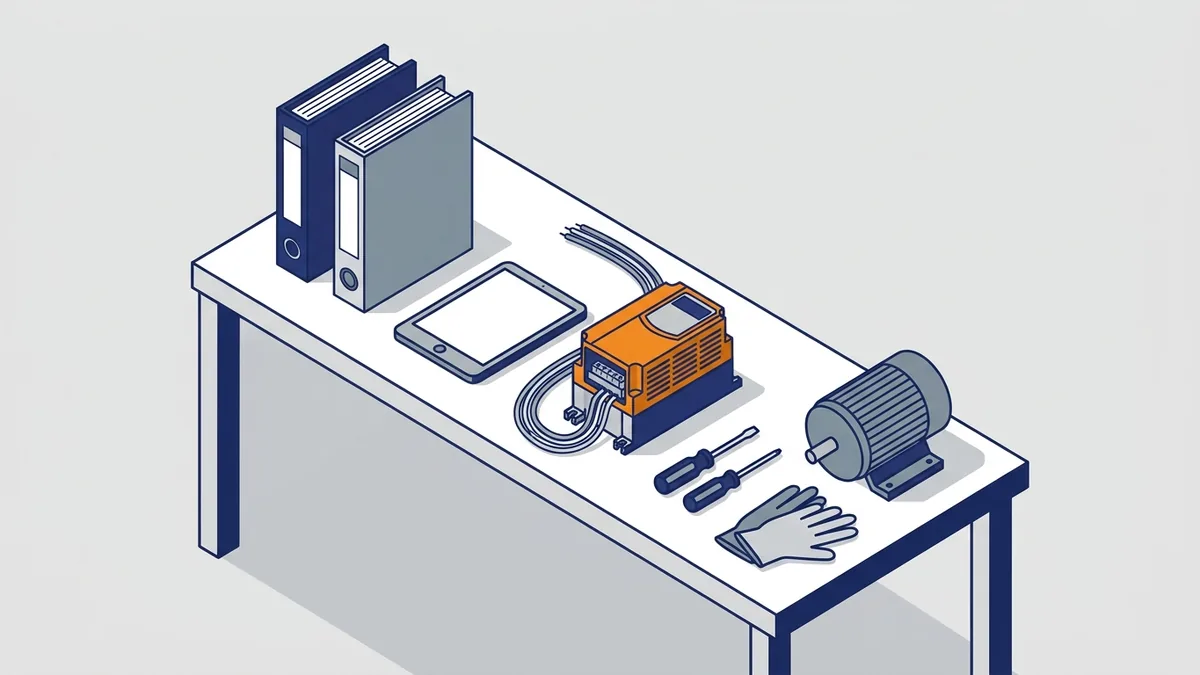
The set has five main parts. Each one covers a different stage of the drive’s life.
- Operating instructions: the short guide with safety rules, quick-start steps and the error list. The copy listed on ManualsLib is 32 pages and also covers I51AP A, C, D and F series.
- Mounting and switch-on instructions: how to install the drive. The ManualsLib copy covers NEMA 1 (IP20) inverters from 0.37 kW to 5.5 kW (0.5 to 7.5 hp), including the 120 V single-phase models, and is listed at 59 pages.
- Commissioning manual: the full parameter reference. It is listed at 487 pages.
- Configuration document: project planning and ordering.
- Service manual: listed at 250 pages.
The operating instructions point you to the commissioning document and the mounting instructions for more detail. They also say you can find the documents online at Lenze.com. So treat the operating instructions as your starting point and open the others when you need depth.
Lenze i510 protec manual vs cabinet manual: check your type code first
Lenze sells two housings in the same family. Opening the wrong manual leads to the wrong mounting steps, so check the nameplate before you read anything else.
What is the difference between the i510 protec manual and the i510 cabinet manual?
Protec drives carry I51AP type codes. They have a housing cover and cable glands on the bottom, and their protection class lets you mount them on a wall. Cabinet drives carry I51AE codes and go inside a control cabinet.
Both families share the same parameter structure, such as P400.02 and P700.01, and both use the EASY Starter software. However, the mounting and cover steps differ. Also, do not assume the wiring diagrams match, and do not assume one manual page covers every voltage model. Confirm both in the manual for your type code.
Note that the drives Precision Electric lists start with I51AE. These are cabinet drives, not protec drives. The i500 cabinet operating instructions are listed as suitable for the I510 series and the I51AE series.
Does “wall-mountable” mean the protec drive is safe outdoors or for washdown?
No. Wall-mountable only means you do not need a control cabinet. It does not mean the drive suits outdoor use, hose-down areas or any wet location.
The protection class on the nameplate and in the mounting instructions sets the limit. Read it before you pick a location. Also note that the ManualsLib mounting copy we found lists NEMA 1 (IP20), so do not assume a rating. Confirm it for your exact model.
The same documents give the mounting clearances, hole spacing and derating. Derating means you lower the rated output when the ambient temperature is high or the mounting position is not the standard one. Look up those values for your type code, because they differ by model.
How does the i510 protec differ from the i550 protec?
Both are protec drives, so both mount without a cabinet. Lenze says the i550 protec offers more programming features than the SMVector, and the i510 does too. In general, the i550 is the higher-featured family, and the i510 is the simpler one.
So pick the i510 when you need basic speed control with simple I/O or a network connection. Pick the i550 when your application needs more functions. Before you decide, compare the protection class, braking options and safety functions on the datasheets in the Lenze download area at Lenze.com. Do not assume the two drives match on these points.
How do I read the type code before choosing a Lenze i510 protec manual?
Read the code from left to right. Each position has a meaning.
| Part of code | Meaning |
|---|---|
| I | Product type: inverter |
| 5 | Family i500 |
| 1 | Product i510 |
| A or B | Generation 1 or generation 2 |
| E | Control-cabinet mounting (protec drives use P) |
| 125, 155, 222 | Rated power: 0.25 kW, 0.55 kW, 2.2 kW |
| B | 1/N/PE 230/240 V |
| D | 1/N/PE or 3/N/PE 230/240 V |
| C | 3/PE 230/240 V |
| F | 3/PE 400 V / 480 V |
| 0 or V | IP20 or IP20 coated |
For example, I51AE155F is a cabinet drive of the first generation, with a 0.55 kW rating and a 400/480 V three-phase supply. This decoding comes from the cabinet code table. In addition, the protec mounting instructions list models such as I51AP137A, I51AP175D and I51AP230C.
The full ordering code adds more characters for I/O or network type and options. The configuration document lists them, so use it when you order.
Where to get the Lenze i510 protec manual PDF (and which sources are official)
Start at Lenze’s own site. The download area on Lenze.com and the page at www.lenze.com/product-information are the source of record. The protec operating instructions also point readers to www.lenze.com/product-information.
Where can I download the Lenze i510 protec manual PDF for free?
If you search for a Lenze i510 protec manual PDF free download, you will find third-party hosts. ManualsLib lists 11 Lenze i510 Series manuals, including commissioning, service, operation, mounting and switch-on, operating instructions and quick start. Distributor sites also host copies.
These are copies, not official Lenze pages. Some may be older revisions. For example, the protec operating instructions copy we found is dated 11/2021. So check the revision date on the cover, and check the firmware version on the cover of the commissioning manual. Then compare both with your drive.
Which Lenze i510 protec manual do I need if I am migrating from an SMVector?
Lenze says the i510 protec and i550 protec have more programming features and program differently from the SMVector. As a result, do not expect the same menus. Instead, use Lenze’s SMVector migration page. It offers a Programming Pilot with a flowchart and step-by-step directions for configuring and commissioning the drives. Use that together with the operating instructions.
Wiring, motor connection and terminals also differ from the SMVector. Do not reuse the old wiring plan. Instead, pick the new drive by its nameplate data and follow the mounting instructions for your i510 type code.
Safety first: what the Lenze i510 protec manual says before you open the cover
The Lenze i510 protec operating instructions put safety before any setup step. Follow these rules every time.
What safety precautions does the i510 protec manual list before wiring?
- Switch off the mains, then check that no voltage is present. Read the warning signs on the product, and wait until the drive is at a standstill.
- Use only motors suited to inverter operation. Do not run the drive with DC motors.
- Do not use the drive in explosive atmospheres or where harmful gases, oils, acids or radiation are present. It is also not a household appliance and is made for commercial or professional use.
- Never commission a damaged drive, one that is not fully mounted, or one without its required covers.
- Connect or disconnect pluggable terminals only when the drive is de-energized.
- Limit any insulation test between the 24-V control terminals and PE to 110 V DC. Do not use a higher megger voltage on the control circuit.
- Install cables to EN IEC 60204-1, or to the US National Electrical Code (NFPA 70) or Canadian Electrical Code C22.1.
Also know the residual hazard. If two power transistors short-circuit, the motor can still move by up to 180° divided by the number of pole pairs. Therefore, plan your machine safety with that in mind.
What you need before you use the Lenze i510 protec manual
Gather everything first. This saves trips back to the panel.
What tools, software and cables do I need to set up an i510?
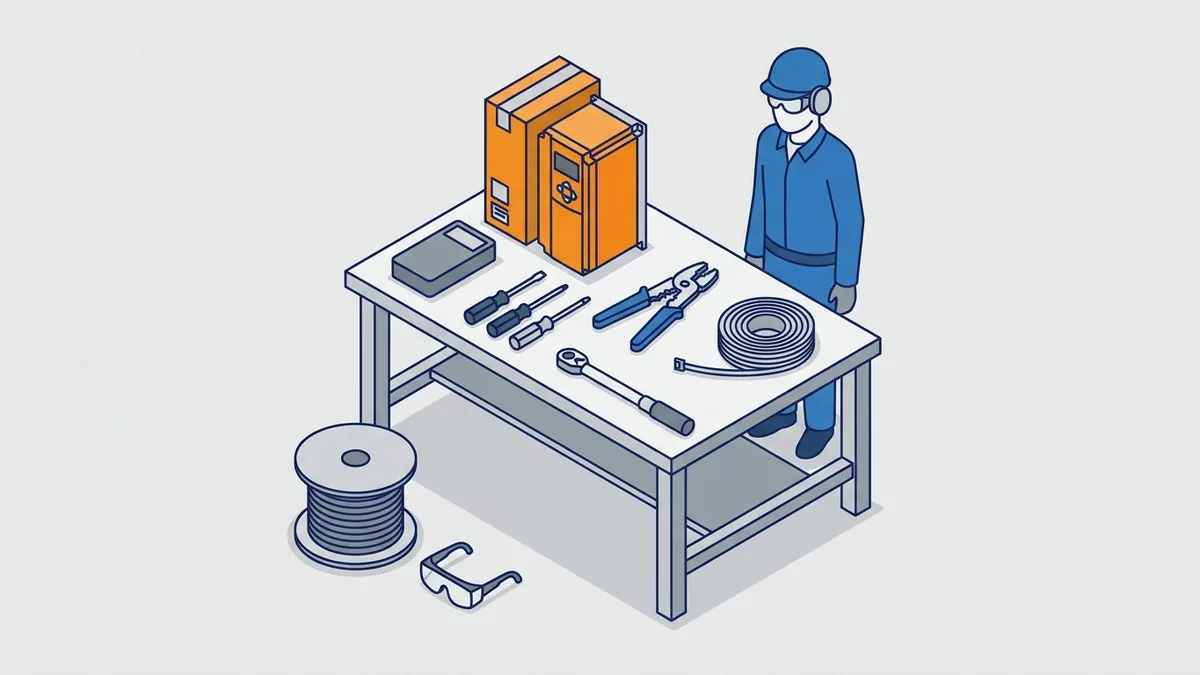
- The manual set that matches your type code.
- The motor nameplate data: voltage, full-load amps, nominal frequency and rated speed.
- Mounting hardware and a shielded motor cable.
- Cable glands rated at least to the drive’s protection class.
- A 120 Ω resistor if you wire CANopen or Modbus RTU.
- For PC setup: Lenze’s free EASY Starter software, a USB module on the inverter and a standard USB cable (A plug to micro-B plug).
Alternatively, you can connect by WLAN after you enter the connection data. The Lenze Smart keypad app for Android also works for basic setup. However, EASY Starter is the better choice for functions such as holding brake control or the sequencer. You download it from the Lenze download area under Software Downloads.
Is a keypad included with the i510 protec?
Do not count on it. Lenze’s migration FAQ says keypads are optional on protec drives. So check your order, and if you need a keypad, a WLAN module or a USB module, order it with the drive.
The configuration document lists the accessory part numbers. Because they can change, confirm them there or with Precision Electric before you buy.
Step-by-step with the Lenze i510 protec manual: install, wire, switch on and commission
Work through the six steps in order. Each ends with a check, so do not skip ahead until it passes.
Step 1: Mount the drive
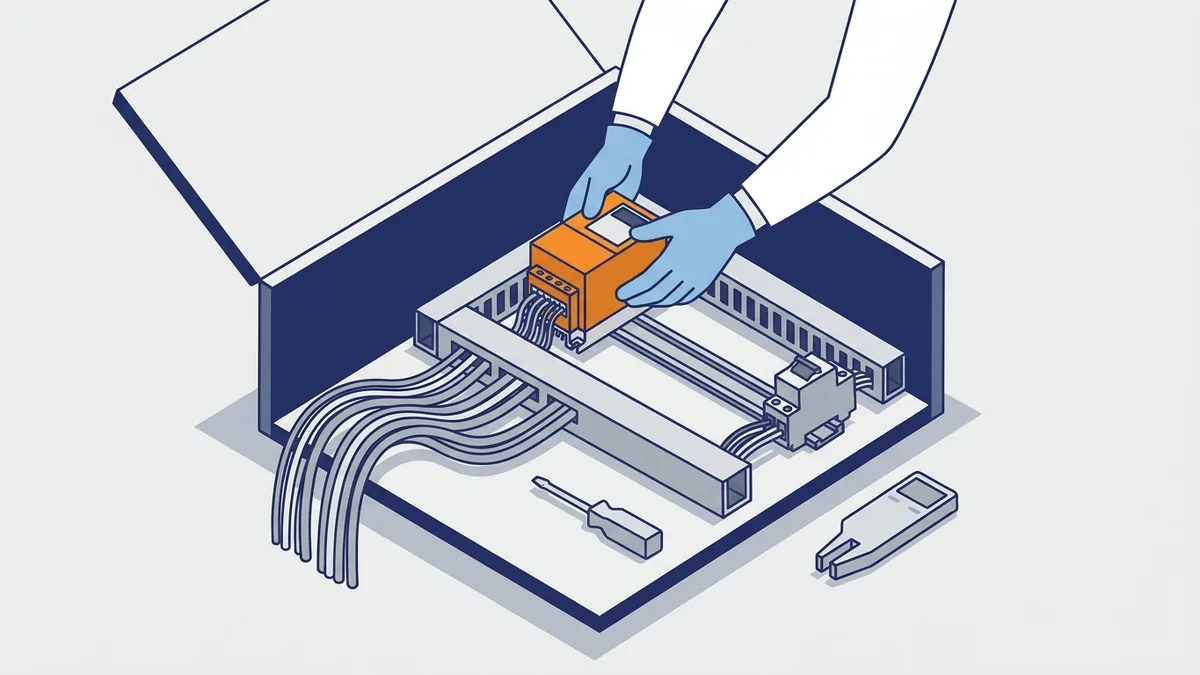
First, prepare threaded holes at the mounting location. Hang the drive on its keyhole slots, then screw it down. For the exact hole spacing, clearances and fastener torque, use the mounting instructions and the nameplate.
Mounting position matters. Other positions need a reduction of the rated output values. Also use vibration dampers if the drive faces continuous vibration or shocks.
On a cabinet drive (I51AE), use an electrically conductive mounting plate, such as zinc-coated or V2A. In contrast, a protec drive can mount directly on a wall because of its protection class.
Check: the drive sits firm, and the clearances and ambient conditions meet the manual.
Step 2: Remove the cover and wire the power and motor
On a protec drive, press a screwdriver into the slot on the bottom of the housing to release the cover. Then wire through the cable glands on the bottom. Use shielded motor cable, and connect the shield to the grounded mounting plate over as large a surface as you can.
All glands and mounting parts must at least match the drive’s protection class. Metallic conduit connections that weaken it are not allowed. Fuse ratings, wire sizes and terminal torque differ by model. Take them from the mounting instructions table for your type code and from the nameplate, and do not guess.
How do I connect to an IT (ungrounded) supply?
Before you connect to an IT system, put an isolating transformer upstream. Then remove the screws marked “IT” on the product. If you leave them in, internal parts at ground potential can trigger the system’s monitoring devices.
Check: the wiring is complete and correct, and free of short circuits and earth faults. Also confirm the motor star or delta circuit suits the inverter, and the motor phases are connected in the right order.
Step 3: Wire the control terminals
For a first start from the terminals, wire these inputs:
- Wire X3/DI1 for start and stop
- Use X3/DI3 for reversal
- Connect X3/DI4 for the 20 Hz frequency preset
For this first test, leave X3/AI1 unwired, or connect it to GND.
How do I wire CANopen or Modbus RTU and terminate the network?
Choose CANopen or Modbus RTU with the switch on the front of the inverter. Then terminate the network with a 120 Ω resistor at the first and last node. Connect it to terminals TB/CH and TA/CL.
Check: the emergency-off function of the overall system works, and the hazard area is clear.
How do I set the CANopen node address and baud rate?
For CANopen, set the node address in P510.01 and the baud rate in P510.02. Give each device on the bus its own address. Also set the same baud rate on every node.
Parameter numbers can change between firmware versions, so confirm them in the commissioning manual. That manual also covers the network status LEDs and the Modbus settings.
Step 4: Refit the cover and switch on
Press the housing cover back on until it clicks into place. If it does not click, the protection class is not kept. Next, run through the pre-switch-on list: wiring correct, no shorts or earth faults, motor circuit matched, emergency-off tested and the area clear.
What does the i510 protec manual say to check before switching on the mains?
Confirm every item in that list. Then switch on the mains and watch the RDY and ERR LEDs.
Check: the blue RDY LED blinks and ERR is off. That means the inverter is disabled and ready for operation. The RDY LED is not steadily lit in this state. For other patterns, use the LED table on Lenze’s i510/i550 protec reference card.
Step 5: Commission from the keypad or terminals
You can restore factory defaults first by setting P700.01 to 1. However, parameter numbers can change between versions, so confirm them in the manual for your firmware and type code.
How do I start, stop and reverse the motor from the keypad?
- Set P400.02 to 1.
- Press the start key. The keypad shows motor speed.
- Change the frequency setpoint with the up or down arrow key.
- Press stop to stop the motor.
- To reverse, press the R/F key, then confirm with enter.
With the quick-start wiring from Step 3, you can also start and stop with DI1 and reverse with DI3.
How do I reset the i510 to factory settings and save my settings?
Set P700.01 to 1 to load the default settings. To save your own settings, press and hold the enter key for 3 seconds.
Check: the motor turns the intended way, the keypad shows speed, and no warning or fault appears.
Step 6: Enter motor data and extended settings with EASY Starter
Plug the USB module into the front of the inverter. On the cabinet drive this is interface X16. Then connect the PC, start EASY Starter, and let it find the drive.
How do I connect EASY Starter to the i510 and what motor data do I enter?
Enter the motor nameplate data: voltage, full-load amps, nominal frequency and rated speed. Accurate values matter, because they feed the motor model and the overload protection. For UL-compliant operation, leave motor-protection parameters 0x2D4B:002 and 0x2D4B:003 (P308/002 and P308/003) at the Lenze setting.
Use EASY Starter for functions like holding brake control and the sequencer, and to back up parameters. Check: the motor data match the nameplate, and the settings are saved.
Reading the LEDs and error codes in the i510 manual
When the drive trips, the keypad and LEDs tell you why. So start with the LEDs, then read the code.
What do the RDY and ERR LEDs mean in the i510 protec manual?
If both LEDs are off, the drive has no supply voltage. Other patterns show STO active, inverter inhibited, inhibited with warning or error, inverter enabled and motor rotating, or quick stop active. Because the reference card has the exact patterns, keep it nearby.
How do I read an i510 fault on the keypad?
The display shows error text, a type letter and a hexadecimal code. F means fault, T means trouble, and W means warning. Faults and troubles show continuously and the inverter is disabled. In contrast, warnings show for a short time every 2 seconds.
What do the common i510 fault codes in the manual mean and how do I clear them?
| Code | Meaning | What to check |
|---|---|---|
| 2250 | Continuous overcurrent | Motor and wiring for shorts, brake resistor and wiring, motor circuit, motor data |
| 2320 | Short circuit or earth leakage, motor side | Motor and cable |
| 2340 | Internal short circuit | Rule out motor, cable and brake resistor first |
| 2382/2383 | Device utilisation Ixt | Reduce the load and adapt ramps |
| 3120 | Mains phase fault | Supply |
| 3210/3211 | DC-bus overvoltage | Ramp too short, or motor in generator mode |
| 3220/3221/3222 | DC-bus undervoltage | Supply |
| 4210 | PU overtemperature | Cooling and ambient temperature |
| 4310 | Motor PTC overtemperature | Ambient temperature and motor load |
| 5112 | 24 V supply critical (warning) | Mains voltage |
| 5180 | 24-V overload (warning) | 24-V output and digital outputs for earth fault or overload |
| 6280 | Trigger or function connected incorrectly | Assign P400.02 to an I/O and correct the trigger assignment |
| FF06 | Motor overspeed | Adapt P322.00 and error threshold P350.01 |
| FF37 | Automatic start disabled | Deactivate the start command and reset the error |
Older copies of the manual, such as the ManualsLib protec copy, call 5112 “24-V supply fault.” Remedies and parameter numbers can differ by firmware, so confirm them in the manual for your drive. To clear a fault, remove the cause first. Then reset it from the keypad or from a digital input assigned to reset fault.
Some faults stay blocked for a set time before you can reset them. The error list in the operating instructions gives the blocking time and reset behavior for each code.
Common mistakes when following the i510 protec manual
What are the most common mistakes when installing or commissioning an i510?
- Following the cabinet manual for a protec drive, or the reverse, and using the wrong mounting steps.
- Treating “wall-mountable” as proof the drive suits outdoor or washdown areas.
- Leaving AI1 wired during the first start test.
- Pressing start before P400.02 is assigned, which gives error 6280.
- Not pressing the cover on until it clicks, or using glands that do not match the protection class.
- Choosing the wrong star or delta motor circuit, or entering wrong motor data. As a result, you get overcurrent or Ixt faults.
- Setting ramp times too short, or running a regenerating load, which causes DC-bus overvoltage.
- Running a megger test across the control terminals above 110 V DC.
- Forgetting network termination, or terminating at the wrong nodes.
When to repair or replace the drive
When should I repair or replace an i510 instead of troubleshooting further?
Stop troubleshooting in these cases:
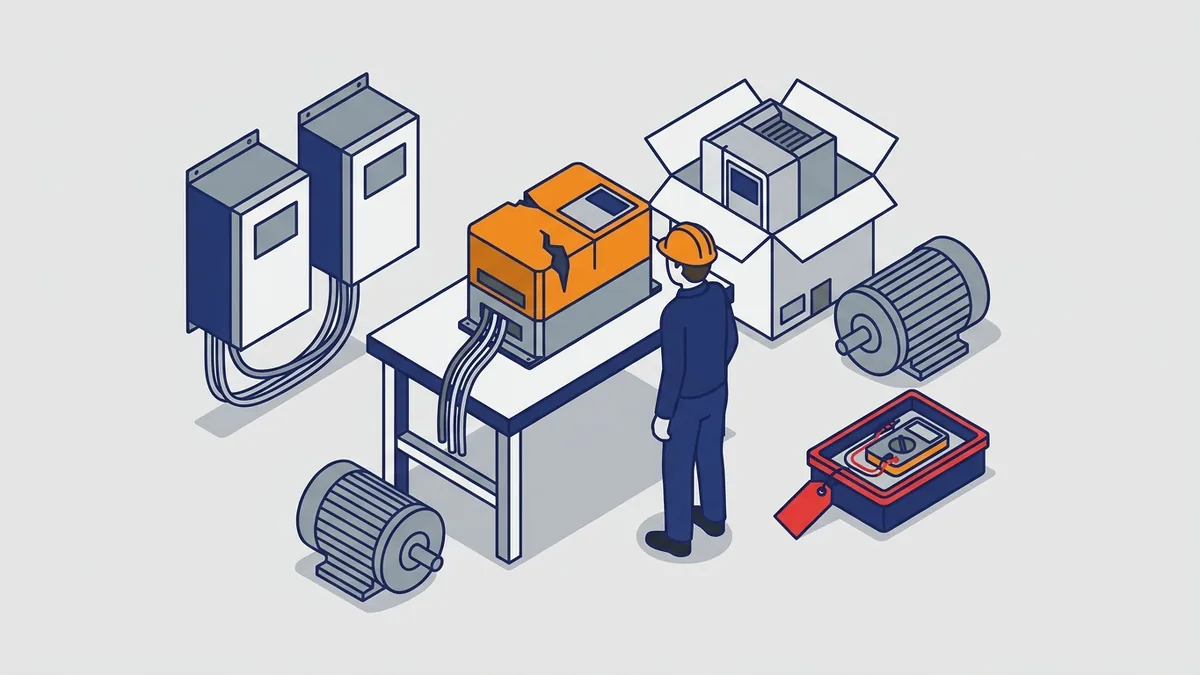
- Faults 2250, 2320 or 2340 keep returning after the motor, cable and brake resistor test clean. This points to a failed power stage.
- Overtemperature 4210 or heatsink fan warnings persist after you clean the drive and check the mains and ambient temperature.
- The housing is damaged, terminals are burnt or other damage is visible. The manual says never to commission a damaged unit.
How do I choose the right i510 replacement by part number?
Match the full type code from the nameplate: mains voltage, output, and the I/O or network option. Precision Electric’s listed I51AE drives run from 0.33 HP to 0.75 HP. They come in single-phase 208-240 V and three-phase 400-480 V versions, some with basic I/O and some with CANopen and Modbus-RTU. For example, I51AE155F10V11000S is a 0.75 HP drive with 400-480 VAC three-phase input and basic I/O. Precision Electric repairs and sells these drives.
Frequently asked questions
Where can I download the Lenze i510 protec manual PDF for free?
Start at Lenze’s own site: Lenze.com downloads and www.lenze.com/product-information, where the manual set is published. Third-party hosts such as ManualsLib also offer free PDF copies. However, check the revision date on those copies.
Is the i510 protec manual the same as the i510 cabinet manual?
No. They are separate documents for different drives. Protec drives (I51AP) are housed and wall-mountable, while cabinet drives (I51AE) go in a control cabinet. They share the same parameter structure and EASY Starter software, but the mounting and cover steps differ. Check the type code on the nameplate.
Which i510 protec manual steps start the drive from the keypad?
Set P400.02 to 1, press the start key, and adjust the frequency with the up and down arrows. Press stop to stop. Reverse with the R/F key and confirm with enter. Finally, hold enter for 3 seconds to save settings.
Where does the i510 protec manual say how to reset to factory settings?
Set P700.01 to 1 to load the default settings, according to the Lenze operating instructions. Confirm the parameter in the manual for your firmware.
What software does the Lenze i510 protec manual call for?
You need Lenze’s free EASY Starter software. You also need a USB module on the inverter and a standard USB cable (A plug to micro-B plug), or you can use the WLAN connection.
How do I read an i510 fault on the keypad?
The display shows error text, a type letter (F fault, T trouble, W warning) and a hexadecimal code. Look the code up in the error table of the operating instructions, for example 2250 overcurrent or 3210 DC-bus overvoltage. Then follow the remedy.
The right manual depends on your type code, so check the nameplate first, then work through the mounting, wiring, switch-on and commissioning steps with a check at each stage. Keep the operating instructions and reference card close for LED and error-code lookups. If you need a replacement drive, a quote or a repair, contact Precision Electric or browse our Lenze i510 drives.