








AC Tech MC Series Manual: Find the Right Document for Your Drive
If you own an older drive and need the ac tech mc series manual, you have to know which of two documents matches your model. This guide shows you which manual to pull, what it covers, and where to find it. It also explains the discontinued status and what to do next.
On this page
- What the AC Tech MC series is and which manual you need
- Where to download the AC Tech MC series manual
- What is inside the MC1000 and MC3000 manuals
- AC Tech MC series specifications at a glance
- Wiring and start/stop basics from the manual
- Programming and parameters you will touch most
- Modbus, remote keypad and other MC options
- Manuals for other AC Tech drives: ac drive manual and ac tech drive manual
- The MC series is discontinued: what replaces it
- Common mistakes and when to repair or replace
- Frequently asked questions
What the AC Tech MC series is and which manual you need
What is the AC Tech MC series?
The ac tech mc series is a family of Lenze AC Tech variable frequency drives (VFDs). It has two models: the MC1000 and the MC3000. Most applications use the MC1000. It covers 1/4 to 150 HP and 115 to 575 VAC input, in NEMA 1, 4, 4X and 12 enclosures.
Which manual do I need, MC1000 or MC3000?
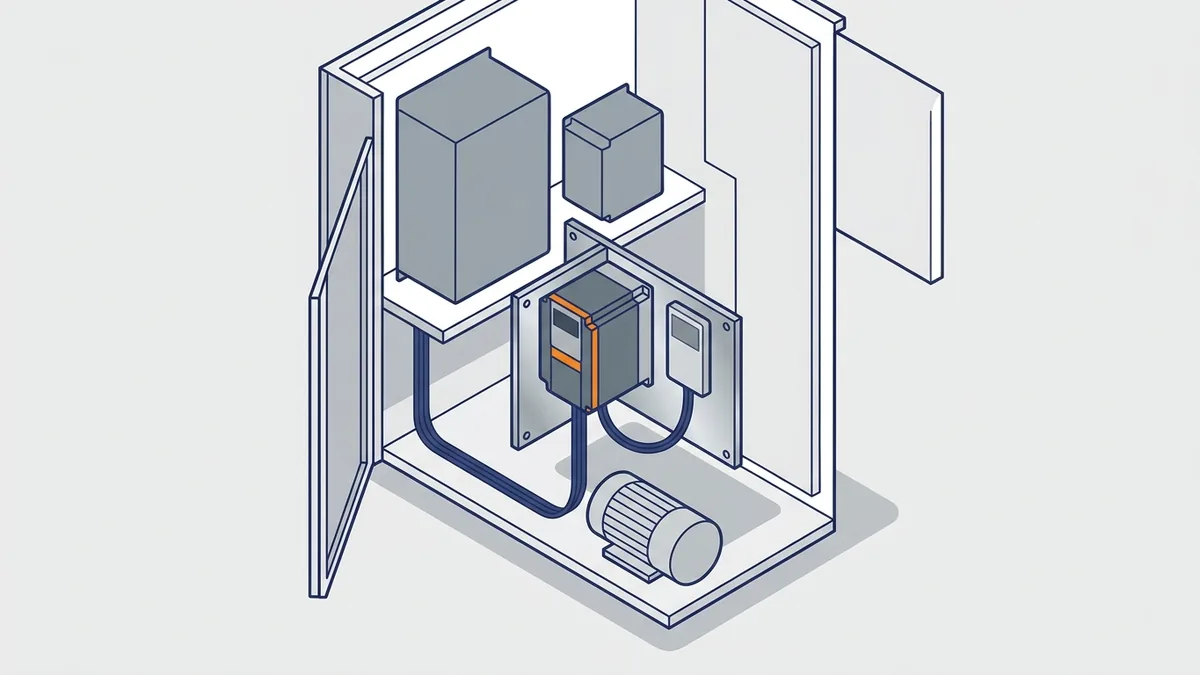
Each model has its own installation and operation manual. The MC1000 uses document M101. The MC3000 uses document M301. A separate Modbus reference covers both, and you use it together with the matching manual.
So check the nameplate first. Model numbers that start with M1 are MC1000 drives. Likewise, model numbers that start with M3 are MC3000 drives.
What do the MC1000 and MC3000 each offer?
The MC1000 offers four preset speeds, PID setpoint control and Modbus RTU. The MC3000 has its own Metasys communications reference, which the MC1000 does not use. If your drive needs Metasys, you most likely have an MC3000. Always confirm with the nameplate before you pick a manual.
How do I read an AC Tech MC series model number?
The first characters tell you the family. M1 means the M1000 series variable speed AC motor drive. Next, the input voltage code follows, and code 1 means 240/120 Vac, which covers 110, 115, 120, 230 and 240 Vac at 50 or 60 Hz.
The codes 1, 2, 4 and 5 stand for the four voltage classes: 240/120, 240/200, 480/400 and 590/480 Vac. The last letter shows the enclosure. For example, our M1430C is a 3 HP NEMA 4 (IP65) drive. It takes 400-480 VAC three-phase input and has a 4.8 A rating.
The manual’s specifications and dimensions sections list the current rating, kVA and size for each model. Use the full model number to find your row. Also note the status. Because the series is discontinued, every manual for it is a legacy document.
Where to download the AC Tech MC series manual
Where can I download the manual?
Precision Electric hosts the MC3000 installation and operation manual as a PDF. Our technical manuals page also lists the MC1000 Series Instruction Manual (M101) PDF, so you are not limited to third-party libraries. Libraries such as ManualsLib and Valin also mirror the manual. Those are mirrors, not official Lenze downloads.
Older AC Tech manuals pointed readers to the AC Tech Technical Library at lenze-actech.com. Lenze Americas is the manufacturer source for literature, but its site now focuses on current drives. As another option, look in our product manuals archive.
Where is the AC Tech MC series VFD manual (M101 / M301)?
Search for the document number along with the model. The ac tech mc series vfd manual for the MC1000 is M101. The MC3000 version is M301. Before you download, confirm the model on the nameplate.
Related MC documents
- The MC series Modbus reference, for both the MC1000 and MC3000.
- Also, the remote keypad installation instructions, document MCRK01C.
- The MC3000 Metasys communications reference.
- Finally, the MCH BACnet communications manual, for the related MCH drive.
Also check the software version. The MC1000 manual covers software version M108314 and above. Parameters 69 and 70 from earlier versions are now 98 and 99, so verify against the manual for your drive.
What is inside the MC1000 and MC3000 manuals
The Lenze AC Tech MC1000 manual follows a simple order. It starts with specifications and ratings, then dimensions and installation. Next come wiring, keypad operation, the parameter list and troubleshooting.
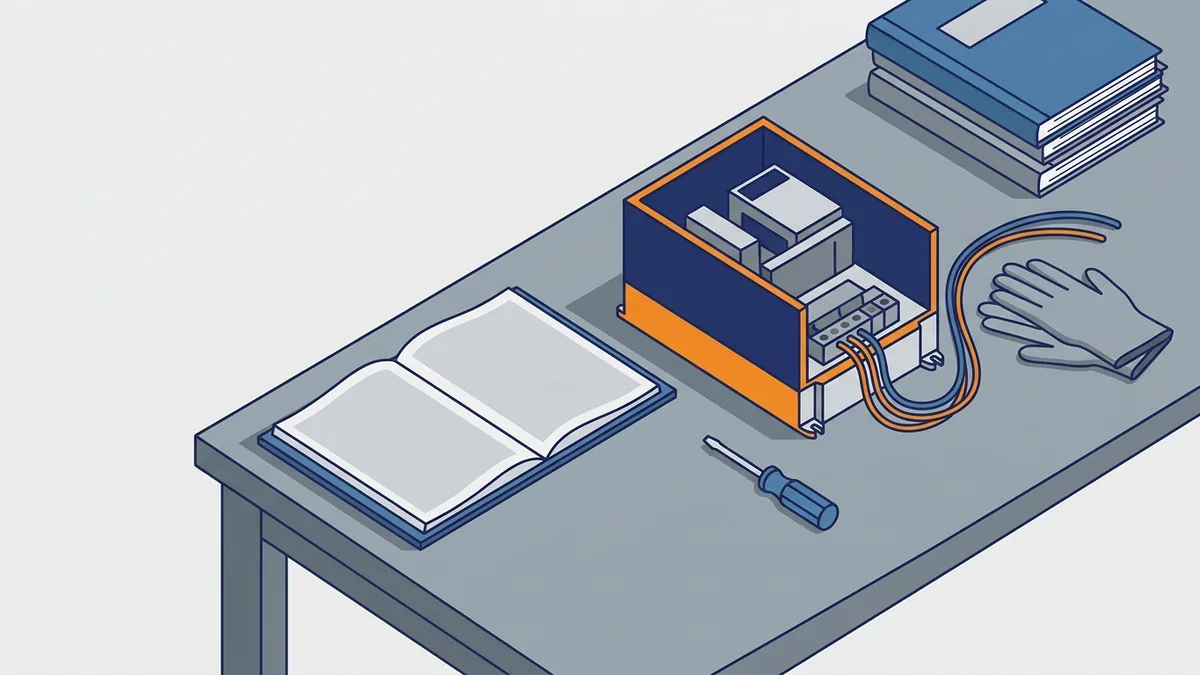
The drive itself is a 16-bit, microprocessor-based unit that you program from the keypad. It has four sections: the input diode bridge and filter, the power board, the control board and the output intelligent power module.
You can run it from the keypad right out of the box. Alternatively, you can run it from the terminal strip. In both cases, the models have full overload capacity: 150% for 60 seconds and 180% for 30 seconds.
The keypad has Start, Stop, up, down, forward/reverse, Program/Run, Auto/Manual and Enter keys. As a result, you can do most setup work without a laptop.
AC Tech MC series specifications at a glance
What are the MC1000 specifications and ratings?
| Item | MC1000 value |
|---|---|
| Storage temperature | -20 to 70 C |
| Operating ambient, chassis | -10 to 55 C |
| Operating ambient, Type 1 (IP31) | -10 to 50 C |
| Operating ambient, Type 4 (IP65) and Type 12 (IP54) | -10 to 40 C |
| Humidity | Under 95%, non-condensing |
| Altitude without derating | 3300 ft (1000 m) |
| Input voltage tolerance | +10% / -15% |
| Input frequency | 48-62 Hz |
| Output frequency | 0-120 Hz (optional up to 1000 Hz) |
| Carrier frequency | 2.5-14 kHz |
| Efficiency | Over 97% |
| Displacement power factor | Over 0.96 |
| Overload | 150% for 60 s, 180% for 30 s |
The temperatures above apply at 2.5, 6 and 8 kHz carrier. However, higher carrier frequencies need derating, which means running the drive at lower output. With the High Frequency Output option, the adjustment range is 1.00 to 650.0 Hz.
Inputs and outputs
The drive has two analog inputs, 0-10 VDC and 4-20 mA. You can use them for speed reference, PID setpoint or PID feedback. For instance, a 10,000 ohm speed pot works on the 0-10 VDC input.
It also has two analog outputs, proportional to speed and to load. Three status outputs are programmable: one Form C relay and two open-collector outputs. The relay is rated 2 A at 28 VDC or 120 Vac. Meanwhile, the open-collector outputs at TB-14 and TB-15 sink current and are rated 30 VDC and 40 mA maximum.
In addition, the drive offers four preset speeds, PID setpoint control, DC injection braking and four programmable digital inputs. Those inputs are active low, NPN.
Short-circuit rating
The UL file says the MC1000 suits a circuit delivering no more than 200,000 RMS symmetrical amperes at rated voltage. The CSA file lists a short-circuit withstand rating of 5,000 RMS. For safety, confirm the numbers in the manual for your model.
Wiring and start/stop basics from the manual
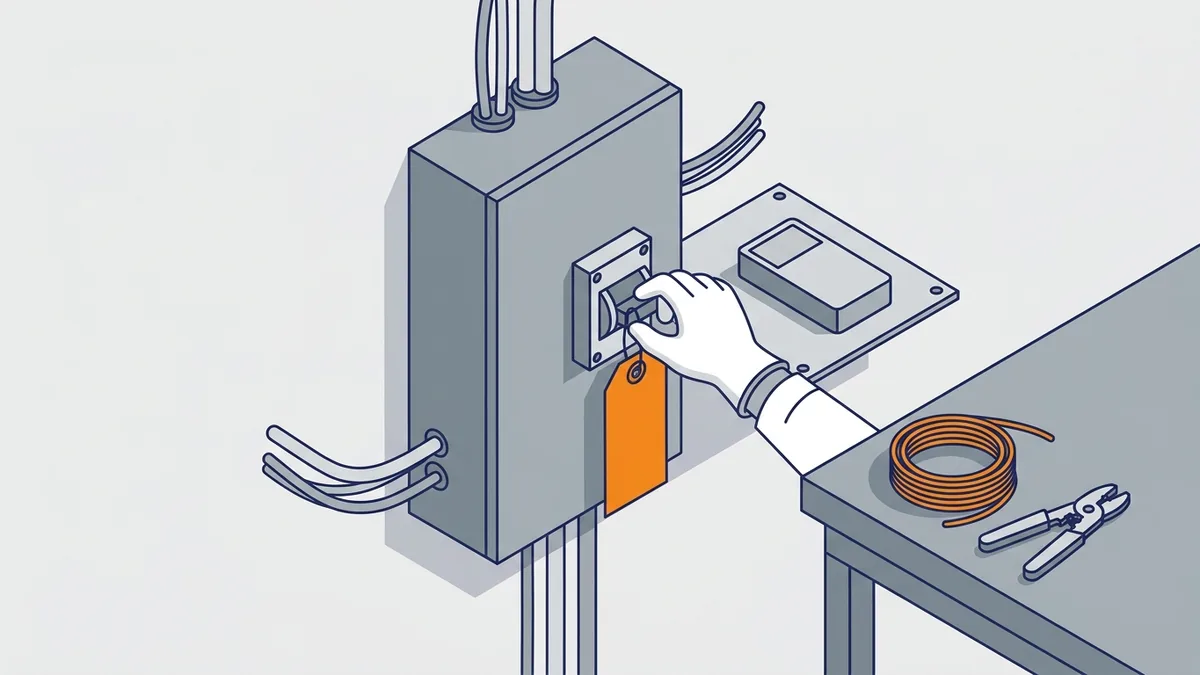
Follow local electrical codes. Also, lock out power and wait for the DC bus capacitors to discharge before you open the drive.
Power terminals
Single-phase input goes on L1 and L2. Three-phase input goes on L1, L2 and L3. Then program the LINE VOLTS parameter for your supply voltage.
Never connect incoming AC power to output terminals T1, T2 or T3. It will severely damage the drive.
How do I wire an AC Tech MC drive for start/stop from a terminal strip?
First, select REMOTE mode. Then pick one of these options:
- To get a permanent start, put a jumper between TB-12A and TB-2.
- If you want a maintained start/stop, wire a maintained contact between TB-1 and TB-2.
- For momentary start forward, use TB-12A to TB-2.
- Likewise, momentary start reverse uses TB-13C to TB-2.
The terminal strip has one dedicated Stop and one dedicated Start input. Speed reference can come from the keypad, a 0-10 VDC signal, a 4-20 mA signal, a 10k ohm pot, preset speeds or Modbus.
What fuse or protection size does an MC drive need?
The input protection device must be at least 10 amps, no matter the input current rating. The voltage rating must be at least 250 Vac for 240/120 and 240/200 Vac drives. In contrast, it must be at least 600 Vac for 480/400 and 590/480 Vac drives.
The manual calls for Class CC or Class T fuses rated for 200,000 AIC (amps interrupting capacity). For anything beyond this, follow the manual and your local code.
What wire size and insulation does the manual require?
Size the wire to 125% of the drive’s rated current. Use wire with 75 C insulation. The manual calls for 300 V or 600 V wire, so check which one it lists for your voltage class.
Programming and parameters you will touch most
What are the important parameters and defaults?
- Parameter 0, LINE VOLTS: default AUTO, with HIGH, LOW and AUTO choices.
- Speeds #1 to #4: each defaults to 20.00 Hz.
- Parameter 20, AC BOOST: range 0 to 20.0%, default 0.00%.
You can also reset parameters to 50 or 60 Hz factory defaults. Because the manual explains each step, use it for the full list.
What is the default password?
The MC series Modbus document gives the factory default password as 19. A monitor mode also gives view-only access, which is handy when you only need to look.
How do I check past faults?
The drive keeps a fault history of the 8 previous trips, with drive status for each. Read it before you reset anything. As a result, you can see whether a fault repeats, and under what conditions.
What do the MC1000 fault messages mean?
The display shows a short message when the drive trips. This table gives the plain meaning of each one.
| Message | Meaning |
|---|---|
| OUTPUT | Output current reached 200%, often from a short or ground at the output |
| LO VOLTS | DC bus fell to about 60% of normal |
| HI VOLTS | DC bus rose to about 120% of normal |
| HI TEMP | Drive heatsink is too hot |
| OVERLOAD | Motor current stayed above the overload limit too long |
| PWR TRAN | Power transient on the input line |
| PWR SAG | Input power sagged |
| CONTROL | Control board problem |
| DB ERROR | Dynamic braking problem |
For the exact trip points of the other faults, check the troubleshooting section of M101.
When does the drive auto-restart, and when does it lock out?
With automatic restart enabled, the drive can try again after some faults. For example, an OUTPUT fault below 1.5 Hz allows one restart after four minutes. PWR SAG and CONTROL faults never restart, so you must reset them by hand. See the manual for the rules on the other faults.
Settings people forget
Two settings often cause surprises. Programmable automatic restart after fault can start a drive without warning. In addition, two critical-frequency avoidance ranges can make the drive skip speeds you expect. Check both when the drive acts oddly.
Modbus, remote keypad and other MC options
How do I set up Modbus on an MC series drive?
The MC series supports 2-wire RS-485 Modbus RTU. First, program the serial address. That is Parameter #58, or AC Tech Register #109. Then use the Modbus reference with the M101 or M301 manual.
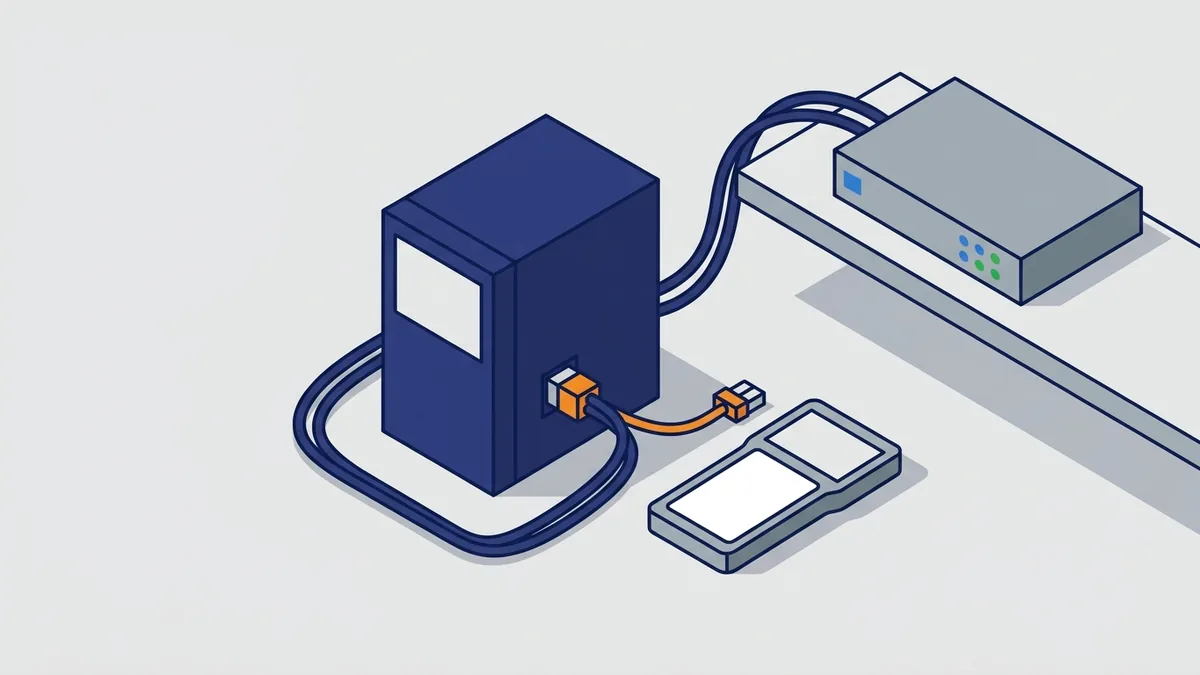
Parameter numbers map to AC Tech register numbers, and those map to Modbus registers.
How do I install the MC remote keypad?
The remote keypad option lets you reach the keypad when the drive sits inside another enclosure. It can be factory-installed. Instructions are in document MCRK01C.
The kit uses a Remote Interface Board and a cable labeled DRIVE and REMOTE. Remove the cover first, and treat the DC bus capacitors as a shock hazard until they discharge.
Can I use the remote keypad on any MC enclosure?
No. You cannot use the remote keypad on NEMA 4/4X/12 drives. Document MCRK01C covers the keypad for the MC drives, so check it for the kit that fits your model.
Manuals for other AC Tech drives: ac drive manual and ac tech drive manual
Where do I find an AC drive manual for SMV, SCF, MCH or TMD?
Start with the nameplate prefix. An ac tech drive manual search works best with the full model number. Use this map:
- MC: model numbers M1xxx or M3xxx.
- SCF: model numbers starting SF.
- SMVector: model numbers starting ESV.
- Finally, i510 and i550: model numbers starting I51 or I55.
The SCF has an installation and operation manual, and our SCF post covers it. Likewise, the SC and TMD drives have Modbus reference manuals. The MCH has a BACnet communications manual.
For SMVector, SCF, MCH and the i500 series, start with Lenze Americas literature and our related manual posts. In addition, our product manuals archive holds the SCF manual link and SMVector literature, such as DeviceNet communications and dynamic brake selection.
The MC series is discontinued: what replaces it
Is the AC Tech MC series discontinued?
Yes. Distributors describe it as discontinued, and one secondary source lists it as legacy in Lenze’s North American catalog. However, we do not have a Lenze page that states a date, so we do not give one.
What replaces the AC Tech MC series?
A distributor lists the Lenze i550 protec as the recommended replacement. It comes from 0.5 hp to 30 hp, in NEMA 1 (IP31) or NEMA 4X (IP66), with optional safe torque off (STO). STO is a safety function that removes torque from the motor.
Can I swap an i550 protec into an MC drive’s mounting?
Not directly. Lenze’s substitution guideline for an MC NEMA 1 unit says the mounting holes differ, so you must drill new ones. Footprint and wiring also differ, so plan a panel retrofit.
Use the Lenze substitution and migration guidelines to map parameters. Also confirm the short-circuit current rating (SCCR) in the new drive’s documentation.
Cabinet drives are a different style
The i510 and i550 cabinet drives are IP20 panel-mount units. As a result, they do not replace NEMA 4 or NEMA 12 MC units. Use a protec for NEMA 1 or 4X needs. For panel-mounted fractional HP, we sell 0.33 HP cabinet drives with these options:
- The i510 with basic I/O.
- Next, the i510 with CANopen and Modbus-RTU.
- Another choice is the i550 with Application I/O, with or without an STO module.
- Also available: the i550 with CANopen, with or without an STO module.
- Finally, the i550 with EtherCAT.
How do I set up an i510 or i550 drive?
Use the optional keypad, the Lenze Smart Keypad app or the EASY Starter software for diagnostics and parameter changes. Lenze Americas publishes an i500 series programming pilot flowchart. Also, you can update i550 firmware with the EASY Starter or over EtherCAT.
The Lenze i500 protec page offers a flyer, a product key and a presentation. ManualsLib also carries i550 manuals.
Common mistakes and when to repair or replace
What common mistakes do people make?
- Using the MC1000 manual on an MC3000, or the reverse.
- Setting LINE VOLTS wrong for the supply.
- Also, putting incoming power on the output terminals.
- Finally, ignoring temperature derating at higher carrier frequencies.
Why will my MC drive not start?
Most often, the drive is not in REMOTE mode, or the start jumper is missing. After you switch to terminal control, the drive needs a start contact. First, check the jumper from TB-12A to TB-2, or your maintained contact. Then check LINE VOLTS and the fault history.
Should I repair or replace my MC series drive?
Repair makes sense when the drive is otherwise in good shape and sits inside a larger machine. However, replace it when parts are scarce or you need something the MC cannot offer, such as fieldbus or STO. Precision Electric repairs and sells MC series drives.
For a repair quote, send the full nameplate and model number, the fault code from the fault history, and photos.
Frequently asked questions
Where can I download the AC Tech MC series manual?
The MC1000 and MC3000 manuals are legacy documents. Precision Electric hosts the MC3000 manual as a PDF, and our technical manuals page also lists the MC1000 Series Instruction Manual (M101) PDF. Libraries such as ManualsLib mirror it too. Before you download, check the nameplate: M1xxx is an MC1000 and M3xxx is an MC3000.
Which manual is the AC Tech MC series VFD manual: MC1000 or MC3000?
There are two. The MC1000 uses document M101 and the MC3000 uses M301. In addition, the Modbus reference covers both and goes with the matching installation and operation manual.
Is the AC Tech MC series still made?
No. Distributors describe it as discontinued, and the Lenze i550 protec is named as the recommended replacement. Plan for new mounting holes and rewiring, because the footprint is different.
What is the default password on an AC Tech MC drive?
The MC series Modbus document gives the factory default password as 19.
Where do I find manuals for other AC Tech drives?
Use the model prefix to pick the family. For SMVector, SCF, MCH and the i500 series, start with Lenze Americas literature and our related manual posts. Also check Precision Electric’s product manual archive.
The right ac tech mc series manual comes down to one check: read the nameplate, then pull M101 or M301. Because the MC is discontinued, decide early whether to repair the drive or plan a retrofit. Contact Precision Electric for a repair quote, or browse our Lenze AC Tech drives when you are ready to replace.